
Tags:shared templates

2 articles

Team Presentation Collaboration: Real-Time Editing and Shared Templates

Office Efficiency 2026-09-02 1522

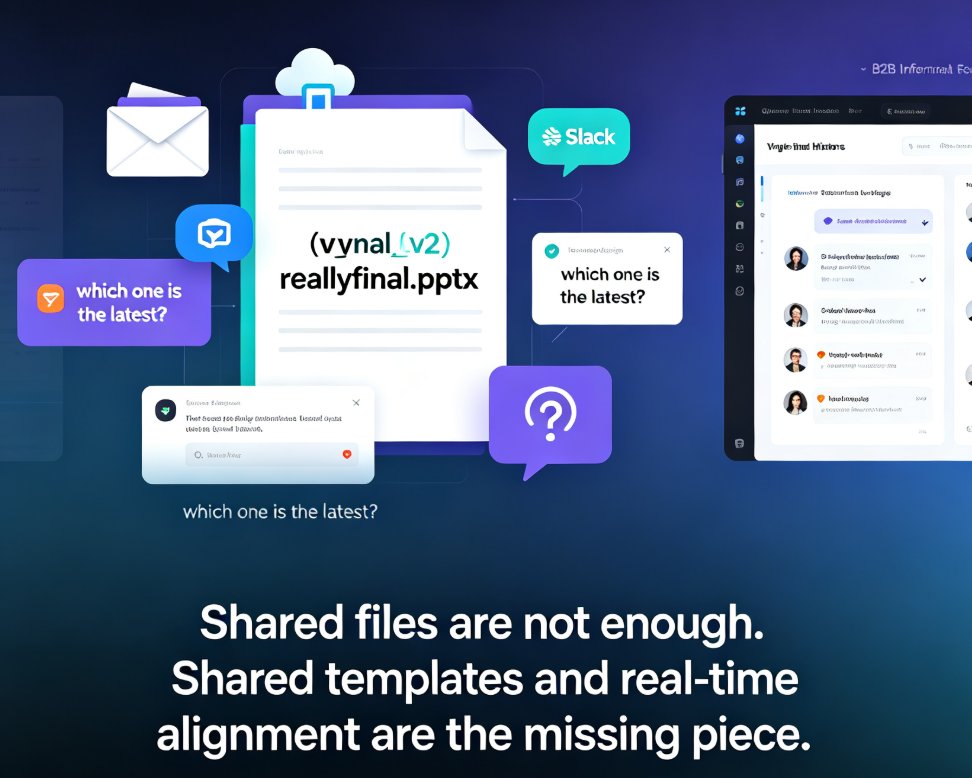
Real-time collaboration in presentation tools has become essential for team productivity — but shared templates are the missing piece for brand consistency. This guide breaks down how multi-user editing, version history, and shared asset libraries work together to eliminate version-control chaos, showing how Zendeck's collaborative platform lets teams edit decks simultaneously while keeping every slide on-brand. Based on real workflows from Google Slides, PowerPoint, and modern AI presentation platforms, you'll learn a practical five-step collaboration workflow, what to look for in a collaboration stack, and why auto-applied brand kits beat manual design discipline. Whether you're a team lead, trainer, or content operator, this is the playbook for shipping better decks faster.
Team-Wide Design Consistency: Zendeck's Shared Templates That Work

Courseware Design 2026-08-21 2805

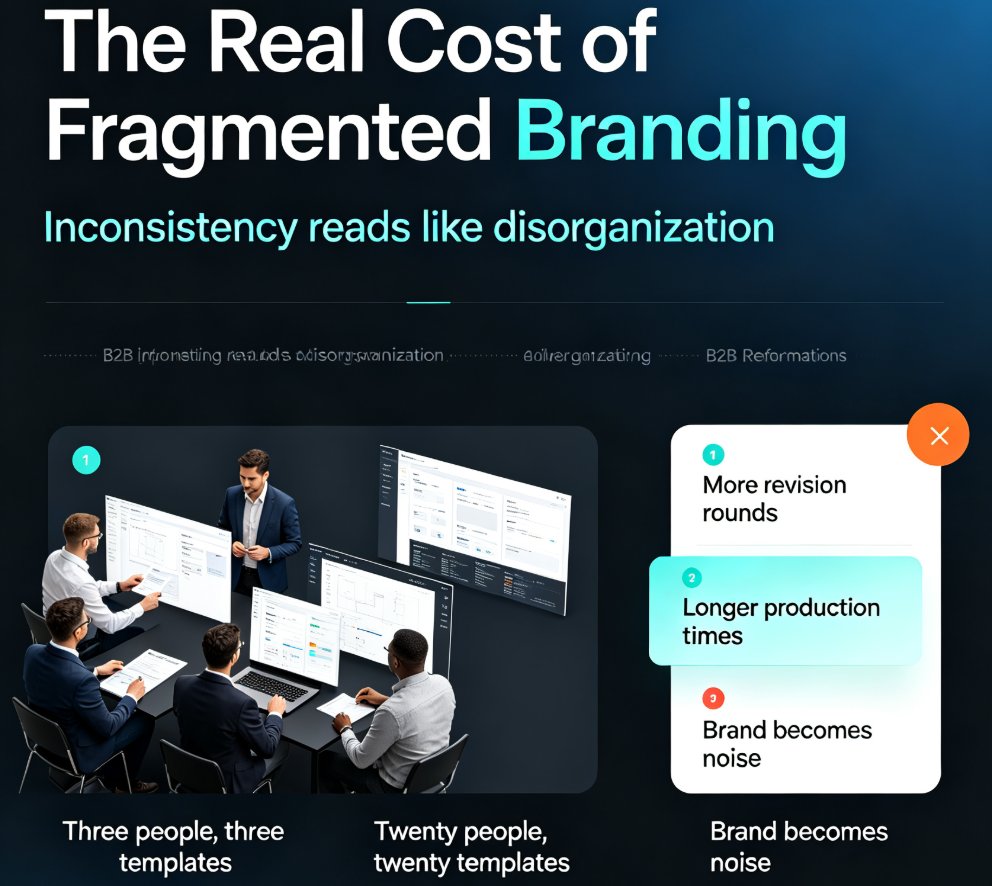
Fragmented branding quietly costs teams hours of rework every week. Zendeck's shared template library and style guides ensure every team member produces visually consistent decks — without a design team or a single extra meeting. This guide breaks down how shared templates lock fonts, colors, and layouts across your whole team, why individual template choice is the root cause of off-brand slides, and the exact setup steps to get your library running in under an hour. You'll also see real numbers on time saved per deck, a side-by-side comparison of individual versus shared templates, and best practices borrowed from professional design systems. If your team's decks look like they were made by five different people, this is the fix you've been looking for.