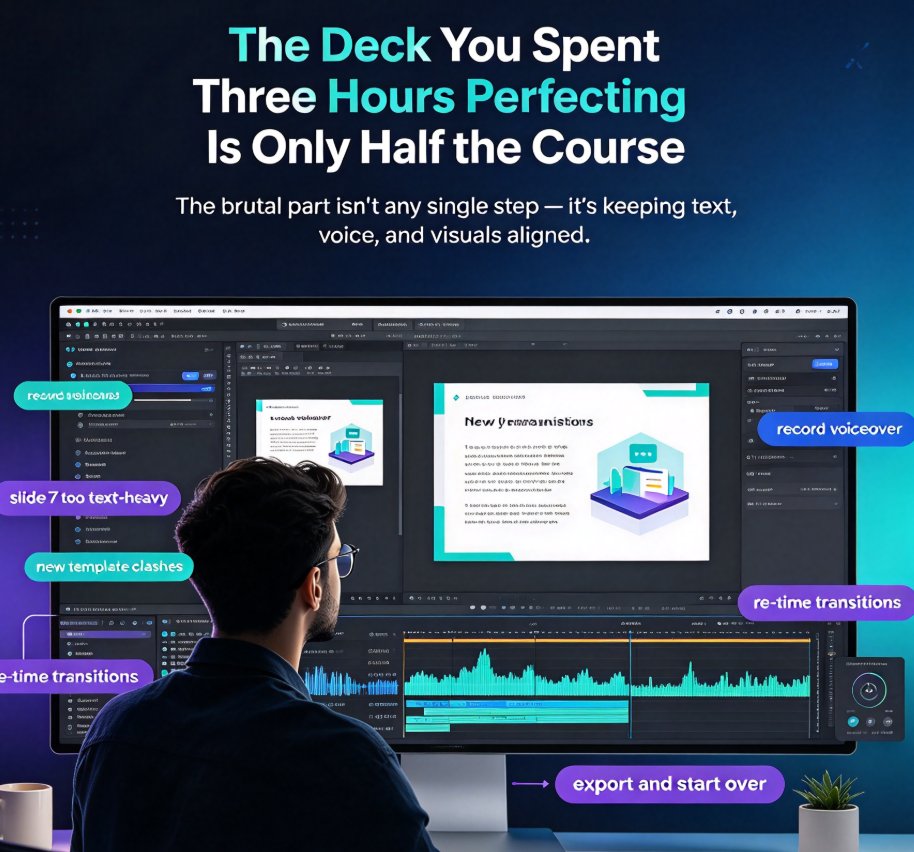
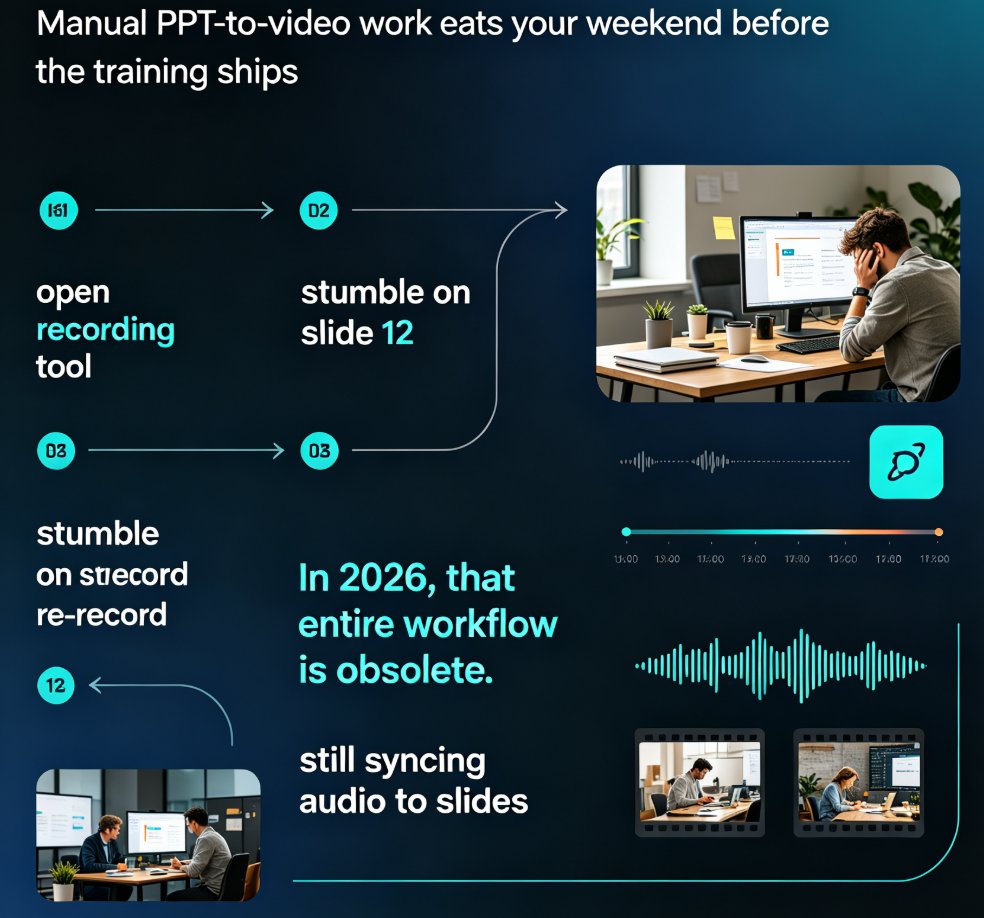
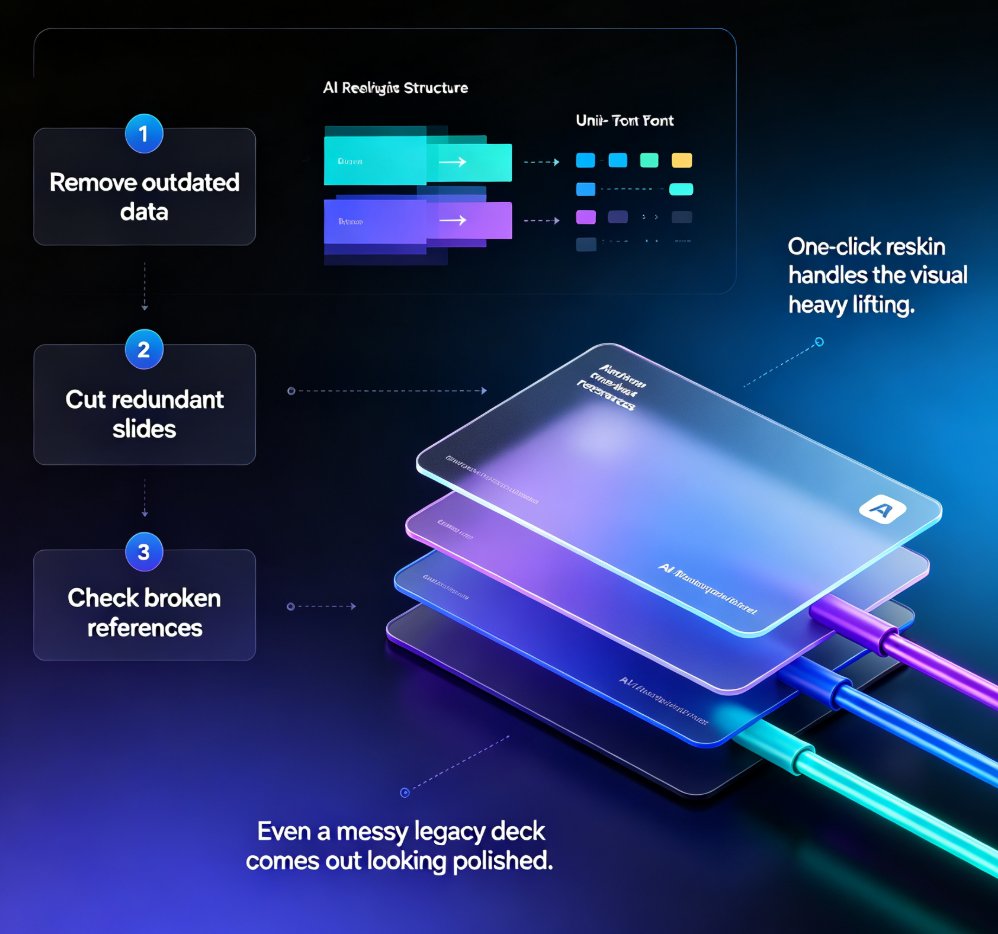
Micro-Course Narration Expensive? AI Voice + PPT to Video Cuts Cost
Anyone who has priced out a studio voice-over for a training video knows the sting. A 10-minute micro-course — the kind that's actually good — can run $1,000 or more once you stack up the talent fee, the recording session, the engineer, and the edits. If your team ships several courses a month, that's not a production cost anymore. That's a hiring decision.
Here's the good news: that math is quietly breaking down. AI voice synthesis crossed a quality threshold a few years ago, and tools like Zendeck now bundle it directly into a PPT-to-video pipeline. The result? You can take a deck you already have, generate clean narration, and export a video that sounds like you paid a professional — for roughly the price of lunch.
This article walks through what narration actually costs, why AI voice stopped being a gimmick, the step-by-step workflow that gets you from slides to a narrated micro-course, and the honest trade-offs where a human microphone still wins. No hype.
01 — Where the money actually goes
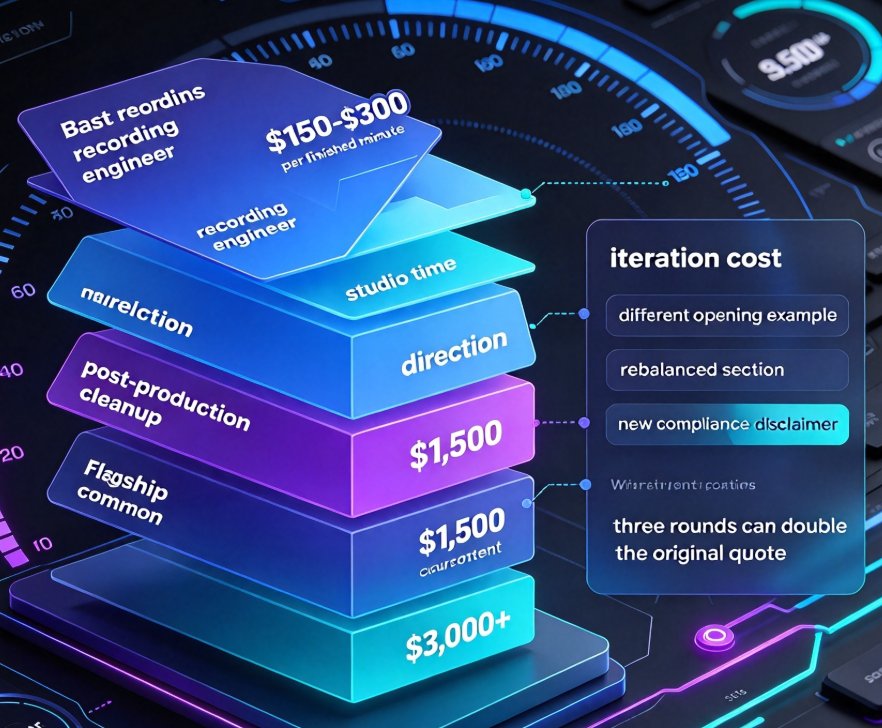
If you've never itemized a voice-over quote, the line items are illuminating. Hiring a professional voice actor for a short training module typically starts around $150–$300 per finished minute, and that's before you add the recording engineer, studio time, direction, and post-production cleanup. For a 10-minute course, budgets of $1,500 are common, and expert-level talent for flagship content clears $3,000 fast.
Then there's iteration. The real cost killer isn't the recording — it's the second recording. When a stakeholder asks for a different opening example, a rebalanced section, or a new compliance disclaimer, you're not just paying for the actor's time. You're paying for the studio slot, the engineer, and the edit — again. Three rounds of changes on a short course can double the original quote.
For an L&D team producing five courses a quarter, this adds up to a six-figure line item pretty quickly. No wonder so many training programs silently skip narration and leave learners staring at text-heavy slides. Nobody wanted a silent course; they just couldn't justify the budget.
02 — Why AI voice stopped being a robot
Let's be real: early text-to-speech sounded like a GPS giving directions. But the neural voice models behind today's tools are a different animal. They handle punctuation-driven pauses, drop their pitch at question marks, and can even convey mild enthusiasm when a script calls for it. The gap between "computer voice" and "professional voice" has narrowed to the point where most viewers can't reliably tell the difference in a training context.
That matters for a specific reason: narration isn't just decoration — it's the retention engine of a micro-course. Learners remember roughly twice as much when audio reinforces on-screen text, because the two channels carry the same message in parallel. When narration costs almost nothing to produce, you stop rationing it across your curriculum.
Zendeck bakes AI voice directly into the deck workflow, so you don't need to bounce between a text-to-speech tool, a video editor, and a slide tool. You write your content where you already write it, then generate the narration in place. That's the structural advantage that makes the cost story hold up.
03 — The four-step pipeline: from deck to narrated video
The fastest path to a narrated micro-course in Zendeck looks like this:
- Import or build your deck. Start from a Word outline or paste Markdown — structure first, visuals second.
- Write or paste the script into the narration panel. Use your speaker notes or draft a fresh script for the voice to read.
- Pick a voice and adjust pacing. Choose from the AI voice library, then tune speed and pauses so the delivery matches the material.
- Export as video, with subtitles auto-generated. The narration syncs to each slide, and captions are added automatically so viewers can follow along without sound.
If this sounds close to the standard PPT-to-video workflow, that's the point. The barrier between "a deck" and "a narrated course" has collapsed into a single session. For a more detailed walkthrough, the guide on adding narration to slides with Zendeck's PPT-to-video shows the exact controls.
04 — Side-by-side: studio vs. AI voice
It's fair to ask whether the cheaper option is actually good enough. Here's the honest comparison for a typical 10-minute corporate or academic micro-course:
| Comparison | Recording studio | Freelance voice talent | Zendeck AI voice |
|---|---|---|---|
| Typical cost (10 min) | $1,000–$3,000 | $200–$500 | Near-zero (built-in) |
| Time to first version | 1–3 weeks (booking + session) | 3–7 days | Minutes |
| Rounds of revision | Expensive, each round billed | Cheaper but still billed | Unlimited, no extra cost |
| Sound quality | Broadcast-grade | Broadcast-grade | Studio-grade for most content |
| Emotional nuance | Full range | Full range | Good, improving every quarter |
| Multi-language versions | Book each actor separately | Book each actor separately | Same voice model, switch language |
| Skill required from you | Script, direction, art direction | Script, brief, feedback loop | Script + voice selection |
For everyday courseware, the quality gap has shrunk to the point where the deciding factor is your script — not the voice behind it. A well-written script read by AI beats a meandering script read by a professional. The reputational risk of "robot voice" is real but concentrated in a thin band of flagship content; the other 95% of curriculum benefits from having any narration at all.
For a rough sense of the savings on a 10-minute module, here's the cost curve:
If your organization is weighing whether to bring course production in-house, this is the argument that usually closes the deal. The economics shift from "how do we afford narration" to "how many courses can we narrate this month."
05 — The skills that still separate good from great
Here's the uncomfortable truth: better voices don't fix weak scripts — they just make them more noticeable. The craft of a narrated micro-course hasn't moved into the software; it moved into the writer's hands. Three things matter more than the voice you pick.
First, write for the ear, not the page. Spoken sentences are shorter. They don't nest clauses inside clauses. When you read your script out loud and find yourself gasping for air, that sentence is too long. AI narration amplifies this because it reads exactly what you wrote — it won't rescue a convoluted sentence with a dramatic pause.
Second, respect the pause. Learners need a moment to absorb a concept before the next one lands. Inserting a beat between sections is the single cheapest way to make AI narration feel deliberate instead of rushed. Think of it as the digital equivalent of a speaker taking a sip of water before the next point.
Third, keep slide text minimal. If the on-screen slide duplicates every word of the narration, you've created a reading race — the learner can't listen and read simultaneously without losing one channel. The narration should say it; the slide should show it. Paired with auto-generated subtitles, this is also what makes your course accessible to viewers who watch without sound.
06 — When you should keep the microphone
AI voice is a workhorse, not a miracle worker. There's a narrow band of content where a human recording is still the right call, and pretending otherwise would be dishonest.
◉ Who should still hire a human voice?
If your course features a recognizable company voice — the CEO's annual introduction, a founder's origin story, content tied to a public figure — synthetic narration creates a mismatch that viewers will notice. Similarly, highly emotional or sensitive content (crisis communications, personal testimonials, certain HR scenarios) benefits from the imperfections of a human voice. And if you're producing a flagship course that represents your brand in front of thousands, the premium you pay for a professional is an insurance policy, not a splurge.
The rule of thumb: default to AI for curriculum, switch to human for character. The middle 80% of your course library doesn't need a personality behind the mic — it needs clarity, consistency, and speed.
07 — Fast wins for better AI-narrated courses
Since you'll now be producing narration at volume, spend a few minutes making it sound like you did:
- Read the script once before generating. You'll catch clunky phrasing before the AI bakes it in.
- Number your sections. Explicit breaks help both the AI's pacing and your learners' navigation.
- Tune the speed down 5–10%. Most people generate narration too fast; slightly slower always sounds more authoritative.
- Avoid homophones and jargon. "Route," "lead," and "present" trip up even the best text-to-speech engines. Rewrite for clarity.
- Toggle subtitles on. They improve retention and cover viewers in noisy offices — and they're free.
If you're publishing courses across an entire department, the workflow compounds. The same approach that works for corporate training scales to onboarding, product education, and compliance refreshers. One deck, one script, one export — and the budget you free up can go toward better content instead of retakes.
FAQ
How much can AI voice narration save compared to a studio recording?
For a 10-minute micro-course, a studio with a voice actor, engineer, and edits typically costs $1,000–$3,000 in the US market. Freelance voice talent might bring that down to $200–$500. With Zendeck's AI voice, the marginal cost is near zero since narration is built into the platform — your main investment is writing a clean script and picking the right voice.
Will an AI voice sound professional enough for a corporate or academic course?
Yes, for most use cases. Modern AI voices handle pacing, emphasis, and even emotional tone well enough for explainer content, training modules, and onboarding videos. The quality bar matters most for flagship brand content or highly sensitive topics. For everyday courseware, most viewers can't tell the difference — what they notice is whether the script is well written and the pacing is clean.
Can I adjust the pacing and tone of Zendeck's AI narration?
Yes. In the narration panel, you can select different voices, adjust speed, and control pauses between sections so the delivery matches your material. The biggest lever, though, is the script itself — short sentences and explicit section breaks let the AI place emphasis naturally instead of sounding rushed.
Does AI narration work for non-English audiences or global teams?
Zendeck's AI voice library covers multiple languages and accents, which helps you localize a single deck into several versions without booking separate voice actors. Just keep in mind that localizing a course means more than translating the narration — subtitles and on-screen text should be checked too.