Scenario-Based Template Search: Find the Right Deck Fast with Zendeck
Let me be honest: how much of your afternoon have you burned scrolling through template galleries? You open a site, there are 400 thumbnails, you click one, it's the wrong aspect ratio, you click another, it's too colorful for the boardroom, you click a third—close, but the fonts are all wrong. An hour later, you're still not building anything.
The problem isn't a lack of templates. The problem is that generic template catalogs treat every presentation like it's the same kind of presentation. A compliance module for factory staff, a graduate seminar on microeconomics, and a sales kickoff deck for enterprise clients are completely different animals. Yet most template libraries file them all under "Business" or "Education"—as if that helps.
Zendeck takes a different route: organize templates by the scenario you're actually in.
01 — Why generic template catalogs are eating your time
Template libraries have multiplied in the last couple of years. Platforms like Articulate 360 pack content libraries with hundreds of prebuilt layouts, scenario starters, and infographics designed to engage corporate and workplace learners, even promising that every template is "architected by the industry's best e-learning designers." Sound great, right?
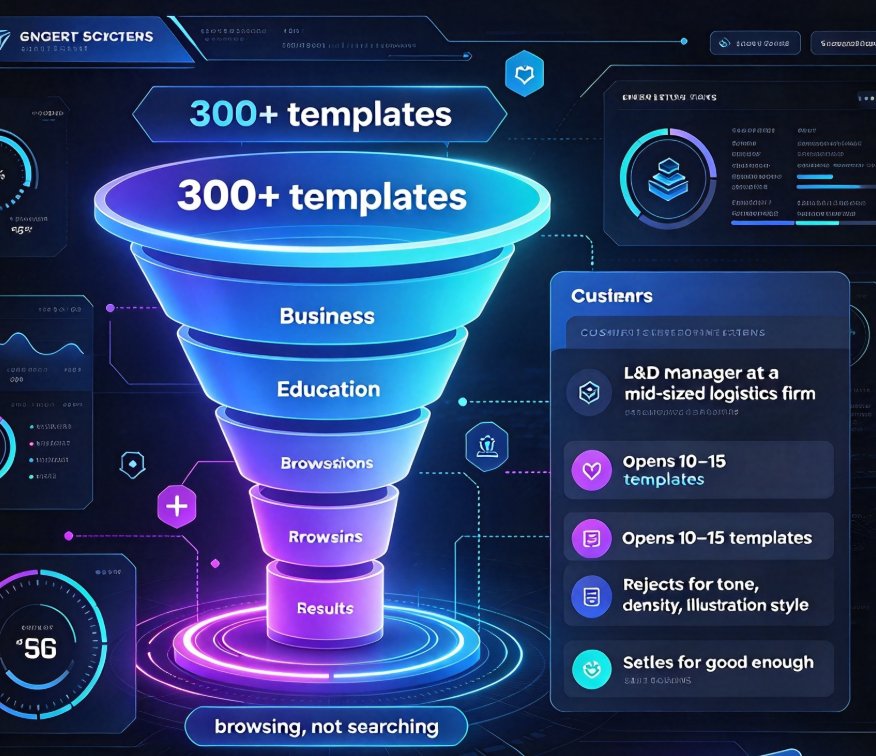
Here's the catch: a massive library without smart organization is just a bigger pile to dig through. When you have 300+ templates and can only filter by broad categories like "Business" or "Education," you're not searching—you're browsing. And browsing is slow.
We see this with clients constantly. An L&D manager at a mid-sized logistics firm told us she spends roughly 45–60 minutes per training module just finding the right visual style. She ends up opening the same 10–15 templates, rejecting most for small reasons—wrong tone, wrong density of content, wrong illustration style—and often settles for something "good enough" rather than actually right.
The price of template browsing isn't just time. It's the quality of your deck. When you settle for a template that almost fits, you spend extra time modifying it, and the final design still ends up looking compromised. ThingLink's scenario-building research makes a similar point: educators and trainers increasingly want tools that map directly to real-life learning situations, not abstract design shells.
02 — Scenario-based search: a different mental model
What if, instead of asking "what does this template look like," you asked "what am I building and for whom?" That's the core shift behind scenario-based search.
Think about how you actually choose a template:
- For a first-line manager onboarding session: something clean, authoritative, low decoration, strong typography.
- For a new-hire compliance training: hierarchy, checklists, a warning-red accent, maybe a knowledge check slide.
- For a graduate-level case study lecture: a more academic feel—restrained color, clear data blocks, room for diagrams.
- For a sales enablement pitch: something dynamic, customer-centric, with placeholder flows for pipeline visuals.
A generic catalog makes you translate these needs into visual guesses. Scenario-based search accepts your actual scenario as the query.
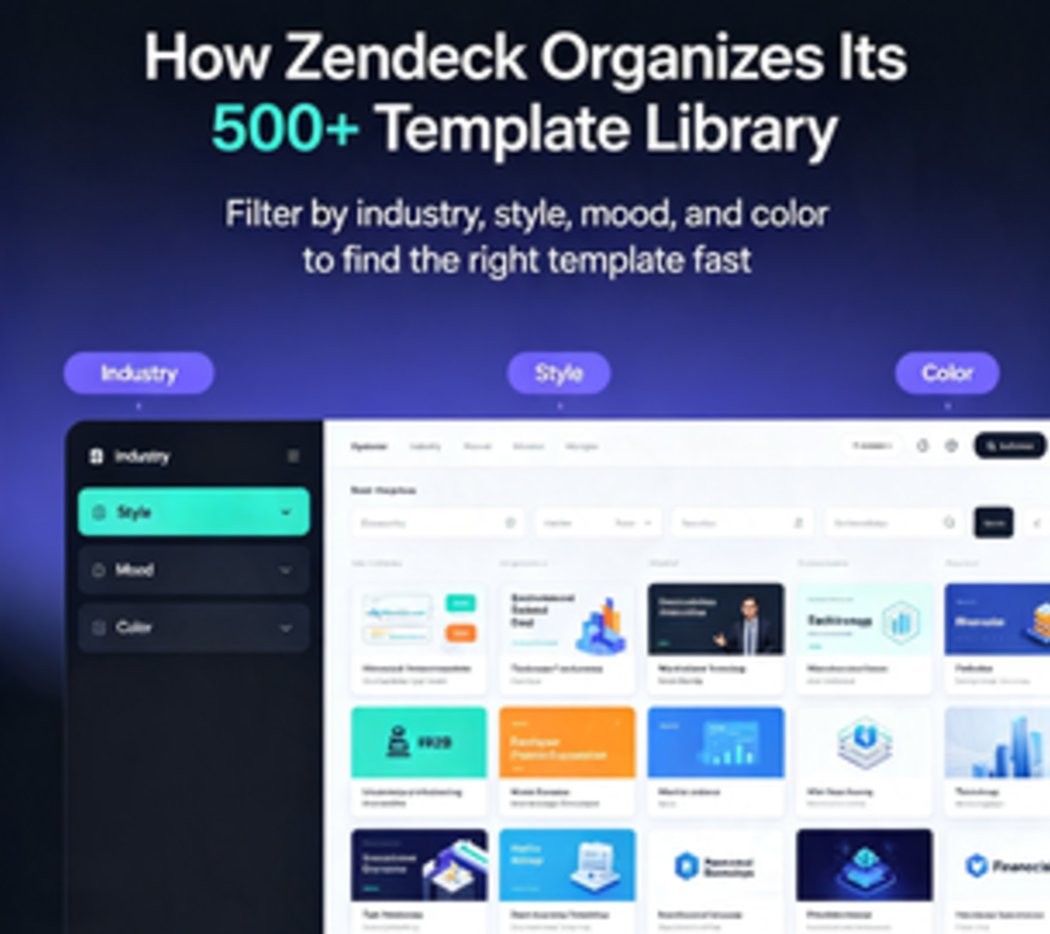
Zendeck tags every template in its library with the real-world contexts it fits: audience type, teaching or training format, interaction level, and design intensity. Instead of scrolling through 300 pages, you select "onboarding, new hires, manager-led, 30-minute session" and get a curated shortlist—often three to five genuinely relevant designs.
This is the same logic behind contextual template design trends in 2026. Generic templates win on volume; contextual templates win on fit. The 2026 template library trends analysis goes deeper into why contextual templates are beating generic ones, but the short version is: fit reduces rework, and rework is where design time really drains.
03 — How scenario tagging works in Zendeck
Let's get practical. When you open Zendeck's template library, you're not facing an endless gallery wall. You're facing a search layer built on scenario dimensions. Here's roughly how it works:
- Audience dimension: students, executives, frontline staff, customers, investors, etc.
- Purpose dimension: lecture, workshop, onboarding, compliance review, sales pitch, board update, micro-course.
- Format dimension: single-slide layout, multi-slide course deck, narrated video deck, interactive quiz deck.
- Tone dimension: formal, energetic, academic, minimal, data-heavy.
You combine the dimensions, and Zendeck filters its template library to a shortlist. Because the tags are attached to how the template was actually designed—not just a category label—the front-end search output is noticeably narrower and more relevant.
The same idea extends to AI deck template selection. When you paste an outline into Zendeck's generator, it analyzes the content itself—the structure, the verb phrases, the density of lists and numbers—and matches it to a suitable template before you even open the library. The search, in other words, starts happening before you search.
Here's the practical result: the average template hunt in Zendeck drops from an hour of scrolling to under a minute of clicking. Not because Zendeck has fewer templates—it actually has plenty—but because the ones it shows you first are the ones that fit. Search results serve as a shortlist, not a haystack.
04 — Before and after: what changes in your workflow
Let me walk you through a concrete before/after for a corporate trainer building a 20-slide onboarding deck.
Before (generic catalog workflow):
- Open template site, stare at a grid of 400 thumbnails.
- Browse 6–7 pages, click 8–10 candidates.
- Reject each for mismatched tone, layout, content density.
- Finally pick one "close enough," then spend 30–45 minutes overriding fonts, colors, and slide layouts to match the company brand.
- Total before you start writing actual content: 60+ minutes.
After (Zendeck scenario-based workflow):
- Open Zendeck, select scenario: "onboarding / new hires / manager-led / formal."
- Browse a shortlist of 4–5 templates, pick one that looks right.
- Apply brand colors via the custom brand kit in one click.
- Paste your outline; Zendeck auto-generates the slide structure.
- Total before you start editing content: under 10 minutes.
The math, across a month of building 8–10 decks, is striking:
| Workflow | Time per deck (template + setup) | Monthly total |
|---|---|---|
| Generic catalog browsing | 45–60 min | 6–10 hours |
| Keyword-based search (generic) | 15–20 min | 2–3 hours |
| Scenario-based search (Zendeck) | 1–5 min | 15–40 minutes |
Those hours come back to your calendar. And the deck quality is higher, because you're starting from a design that was built for your exact use case—not a compromise.
05 — Scenario-based search works for classrooms too
We've talked about corporate training, but let's not forget the classroom. If you're an instructor building courseware, the scenario-tagged approach is arguably even more valuable, because academic contexts are wildly varied.
A data-analysis lecturer needs templates with strong chart real estate and minimal decoration. A history seminar calls for a more narrative, timeline-friendly layout. A language course needs clean conversational prompts and maybe quiz slides. A vocational training module requires step-by-step flow slides. All of these are "education" templates to a generic library. Zendeck separates them by actual teaching scenario, and the courseware design hub is a good place to start exploring scenario-matched options for your next class.
If you're going a step further and turning slides into narrated micro-courses, scenario-based thinking extends to the video dimension too. A narrated micro-course needs templates designed for sync between slides and voiceover—not just static text blocks. Zendeck's PPT-to-video workflow pairs with scenario-tagged template choices so your final video deck matches the teaching context from slide one to the closing recap.
The pattern is consistent: when the template matches the teaching situation, you spend your effort on the content—not the chrome. That's the entire point of scenario-based search, and it's why it's becoming a defining trend in courseware design.
06 — How to get the most out of scenario search (without overthinking)
A few practical notes so you actually get the benefit:
- Start with the audience, not the visual style. The fastest way to narrow a library is to say who the deck is for. Students? Executives? Frontline staff? Let Zendeck do the visual translation for you.
- Combine 2–3 dimensions, not more. Over-filtering produces zero results—just like under-filtering produces 300. Two or three well-chosen tags is usually the sweet spot.
- Trust the shortlist, but do one sanity check. The scenario tags are a strong signal, but your eyes still matter. Open the top candidate in preview and check if the slide density matches your content volume.
- If you're reusing a scenario weekly, save it. The more decks you build in Zendeck, the more your preferred scenario combos stick around as presets. (It's a small thing, but it compounds.)
One offhand tip from me: if you're rushing, don't skip the tone dimension. Tone is the one filter that's easy to overlook and hardest to fix later. Choosing "formal" when you mean "energetic" will haunt you at the font and color level for the next hour. Choose it deliberately.
07 — The bigger picture: contextual templates are the 2026 direction
This isn't just a Zendeck quirk. The whole template industry is moving from volume to context. A few months ago, we wrote a deeper analysis on contextual templates vs. generic templates, and the data keeps pointing the same way: tools that help you narrow quickly are replacing tools that show you everything.
Articulate's content library, for instance, now emphasizes templates that come with educational tips from industry pros embedded in the design. ThingLink's Scenario Builder templates are explicitly built around scenario learning. These are signals that the industry recognizes scenario-fit as the real value—not the sheer number of choices.
Zendeck's scenario-tagged library is built for the same shift, but with one extra step: it connects the template directly to the AI generation pipeline. You search by scenario, pick a style, and then the same platform outlines, designs, and (optionally) narrates your deck. The template isn't the end of the work—it's the starting point of a much shorter pipeline.
FAQ
◉ What is scenario-based template search in Zendeck?
Scenario-based template search lets you filter Zendeck's template library by real-world use cases—audience type, teaching or training format, interaction level, and tone—instead of scrolling through a generic gallery. You pick a scenario like "new-hire onboarding, manager-led, formal tone," and Zendeck returns a curated shortlist of templates that actually fit.
◉ How is Zendeck's template library different from generic template sites?
Generic sites organize templates by broad categories like "Business" or "Education," which force you to browse hundreds of thumbnails. Zendeck tags templates with scenario dimensions (audience, purpose, format, tone), so search results are narrow, relevant, and typically under five options. It's the difference between a curated wardrobe and a warehouse.
◉ Can I search templates by audience or learning goal?
Yes. Audience (students, executives, frontline staff, investors), purpose (lecture, workshop, onboarding, compliance, pitch), format (multi-slide deck, micro-course, quiz deck), and tone (formal, academic, energetic, minimal) are all searchable dimensions in Zendeck's template library.
◉ Does scenario-based search work for corporate training and classroom teaching?
Both. Corporate trainers can filter by onboarding, compliance, sales enablement, or manager-led workshops. Educators can search by lecture style, case-study format, quiz-based teaching, or narrated micro-courses. Each scenario returns templates matched to that specific context.
◉ How much time can I realistically save with Zendeck's template search?
Based on typical workflows, the template hunt drops from 45–60 minutes per deck in a generic catalog to under a minute in Zendeck's scenario search. Across 8–10 decks per month, that's roughly 6–10 hours saved—time you can spend on content quality instead of browsing.