Case Study: How a Training Agency Cut Video Costs 90% with Zendeck
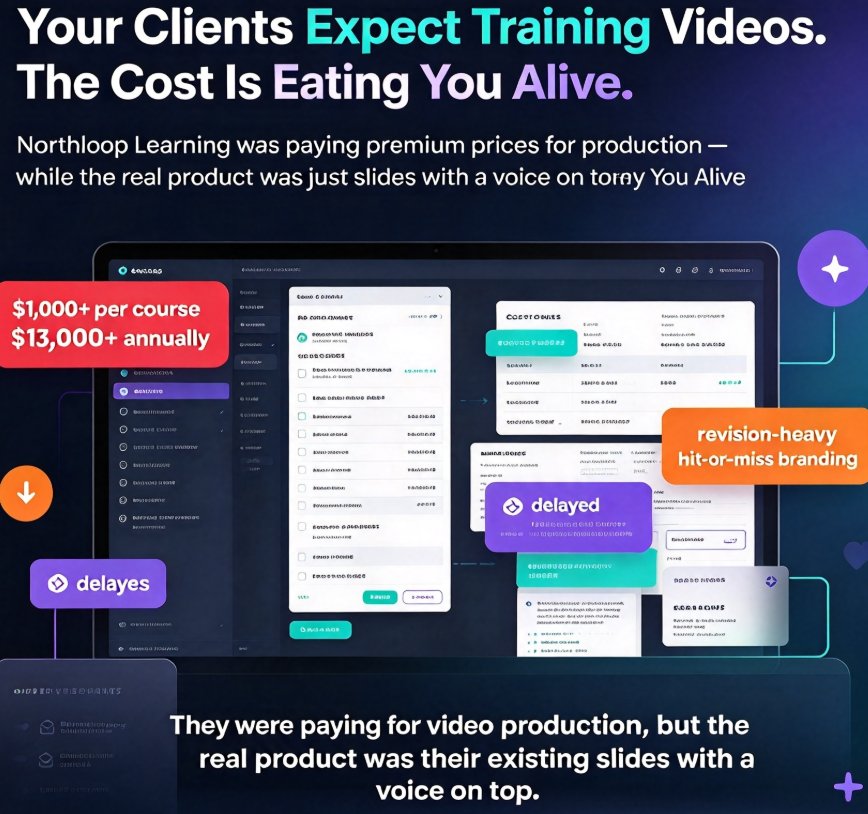
Let's talk about a problem that's probably haunting your budget right now: you need training videos, your clients expect them, and the cost of producing them is eating you alive.
A boutique training agency — let's call them "Northloop Learning" — was in exactly this position. They had roughly a dozen active client contracts. Each one required at least one custom micro-course. And every single course was going to an outsourced video production house.
Here's the part that hurts: an average 10-minute micro-course cost them $800 in agency fees, plus another $200 for voiceover and $100 for captions. That's over $1,000 per course. With 12 courses a year, they were burning $13,000+ annually on video production that was — let's be honest — delayed, revision-heavy, and only "fine."
That's the cost problem in a single sentence: they were paying premium prices for video production, but the real product was just their existing slides with a voice on top.
Then someone on the team tried Zendeck's PPT-to-video. Within a month, the entire production pipeline changed.
01 The Problem: Every Client Course Was a Budget Bloodbath
Northloop's pain points weren't exotic. They're the same ones most small training agencies hit:
- Outsourced production had a 2–3 week turnaround, which broke client delivery promises.
- Each revision cycle cost $40–$60/hour, so "one small change" often meant a $300 invoice.
- Voiceover, subtitle, and caption generation were billed as separate line items.
- And because every project went through a different vendor, brand consistency was hit-or-miss.
The result? The agency was spending more on production logistics than on actual learning design. The work they were best at — structuring content, writing scripts, designing exercises — was being squeezed out by vendor management, spec sheets, and approval loops.
The real insight here is that they didn't have a content problem. They had a production bottleneck.
Once you see it that way, the fix becomes obvious: remove the bottleneck, don't hire around it.
02 The Shift: Why They Stopped Outsourcing and Started Repurposing
The change didn't come from a big strategic offsite. It came from a simple question: what do our vendors actually do that we can't replicate?
The answer: layout, narration, subtitles, and export. All four are things Zendeck handles automatically.
The agency's first experiment was modest. They took an existing compliance training deck that was already client-approved, imported it, added a script, and let Zendeck generate the video with AI narration and automatic subtitles. Total time: about 90 minutes.
The client didn't just accept it. They asked for two more courses "in that format."
That's when they ran the numbers.
03 The Numbers That Matter: What the Cost Ledger Actually Looked Like
Let's put the before-and-after side by side. These are the real figures from their first quarter after switching:
| Metric | Outsourced Agency | Freelance Video Editor | In-House with Zendeck |
|---|---|---|---|
| Cost per 10-minute micro-course | $800 | $350 | $45 |
| Turnaround time | 2–3 weeks | 1–2 weeks | 1–2 days |
| Voiceover | +$200 (studio) | +$150 (paid talent) | Included (AI + human options) |
| Subtitles/captions | +$100 | +$80 | Auto-generated |
| Revisions | $40–$60/hour | $50/hour | Unlimited, instant |
| Brand consistency | Manual, inconsistent | Manual, inconsistent | Automatic via template |
| Annual cost (12 courses) | $13,000+ | — | ~$540 |
Let's be clear about what "90% savings" actually means here. Their per-course cost dropped from roughly $800 (agency) to $45 (Zendeck), a 94% reduction. Even against a freelance editor at $350, the savings hit about 87%. Annualized across 12 client courses, they went from a $13,000+ production budget to roughly $540 in platform usage. That freed up about $12,500 per year, which they reinvested into more courses — and took on three new client contracts they previously couldn't staff.
The headline number is simple: the agency cut video production costs by over 90% and reduced turnaround from weeks to days, without hiring a single new person.
Here's the chart that made the CFO stop asking questions:
Also note: the savings weren't just dollar bills. The time-to-market shift was arguably bigger. Where a new client course used to hit a 3-week production queue, it now shipped in 1–2 days. That let the agency promise faster delivery in proposals — a genuinely competitive edge in the training market.
04 The Workflow: From Static Deck to Narrated Micro-Course in Two Hours
The agency's winning process is reusable anywhere. Here's the exact workflow they used, which you can copy:
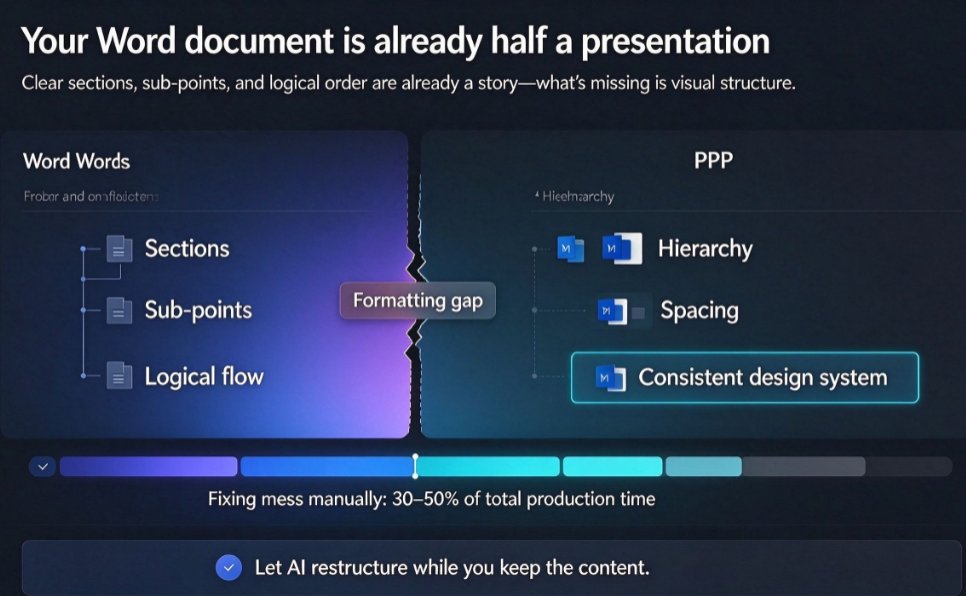
Step 1: Prepare the deck (about 30 minutes). They started from existing PowerPoint decks, stripped out inconsistent fonts and colors, and let Zendeck's smart layout unify the design. No manual design work — Zendeck handles the reskin. If you want the full picture of how much time this saves, this breakdown of the 5 ways Zendeck smart layout cuts presentation design time covers it well.
Step 2: Write the narration script (about 20 minutes per module). The agency wrote short, conversational scripts — roughly 150 words per slide. They kept each module under 10 minutes to match modern attention spans.
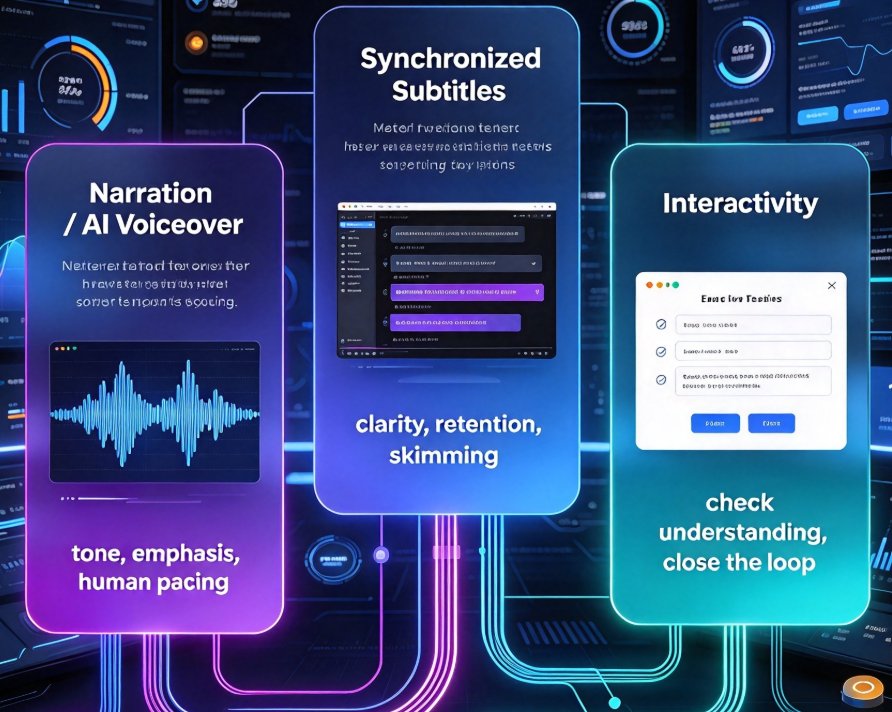
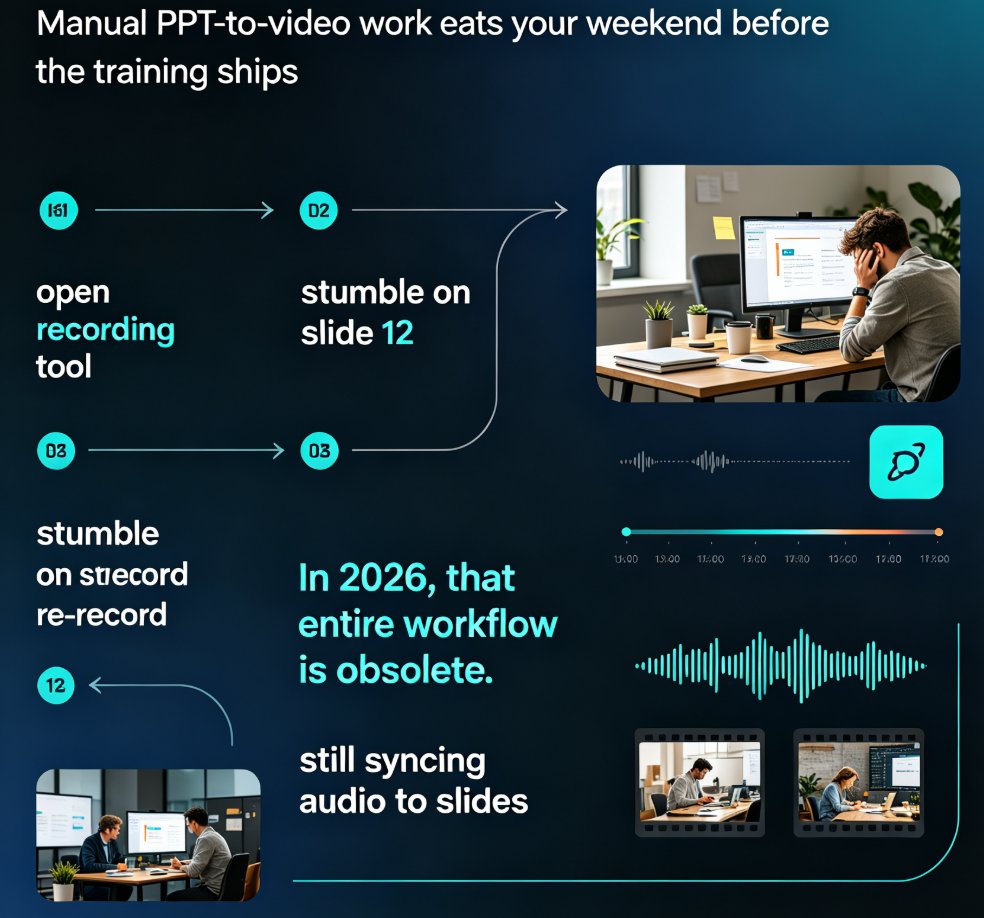
Step 3: Let Zendeck generate the video. They imported the deck, attached the script, and selected AI narration. Zendeck automatically generated the voiceover and subtitles. If you'd rather use your own voice, the guide to adding narration to slides walks through both options step by step.
Step 4: Review, revise, export (about 30 minutes). They watched the generated video, made a couple of tweaks, and exported. Because revisions are instant and unlimited, the agency stopped fearing the "client wants a change" email. (And when they needed to tweak voiceover pacing, the voiceover and subtitles walkthrough had them covered.)
05 What Made It Stick: Lessons for Repurposing Your Own Content
The agency's success wasn't just about the tool. It was about the mindset shift. Here are the lessons that stuck:
Lesson 1: Your existing decks are an undervalued content library. Northloop had years of client-approved training material sitting in folders. Repurposing those into video micro-courses took hours, not months. The broader playbook for turning a single deck into a full course is covered in the micro-course production category guide, and it's the same logic they used.
Lesson 2: Automatic subtitles are a feature, not a bonus. Every course they shipped included auto-generated captions. That made the content WCAG-accessible out of the box, which opened doors with enterprise clients that require accessibility compliance. If you're selling to companies with strict accessibility policies, auto-captions alone can be a competitive advantage worth highlighting in your proposals.
Lesson 3: One deck can feed many formats. Once a deck became a video, the same content was repurposed into a slide share, a handout, and even a quiz-based micro-module. That multiplied the value of every hour invested in the original content.
A friendly warning: going in-house with PPT-to-video isn't automatically the right call for every kind of video. If a client needs a cinematic brand film or complex motion graphics, that's still a job for a studio. But for training content — explainers, walkthroughs, compliance modules, onboarding — the PPT-to-video route is almost always the smarter cost play.
06 When This Approach Makes Sense (and When It Doesn't)
Let's get practical. This workflow fits squarely in the "training and education" bucket:
| Scenario | Best choice |
|---|---|
| Compliance training micro-courses | Zendeck PPT-to-video |
| Onboarding walkthroughs | Zendeck PPT-to-video |
| Product demo / screen recording | Screen recorder is fine, but narration is easier with PPT-to-video |
| Cinematic brand film | Outsource to a studio |
| Complex animated explainer with custom characters | Outsource to a specialist |
The threshold is simple: if your content is structured, slide-based, and needs a clear voiceover, Zendeck's PPT-to-video is the cost winner. If it's artistic, narrative-driven, and needs custom animation, keep the agency budget.
FAQ
Q: How much can a training agency realistically save by switching from outsourcing to Zendeck's PPT-to-video? A: In this case study, the agency cut per-course video production costs from about $800 to $45 — a 94% reduction. Annualized across 12 courses, they went from $13,000+ to roughly $540 in platform usage. Savings came from eliminating agency fees, hourly revisions, and separate voiceover and captioning line items.
Q: How long does it take to turn a PowerPoint deck into a narrated video course with Zendeck? A: Once the deck is ready, export usually takes 1–2 days per course, and often under two hours for a single 10-slide module. In this case, total hands-on time per course averaged about 90 minutes.
Q: Do I need video editing or design skills to use Zendeck's PPT-to-video? A: No. There's no timeline, no keyframes, and no export settings to learn. You import the deck, choose AI or human narration, and Zendeck handles layout, captions, and export automatically.
Q: What's the output quality compared to a professionally produced video? A: For training content, the quality is more than sufficient — clean, on-brand, fully captioned, and easy to revise. It won't match cinematic motion graphics, but for learning purposes, clarity and pacing matter more than flash, and the unlimited revisions let you polish without cost anxiety.
Q: Can I still maintain brand consistency with Zendeck's PPT-to-video? A: Yes. Zendeck applies your template, colors, and fonts automatically, and its asset library keeps icons and charts on-brand from the first slide to the final export. That consistency was one of the reasons the agency's clients trusted the new format.