How a Corporate Trainer Cut Course Creation Time 80% with Zendeck AI
How a Corporate Trainer Cut Course Creation Time 80% with Zendeck AI
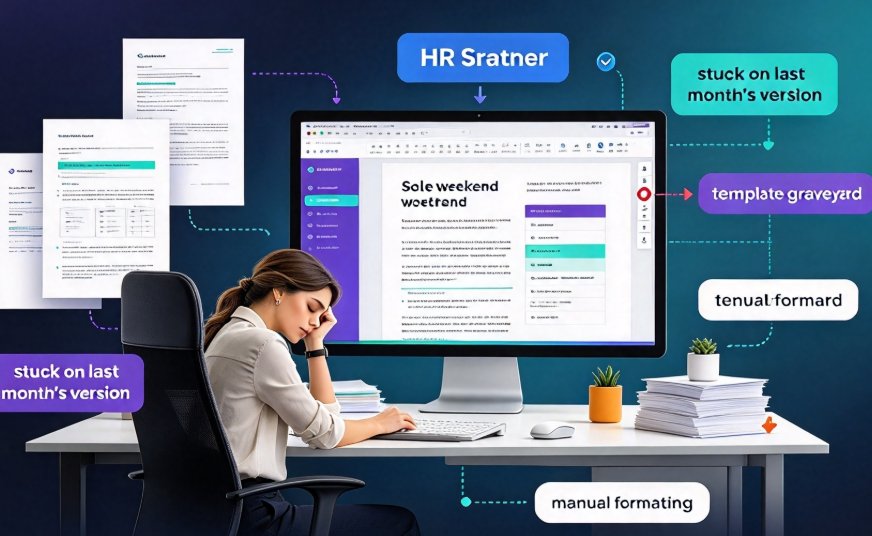
Imagine a Friday afternoon like this: you are staring at the 14th email that says "We need to update the sales training," and you are already stuck on last month's version. You open the same old template, drag a text box, adjust the font spacing. You have done this routine before, and you know it takes the whole weekend, not just an afternoon.
What if the same workload could shrink from a weekend to two hours?
That is exactly what happened to Sarah. She is an HR & OD trainer at a mid-size B2B software company, responsible for the monthly sales training program. Under the old process, each course took her 10 hours: 4 hours for content drafting, 3 hours for slide layout and design, 1.5 hours for brand and template matching, and 1.5 hours for review and revisions. Sound familiar?
After switching to Zendeck, the same course now takes just 2 hours to build, an 80% reduction. Not because she got faster, but because the workflow itself was redesigned.
Let's look at how she did it, and why this approach matters beyond one person's routine.
01 The Real Cost of Traditional Training Deck Creation
Let's be honest: corporate training is not a blank-page creative exercise. The content already lives in your product documentation, in the sales playbook, and in the trainer's session notes. The real cost is assembly — turning all that raw material into clean, coherent, on-brand slides.
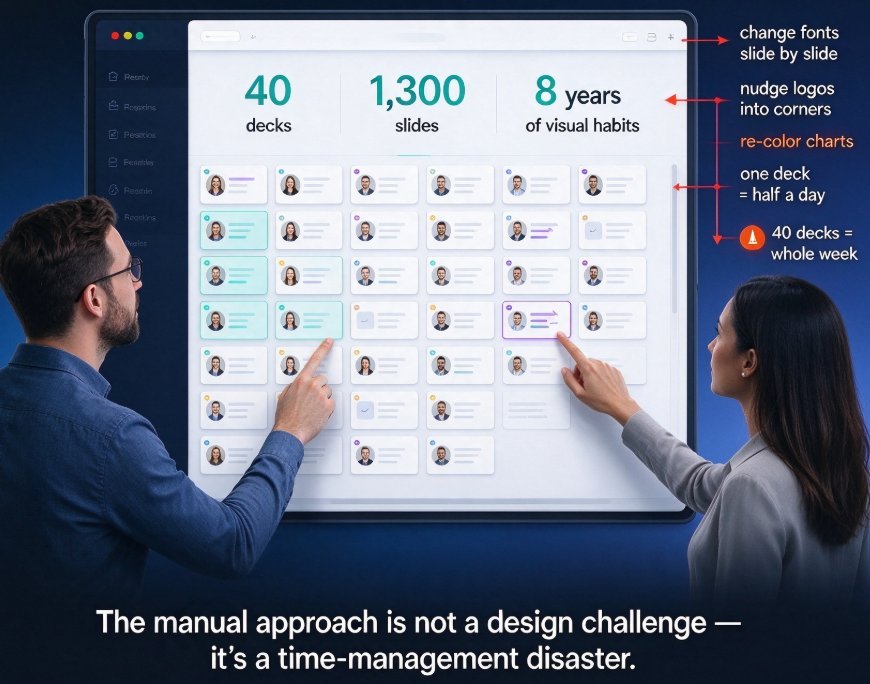
Every single time you drag a text box, it feels like nothing. But when those moments add up to hours, that is where your time actually goes. You spend it matching fonts and colors across dozens of slides, re-pasting the latest corporate logo into every new training, hunting for the right icon, and nudging layouts until things look "good enough." For L&D teams, this usually means choosing between two bad options: spend hours polishing brand consistency, or ship a deck that looks visually messy. Neither is a good trade.
02 How Zendeck Changes the Content-to-Slide Stage
Zendeck's AI workflow starts with your content, not with design. You drop training material into a Word file or Markdown (or paste raw text), and the AI turns it into a structured, visually coherent presentation. No blank canvas, no drag-and-drop for every single element.
The core is Smart Layout. It is not just applying a template. It understands how each content block should flow, adjusts font size and spacing, and keeps the brand feel consistent.
For Sarah, the game-changer was the one-click reskin. She no longer designs every new course from scratch. She generates AI-structured slides, then runs them through a style pass, and the whole deck matches the corporate brand within minutes.
The result: the stage that used to take 4 hours — turning content into a slide deck — now takes about 30 minutes. And if you want to dig deeper into how Smart Layout saves time, check out our breakdown of 5 ways Zendeck Smart Layout cuts presentation design time.
03 Breaking It Down: From 10 Hours to 2 Hours
Let's look at the actual comparison. Here is the task-level breakdown from Sarah's workflow:
| Task | Traditional (hours) | Zendeck AI (hours) |
|---|---|---|
| Content drafting | 4.0 | 0.5 |
| Slide layout & design | 3.0 | 0.8 |
| Branding & template application | 1.5 | 0.3 |
| Review & revisions | 1.5 | 0.4 |
| Total time | 10.0 | 2.0 |
And here is the same data visualized:
The savings are not evenly distributed — and that matters. Most of the 80% reduction comes from two areas: layout and design (down from 3 hours to under 1) and branding (down from 1.5 hours to 0.3). These are exactly the tasks that used to feel like "real design work," but in reality were repetitive manual effort.
04 How Brand Consistency and Template Reuse Cut Maintenance Costs
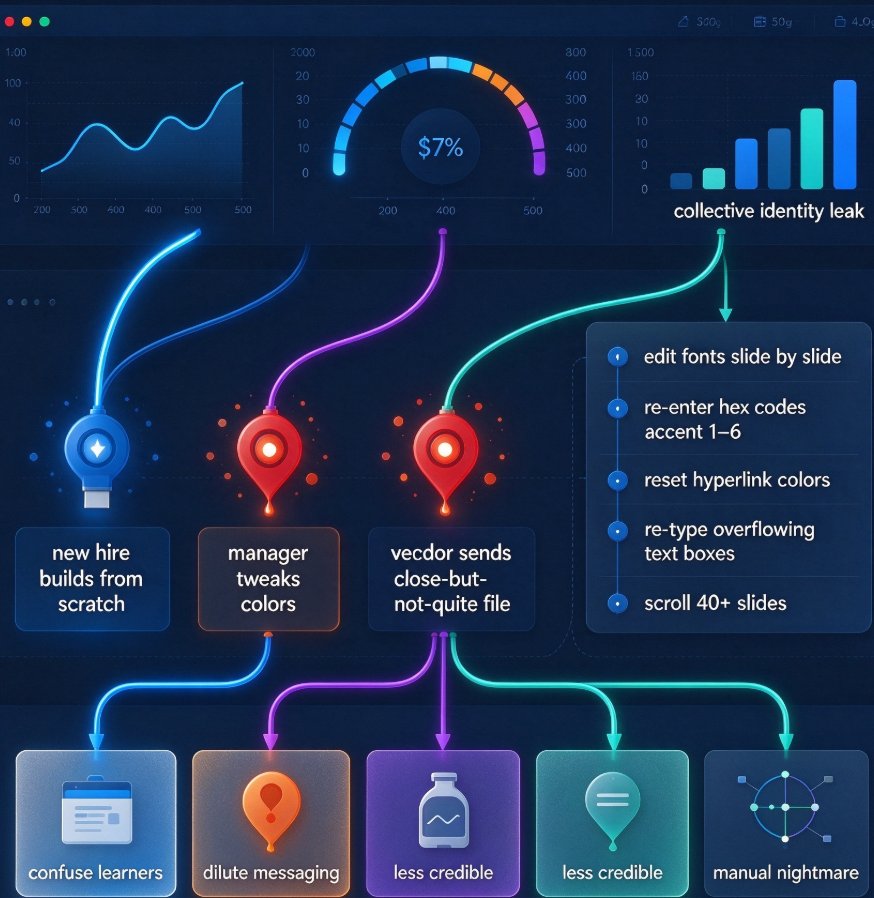
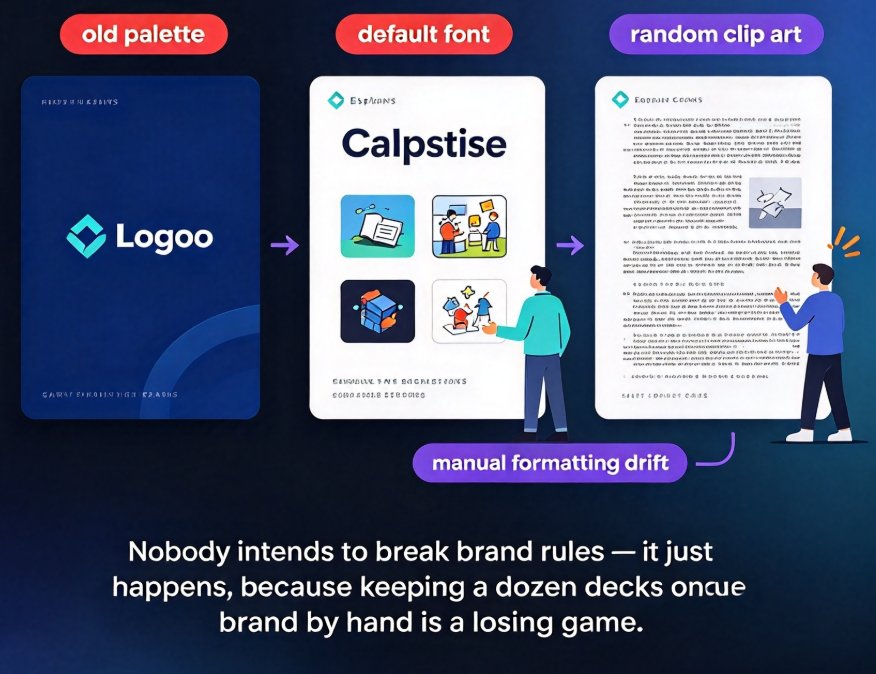
If you have ever worked in a big team, you know brand governance is one of the most annoying parts of training production. A trainer submits their version, and the fonts are different. Or they forgot to add the new logo. And you have to fix it.
With Zendeck, brand rules are applied automatically during generation. You configure a template and Brand Kit once, and AI keeps everything consistent.
Brand enforcement stops being a review checklist and becomes automated application. This also makes standardized training across teams and regions much easier. You create one branded training template, then region teams only swap out the specific content. No more rework.
If you want to set up a system that works across every department, take a look at our guide on 5 ways to create a custom brand kit in Zendeck for consistent decks.
05 From Slides to Micro-Courses: Making Training Reusable
Once you can create faster, the next step is making content reusable. Your teams are not going to attend every live session. They need asynchronous versions, they need refresher material between meetings, and they need a way for people who missed the live training to catch up.
Zendeck's PPT-to-Video feature handles this. You add narration to the slides, auto-captions are generated, and the deck becomes a micro-course for asynchronous learners. This is not just about saving time — it is about making training accessible.
If you have seen how AI-generated video decks are replacing traditional corporate training, you know this is one of the most valuable shifts in enterprise L&D. No more recording full video courses; you transform what you already built.
06 What the Zendeck Course Creation Workflow Looks Like in Practice
Let's walk through Sarah's complete workflow step by step, so you can see exactly what she does:
- Content drafting (about 30 minutes) — She puts her session outline, product updates, and sales talking points into a Word file. Maybe she pastes raw text, maybe she uses Markdown. The content itself does not change.
- AI generates the deck (about 1 minute) — Zendeck turns the text into a full, structured presentation skeleton.
- Smart Layout + template (about 20 minutes) — She applies the corporate template, adjusts a couple of logical or flow elements, and fine-tunes a few slides.
- Brand Kit (about 10 minutes) — Fonts, colors, logo placement are applied automatically. No manual tweaks.
- Review and feedback (about 45 minutes) — She does a single pass instead of endless revisions. The deck is ready to ship.
- Optional: PPT-to-Video (about 20 minutes) — She adds narration and subtitles, creating a micro-course for asynchronous learners.
Total: about 2 hours, including coffee breaks.
The key here is that she is not skipping the creation process. She is skipping the wasted parts. This also connects to a broader trend — AI agents are moving from simple template selection to fully automated paths from outline to micro-course, as we explore in our article on AI agents in course creation, from outline to published micro-course.
07 The Bigger Picture: What This Means for L&D Teams
Saving time is not the end goal. The real win is where that time and energy get redirected.
When your trainers stop spending 10 hours on deck assembly, they can invest in higher-impact work: refining learning objectives, localizing content for regional teams, adding interactive elements and quizzes, and actually spending more time in the sessions themselves.
We are not optimizing for speed just for the sake of speed; we are optimizing to put talent back into high-leverage work. For L&D teams, this is the real transformation. If you are planning your content production strategy for the coming year, it is worth looking at where the industry is heading — and our roundup of 2026 presentation tool trends, including agentic AI and personalization is a good place to start.
Final Thoughts
For anyone who builds corporate training, HR onboarding, or sales enablement content, the time spent on course creation is often not just a time problem — it is a bottleneck. With Zendeck, trainers like Sarah are not only cutting prep time by over 80%, they are also getting better brand consistency, better reusability, and better learner engagement.
If you are facing a deadline on Monday and it is already Friday afternoon, you now have a choice: the old way, or a workflow designed for the way you actually work.
FAQ
Q: How does a corporate trainer use Zendeck to accelerate course creation? A: The trainer pastes course content into Zendeck (Word outline, Markdown, or plain text), and AI generates a structured deck. Smart Layout and Brand Kit automatically apply company colors, fonts, and logo placement. Finally, PPT-to-Video can turn the deck into narrated micro-courses with auto captions. The whole process drops from 10 hours to roughly 2 hours.
Q: Can Zendeck ensure training content stays on-brand across sessions? A: Yes. Through the Brand Kit feature, you define colors, fonts, and logo positions, and AI applies those rules automatically when generating slides. You configure it once, and every course stays consistent without manual tweaking.
Q: Can I import existing training content from a Word document? A: Yes. Zendeck supports import from Word outlines, Markdown, or plain text and generates slides from them. AI analyzes your structure and produces a deck with appropriate layouts, so you do not need extra formatting.
Q: Can Zendeck turn slides into video training courses? A: Yes. The PPT-to-Video feature lets you add narration and auto-generated subtitles to slides, creating micro-courses suitable for asynchronous learning. This is far more efficient than recording full video courses every time.
Q: Does this workflow scale to multi-region team training? A: Definitely. You create one branded template and smart layout, and each regional team only edits specific content. Zendeck keeps the visual design consistent automatically, which is huge for standardizing training across different teams and regions.
If you want to apply this workflow to your own team, browse our other office efficiency case studies and tutorials for more real-world scenarios.