HR Onboarding Decks: Real-Time Collaboration Case Study with Zendeck
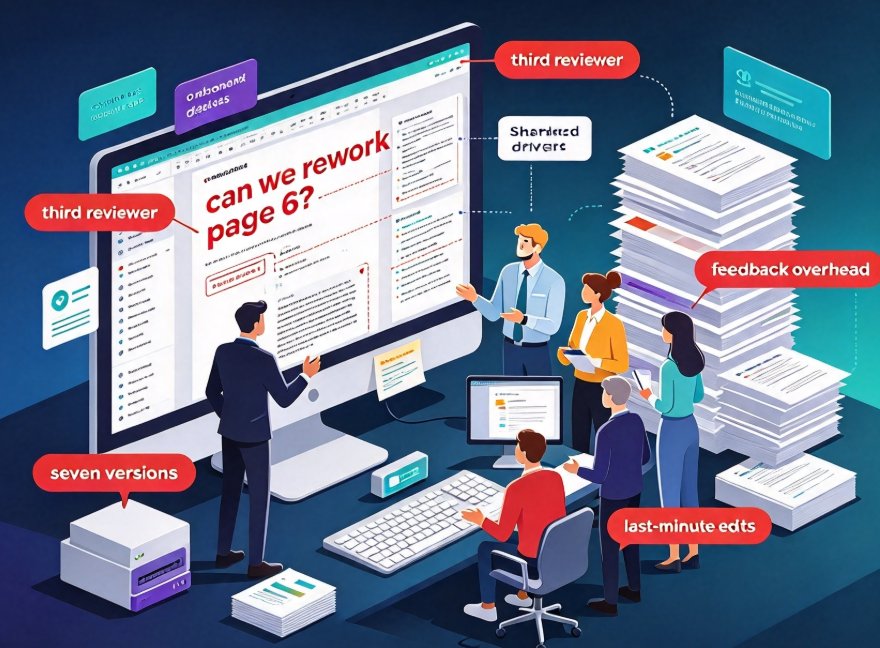
Friday, 3:47 p.m. Four new hires start Monday, and your onboarding deck just came back from the third reviewer with “can we rework page 6?” in bold red. The shared drive now holds a file called onboarding_FINAL_v7(2)_real.pptx. If that sentence gives you a small ulcer, you're not alone — this is how most HR teams actually build their onboarding decks, and it is painfully inefficient.
This is the story of how one HR team broke that cycle using Zendeck's real-time collaboration and sharing features — and how they cut production time in half while eliminating version chaos entirely. If your team has ever spent more energy managing feedback than building content, this one is for you.
01 — The Real Pain: Why Onboarding Decks Turn Into Chaos
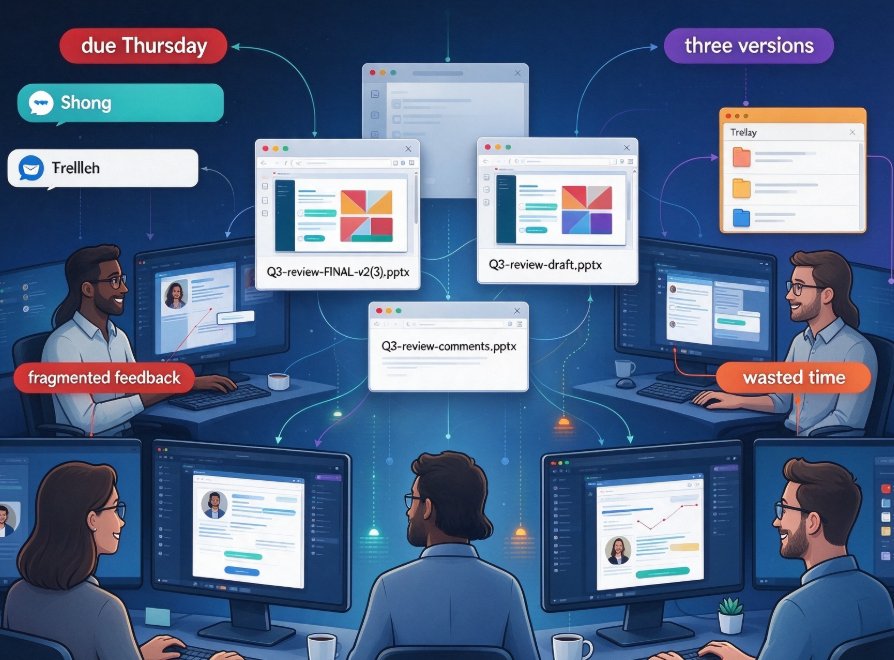
When we talk about onboarding, we usually talk about content: welcome notes, policy pages, IT setup, first-day logistics. What we rarely talk about is the machinery behind it — how the deck actually gets built. And that machinery, for most HR teams, is held together by email chains and shared drives. The dirty secret? This process chews through more hours than the design work ever does.
The team in this case was a five-person HR group covering talent development, payroll, IT onboarding, and company culture. Their previous onboarding cycle looked like this: three weeks of calendar time, seven circulating versions, three separate review rounds, and at least one afternoon lost to a meeting where “everyone just looks at the deck together.” None of those hours made the slides better.
The root problem isn't the content — it's the process. Version confusion, review overhead, and last-minute edits are the true cost of most team decks.
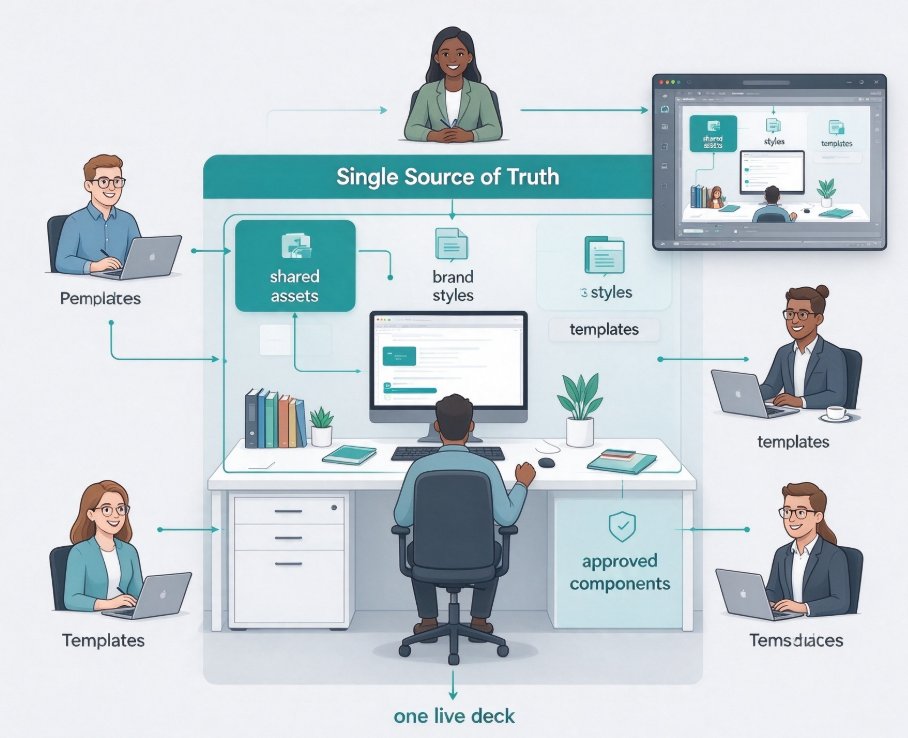
The turning point came when they decided to stop passing a file around and start working inside a single shared workspace. It didn't sound revolutionary. It just turned out to be.
02 — The Move: Getting the Deck Into Zendeck
The team rebuilt the deck from scratch — not because the old one was terrible, but because they wanted one source of truth. They exported their existing Word outline, pasted it into Zendeck, and let the platform generate a structured, visually consistent slide deck in a few minutes. No designer, no waiting.
From there, they applied a company brand kit so every slide matched the logo, colors, and fonts. One click, zero arguments about whether the header should be navy blue or royal blue. If you want the full recipe for this step, our guide on creating a custom brand kit in Zendeck walks through it slide by slide.
03 — The Workflow: Co-Editing, Link Sharing, and Version Control
Now for the part that changed everything: how five people actually worked together on the same deck.
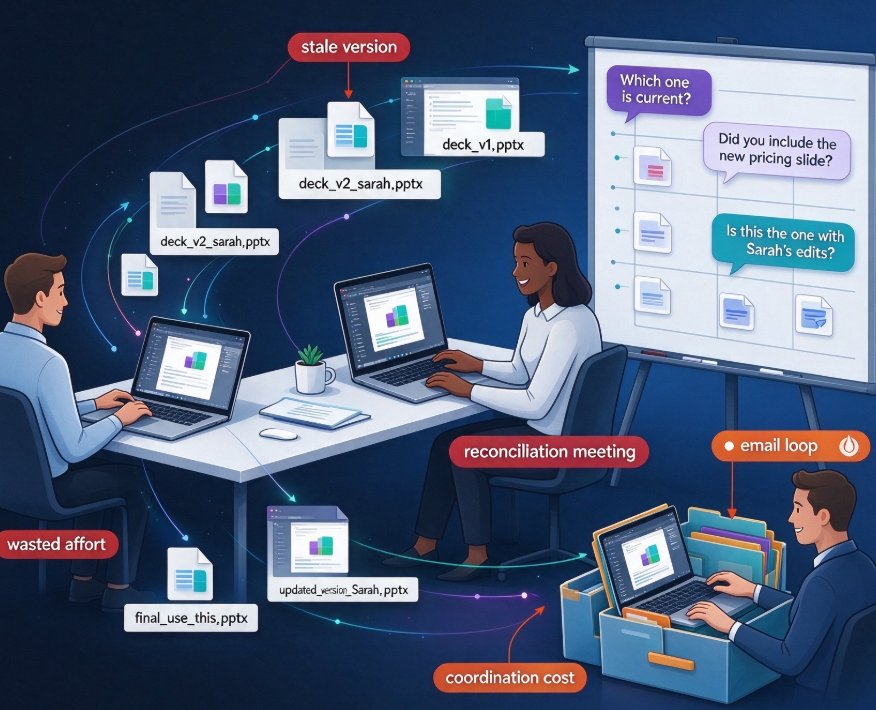
Once a deck lives in Zendeck, everyone works on the same page — no more file attachments, no more “which version is current?” messages.
The team shared one link with edit access for the three content owners, and a view-only link for the two managers who only needed to review. No accounts to provision, no software downloads. One member even reviewed slides from her phone during a commute, which is not something you can say about a .pptx file attached to an email.
Inline comments replaced the email chain. When the IT owner wanted to adjust the security briefing, she left a comment right on the slide, and the content owner fixed it in place. The review loop that used to take a week collapsed into a single afternoon.
And then there was the safety net. On the day of the final review, someone accidentally deleted a slide while demoing the deck to the group. Instead of the usual panic — “who has the last good copy?” — the team rolled back to the previous version in one click. The meeting never stalled.
If you want to see how teams are using sharing and co-editing at scale this year, our roundup on AI presentation collaboration in 2026 covers the broader trends.
04 — The Numbers: Half the Time, Zero Version Chaos
Here's what actually changed compared to the previous cycle:
- Production time fell from 3 weeks to about 1.5 weeks.
- Review rounds dropped from 3 to 1.
- Circulating versions went from 7 to a single live deck.
Let's be honest about what those numbers mean beyond the spreadsheet. Cutting production time from three weeks to a week and a half didn't just save calendar days — it let the team add a first-day logistics slide that would have been cut in the old process because there was simply no room left to iterate. The deck got better, not thinner.
The lesson is simple and worth repeating: version control is not a luxury. The moment more than one person touches a deck, you need a single source of truth.
05 — Old Way vs. New Way: A Side-by-Side Look
| Workflow step | Traditional (email / shared drives) | With Zendeck collaboration |
|---|---|---|
| Deck setup | Reuse last quarter's deck; hope styles survive | AI builds structure from a Word outline; one-click brand kit |
| Editing | Files emailed back and forth; “final v7(2)” piles up | Real-time co-editing on one linked page |
| Review | Comments lost in chat threads and email chains | Inline suggestions anchored to specific slides |
| Version history | Manual renames; panic rollbacks | One-click rollback to any earlier state |
| Final delivery | Export, re-verify fonts and logos, pray | Share the link, or turn the deck into a narrated video |
The table tells the story, but the hard numbers live in the chart above. Either way, the pattern is the same: the collaborative workflow doesn't just save time — it changes what the team can achieve with that time.
06 — Beyond the Deck: Turning It Into a Video
Once the deck was final, the team didn't stop at a live presentation. Two of the new hires were remote, so they used Zendeck's PPT-to-video feature to convert the finished deck into a narrated onboarding video. AI voiceover, subtitles, and the same brand colors — no video editing skills required.
The result was a consistent experience for everyone: the in-person session ran smoothly, and the remote new hires got the same information. Nobody had to re-present the deck three times. And when a policy changes next quarter, updating the video becomes a five-minute task instead of a re-hire-the-agency project. If that step sounds useful, our guide on adding narration with Zendeck's PPT-to-Video covers the exact workflow.
07 — Lessons Any Team Can Steal
If you're about to start a group deck project — onboarding, training, quarterly review, whatever — here's what this case taught us:
- One workspace beats a dozen files. Move the deck into a shared, collaborative tool before anyone edits a slide.
- Give reviewers view-only access. It protects the file and pushes feedback into comments instead of side channels.
- Use rollback early, not late. Version history exists so you can experiment. A wrong turn is one click from undone.
- Plan for the afterlife of the deck. The final deck is rarely the end. Whether you need a video, a micro-course, or a web-ready handout, build with that in mind.
These aren't exotic practices. They're just the mechanics of working like a team instead of working like a tag relay.
FAQ
Q: How does Zendeck's real-time sharing work for HR teams?
A: Zendeck lets you share a deck via link with edit or view-only permissions, so multiple team members can work on the same live file at once. Inline comments anchor to specific slides, replacing email chains and chat threads, and view-only reviewers can leave feedback without risking the file.
Q: Can we roll back to an earlier version if someone makes a bad edit?
A: Yes. Zendeck keeps automatic version history, so you can roll back to any earlier state with one click. In the case study, this saved the team's final review when a slide was accidentally deleted mid-demo.
Q: Do external reviewers need a Zendeck account?
A: No. Sharing works through links with configurable permissions, so reviewers can open and comment on a deck without provisioning accounts or downloading files. The review loop collapses from days to hours.
Q: Can we turn the final onboarding deck into a video for remote hires?
A: Yes. Zendeck's PPT-to-video feature converts a finished deck into a narrated micro-course with AI or human voiceover, subtitles, and consistent branding — no video editing skills required.
Q: What was the actual time saving in this case study?
A: The team cut deck production from about three weeks to one and a half, reduced review rounds from three to one, and eliminated circulating file versions — the deck lived in a single shared link with rollback always available.