Zendeck Template Library: Faster, More Consistent Business Decks
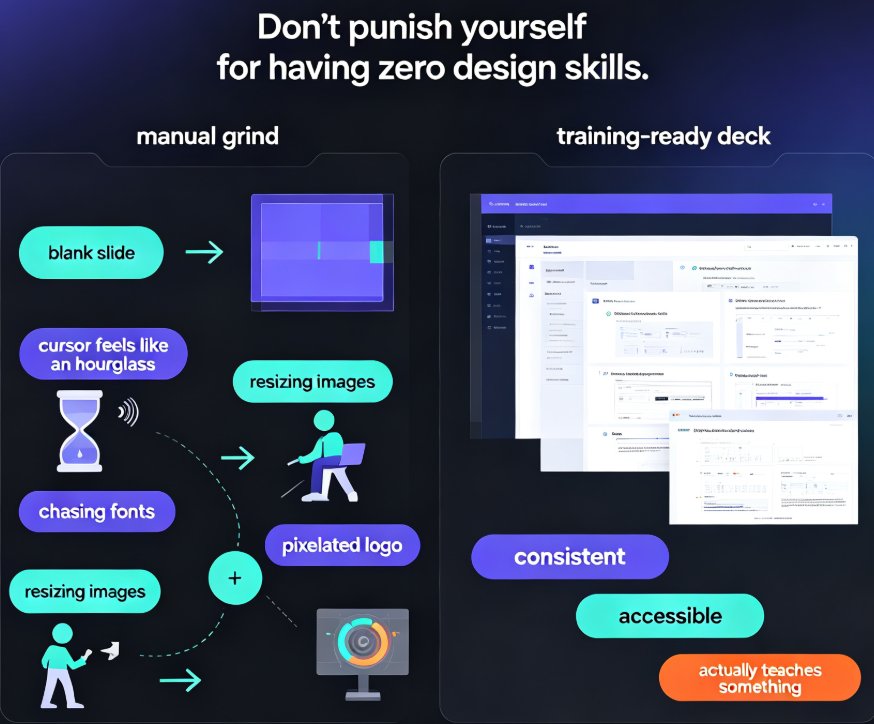
Let's be honest: the worst part of any business presentation isn't the content. It's the blank slide. You know the drill — you open your deck tool, stare at a white canvas, and suddenly every font, color, and layout decision feels like a high-stakes choice. Twenty minutes later, you've rearranged three text boxes and still haven't written a single slide.
Templates exist to kill that blank-canvas paralysis. A good template library doesn't just save you time; it gives you a design system you can trust, so your energy goes into the message, not the margins.
That's exactly the problem Zendeck's template library solves. Whether you're prepping a quarterly business review, a sales pitch, or a training deck, starting from a well-structured template means you skip the design grunt work and jump straight to the substance.
01. The real cost of starting from a blank slide
Every time you build a deck from scratch, you're paying a hidden tax. Not in dollars — in attention. You make dozens of micro-decisions: which font pairs well, what accent color works on a dark background, how many bullet points fit on a slide without looking cluttered. Each one seems trivial. Together, they eat your afternoon.
Most business decks don't need a bespoke design; they need a reliable starting point.
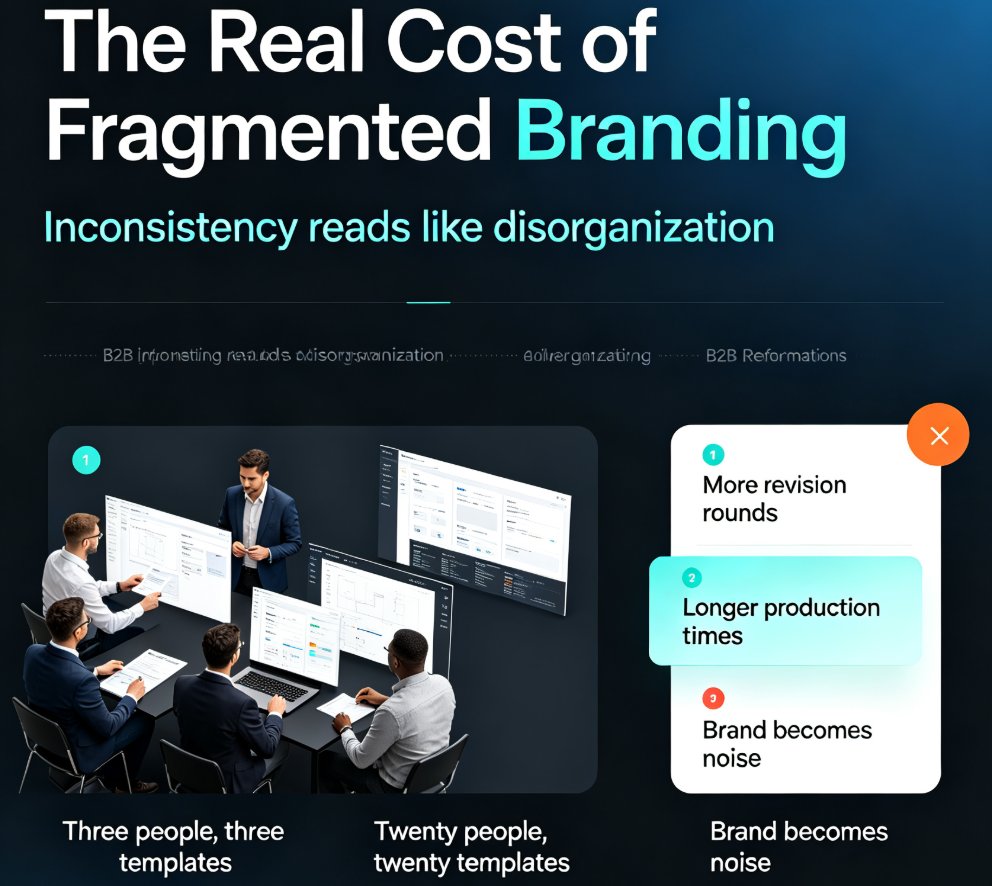
When you start from a blank slide, you also invite inconsistency. One colleague uses navy blue, another uses teal. One deck has 14-point body text, another has 20. By the time the deck reaches the executive team, it looks like three different agencies worked on it.
The fix isn't more design skill. It's a better starting point — a template that already encodes the layout, typography, and color decisions for you.
02. Why a template library beats designing from scratch
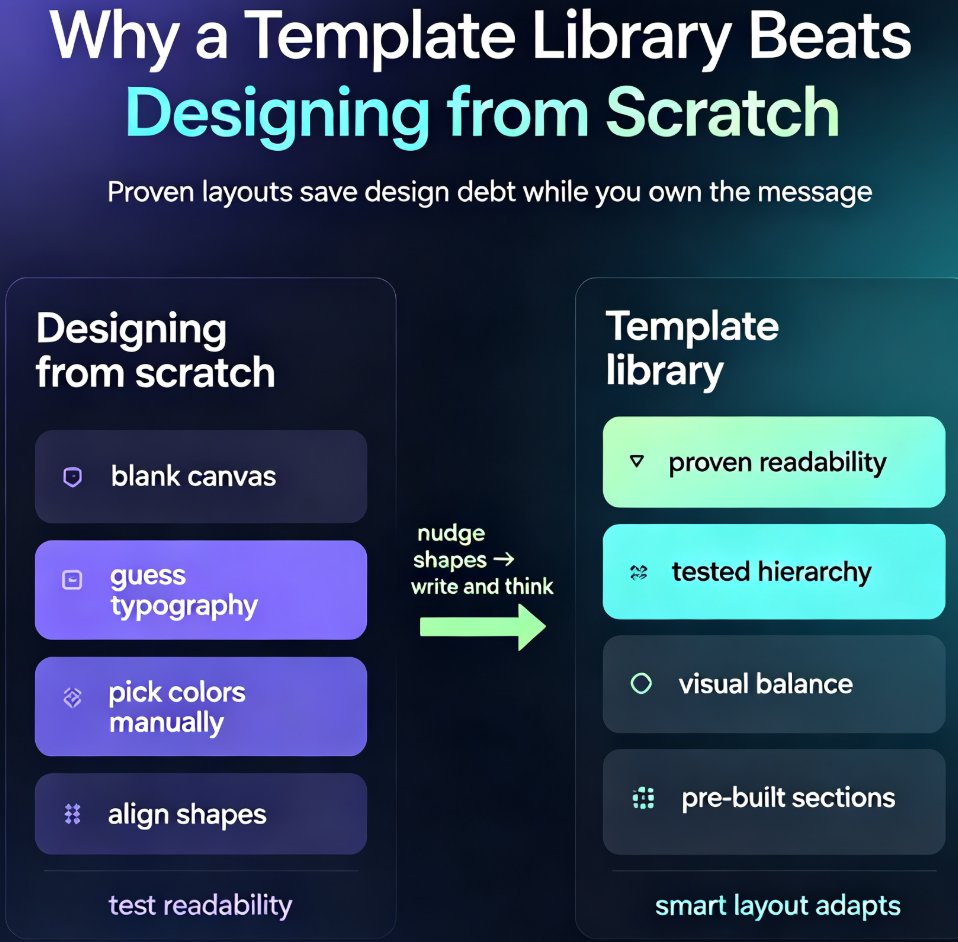
A template library is more than a folder of pretty slides. It's a collection of proven layouts, each one tested for readability, hierarchy, and visual balance. When you pull a template from Zendeck's library, you inherit all of that thinking.
Here's what a good template gives you out of the box:
- Consistent typography — heading and body styles that actually work together
- A color system — palettes that respect contrast and brand rules
- Layout variety — title slides, agenda slides, data slides, closing slides, all matching
- Placeholder structure — pre-built sections that guide your content flow
The result? You spend your time writing and thinking, not nudging shapes into alignment.
A template is a head start, not a shortcut — you still own the message, but you skip the design debt.
And this is where Zendeck's library stands out. It's not just a static collection; the platform pairs templates with smart layout tools, so when you drop in content, the design adapts around it. If you want to understand how that selection logic works under the hood, this breakdown of how Zendeck picks the right template for you is worth a read.
The bigger shift in 2026 is that templates are becoming context-aware. Instead of one generic look, libraries now adapt to your industry, your audience, and even the tone of your content. This look at contextual template trends explains why generic templates are losing ground to ones that understand the room.
03. How to pick the right template (without overthinking)
Choosing a template shouldn't take longer than building the deck. Here's a simple filter that works for most business scenarios:
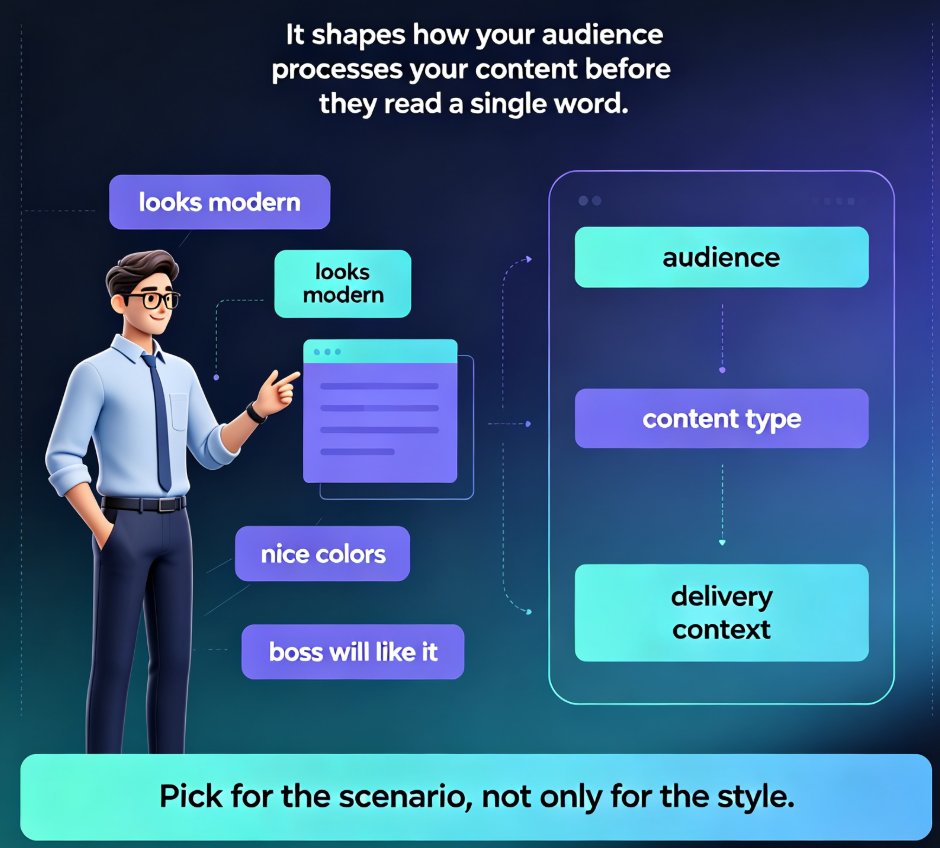
Match the template to your audience, not your taste. A board of directors wants restraint: clean lines, muted colors, minimal decoration. A product launch audience can handle more energy. Zendeck's library organizes templates by use case — business review, sales pitch, training, education — so you can filter by context instead of scrolling endlessly.
Ask yourself three questions:
- Who's watching? Executives, clients, or internal teams?
- What's the room? A boardroom, a webinar, or a conference stage?
- What's the goal? Inform, persuade, or train?
Your answers narrow the field fast. For a quarterly business review, you want a template with strong data-slide layouts — think big numbers, clean charts, and room for commentary. For a sales pitch, you want narrative flow and visual punch, with slides that move the story forward. For training, you want clarity and repetition-friendly structure, because your audience needs to absorb information, not admire design.
One mistake I see constantly: people pick the flashiest template in the library, then spend the whole deck fighting it. If a template's visual style draws attention to itself, it's the wrong template. The right one disappears into your content.
04. Customizing: make the template yours in minutes
Once you've picked a template, the next step is making it feel like yours. This is where most people get stuck — they either leave the template untouched (so it looks generic) or they over-customize (and break the design).
The sweet spot is a light touch:
- Swap in your brand colors — Zendeck's one-click reskin handles this across the whole deck, so you don't have to hunt down every accent color manually.
- Replace placeholder images with your own screenshots and photos.
- Adjust the tone — if the template's default font feels too formal, switch to something friendlier, but keep the hierarchy intact.
The goal isn't to redesign the template; it's to make it disappear into your brand.
If brand consistency is a recurring headache for your team, Zendeck's brand kit features let you lock in colors, fonts, and logos once, then apply them to every deck. This guide to building a custom brand kit walks through the setup step by step.
05. A workflow that actually saves time
Here's the workflow I use, and it's the same one I recommend to teams:
- Start with an outline. Write your key points in Word or Markdown first. Content before design — always.
- Import the outline into Zendeck. The platform generates a structured deck from your text, applying a template automatically.
- Pick your template. If you didn't choose one upfront, do it now. Filter by use case.
- Reskin for brand. One click to apply your brand kit.
- Polish the details. Swap images, tweak wording, adjust data slides.
- Share or export. Send the link or download the file.
The whole loop takes minutes, not hours. And because the template enforces consistency, you don't have to double-check every slide for alignment issues.
Here's a real example. A sales manager I know used to spend Sunday evenings building her weekly pipeline review. She'd copy the old deck, update the numbers, and pray the formatting held. With Zendeck, she imports her outline, picks the business review template, and the deck builds itself. She's down to about fifteen minutes, and the deck actually looks better than the one she used to hand-build.
The fastest way to a consistent deck is to stop designing it slide by slide and start from a system.
If you're new to this approach, the PPT tutorial hub has more workflow guides. And if your AI-generated slides ever come out looking off-brand, this fix-it guide covers the common culprits — usually a mismatched template or an unapplied brand kit.
06. What you actually gain: a quick comparison
| Approach | Time to first draft | Design consistency | Brand compliance | Skill required |
|---|---|---|---|---|
| Blank slide, manual design | Hours | Low | Low | High |
| Static template, manual edits | 30–60 min | Medium | Medium | Medium |
| Zendeck template + AI layout | Minutes | High | High | Low |
The table says it plainly: the more structure you start with, the less time and skill you need to produce a professional result. That's not a knock on manual design — it's just recognizing that most business decks don't need a designer's touch, they need a system.
For teams that want to go further, Zendeck's smart layout tools handle the alignment and spacing automatically, so even a non-designer can produce a deck that looks intentional. This article on brand governance through smart templates explains how that enforcement works at scale — and why it matters when five people are building decks for the same brand.
One honest caveat: templates aren't the answer for everything. If you're building a one-off keynote for a creative event, a fully custom design might be worth the effort. But for the 90% of business decks — reviews, pitches, updates, training — a template is almost always the smarter call.
07. The bottom line
Templates are not a compromise. They're a strategy. When you start from a well-built template, you get consistency without effort, speed without sloppiness, and professionalism without a design degree.
The best time to use a template was before you opened that blank slide. The second-best time is now.
Next time you need a business deck, don't start from zero. Open Zendeck's template library, pick one that fits your audience, and let the structure do the heavy lifting. Your message will be stronger for it — and you'll get your afternoon back.
FAQ
How do I choose the right template in Zendeck? Filter by use case first — business review, sales pitch, training, or education. Then match the template's tone to your audience: restrained for executives, more energetic for product launches. Zendeck's library organizes templates by context, so you can skip the endless scrolling.
Can I customize templates to match my brand? Yes. Zendeck's one-click reskin applies your brand colors, fonts, and logos across the entire deck. You can also set up a brand kit once and reuse it for every future presentation, so consistency becomes automatic.
How much time can templates actually save? Starting from a template typically cuts the design phase from hours to minutes. The bigger win is consistency — you skip the back-and-forth of aligning fonts, colors, and layouts across slides, which is where most teams lose time.
Do templates work for different industries? Yes. The library covers business, education, training, and more. The key is choosing a template whose tone matches your industry — a law firm and a startup rarely want the same visual energy, and Zendeck's filtering helps you find the right fit.
Can my whole team use the same templates? Absolutely. That's the point. When everyone pulls from the same library and applies the same brand kit, every deck looks like it came from the same team — because it did. That's the fastest path to brand consistency at scale.