How to Keep Brand Consistency Across Decks with Zendeck
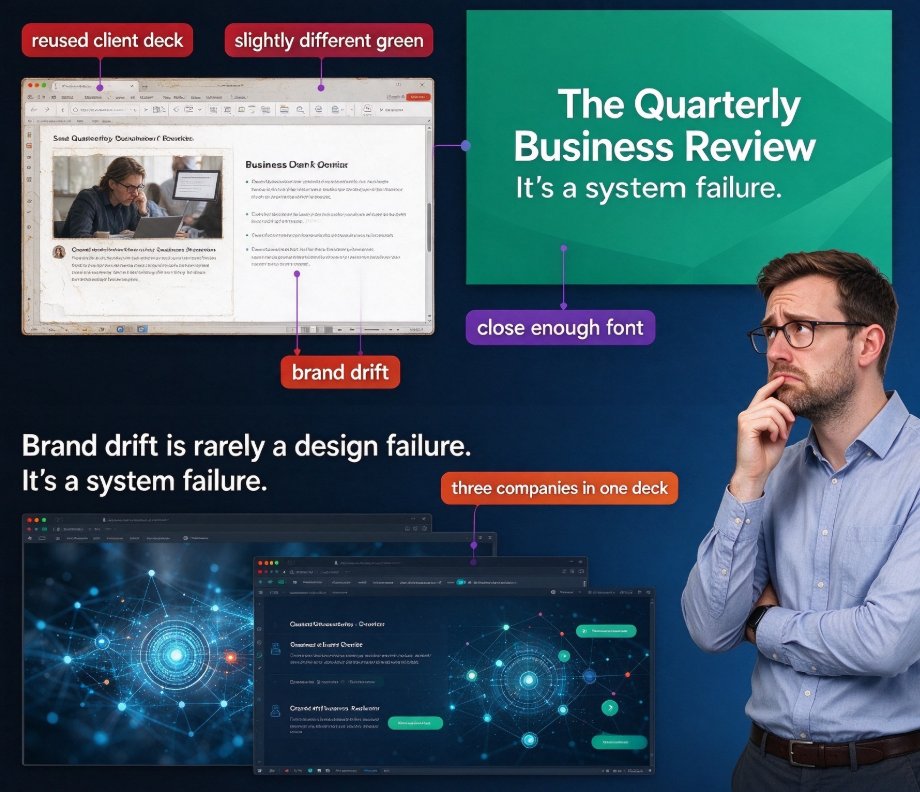
You know the scene. Someone on the team reuses an old client deck, swaps in a new cover slide that has a slightly different green, and picks a font that's "close enough" to the brand one. Nobody meant to break anything. But now the quarterly business review reads like three different companies collaborated on one presentation.
Let's be real: brand drift is rarely a design failure. It's a system failure. When your brand identity lives in a PDF guide that nobody opens, and your fonts sit on one designer's laptop, you will keep producing inconsistent decks. Every single time.
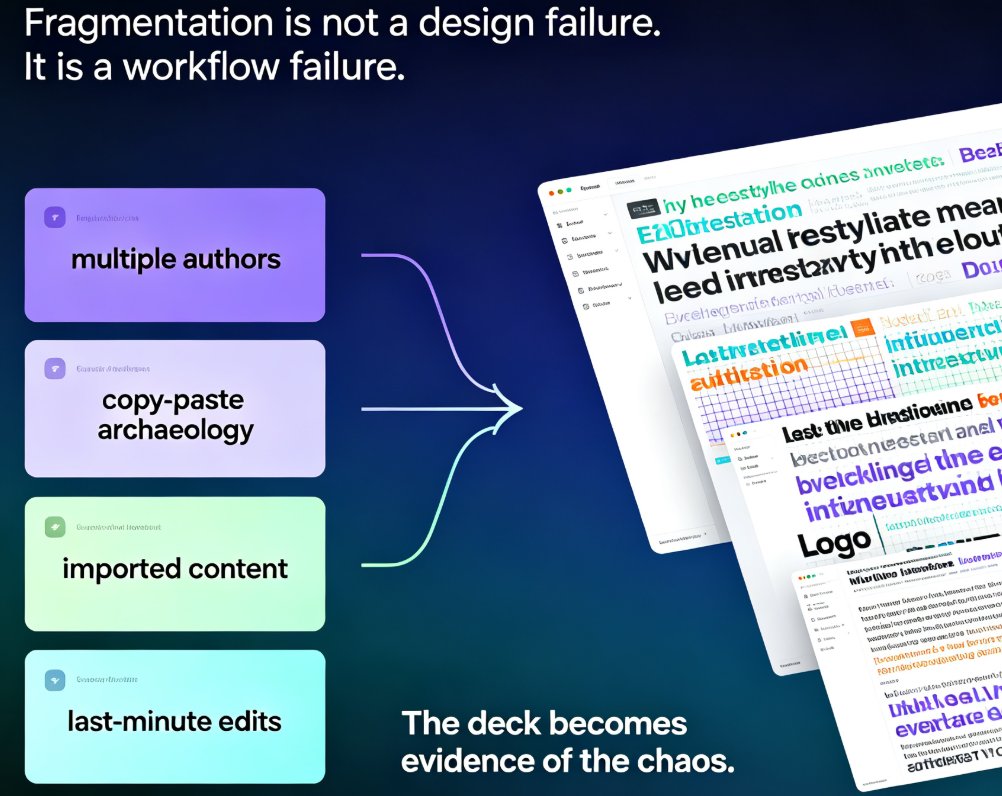
The cost shows up in two places. First, audience trust — inconsistent visuals make even strong content feel unpolished. Second, team hours — someone ends up manually re-coloring shapes, re-mapping fonts, and nudging logos pixel by pixel. That's not a design problem; it's a workflow problem.
01 — Why Consistency Matters More Than You Think
Consistency is what makes a brand feel like a brand. When every slide across every deck follows the same color palette, typography hierarchy, and logo placement, you build trust without saying a word. When they don't, you feel the friction immediately — even if you can't name the reason.
Here's what most people miss: inconsistency is a cognitive tax on your audience. Every time a viewer processes a new layout, a new color, or a new font style, part of their attention shifts from your message to the change. Consistent design is not a vanity metric. It's a comprehension lever.
For sales decks, investor pitches, and courseware, the stakes are even higher. An inconsistent deck reads as unprofessional — whether you're presenting a Series A pitch or teaching module three of an onboarding program. Your content deserves better than to be undermined by a font mismatch.
◉ How often should you audit your decks for consistency?
Do it every time a deck is finalized. Run a quick pass for alignment, spacing, colors, fonts, and chart styles. If multiple people worked on the same deck, a second review catches most of the drift — it's the small "I'll just tweak this color real quick" moves that break the system.
02 — The Traditional Fixes (and Why They Fall Short)
So how do most teams try to hold the brand line? Three common approaches, three different failure modes.
Option one: the brand guide PDF. It's comprehensive, beautiful, and read by exactly nobody when a deadline hits. The guide is the single source of truth in theory — and the source of endless Slack arguments in practice.
Option two: template files on a shared drive. You hand everyone a .pptx with the right masters, fonts, and colors. Then versioning hell begins: someone overwrites the master, someone uses an older copy, someone opens it in a different tool and the fonts silently break.
Option three: the designer bottleneck. Your one in-house designer becomes the gatekeeper for every deck. When they're busy — which is always — decks get built by whoever is available, and consistency drifts again.
The common thread? All three approaches depend on human discipline to follow rules, instead of relying on the system to enforce them. When you rely on people remembering the rules under deadline pressure, you get inconsistency. When the system prevents the violation in the first place, you get consistency for free.
03 — Zendeck's Template Library: Your Single Source of Truth
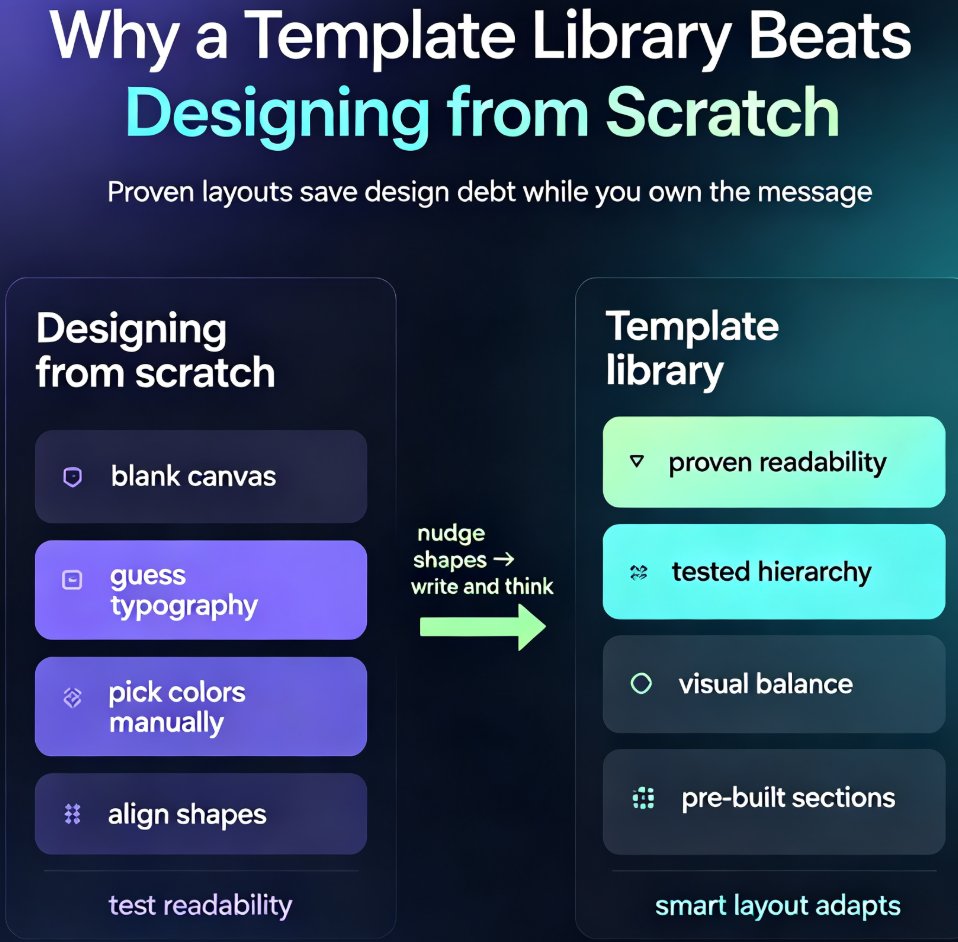
This is where Zendeck changes the game. Instead of a brand guide PDF or a fragile .pptx master, Zendeck gives you a template library that acts as the single source of truth for your brand. Every deck starts from a curated, pre-approved template where the core brand elements — color palette, typography, logo placement, image style — are locked in from the first frame.
What does that actually look like in practice?
- Pre-approved palettes. Your primary, secondary, and accent colors are defined once. No new colors sneak in mid-deck.
- Typographic hierarchy. One or two fonts, with clearly assigned roles for headers and body text. No "close enough" substitutions.
- Logo placement rules. Your logo sits exactly where it should on every slide, automatically.
- Chart and icon styling. When someone adds a chart or icon, it inherits the brand's visual language instead of the tool's default look.
The outcome: anyone on your team — the new intern, the product manager, the sales director — can create a deck that looks like it came from your brand department. The dependency on skilled designers disappears, and the need for subjective design decisions shrinks to nearly zero. You focus on the content; the template handles the look.
Want to see how Zendeck picks the right template for your content? Check out AI Deck Template Selection: How Zendeck Picks the Right Look for You. And if you're curious about how AI enforces brand rules at scale, read Zero-Design Brand Governance: How AI Templates Enforce Consistency.
04 — One-Click Reskin: The Rescue Tool for Every Legacy Deck
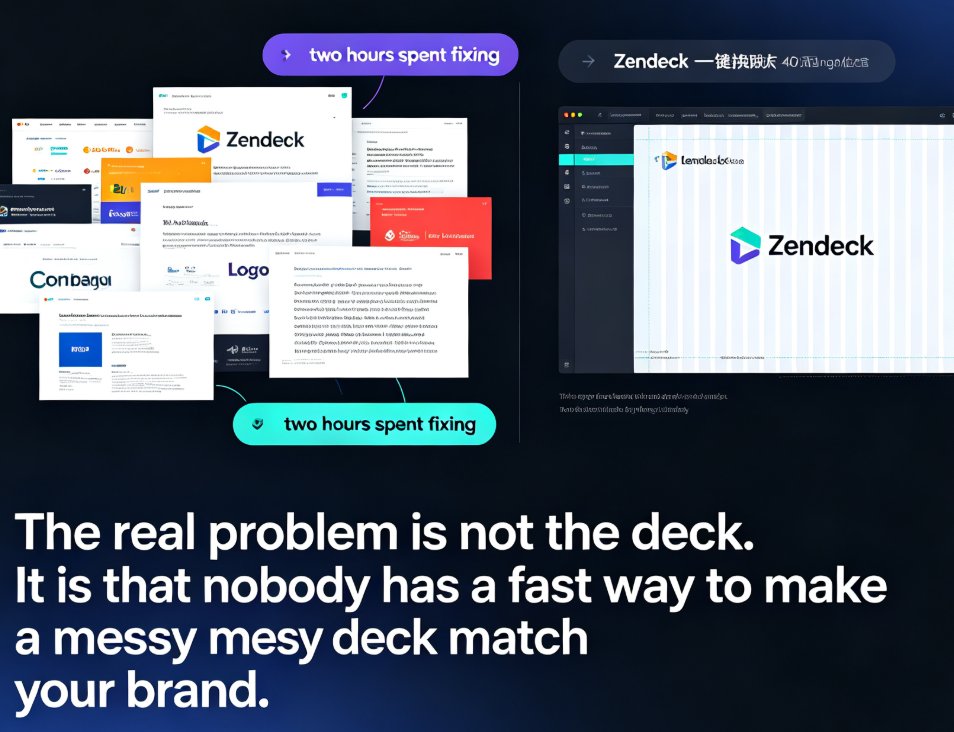
Here's the scenario that makes Zendeck a team favorite. Your colleague built a 40-slide deck for last year's product launch. Solid content, great narrative — but it looks nothing like your current brand. Rebuilding it manually means two days of formatting. Nobody has two days.
One-click reskin fixes that in seconds. You apply your current brand kit — colors, fonts, logos — to the entire deck at once. Every slide re-skins instantly, and the layout adapts around your brand rules without breaking the slide structure. It's the difference between manually changing one font at a time and rewriting the entire style layer in a single action.
This isn't just about saving time. It's about making brand compliance a decision, not a chore. When you can reskin a legacy deck in one click, there's no excuse to ship an off-brand presentation — even if the deck predates your most recent brand refresh.
For a full walkthrough of setting up your brand kit, take a look at 5 Ways to Create a Custom Brand Kit in Zendeck for Consistent Decks. And if your team has a whole archive of legacy content, reskinning is the fastest way we know to bring a library of old decks back under the brand umbrella.
05 — Building a Workflow That Actually Sticks
Tools only work when they're wired into how your team operates. Here's a simple routine that makes brand consistency the default, not the exception.
Step 1: Set your brand kit once. Spend 15 minutes defining your palette, fonts, logo placement, and chart style in Zendeck. This becomes your reference point for everything.
Step 2: Mandate template library starts. Every new deck begins from the library, not from a blank canvas. This alone eliminates 90% of drift at the source.
Step 3: Reskin any legacy deck before it ships. If you're pulling an old deck off the shelf, run one-click reskin before the first edit. It takes seconds.
Step 4: Do a 5-minute consistency audit before export. Check alignment, spacing, colors, fonts, and charts one last time. When multiple people worked on a deck, this step is non-negotiable.
Step 5: Keep your asset library aligned. Use Zendeck's asset library for icons and charts so new visuals inherit the brand style automatically. Learn more about how AI asset libraries are revolutionizing corporate brand consistency.
That's it. No design skills, no late-night Slack debates about "which green is the brand green."
If you're building beyond one-off decks — say, a whole courseware system — the same logic applies at scale. The 2026 Template Library Trends: Why Contextual Templates Beat Generic article explains where this is heading.
Manual Effort vs Template Library vs Zendeck
| Dimension | Manual design with brand guide | Basic template files | Zendeck template library + reskin |
|---|---|---|---|
| Brand enforcement | Relies on human discipline | Locked in templates, but fragile versions | Enforced systematically via brand kit |
| Legacy deck fixes | Full rebuild required | Rebuild or manual edits | One-click reskin in seconds |
| Non-designer output | High variability | Decent, but breaks easily | Consistent across all users |
| Version control | None | Common problem | Centralized and reliable |
| Subjective decisions | Every slide | Fewer, at template level | Minimal, enforced by the system |
| Time to brand a deck | Hours to days | Hours | Seconds to minutes |
FAQ
Can Zendeck apply my existing brand colors to an old deck? Yes. One-click reskin applies your current brand kit — colors, fonts, logo placement — to any existing deck instantly, so you don't need to rebuild slides or re-color shapes manually.
What's the difference between Zendeck's template library and one-click reskin? The template library is the starting point: every new deck begins from a pre-approved, on-brand template. One-click reskin is the fixer: it applies the same brand rules to an existing or legacy deck in a single action, aligning content that predates your current style.
Can non-designers create on-brand decks with Zendeck? Absolutely. Zendeck enforces brand rules through the system, not through design skill. A sales rep, intern, or product manager can start from the template library and produce a deck that looks professionally designed.
How many slides can one-click reskin handle at once? It handles your entire deck — 40, 60, 100+ slides — in a single action, adapting the layout around your brand kit without breaking slide structure.
Does Zendeck support custom logos and fonts? Yes. Your brand kit defines logo placement, typography hierarchy, and the color palette, and those rules are respected across the template library, new decks, and reskins.