One-Click Reskin: How Zendeck Auto-Unifies Fonts, Colors, and Layouts
One-Click Reskin: How Zendeck Auto-Unifies Fonts, Colors, and Layouts
Let's be honest about the worst part of presentation work: it's not the writing, and it's rarely the data. It's the day before the big meeting when you realize your "final" deck looks like it was assembled by four people who never spoke to each other. Slide 3 uses a chunky serif title. Slide 14 is a different shade of blue than slide 2. And somewhere in the middle, a bullet list is overflowing its text box because someone pasted a paragraph into a placeholder designed for five words.
This is the reality of most corporate and academic decks. They aren't designed — they're assembled. And that assembly process silently eats your credibility. Audiences notice when a deck is visually inconsistent, even if they can't articulate why it feels off.
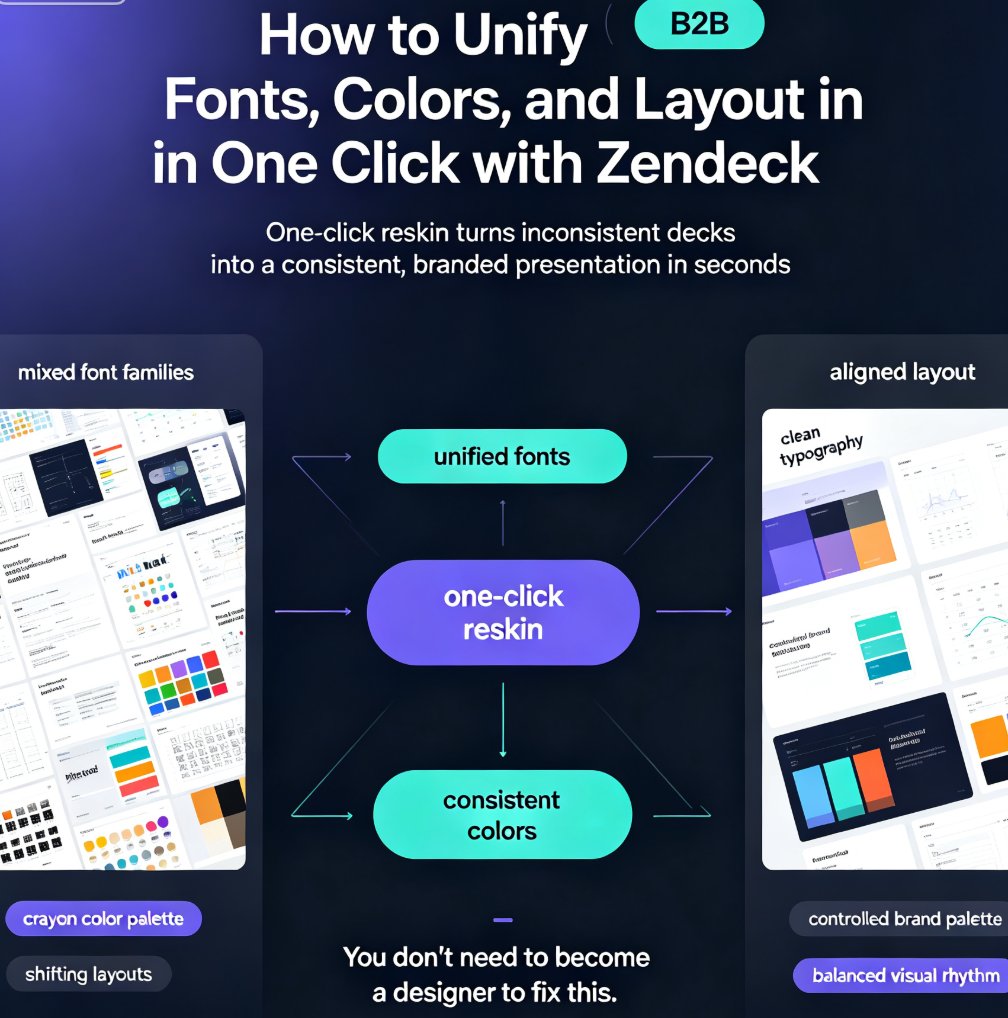
The good news: fixing this no longer requires a weekend of manual rework. AI presentation tools like Zendeck now offer a one-click reskin — a smart layout engine that auto-unifies typography, color palettes, and slide structure across an entire deck. You click once, and the whole thing snaps into a consistent, on-brand system. Here's how it works, and what it means for anyone who ships decks for a living.
01. Why Decks Fall Apart (and Stay Broken)
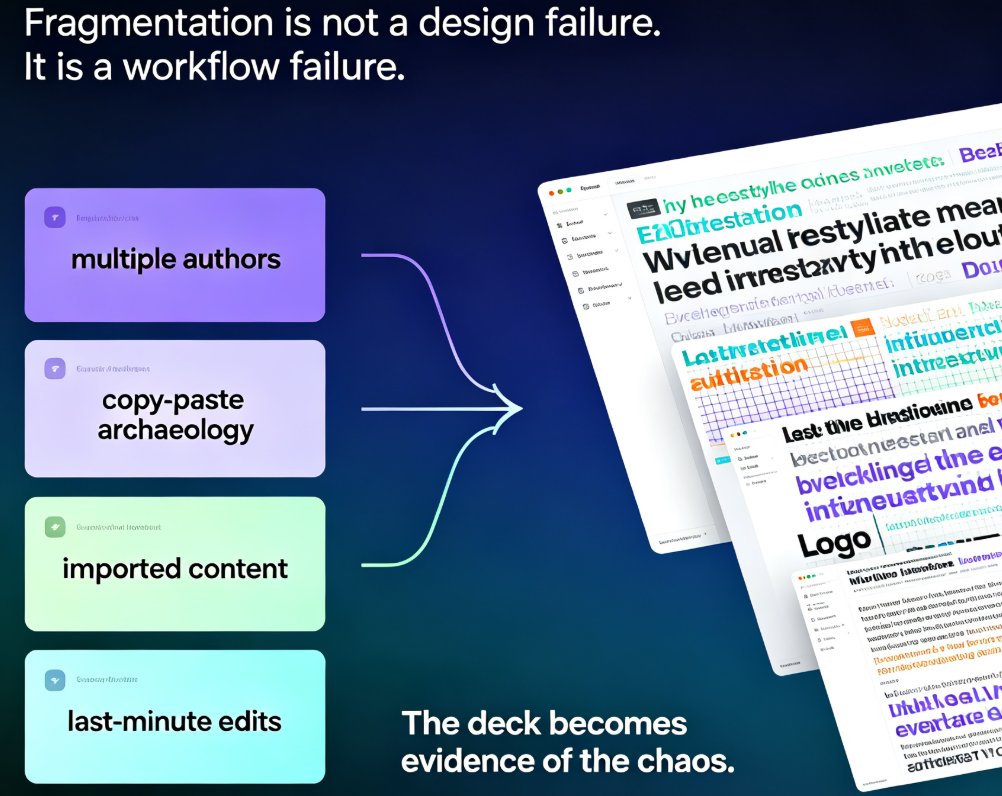
Fragmentation isn't a design failure — it's a workflow failure. Most decks pick up inconsistencies through a predictable series of events:
- Multiple authors editing slides in sequence, each bringing their own fonts and formatting habits.
- Copy-paste archaeology — pulling slides from old decks, client templates, and vendor files.
- Imported content from Word, Google Docs, or PDFs that arrives with random heading styles.
- Last-minute edits that stretch a text box or shrink a logo, breaking alignment that was previously fine.
The result? A patchwork of mismatched font sizes, clashing colors, broken grids, and — in the worst cases — text that renders invisibly over busy background images.
This is a known problem even inside the AI presentation space. As one design guide notes, "inconsistency — a slide where the title is 28 pt Calibri followed by a slide where it is 24 pt Arial — signals that the deck was assembled by multiple people without coordination" (Deckary, 2024). The deck itself becomes the evidence of the chaos.
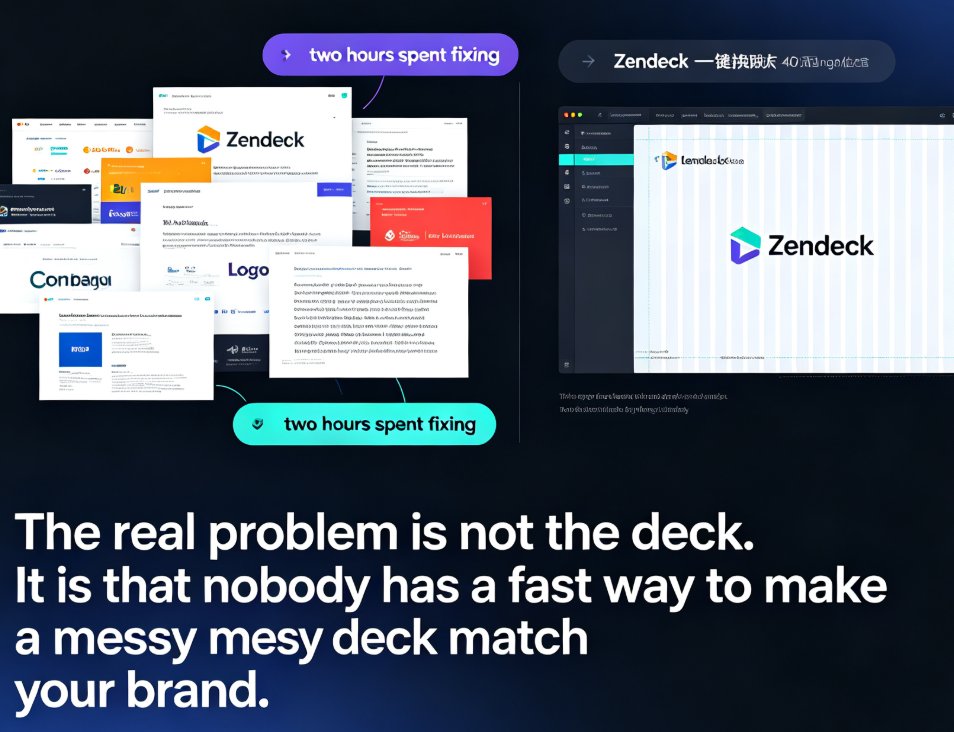
Restyling that deck the old-fashioned way means manually re-checking every slide, re-setting every font, and re-aligning every box. That's why decks stay messy: nobody has the hours to fix them properly.
02. Template Swap vs. True Reskin: The Crucial Difference
A lot of people assume changing a deck's look means swapping a template. It doesn't.
A template swap layers a new background over your existing slides. It changes the "skin" but not the structure. If your slide 7 has a title cramming into the margin, the new template doesn't care — it just repaints the background and leaves the mess intact.
A true reskin is different. As Gamma's team put it, their responsive layout engine treats design "as a dynamic system rather than a fixed slide canvas." When you apply a new theme, the entire presentation is recalculated: spacing, padding, typography, and content flow are dynamically adjusted to fit the new visual style (Gamma.app, 2024).
The key distinction is that a true reskin understands content hierarchy — it knows which text is a title, which is a heading, which is a label. It doesn't just paint over a deck; it rebuilds every slide around a coherent design system. This is the same philosophy that's pushing the whole category beyond static templates toward smart layouts and context-aware design — the shift that makes one-click reskinning possible in the first place.
"True one-click presentation restyling requires more than a simple template replacement — it depends on an intelligent layout engine that understands content hierarchy and automatically adapts every slide." (Gamma.app, 2024)
That's also how Zendeck approaches reskinning — and it's why the result looks like a designer touched it, not like a filter was applied.
03. ◉ How Zendeck's Smart Layout Engine Auto-Unifies Your Deck
So what actually happens when you click "reskin" in Zendeck? The engine runs a five-step process across the whole deck:
- Content hierarchy detection. Zendeck parses every slide and classifies elements: titles, body text, headings, bullets, image captions, logos. It builds a map of what matters.
- Typography normalization. Every font is mapped to the new design system. A 28 pt title on slide 3 and a 24 pt title on slide 14 both become the same style — consistently sized, consistently weighted.
- Color palette application. The engine swaps accent colors, backgrounds, and text colors systematically, instead of relying on someone remembering the exact hex code of the brand blue.
- Layout reflow. Margins, padding, card sizes, and content flow are recalculated. If a new theme changes the card width, the engine adjusts the text scale proportionally rather than letting it break.
- Consistency pass. A final sweep catches stragglers — a lone font that survived, a box that's 4px off the grid, a contrast combo that's unreadable.
The result is a deck that holds together like a designed system, not a series of slides that happen to be in the same file. This is part of the broader trend of AI-driven design automation, where the software stops being a passive canvas and starts handling layout decisions for you — the same engine logic that powers smart layouts across modern presentation tools.
A true one-click reskin isn't a template thrown over a mess — it's an intelligent layout engine that understands content hierarchy and rebuilds every slide around it. That's the difference between looking "fine" and looking intentional.
04. Before and After: What Auto-Normalization Looks Like in the Wild
Let's make this concrete with two scenarios you'll recognize.
Scenario A: The Corporate Brand Rollout
Your company updated its brand guidelines six months ago, but the sales team kept presenting with slides built over a year by three different reps. There are slides with the old logo, slides with a font that was discontinued, and a slide someone built in Canva that uses completely different styling.
Manually, bringing 40 slides up to current brand standards means checking every font, every hex code, every logo placement. Realistically, that's 6 to 8 hours of tedious work — and the result still depends on how patient the reviewer is.
With a one-click reskin, you apply the current brand kit and the engine normalizes everything: fonts match the new typeface, colors snap to the new palette, spacing conforms to the design system. The deck looks like it was produced yesterday by the brand team itself. If you want to lock this behavior in for future decks, setting up a custom brand kit is the move — it turns reskinning from a one-time fix into a default workflow.
Scenario B: Academic Courseware
An instructor pastes a syllabus and lecture notes into presentation software. The first slide has a 40 pt title, the third has a 32 pt title. Body text is inconsistently indented, and one slide has a paragraph spilling past the right margin.
For educators, this matters beyond aesthetics — readability directly affects whether students can follow along. A reskin normalizes heading sizes and spacing, which improves comprehension and makes the courseware feel more professional. The same engine powers courseware design, so educators get structurally sound slides without learning design software.
05. ◉ Brand Guidelines Without the Police Work
The real promise of one-click reskinning isn't just speed — it's governance. When your design system lives in a smart template or brand kit, the rules are enforced by the system, not by human memory.
Nobody has to remember whether the accent color is #0F4C81 or #0E4D82. Nobody has to check if the body font is Inter or Roboto. The engine enforces those rules on every slide, on every deck, for every team member.
If you want the full playbook, our guide on creating a custom brand kit walks through the exact setup, and the deep dive on how AI templates enforce consistency explains why template-driven rules beat human review.
The strongest argument for one-click reskinning: it converts brand compliance from a policing problem into a default behavior. Your team can't ship an off-brand deck because the system won't let it.
There's also a compliance angle that's easy to overlook: accessibility. A reskin engine that recalculates contrast and text scale — rather than painting over it — is far more likely to produce slides that meet WCAG standards. That's not a nice-to-have anymore; accessible presentations are becoming a baseline expectation, and an engine that fixes readability systematically gives you a head start.
06. The 15-Minute Reskin Workflow
Here's a reusable workflow for turning any messy deck into an on-brand presentation. It takes about 15 minutes, including the coffee.
- Audit your deck (5 min). Scroll through and note the big offenders — different fonts, clashing colors, broken layouts. Don't fix them yet; just know where the damage is. The engine will handle the systematic stuff.
- Pick your visual direction (2 min). Choose a brand kit if you have one, or start from a template that matches the audience and the room. If you're unsure where to begin, Zendeck's template selection can help pick the right look for the context.
- Click reskin (1 min). Let the layout engine reflow every slide. This is the part where a template swap would normally break the layout — but the engine is recalculating spacing and content flow to fit the new theme.
- Spot check (5 min). Skim dense slides and any that use unusual elements (charts, tables, screenshots). A design engine normalizes containers, but a custom-built infographic might still deserve a human glance.
- Export or move on (2 min). Ship the deck, or take it one step further and turn it into a narrated micro-course for training purposes.
That's it. Five steps, 15 minutes, and the deck that used to take an evening of polish now meets brand standards before your second cup of coffee cools.
07. Reskinning on a Time Budget: Manual vs. One-Click
If you're still unconvinced that restyling is a solved problem, the time comparison below spells it out. These are illustrative figures from typical restyling workflows across decks of different sizes — the kind of numbers you'd see from a team doing this by hand versus letting an engine handle it.
The bottom line: on a 60-slide deck, manual restyling consumes over half a workday. One-click reskinning brings that down to a coffee break — a 96% reduction in restyling time (from roughly 360 minutes to 15 minutes per deck).
A Quick Comparison: Manual Restyle vs. Zendeck One-Click Reskin
| Criteria | Manual Restyle | Zendeck One-Click Reskin |
|---|---|---|
| Time for a 60-slide deck | 6–8 hours of careful work | ~15 minutes |
| Font consistency | Depends on memory and discipline | Enforced by the design system |
| Color compliance | Copy-paste errors common | Systematic palette swap across all slides |
| Layout reflow | Manual repositioning of every box | Automatic recalculation of spacing and content flow |
| Brand governance | Requires human review and reminders | Rules enforced by smart templates and brand kits |
| Reuse on the next deck | Start over from scratch | Same click, again and again |
08. When One-Click Reskin Isn't Enough
Let's be real — reskinning is not magic, and there are edge cases where you'll want a human touch.
Heavily customized visuals — hand-built org charts, diagram-heavy infographics, or decks where the imagery deliberately breaks the grid — may need a few manual nudges after the reskin. The engine normalizes containers, fonts, and colors, but it's not going to redraw your custom architecture diagram.
Image-dependent decks — where the photo carries the message and the text is almost incidental — often reskin cleanly, because the engine isn't changing the images. But if the images themselves clash with the new palette (say, a warm-toned photo next to a cool-toned theme), you may want to adjust the images or the theme choice.
The practical rule: let the engine handle the systematic 95%, and reserve your manual attention for the individual slides that are genuinely bespoke. That's a much better use of your time than manually restyling all 60 slides.
Final Thought
One-click reskinning isn't about removing human judgment from design — it's about removing the tedious, error-prone busywork that never added any value in the first place. When Zendeck auto-unifies fonts, colors, and layouts, you get the credibility of a professionally designed deck and the speed of a tool that actually understands structure.
Next time you're staring at a Frankenstein deck the night before the big meeting, remember: the fix is one click away. And if you want more hands-on guidance, the full PPT tutorial hub has practical walkthroughs for getting the most out of your AI presentation workflow.
FAQ
Q: What does "one-click reskin" mean in Zendeck?
One-click reskin is Zendeck's smart layout engine applying a unified design system — consistent typography, a single color palette, and standardized spacing — across an entire deck in a single action. Instead of repainting a template over your slides, it recalculates every element's layout so content reflows cleanly around the new style.
Q: Will one-click reskinning break my content or custom layouts?
Generally, no. The engine parses content hierarchy and reflows spacing, padding, and text scale to fit the new theme, which prevents the broken alignment you'd get from a simple template swap. That said, heavy custom elements like hand-built org charts or diagram-heavy infographics might need a quick manual nudge on a handful of slides.
Q: Can I enforce my company's brand colors and fonts automatically?
Yes. If you set up a custom brand kit or use smart templates, the design rules are enforced by the engine on every slide. Nobody has to remember the exact hex codes or font names — the system applies them consistently, and off-brand decks become almost impossible to ship.
Q: Does one-click reskinning work on imported PowerPoint files or Word outlines?
Yes. Zendeck can import PowerPoint files and Word outlines; the parsed content is converted into a flexible format that supports true one-click restyling. Depending on the complexity of the original layout, you may need minor adjustments on a few slides, but the systematic restyling still applies across the deck.
Q: How long does it take to restyle a 60-slide deck with Zendeck?
Roughly 15 minutes, including a quick audit and spot check. By comparison, manual restyling of a 60-slide deck typically takes 6–8 hours. That's a roughly 96% reduction in restyling time — and the result is more consistent than most manual efforts.