Canva vs AI Presentation Tools: Which One Wins for Your Team in 2026?
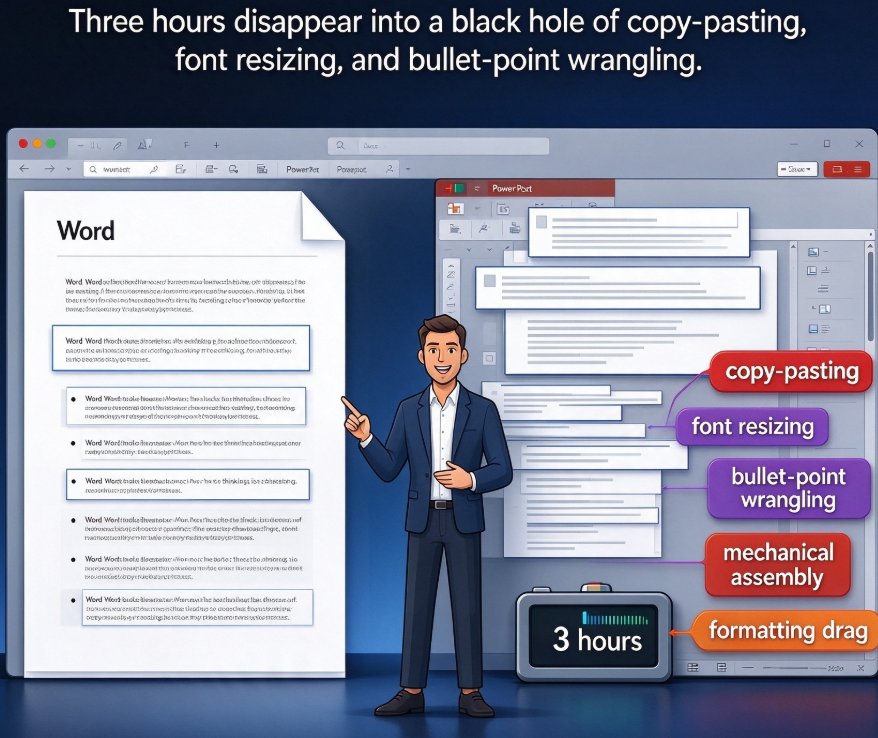
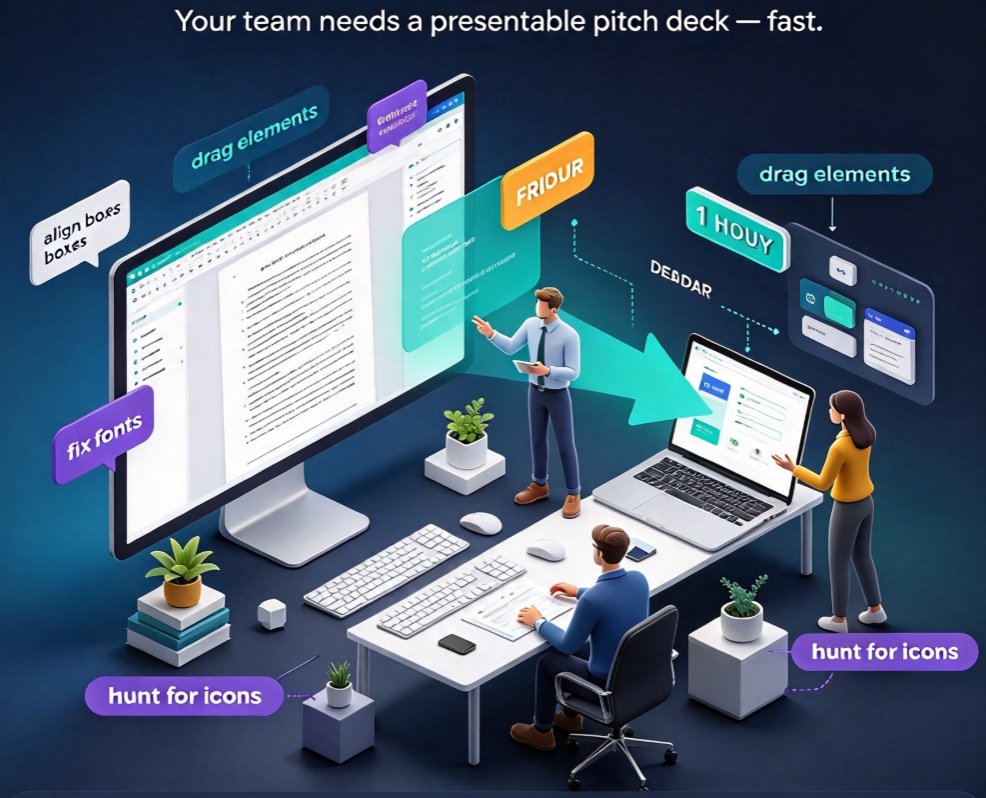
Your team needs to deliver a pitch deck by Friday. The director just dropped a 40-page Word outline on you. Now you have an hour to make it presentable.
Most of us open the same old tool—Canva, perhaps, or PowerPoint—and start dragging elements around. The result? Half the team spends time aligning boxes, fixing fonts, and hunting for icons. Meanwhile, a new generation of AI presentation tools (think Zendeck, Gamma, or Beautiful.ai) is changing the game: they don't just help you design slides, they actually build the deck for you.
Let's be real, comparing these two is not apples-to-apples. Canva is a design platform with AI helpers. Zendeck is an AI presentation engine that took the opposite approach: it starts with your content and generates the slides. So before you renew another year of Canva seats, let's break down which workflow actually saves your team time in 2026.
I. The AI-Native Divide: Why Zendeck Thinks in Decks, Canva Thinks in Canvas
When you log into Canva, you start with a blank canvas and search through thousands of templates. You have total control, but you are still the one doing the work. There's an AI text generator and magic resize, but the core interaction model is still the same as it was in 2013.
Zendeck, in contrast, was built for the outline-to-deck workflow. You upload a Word document, paste Markdown, or just type a text brief. The AI parses your structure, identifies headings and key points, and generates a visual slide deck with consistent layouts in minutes.
This isn't just a feature difference, it's the difference between editing and creating. When you use Zendeck, you are acting like a course author or a training lead, not a slide designer. You draft the narrative and the AI handles the visual choreography.
Offhand tip (from someone who's created 200+ decks): If your team spends more than 3 hours per week on formatting—re-sizing boxes, aligning shapes, moving images—that's wasted time. An AI-native tool will cut that down to near zero. You don't need more time in Canva, you need a different machine.
II. Design Control vs. Smart Layout: What Do You Actually Need?
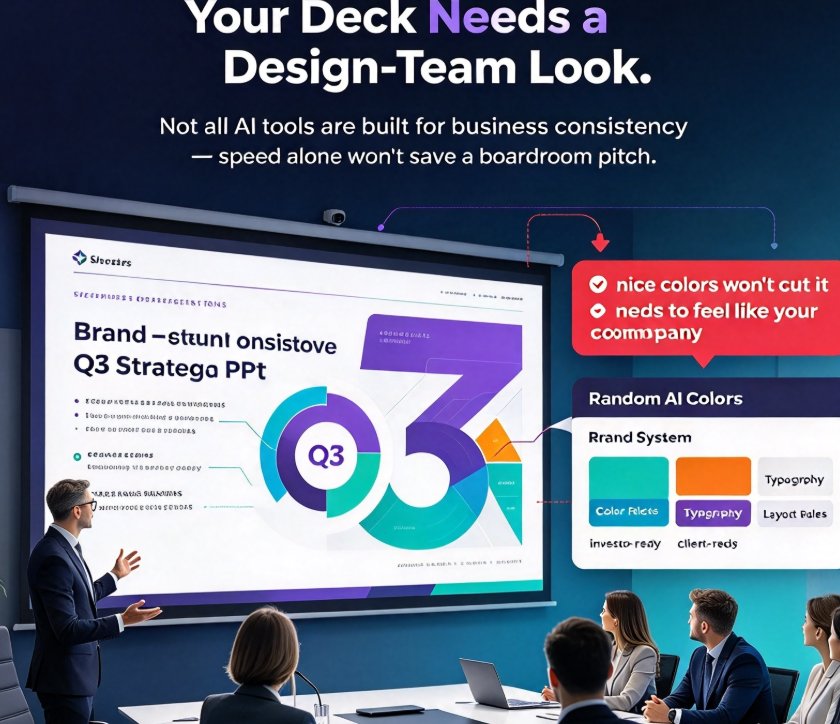
Here's the tension in every design tool. Canva gives you pixel-level control. You can move everything, stretch everything, and if you want a weird gradient, go for it. But that freedom has a hidden cost: it's incredibly easy to make a bad design. One team member uses a dark blue background, another uses a gold font, and suddenly your pitch deck looks like five different companies presented it.
Zendeck's answer is Smart Layouts with one-click reskinning. The AI enforces a design system across all slides. When you update content, it adjusts spacing and alignment automatically. It's like having a design director on call, which matters more than you think.
Quick Scenario: The Corporate Trainer
Pain point: An HR training lead spends 4 days assembling a 60-slide onboarding deck, manually copying the brand font and colors. The result is still inconsistent.
Solution: They paste their markdown into Zendeck, hit generate, and get a 60-slide deck with branded, uniform smart layouts. They then run the one-click reskin to match the company template.
Outcome: The lead saves 3.5 days and the deck is actually on-brand. You can't teach a design system to 12 overworked HR reps; you give them a tool that enforces it.
If you're the rare graphic designer who lives for custom layouts, Canva wins. But for the other 95% of us who need a clean, effective pipeline, smart layouts aren't a limitation—they're a relief.
III. The Flexibility Reality: Editable PowerPoint vs. Online-Only Assets
A 2025 market trend shows that teams aren't just generating decks, they're turning them into video, e-learning, and web content. The winner in this space is the tool that works for your entire workflow, not just your next meeting.
Canva allows you to export PPTX, though sometimes with layout quirks once it hits PowerPoint. Zendeck gives you editable PowerPoint exports that don't break when you get back to the office suite. And it has native PPT-to-Video, turning static slides into narrated micro-courses.
That's a huge edge for education and corporate training teams. Let's be honest, how many times have you built a deck in Canva and then had to rebuild it in PowerPoint because the client uses on-campus legacy templates? It's tedious.
IV. Collaboration and Brand Consistency in Teams
Before you commit to a yearly seat for 20 people, look at collaboration. Canva's collaboration is good—real-time editing, comments, etc. But it's also chaotic. Everyone edits everything; two people fiddle with the same slide; brand police go crazy.
Zendeck approaches collaboration through templated consistency and role-based workflows. Since a brand-stable template library (with contextual templates) lives in the tool, you don't need 10 people fighting over fonts. The structure is decided once by admin. The rest of the team just fills in the content. We've seen it work wonders for sales teams where every rep needs to update a regional slide but keep the global pitch intact.
Let's do a quick comparative jump:
V. The Head-to-Head at a Glance
| Category | Canva | Zendeck |
|---|---|---|
| Core Workflow | Blank canvas / template, manual drag-and-drop | AI-generated deck from outline/text, smart layout |
| Learning Curve | Medium (lots of features, easy to get lost) | Shallow (paste outline, generate deck) |
| Design Control | High (pixel-level custom design) | Medium-high (thematic controls via smart layouts) |
| Brand Governance | Manual; style guides developed by you | Enforced via templates; one-click reskin |
| Speed of Delivery | 1–3 hours per basic deck (still manual) | 5–10 minutes for first draft |
| Best For | Social media graphics, marketing one-pagers | Pitch decks, educational courseware, consistent corporate decks |
| Export | PPTX, PDF, PNG; video partly | PPTX, video (PPT-to-Video), subtitles, micro-courses |
| Pricing Model | Per-user tiers with AI credit caps | Scalable, volume-focused; check current site |
If this reads like a sales pitch, let me bring in a bit of reality—we saw comparable tools like Beautiful.ai on the market, and they're great too. But from a pure evaluation standpoint, Zendeck's outline-to-deck rapport is a stronger fit for team productivity than Canva's generic design space. Scientists, educators, and consultants love this because they are text-strong and design-weak (no offense to us).
VI. When Should You Stay with Canva? (Honest Talk)
I'll give you three cases where Canva is the right button to press:
- You create a large volume of social media posts and live graphics. Canva is unbeatable there.
- You need highly abstract, bespoke visuals every day. If you're a trained designer, you'll feel limited inside fixed layouts.
- Your team already deep-dives in AI tools like next-gen image generators and editing pipelines that integrate with Canva.
But if you're in the slide-creating business—training decks, corporate updates, investor pitches, e-learning modules—you're likely leaving real money on the table by not automating the layout stage.
VII. Data Speaks: The Speed & Consistency Difference
Data from a recent roundup of AI presentation tools (Presenti, Gamma, and Beautiful.ai comparisons) confirms the trend: AI-native tools cut down presentation creation time by up to 80% for structured content. The image below shows how simple deck assembly time compares.
font-weight="bold">using templates
Canva isn't bad at design—it's bad at delivering design speed for repetitive, text-heavy decks. If your team is generating 1-2 decks a week, that's roughly 2–4 hours saved per deck, hitting six to eight hours weekly. That's an entire workday.
VIII. The Verdict and What to Do Next
Let's wrap this up with a 10-second decision path:
- Do you create mostly presentations and training material? Choose an AI-native deck generator like Zendeck to cut the drudgery.
- Do you also run social campaigns and need bespoke graphical assets daily? Keep Canva in your stack, but consider using Zendeck for the presentation layer.
Zendeck isn't trying to replace your design suite; it's replacing the assembly line. The position it stakes out is this—anyone without design skills can generate structured, on-brand decks in minutes. That's what pitching, teaching, and reporting feel like when the math runs in your favor.
If you're evaluating tools for your team, set aside two hours this week to run both side-by-side. Paste the same content into Canva AI and Zendeck. Watch when each gives you an exportable PPTX. I've done this with multiple teams, and the outcome was consistent—for structured content, the AI-native deck approach simply wins on time. Just don't forget to keep Canva open for the Instagram story.
FAQ
Which tool is better for non-designers: Canva or Zendeck?
Zendeck is the better pick for non-designers who need professional decks fast. Its AI builds the slides from a simple outline and keeps layouts consistent, so there is no manual formatting. Canva gives you more control but pushes the effort onto you, making it slower for larger decks.
Can Zendeck replace Canva for team presentations?
For an organization that lives in PowerPoint decks, sales pitches, or training, Zendeck absolutely can replace Canva. But if you rely on Canva for many social graphics or bespoke visual designs, consider keeping both—Zendeck for structure, Canva for flair.
What is the main difference between Zendeck's AI generation and Canva's AI features?
Zendeck starts from plain text, Markdown, or a Word outline and generates an entire slide structure with matching layouts. Canva offers some AI copywriting and image generation but the user still assembles the slides, drags elements, and polishes visuals manually.
How do Zendeck and Canva compare in pricing for teams?
Canva's team plan is per-user monthly plus AI credits, which add up. Zendeck's pricing focuses on volume and often works out cheaper per deck for professionals or departments producing a steady stream of presentations. Always check current plan pages for accurate numbers.
Is one tool more capable for turning slides into video?
Yes—Zendeck natively turns slides into narrated micro-courses with auto-subtitles, an underrated feature for e-learning sales and training. Canva can export a video timeline but requires manual audio and animations per element, a far slower process.
This article was produced with editorial input from the Zendeck team, focused on giving you a transparent and practical comparison.