Tags:smart layout engine

4 articles

One-Click Reskin: How Zendeck Auto-Unifies Fonts, Colors, and Layouts

PPT Tutorial 2026-09-07 1680

One-click reskin in Zendeck turns a scattered, multi-author deck into a single, on-brand presentation in minutes. Zendeck's smart layout engine auto-unifies fonts, colors, spacing, and slide structure across the whole deck — no manual redesign, no template-pasting, no broken alignment. This guide walks through what reskinning actually does under the hood, the real before-and-after scenarios in corporate and academic settings, how to enforce brand guidelines without hiring a design police force, and a 15-minute workflow you can reuse on every deck. We also cover edge cases where one-click reskin needs a human touch. If you've ever shipped a deck with three fonts and five shades of blue, you'll want to read this before your next all-hands.
Consistent Branding Across Decks? Zendeck One-Click Reskin Fixes It

Courseware Design 2026-09-02 2845

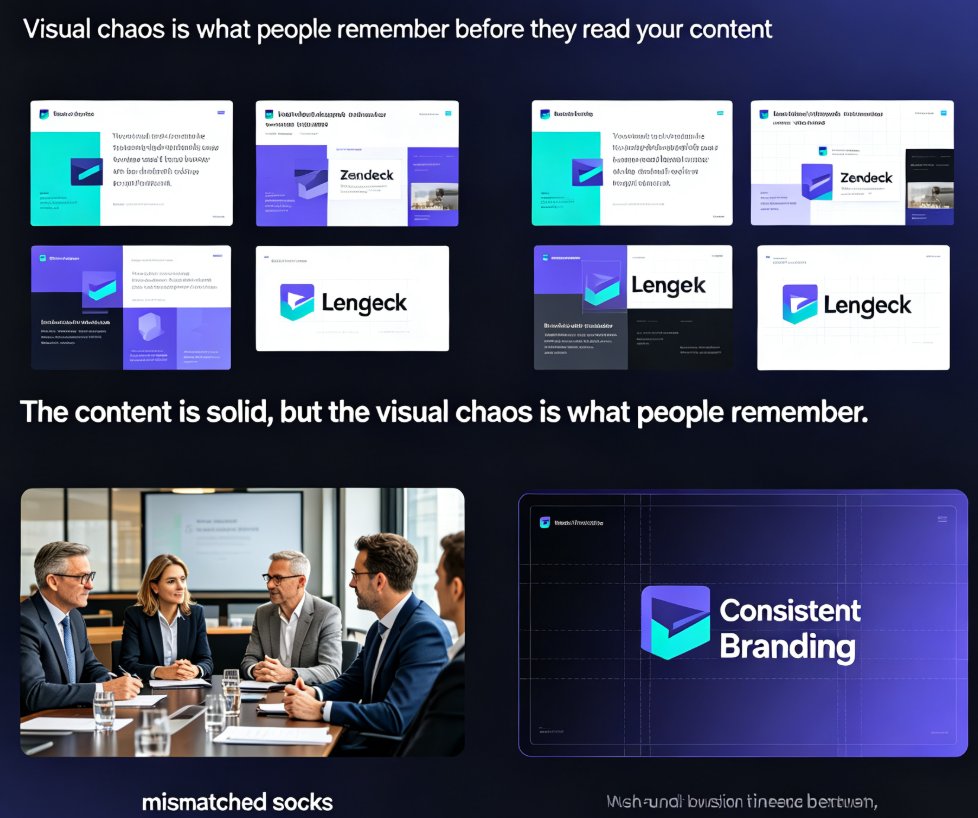
Zendeck's one-click reskin unifies fonts, colors, and alignment across every slide in seconds. If mismatched typography and clashing colors are sabotaging your brand, the smart layout engine fixes it on autopilot — no design skills required. Configure your brand kit once, and every training deck, courseware module, and client pitch stays compliant automatically. Real teams spend 10–15 hours per week manually fixing fonts and colors; with Zendeck, reskinning a 40-slide deck takes minutes, not days. In 2026, AI-driven design automation isn't a luxury — it's how consistent branding survives at scale. This guide covers the smart layout workflow, the one-click reskin process, time savings, and best practices for keeping institutional identity intact across every slide. Learn how to make brand compliance the default, not the exception.

How to Unify Fonts, Colors, and Layout in One Click with Zendeck

Courseware Design 2026-08-26 3513

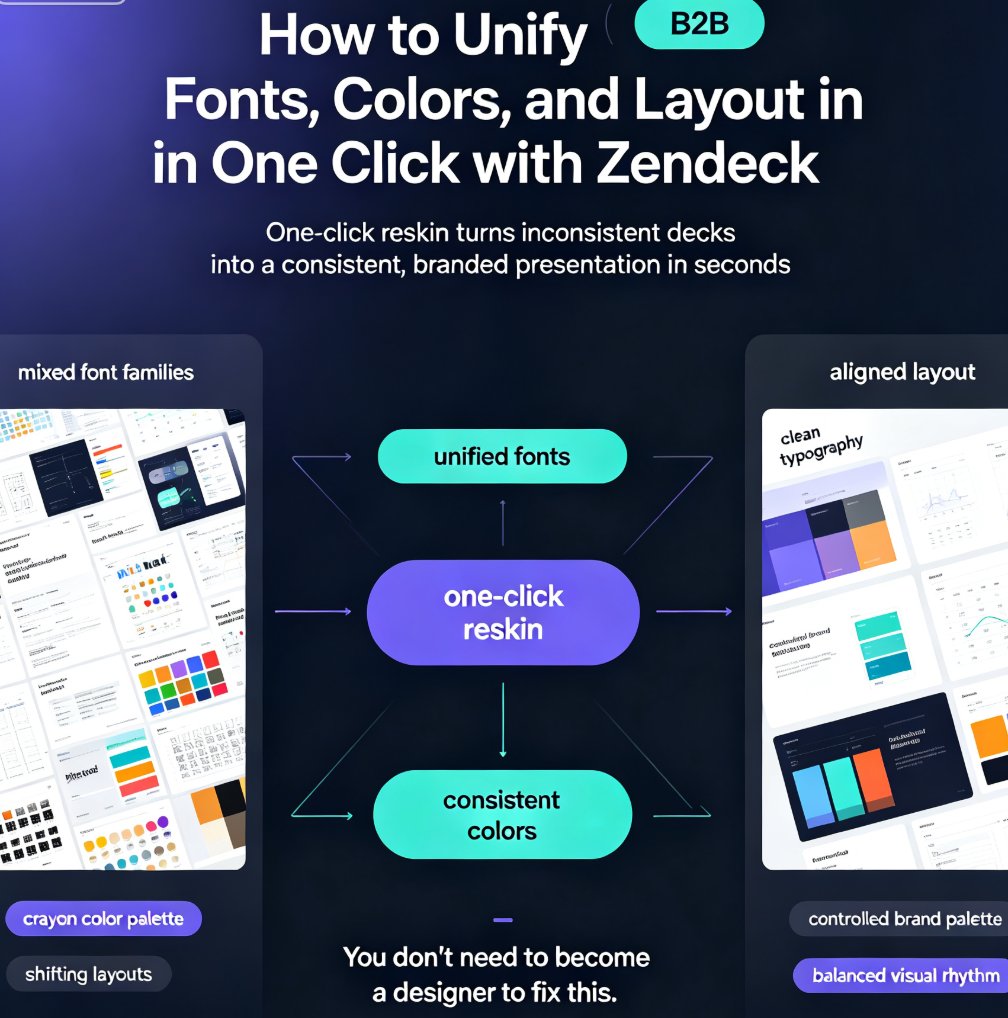
Zendeck's one-click reskin unifies fonts, colors, and layout across your entire deck in seconds, so anyone can produce a designer-quality presentation without opening a design tool. If you've ever stared at a deck where every slide looks like it was made by a different person — mixed font families, clashing colors, layouts that shift unpredictably — this walkthrough is for you. We'll show you exactly how Zendeck's smart layout engine harmonizes every slide, when to use reskin for courseware, client pitches, and internal brand decks, and the pro tips that separate a good reskin from a flawless one. Whether you're a trainer building a five-module course or a marketer prepping a quarterly review, this guide gives you the exact steps — plus the mistakes to skip. By the end, you'll have a repeatable workflow for consistent, professional decks every time.

No Design Skills? Zendeck's Smart Layout Makes Anyone a PPT Pro

AI Courseware 2026-08-24 1675

Zendeck's smart layout engine automatically arranges your content into professional slide designs, so anyone can create agency-quality decks without design skills. No more fighting templates, resizing text boxes, or guessing at alignment. This guide explains how smart layout reads your content, adapts the design to fit, and keeps your brand consistent across every slide. You'll see real scenarios for educators, HR teams, and trainers, plus practical tips for getting the best results. If you've ever felt that design is a barrier to good presentations, Zendeck removes that barrier entirely — you bring the ideas, it brings the polish. Learn how to go from a rough outline to a polished, on-brand deck in minutes, without touching a single design tool.