Smart Layout: How One-Click Design Systems Kill Manual Formatting
The Rise of Smart Layout: How One-Click Design Systems Are Killing Manual Formatting
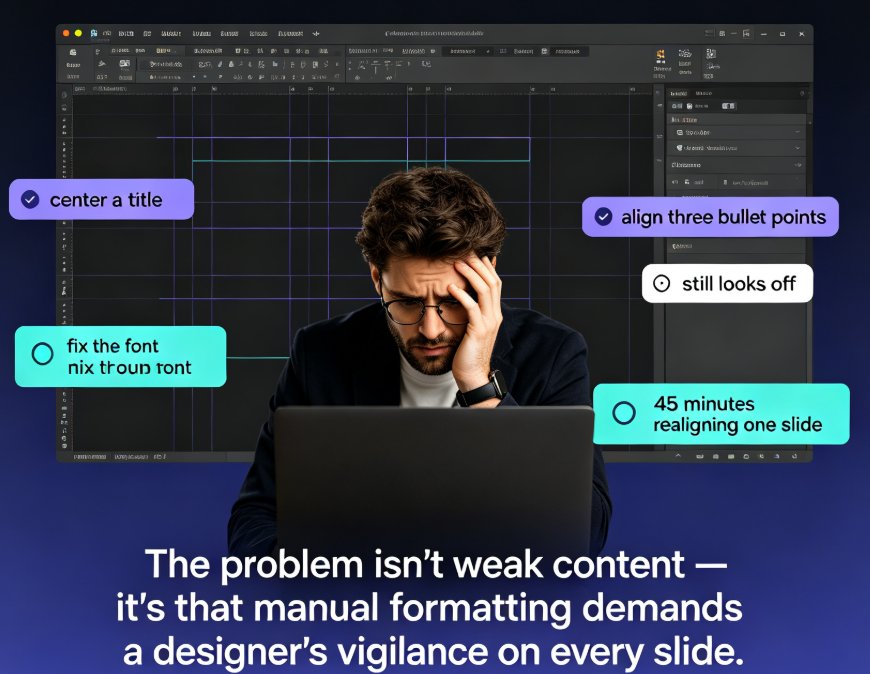
Let's be honest for a second. How many hours have you lost nudging a text box three pixels to the left? If you've ever built a deck from scratch, you know the drill: pick a font, match the colors, fix the spacing, realign the icons, and pray it doesn't fall apart when you add one more slide.
The good news? That era is ending. Smart layout systems — powered by AI design algorithms — are quietly replacing manual formatting as the default way we build presentations. And this shift is bigger than just "nicer slides." It's changing who gets to call themselves a designer.
I. What Smart Layout Actually Is (And Isn't)
Let's clear up a misconception first. Smart layout isn't a template with a few preset styles. It's a design engine that reads your content — headings, body text, images, data — and makes real layout decisions for you.
Smart layout is the difference between "picking a theme" and "having a designer look over your shoulder."
The core idea is simple: instead of you manually unifying fonts, colors, and spacing across 40 slides, the system does it in one pass. It understands hierarchy. It knows that a slide title shouldn't be the same size as a caption. It detects when two elements are misaligned and fixes them before you even notice.
This is the technology behind what's called "one-click reskin" — and it's the single biggest productivity win for non-designers in years. The trend is part of a broader movement toward AI-driven design automation, where the 2026 shift is all about smart layouts doing the heavy lifting instead of humans.
II. The Manual Formatting Tax: What It's Really Costing You
Let's put some numbers on the pain. A typical 30-slide deck, formatted by hand, involves:
- Choosing and applying fonts across every slide — 15 to 20 minutes
- Matching brand colors manually — 10 to 15 minutes
- Adjusting spacing and alignment slide by slide — 20 to 30 minutes
- Fixing the inevitable "this slide looks broken" moments — 15 minutes or more
That's roughly an hour of pure formatting per deck — before you even start on content quality. And here's the kicker: that hour adds zero value to your message. It's pure overhead.
The average professional spends close to an hour per deck just on formatting — time that adds zero value to the message.
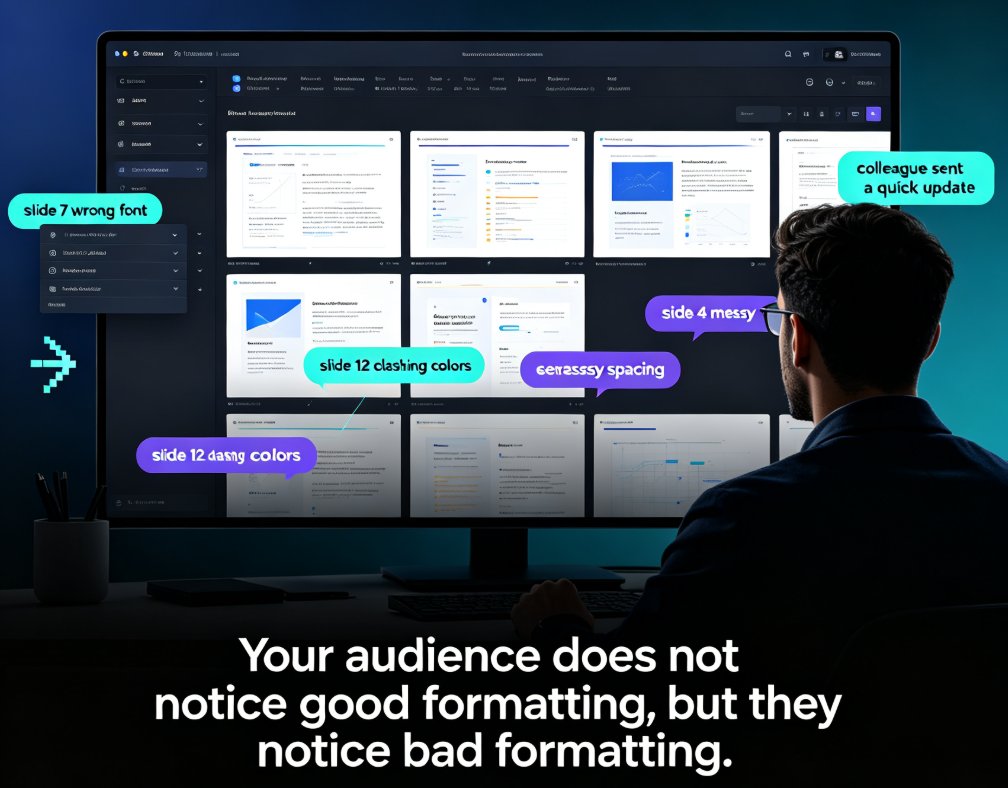
Now multiply that by every deck you make in a year. For trainers, educators, and HR teams who produce weekly courseware, that's days of lost time annually. And the result is often still inconsistent — because humans are terrible at maintaining visual discipline across 40 slides. You fix slide 12, and slide 27 drifts. You adjust the font on slide 3, and slide 18 still uses the old one.
This is exactly the problem we see when people try AI-generated slides for the first time: the content is there, but the slides still look messy because nothing unifies the visual layer. Smart layout solves that root cause.
III. How One-Click Design Systems Work (Under the Hood)
So how does a smart layout system actually pull this off? It's not magic — it's a combination of three things working together:
- Content parsing — the system reads your outline or markdown and understands structure: titles, subtitles, lists, quotes, data blocks.
- Design rules — it applies typographic hierarchy, color theory, and spacing grids automatically, based on proven design principles.
- Consistency enforcement — every slide gets the same treatment, so nothing drifts from slide 1 to slide 40.
This is where Zendeck's one-click reskin comes in. You paste in a Word outline or markdown, and the system generates a structured deck. Then, with a single click, it unifies fonts, colors, and layout across every slide. No font menu. No color picker. No "why is this slide different from the others?"
The result is a deck that looks like it came from a design team — even if you've never opened a design tool in your life.
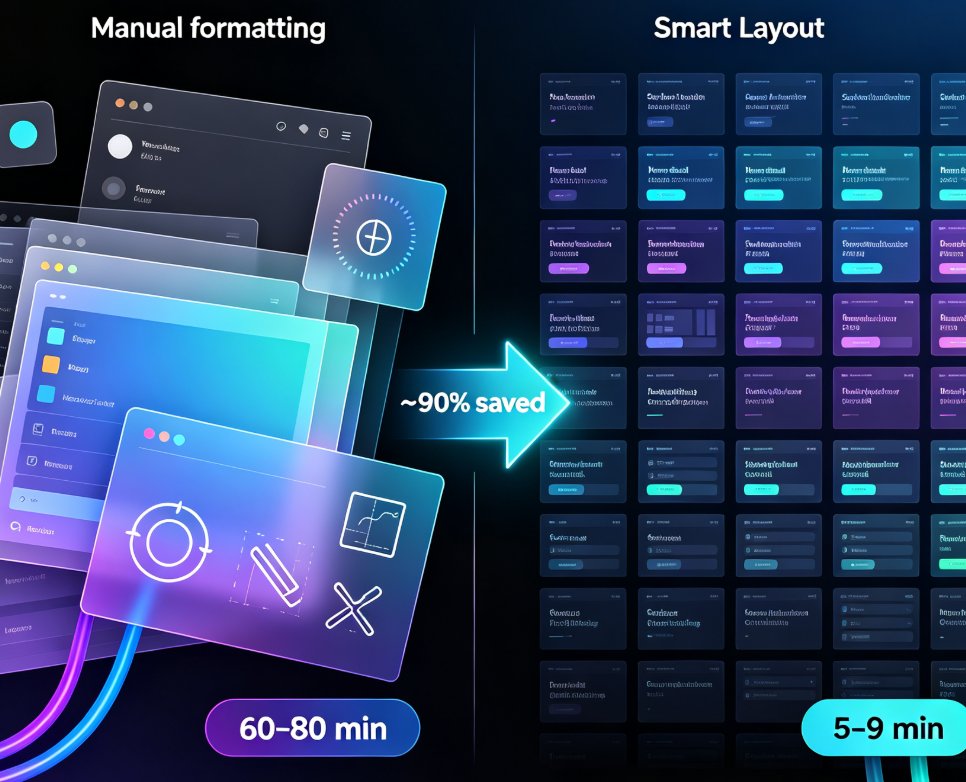
Let's look at the time difference in concrete terms:
| Formatting Task | Manual (per deck) | Smart Layout (per deck) | Time Saved |
|---|---|---|---|
| Fonts & typography | 15-20 min | 2-3 min | ~90% |
| Color matching | 10-15 min | 1-2 min | ~90% |
| Spacing & alignment | 20-30 min | 2-4 min | ~90% |
| Cross-slide consistency | 15+ min | 0 min | 100% |
| Total | 60-80 min | 5-9 min | ~90% |
IV. Why This Matters for Non-Designers (That's Most of Us)
Here's the thing about smart layout: it doesn't just save time. It changes the standard of what "good enough" looks like.
Before, a non-designer's deck was judged by a lower bar — "well, they tried." With smart layout, the bar is "this looks professionally designed." And that has real consequences:
- Educators can produce courseware that students actually engage with, instead of text-heavy slides that put everyone to sleep. The courseware design category has seen a massive shift toward AI-assisted layout for exactly this reason.
- Trainers can update materials in minutes, not hours, and keep every version consistent across cohorts.
- HR teams can create onboarding decks that reflect the company's brand without needing a design department.
The biggest impact of smart layout isn't speed — it's that it raises the quality floor for everyone.
You no longer need to be "the design person" on your team. The system handles the visual heavy lifting, and you focus on what you actually know: the content. That's a liberating shift, especially for people who've spent years apologizing for their slide decks.
V. The Brand Consistency Bonus
There's a second, quieter benefit that teams discover after a few months: brand consistency.
When formatting is manual, every deck drifts. Someone uses a slightly different blue. Someone else picks a different font because "it looked nicer." Before long, your company's presentations look like they came from five different companies.
Smart layout systems with brand kits solve this. Zendeck's approach — where you set your brand colors, fonts, and logo once, and the system applies them everywhere — means every deck is on-brand by default. This is the same principle behind zero-design brand governance: you set the rules once, and AI enforces them forever.
With smart layout, brand consistency stops being a manual discipline and becomes a default behavior.
This matters more than most people realize. Inconsistent branding doesn't just look sloppy — it erodes trust. When every internal deck looks different, stakeholders start questioning the quality of the work itself. Smart layout removes that variable entirely.
VI. What This Means for the Future of Presentations
The trend is clear: smart layout is becoming the standard, not the exception. As AI design tools get better at understanding context — not just structure, but audience and tone — the manual formatting era will look as dated as hand-drawn overhead transparencies.
We're already seeing the next wave: context-aware design that adapts layouts based on who you're presenting to, not just what you're presenting. The smart layout of today is the foundation for that future.
For you, the practical takeaway is simple: if you're still formatting slides by hand, you're paying a tax you don't need to pay. The tools exist now. The learning curve is minimal. And the payoff — hours saved, quality raised, consistency guaranteed — is immediate.
If you want to see how this works in practice, try pasting your next outline into Zendeck and hit the reskin button. The first time you watch 40 slides snap into alignment in one click, you'll understand why manual formatting is dying.
FAQ
Q: What is smart layout in presentation tools? A: Smart layout is an AI-powered design system that automatically unifies fonts, colors, spacing, and alignment across slides. Instead of manually formatting each slide, the system reads your content and applies consistent design rules in one pass.
Q: How much time can one-click reskin save? A: For a typical 30-slide deck, smart layout can reduce formatting time from roughly 60-80 minutes to under 10 minutes — a savings of about 90%. The exact number depends on deck complexity, but the reduction is dramatic in every case.
Q: Do I need design skills to use smart layout tools? A: No. That's the entire point. Smart layout systems are built for non-designers. You provide the content, and the system handles visual hierarchy, color matching, and spacing automatically.
Q: Can smart layout maintain my company's brand? A: Yes. Most modern tools, including Zendeck, let you set brand colors, fonts, and logos once. The system then applies them consistently across every deck, eliminating the drift that happens with manual formatting.
Q: Is smart layout the same as using a template? A: No. Templates give you a static starting point that you still have to adjust. Smart layout actively makes design decisions based on your content — it's closer to having a designer than to using a preset.