One-Click Reskin: How Zendeck Unifies Fonts, Colors & Layout
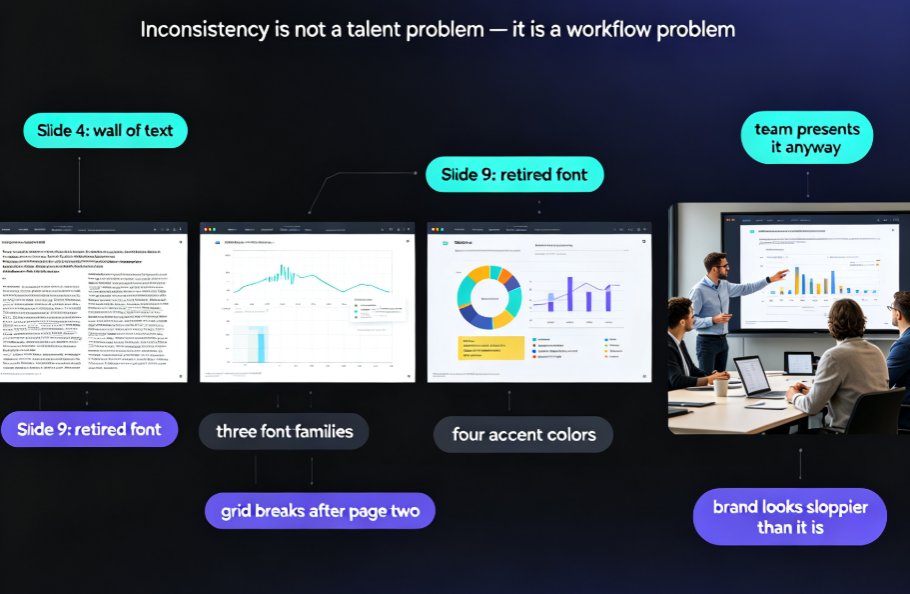
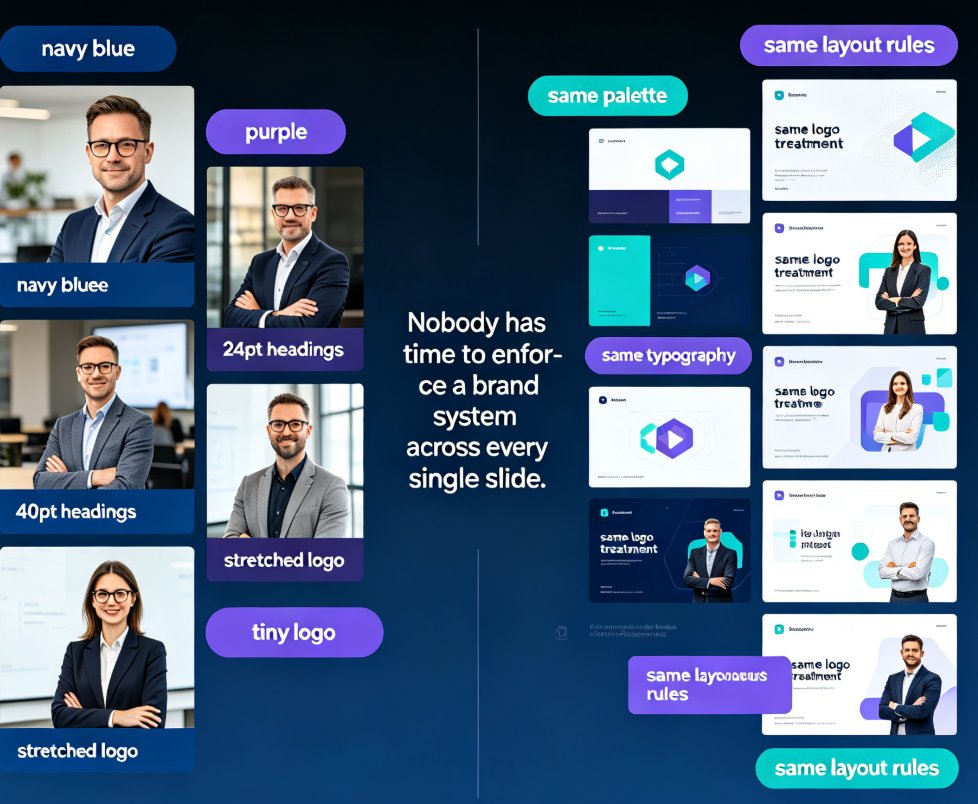
It's 4:47 PM on a Thursday, and you're staring down a 38-slide deck that was assembled by — let's be honest — at least four different people over six months. The title slide runs one font, the metrics page runs another. Your logo shows up navy on page 3 and electric purple on page 17. And somehow, every chart has a different width.
For most of us, this is just how decks are. We inherit them, edit them, pass them along, and the visual chaos compounds. But here's the thing: this isn't a design-talent problem. It's a consistency problem — and it's the exact reason so many teams spend more hours formatting slides than actually thinking about their message.
Zendeck's one-click reskin is built to make that headache disappear. One click, and the fonts, colors, and layout of an entire deck snap into a single, professional, on-brand system. No design skills required.
01 — Why Your Deck Looks Like It Was Assembled in a Moving Car
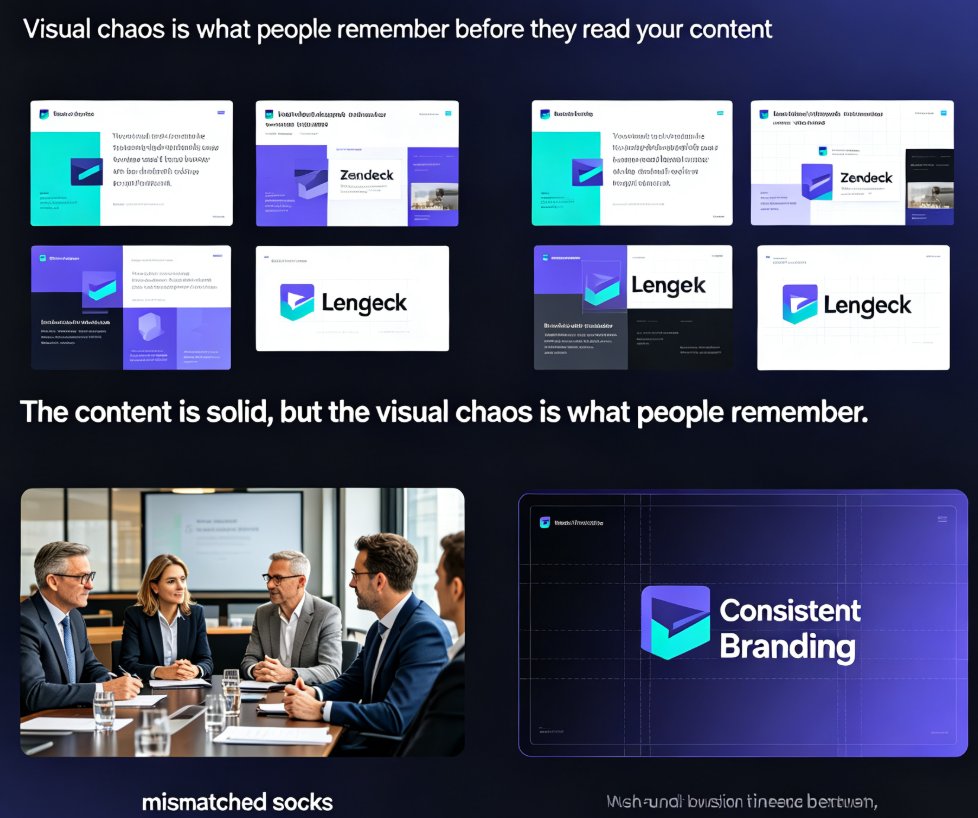
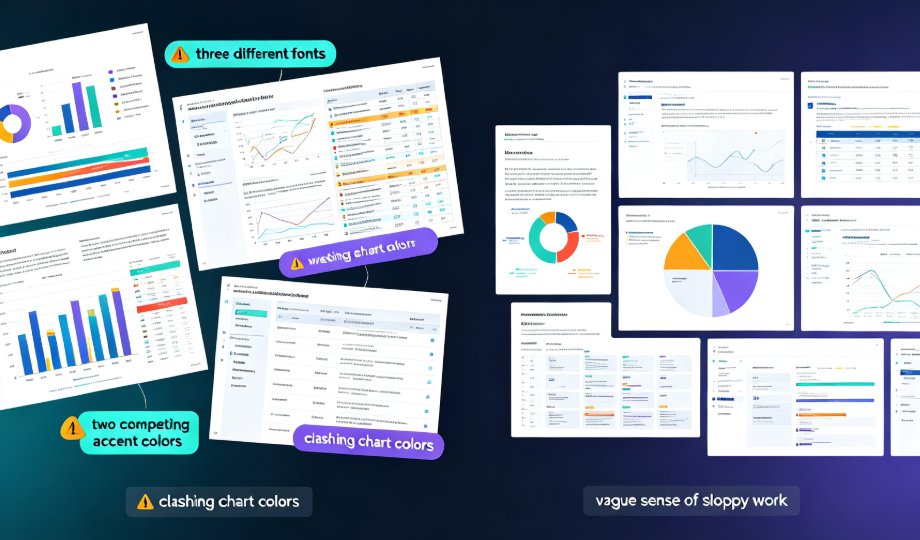
The cost of visual inconsistency is quiet but real. When your audience sees three different fonts and two competing accent colors, they don't consciously catalog the flaws — they just get a vague sense that the work is sloppy. And for a training team, an HR presentation, or a sales pitch, that impression is fatal.
A deck with mismatched fonts and clashing colors doesn't just look messy — it erodes your credibility one slide at a time.
Then there's the time cost. Formatting a 40-slide deck by hand — adjusting every heading, re-aligning every chart, hunting down hex codes — routinely eats three hours or more. For a team that produces decks weekly, that's a full workday every month, spent on work nobody enjoys. The fix isn't more discipline. It's a tool that bakes consistency into the deck itself.
02 — What "One-Click Reskin" Actually Does (And Doesn't Do)
Before we go further, let's clear up what reskin is not. It's not a redesign. It doesn't rewrite your content, reorder your slides, or second-guess your messaging. What it does is standardize presentation: it takes the typography, color palette, and layout grid already present in your deck and unifies them across every single slide.
Think of it like the Slide Master you know from PowerPoint — where you change the master and everything follows — except smarter. Reskin understands the whole deck, not just one template layer. If slide 8 has a chart with mismatched axis colors and slide 14 uses a different bullet style, reskin catches both and brings them in line.
This is part of a bigger shift in presentation software: design automation that handles the busywork so humans handle the thinking. If you want the full picture of where this is heading, we covered it in our piece on AI-driven design automation and smart layouts.
03 — From Chaos to On-Brand in Three Clicks
Here's how the workflow actually feels. Say you have a messy deck — either a legacy PowerPoint someone handed you, or a fresh one you generated from a Word outline in Zendeck.
Step 1 — Generate or import. Paste your Markdown, drop in a Word outline, or upload the old PPT. Zendeck builds a clean, structured deck with smart layouts already applied.
Step 2 — Pick a look. Choose a template from the library or pull up a saved brand profile from your Brand Kit.
Step 3 — Click reskin. That's it. Every slide — fonts, colors, accent swatches, chart styling, layout alignment — slides under one unified visual system.
One thing I've learned from using this on a weekly basis: if you're converting a deck that's over 50 slides, break it into logical modules first. Reskin each module separately, then recombine. The output is cleaner, and you'll thank yourself later when you need to update only one section instead of hunting through all 50 slides.
04 — Brand Kit: Why Reskin Gets Better Every Time You Use It
The first time you reskin a deck, you solve today's problem. The real magic is what happens after: the Brand Kit.
Zendeck's Brand Kit lets you save multiple brand profiles — fonts, colors, logo treatment, layout preferences — and store them for reuse. Once your brand is saved, applying it is a single click on any deck, past, present, or future. It even frees you to keep separate profiles for different sub-brands, products, or clients.
Once your brand profile is saved, applying it is one click on any deck — past, present, or future — and it stays consistent every time.
This is a game-changer for anyone who serves multiple clients or runs multiple product lines. A trainer who builds decks for three different companies no longer rebuilds the visual system three times; they just switch profiles and reskin. We wrote a whole walkthrough on building custom brand kits for consistent decks if you want to set this up properly.
05 — The 70% Time Cut: Where the Hours Actually Go
Let's put numbers on this. In a case study we tracked, a training manager moved their team's deck workflow onto Zendeck's reskin. The result: slide-creation time dropped by roughly 70%. Here's how that time splits across three approaches to restyling the same 40-slide company deck:
A training manager we tracked cut slide-creation time by 70% by moving their team's workflow onto reskin — from about 300 minutes of manual formatting down to roughly 90.
The biggest contributor isn't speed on any single slide. It's that reskin eliminates the per-slide decision loop. Manual editing makes you re-decide fonts, colors, and alignment hundreds of times. Reskin decides once, applies everywhere. That's the difference between formatting as a project and formatting as background noise.
06 — When Reskin Pays Off Most
Not every deck needs a reskin — some are fine as is. But four scenarios make it almost unfair, and you've probably lived through all of them:
- You inherited someone else's deck. New job, new project, stale files. Reskin instantly brings the visual chaos under control without touching the content.
- You work across multiple brands or clients. Agencies, trainers, and internal comms teams live here. Saved brand profiles make switching looks between decks trivial.
- You refresh courseware or training materials. Old training decks get a modern, on-brand upgrade in minutes, not an afternoon. And if you're turning those decks into narrated video courses, reskin first so the output is clean from frame one.
- You're rebranding. Company changes its logo or palette? Pull the new profile, click reskin, and every historical deck in your library is up to date.
07 — Reskin, Asset Library, and Templates: The Full Stack
Reskin is strongest when it's not the only tool you lean on. Pair it with Zendeck's template library to give new decks a starting point, and with the asset library — icons, charts, illustrations — to insert visuals that already match your brand, then reskin to guarantee everything aligns.
The template library itself is getting smarter too. We looked at why contextual templates are beating generic ones this year, and consistency is a big part of that story.
Here's a quick look at how reskin stacks up against the old ways of keeping a deck on-brand:
| Task | Manual editing | Slide Master | Zendeck one-click reskin |
|---|---|---|---|
| Time, 40-slide deck | 300+ min | ~180 min | ~90 min |
| Font unification | Every slide, by hand | Template-level | Auto, all slides |
| Color palette | Hex-code hunting | Partial | Auto from brand profile |
| Layout alignment | Manual nudging | Placeholder-limited | Smart grid applied |
| Multiple brand profiles | One at a time | One master | Saved, switchable in one click |
| Design skills needed | Yes | Moderate | None |
If you're building data-heavy decks, reskin plays especially well with the interactive charts you can pull from Zendeck's asset library — drop the chart in, reskin, and it inherits your brand instantly.
08 — The Bottom Line
Here's the core of it. Inconsistent decks are a time sink and a credibility leak, but they're also a solved problem. You can keep fighting fonts and colors slide by slide, or you can let one click unify your whole deck and spend your energy on what actually matters — the story you're telling.
Reskin is one of those features that feels small until you use it, and then you wonder how you ever lived without it. Start with a messy deck you already own. Save your brand once. Click reskin. Watch the chaos disappear.
FAQ
Does one-click reskin change my content?
No. Reskin restyles your deck — it unifies fonts, color palette, and layout across all slides. Your text, data, and structure stay exactly as they are. You can switch looks instantly without rewriting a single word.
Can I use different brand looks on different decks?
Yes. Zendeck's Brand Kit lets you save multiple brand profiles and apply a different look per deck in one click via the reskin tool. This is ideal for agencies, trainers, and multi-brand teams that produce decks for different clients or product lines.
Will reskin work on old PowerPoint files or decks imported from Word?
Yes. You can upload a Word outline or paste Markdown to generate a deck, then reskin. Legacy PowerPoint files you import get the same treatment — one click unifies fonts, colors, and layouts across everything.
Do I need design skills to use reskin?
No. Reskin automatically applies consistent typography, brand colors, and smart layouts, so anyone can produce professional, on-brand decks without a designer. It's designed precisely for people who don't think of themselves as designers.
What's the best approach for decks over 50 slides?
Break the deck into logical modules before reskinning. Reskin each module separately, then recombine. The result is cleaner, and future updates are much easier because you only have to touch the section that changed.