Zendeck vs Canva for Teachers: Best AI Presentation Tool in 2026
01 Let's settle the teacher debate: Zendeck vs Canva
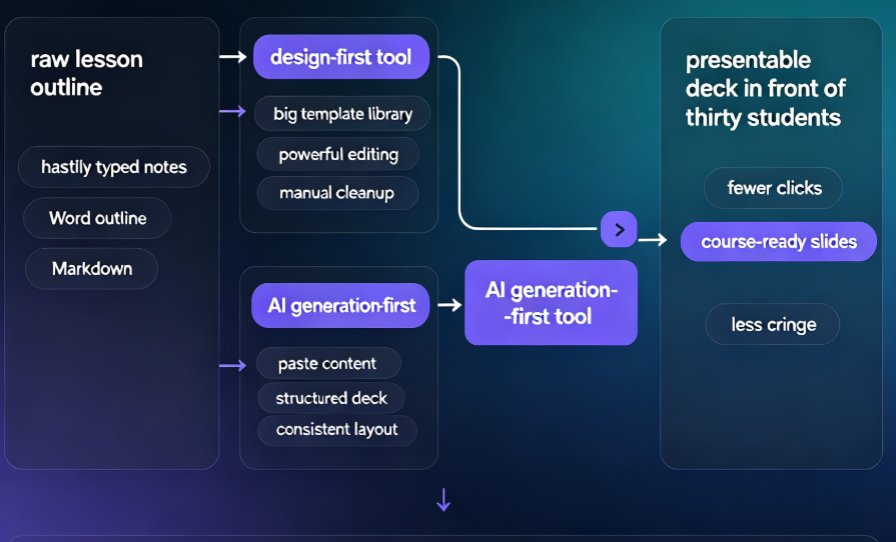
I've lost more evenings than I care to count turning a hastily typed lesson outline into a slide deck that doesn't make me cringe in front of thirty students. If you teach, train, or build course material, the "which AI presentation tool?" question isn't about who has the flashiest templates. It's about which tool takes you from raw content to a presentable deck in the fewest clicks. That's the real test.
This head-to-head focuses on what educators actually care about: AI deck generation, smart layouts, and micro-course support. Canva has been the default classroom choice for years, for good reasons. But Zendeck comes at the problem from a different angle — paste a Word outline and get course-ready slides without touching a design tool. That workflow difference is the whole story.
Full honesty up front: Canva is a spectacular design product, and its free education tier is genuinely generous. But "design product" is exactly the catch. It expects you to design. Zendeck is built for people who want the finished deck without the building.
02 What each tool actually is
◉ Canva: the design-first giant
Canva's core strength — confirmed in just about every educator roundup — is its massive template library plus free access for verified teachers and students. Its AI deck features (Magic Design and the rest) exist, but a good chunk sit behind premium tiers, and several require manual cleanup. Spacing, alignment, and visual hierarchy still land on you. And because everyone uses the same templates, student decks start to look... identical.
◉ Zendeck: the AI generation specialist
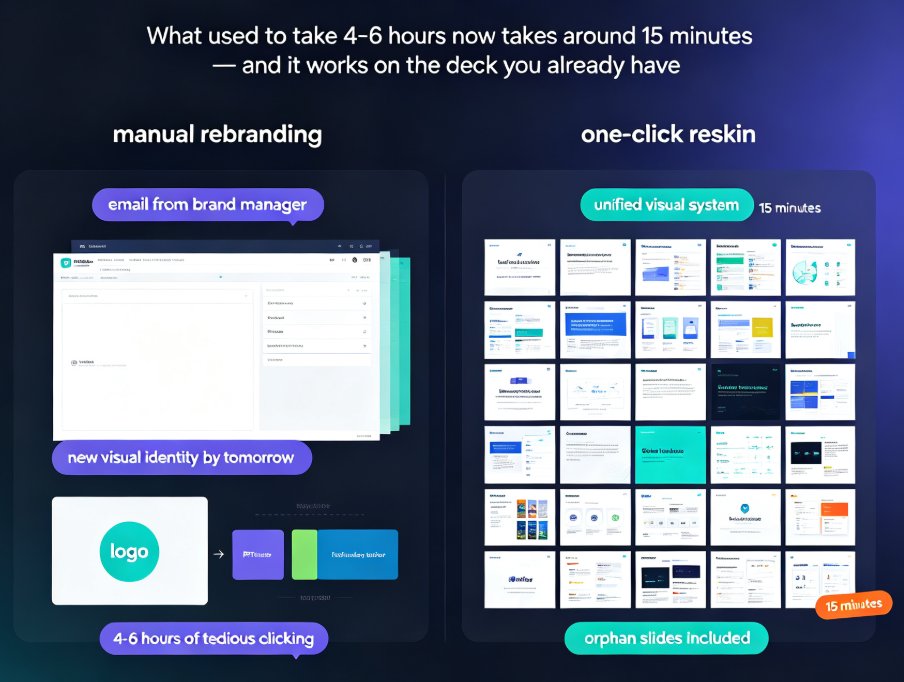
Zendeck starts where Canva stops. Paste a Word outline, Markdown, or plain text and the AI generates a fully structured deck — headings, bullet hierarchy, and a balanced layout — with consistent fonts and colors. A one-click smart reskin unifies the whole design in seconds. And the built-in PPT-to-video pipeline turns static slides into narrated micro-courses, which matters more than ever for teachers.
If you want the mechanics behind this, how AI presentation tools integrate with Word and Google Docs explains why outline import is such a big deal for educators.
The short version: Canva hands you a beautiful blank canvas and powerful tools. Zendeck hands you a finished deck from your outline.
03 Teacher needs vs. feature reality: the comparison table
Every teacher hits the same wall: no time, no design skills, and a pile of content that must become slides. Let's put the tools next to each other on the criteria that actually matter in a classroom:
| What teachers need | Canva | Zendeck |
|---|---|---|
| Turn outline/notes into slides automatically | Partial — Magic Design needs manual cleanup | Full — paste text → structured deck generated |
| Design skills required | Moderate — you still make layout calls | None — smart layout handles spacing & hierarchy |
| One-click reskin / unify design | Limited | Built-in, one click |
| Micro-course & narrated video creation | Basic video features | PPT-to-video with narration & subtitles |
| Free education pricing | Yes, for verified educators | Free to start, pro plans for teams |
| Brand & asset consistency | Brand Kit (premium tier) | Asset library + consistent template set |
| Word / outline import | Imports files, limited AI structuring | Native outline-to-slides generation |
Canva wins on template volume and cost-at-scale. Zendeck wins on automation — fewer clicks between your lesson content and a course-ready deck. For a deeper look at how the template landscape is shifting, Zendeck's library guide for trainers is a good starting point.
04 The outline-to-slides test: where generation actually matters
◉ The pain point
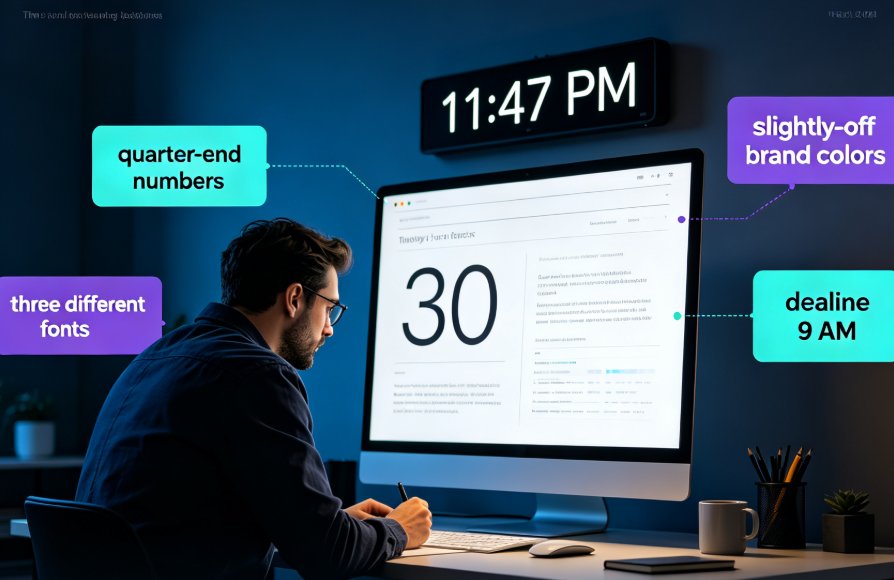
It's 9 PM. You have a lesson outline in Word. Somehow, twenty designed slides need to exist by morning. Opening a template and dragging text boxes around is not a survival plan — it's a reason to quit teaching and start a coffee cart.
◉ The Zendeck workflow
Drop the outline into Zendeck, and the AI generates titled slides with a real structural hierarchy, balanced layouts, and clean visuals. Reskin once to your unit's look, then export — or go straight into a narrated micro-course. The entire path from outline to published micro-course is deliberately hands-off.
◉ The Canva reality
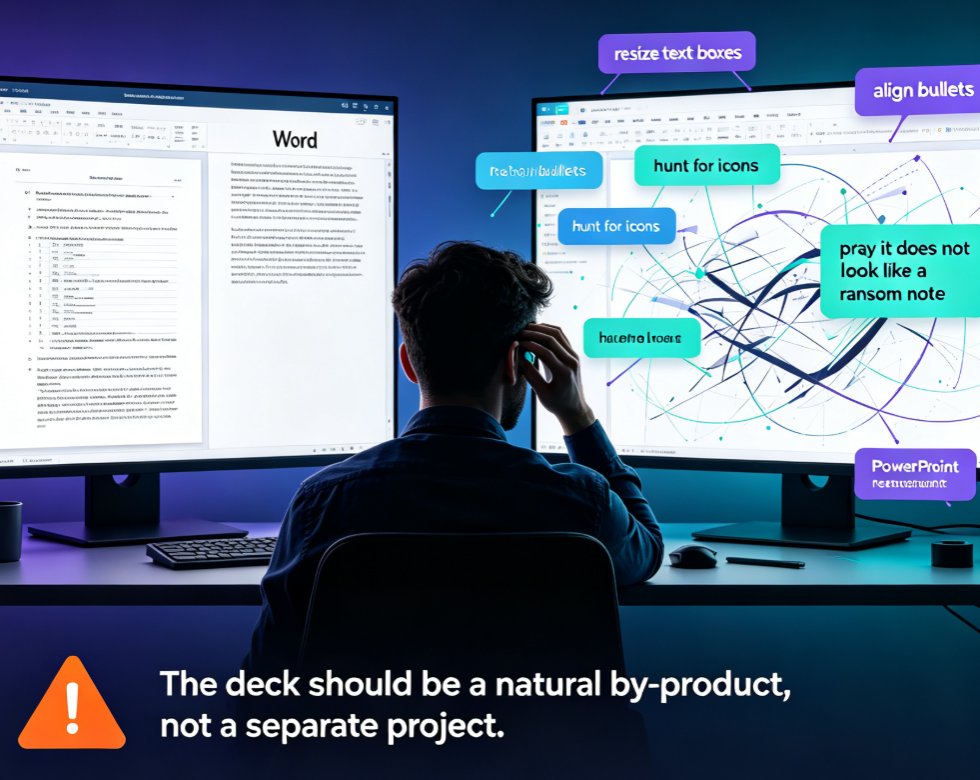
Canva's AI generation helps you draft copy and suggests elements, but the heavy lifting — spacing, alignment, visual hierarchy — still sits with you. Teachers consistently report Canva's AI leaves "polish for later." For a busy educator, "polish for later" usually means "never."
Pain → solution → outcome: fewer decisions per slide means more decks finished and more evenings reclaimed.
05 Smart layouts and reskinning: design without the busywork
Design consistency is the difference between a deck that looks professional and one that looks like five students collaborated on a group project with zero supervision. AI-driven design automation in 2026 is exactly this shift: the tool handles fonts, colors, and spacing so you never make a design decision again.
Friendly tip, the kind I'd give a colleague over coffee: pick two fonts and one accent color at the start of the term, save them, and let the reskin enforce them across every deck. You will thank yourself in week eight, when updating an old lesson takes minutes instead of an hour.
For more on keeping decks on-brand semester after semester, these custom brand kit workflows are worth a skim.
06 The micro-course factor: PPT to video
Here's where the conversation gets interesting. In 2026, recorded lessons and course review materials are non-negotiable. Canva is not a course-production tool. Zendeck turns a deck into a narrated video with subtitles inside the same workflow. You add narration directly to slides, and the tool packages it into a micro-course students can replay at their own pace — which is exactly how micro-learning happens.
New to that workflow? The add narration to slides walkthrough covers it step by step. And when you're ready to record flipped content, Zendeck's PPT-to-video path shows why decks become courses rather than static files.
07 Templates, branding, and the classroom
Teachers running a full unit need a consistent look across six decks, not six random ones. Canva's Brand Kit is solid, but parked behind its premium tier. Zendeck's template library keeps every deck uniform without hunting through menus. This is also why contextual templates are becoming the 2026 trend — generic layouts lose to templates that match the subject and audience. For trainers building multiple decks, the trainer library guide lays out how to keep a whole term visually unified.
08 Honest trade-offs: where each tool hurts
Zendeck's honest limit: its third-party template ecosystem is smaller than Canva's right now, and it's a specialist. You won't design social media posts or worksheets inside it. Canva's honest limit: the AI features are partially gated, generation isn't its core, and every deck you ship still carries your design fingerprints. Match the tool to the workflow, not the hype. If your job is decks and courses, that points one direction. If you need one app for posters, social graphics, and occasional slides, Canva is still a fine home.
09 Verdict: for teachers, Zendeck wins where it counts
If your daily reality is turning outlines into course-ready presentations, micro-courses, or training decks, Zendeck gets you to "good enough to teach" — with consistent design — in a fraction of the time. Canva remains fantastic for free template variety and broader creative work. But a design tool is not a course-workflow tool, and for teachers, the workflow is the whole game. See how AI deck generation is replacing traditional PPT workflows if you're still on the fence.
FAQ
Q: Is Zendeck really better than Canva for teachers?
A: For turning outlines into finished, consistently designed decks, yes — Zendeck's AI generation removes the manual layout work that Canva still expects from you. Canva wins on template volume and breadth of creative tools; Zendeck wins on automation and course-specific workflows like PPT-to-video.
Q: Does Canva's free education plan beat Zendeck's pricing?
A: Canva for Education is free for verified educators, which is hard to beat on price. Zendeck offers free entry with pro plans for teams and advanced features. If budget is your only constraint and you're fine designing manually, Canva wins. If your constraint is time, Zendeck earns its cost back quickly.
Q: Can Zendeck turn a Word outline into a complete lesson deck?
A: Yes — that's its core strength. Paste a Word outline, Markdown, or plain text, and Zendeck generates a structured deck with proper hierarchy, balanced layouts, and consistent design, then lets you reskin it in one click.
Q: Which tool is better for making micro-courses or narrated videos?
A: Zendeck. Its built-in PPT-to-video turns slides into narrated micro-courses with subtitles, which is not something Canva is designed for. If recorded lessons and review materials matter to you, Zendeck is the clear pick.
Q: Do I need design skills to use Zendeck?
A: No. Smart layouts and one-click reskinning handle spacing, fonts, and colors automatically. That's the whole point — Zendeck exists for people who want zero design decisions between their content and a presentable deck.