From Static Slides to Interactive Micro-Courses: AI Narration Transforms Training
The Pain Point: Death by Bullet Points
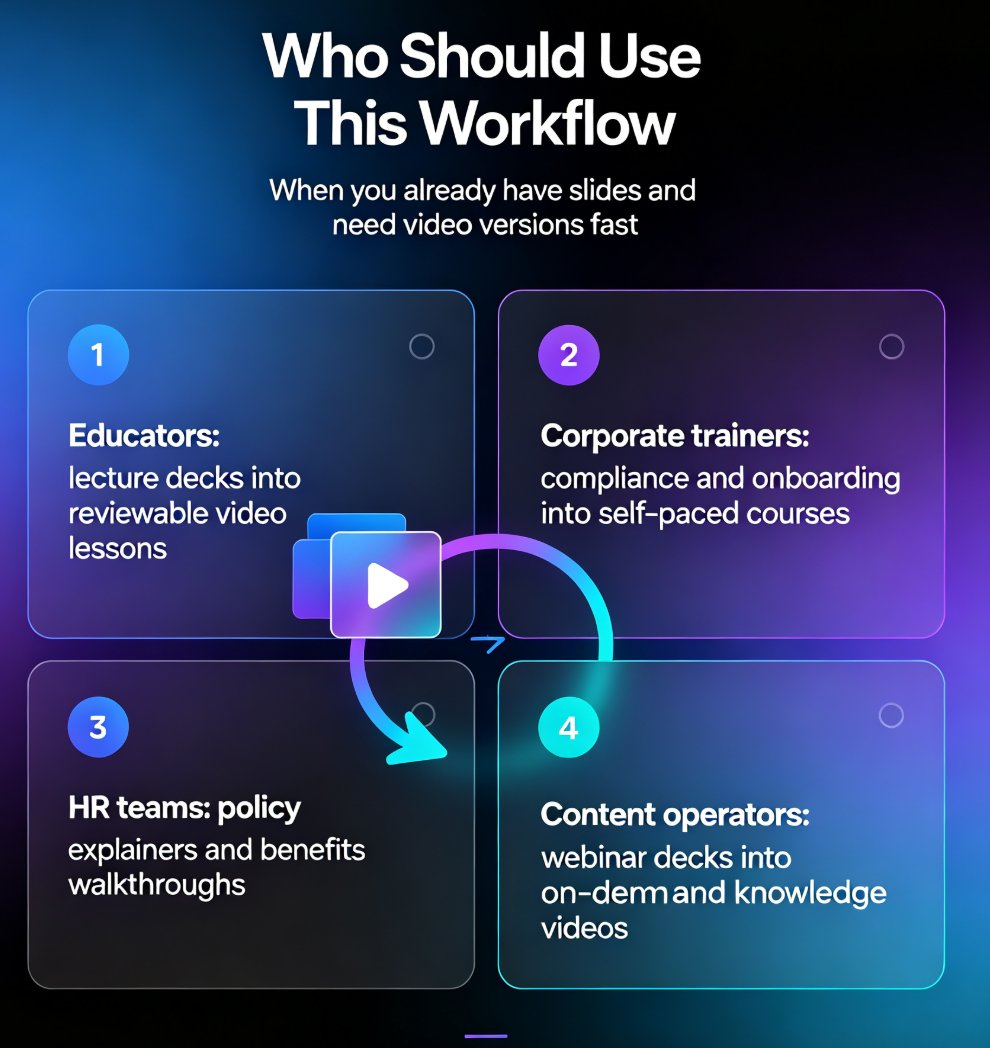
Let’s be real. How many times have you sat through a training session where the presenter reads every single bullet point off a slide, in a monotone, while you struggle to stay awake? You’re not alone. Static slide decks are the enemy of engagement. In corporate training, employee onboarding, or even academic lectures, the classic PowerPoint presentation has become a crutch—not a learning tool. Learners today expect more: they want concise, on-demand, and visually engaging content they can consume at their own pace.
That’s where micro-courses come in. Short, focused video lessons that explain a single concept in under 10 minutes. And the secret sauce? AI narration that turns your static slides into a conversational, interactive experience without the need for a professional voice actor or hours of editing.
I. The Micro-Course Revolution: Why Static Slides No Longer Cut It
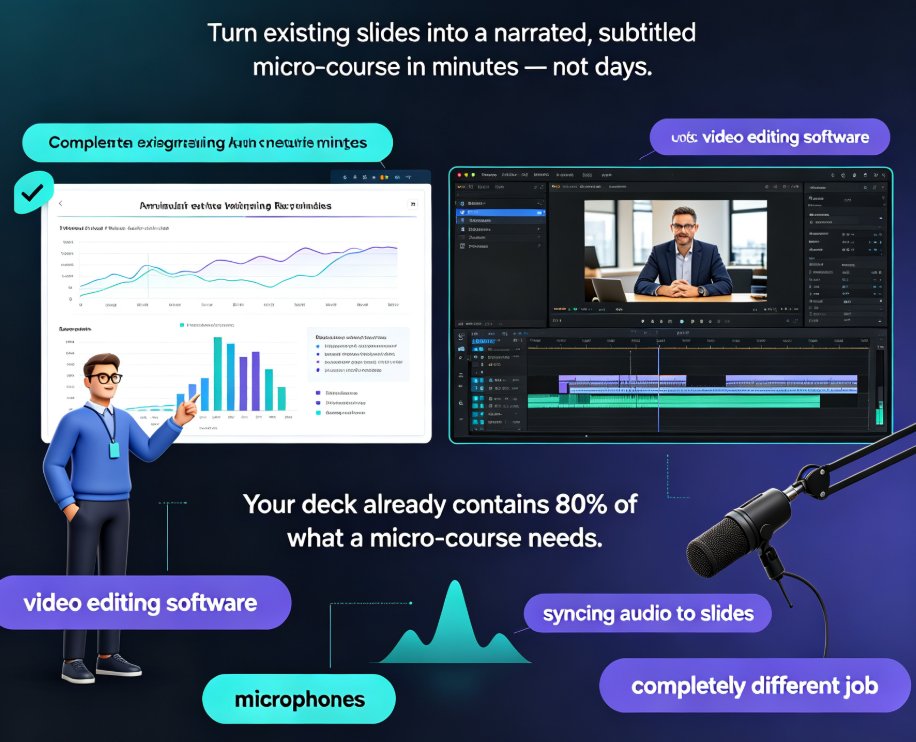
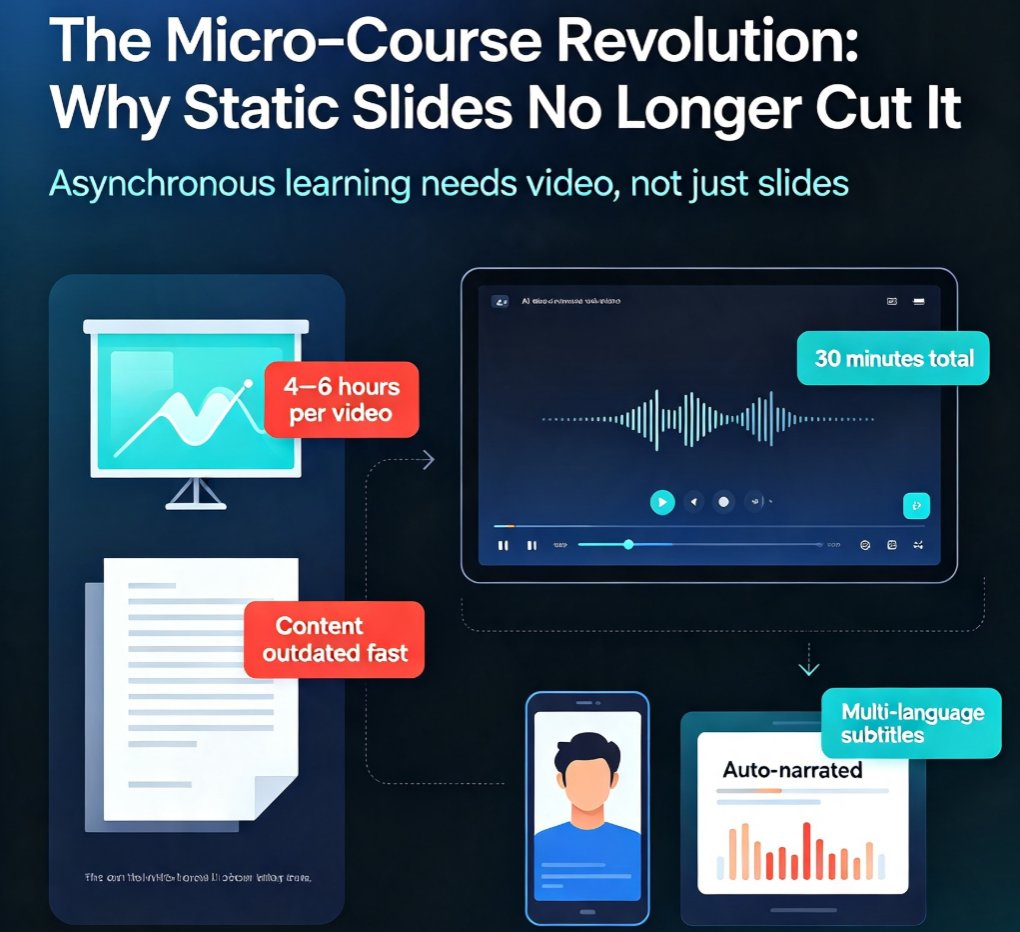
Corporate training is in the middle of a massive shift. Remote and hybrid work means asynchronous learning is no longer a luxury—it’s a necessity. Employees want to learn when they have time, not when a trainer is available. Micro-courses deliver exactly that. But creating them has traditionally been a bottleneck: record your screen, narrate in real-time, edit out mistakes, add captions, and hope the audio syncs. It’s a grind.
Pain point: Your team spends 4–6 hours producing a single 10-minute training video. By the time it’s published, the content might already be outdated.
Solution: Use AI to generate the narration from your existing slide content. No recording, no re-takes, no expensive software.
Outcome: A polished micro-course in under 30 minutes. Your L&D team can now focus on content strategy, not production logistics.
II. The AI Narration Breakthrough: From Hours to Minutes
AI voiceover technology has come a long way. Gone are the days of robotic, stilted speech. Modern AI narration sounds natural, adjusts pacing, and can even emphasize key points. Tools like Zendeck’s PPT-to-video feature take this a step further by understanding the slide structure and automatically matching the narration to the visual flow.
Here’s a quick comparison of traditional vs. AI-narrated micro-course creation:
| Aspect | Traditional Method | AI Narration (Zendeck) |
|---|---|---|
| Time to produce 10-min video | 4–6 hours (recording + editing) | 10–15 minutes (AI generation + review) |
| Cost | $100–$500 per video (voice talent, editor) | Practically zero (included in subscription) |
| Consistency | Varies per presenter, can be inconsistent | Uniform voice, pace, and tone every time |
| Revisions | Re-record entire segments | Edit text script, regenerate instantly |
| Scalability | Low (requires dedicated production) | High (batch create dozens of courses) |
Bold truth: AI narration doesn't just save time—it democratizes video creation. Now any subject matter expert can turn their slides into a professional-looking micro-course without relying on media teams.
III. How Zendeck’s PPT-to-Video Works
Let’s walk through the actual workflow. If you’re already using Zendeck to generate AI presentations, turning them into video is a single click. But even if you’re starting with an existing PPTX or PDF, the process is just as smooth.
- Import your slides – Upload a deck from Zendeck’s template library, or bring in your own via Word outline or direct file upload. Zendeck’s AI will clean up the layout and ensure consistency.
- Choose your AI voice – Select from a range of natural-sounding voices. You can adjust speed, pitch, and even add a background music track.
- Preview and sync – The AI automatically times the narration to match slide transitions. You can tweak the script or reorder slides if needed.
- Generate and export – One click creates the video. Download as MP4 or share directly via a link. Subtitles are auto-generated in multiple languages.
Pro tip: If you want to add a human touch, record your own voiceover for one slide and let Zendeck’s AI take over the rest. The tool accepts mixed audio sources seamlessly.
IV. Real-World Impact: Training Teams That Love Micro-Courses
Companies that have adopted AI-narrated micro-courses report higher completion rates and better knowledge retention. Why? Because video is more engaging than text-heavy slides, and learners can pause, rewind, and revisit at their own pace.
Consider this scenario: A global retail chain needs to train 5,000 store associates on a new return policy. Traditional approach: fly trainers to regions, conduct 2-hour workshops, hope everyone remembers. With Zendeck’s PPT-to-video, the L&D team creates a 5-minute micro-course with AI narration, hosts it on the company LMS, and tracks completion. Associates watch it on their phones during downtime. Result: 95% completion within 48 hours, quiz scores averaging 90%.
Key takeaway: Micro-courses powered by AI narration are not just a trend—they are the new standard for scalable, effective training.
To dive deeper into creating consistent, on-brand presentations that feed into this workflow, check out our guide on setting up brand kits in Zendeck. And if you need to collaborate with your team on the script, see how co-editing with version control keeps everything in sync.
V. FAQ
1. What is Zendeck's PPT-to-video feature?
Zendeck's PPT-to-video tool converts your AI-generated slides into narrated video micro-courses with a single click. It uses AI voiceover to add natural-sounding narration, synchronizes slide transitions, and lets you export the final video for sharing on learning platforms or internal channels.
2. How long does it take to create a narrated micro-course with Zendeck?
From a completed slide deck, you can generate a narrated video in under 10 minutes. This includes selecting a voice style, previewing the narration sync, and exporting. Traditional recording and editing would typically take several hours for the same result.
3. Can I customize the AI voice or add my own audio?
Yes, Zendeck offers multiple AI voice options (different accents, tones, and speeds). You can also upload your own audio file if you prefer a human voiceover. The tool automatically aligns the audio with your slide transitions.
4. Is this suitable for compliance training or technical content?
Absolutely. The AI narration handles complex terminology accurately, and you can edit the script before generating the video. It's ideal for onboarding, product demos, and any training where consistency and scalability matter.
5. What formats can I export the video in?
Zendeck supports export to MP4 and WebM formats, with optional downloadable subtitles (SRT). You can also share directly via a link or embed the video in your LMS, website, or intranet.
Ready to Turn Your Slides into Micro-Courses?
The shift from static presentations to interactive, narrated micro-courses is already happening. Teams that embrace AI narration are delivering better training in less time, with fewer resources. Zendeck’s PPT-to-video makes it so easy that you’ll wonder why you ever recorded a voiceover manually.
Start with a free trial and see how your existing content transforms into engaging video learning experiences. Your learners—and your schedule—will thank you.
If you want to explore more about the broader trend of AI in presentations, visit our AI courseware category for more insights and tutorials.