Template Library Review: Find Perfect Slide Designs for Any Occasion
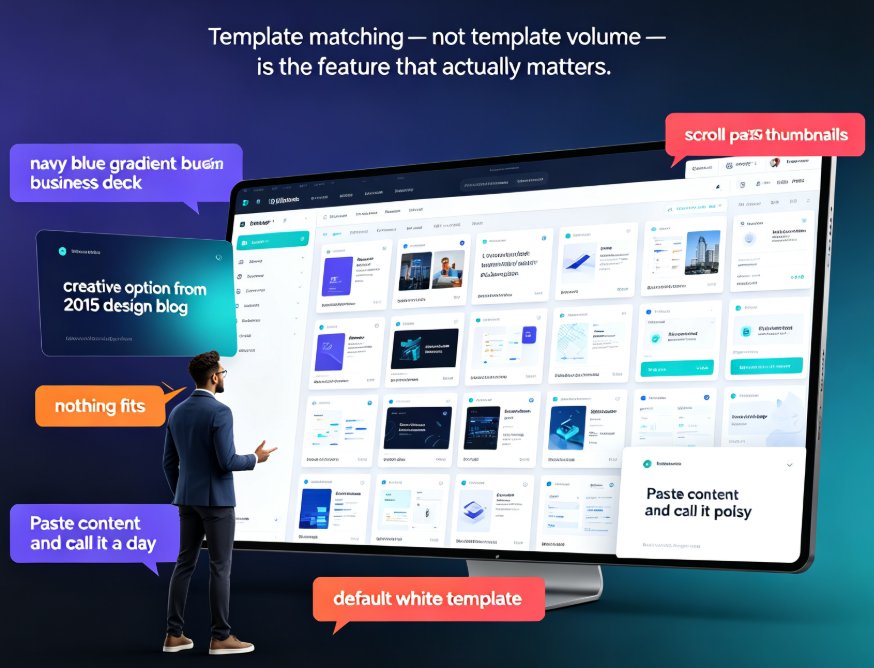
Let's be real for a second. You open a template gallery, scroll past 250 thumbnails, and somehow nothing fits. The business decks all wear the same navy blue gradient. The 'creative' options look like they escaped from a 2015 design blog. So you fall back to the default white template, paste in your content, and call it a day.
That ritual costs real time and real polish. And it's exactly why template matching — not template volume — is the feature that actually matters. This review walks through what a purpose-built template library should offer, how Zendeck's library is organized, and a few practical rules for picking the right design for any occasion without a design degree.
I. Why Generic Template Galleries Fail You
The problem with most template libraries isn't the number of options. It's that the templates were built for no one in particular. A template designed to look 'professional' for every industry ends up feeling right for exactly none of your stakeholders.
Think about the last time you grabbed a generic theme for a sales review. The slide placeholders fought your data, the palette clashed with your logo, and the icons had nothing to do with your product. You spent the next hour rearranging text boxes and swapping shapes — which is just design work wearing a disguise.
Or picture a teacher pulling a corporate template for a middle-school history lesson. The deck ends up visually disconnected from the energy of the classroom, and the students tune out before slide three.
Both scenarios share the same root problem: a generic template makes you adapt your content to the design, when it should be the other way around.
A template only earns its keep when it does half the thinking for you — matching not just your topic, but your audience, your tone, and your goal.
That's the gap Zendeck's template library tries to close: not more templates, but the right one at the moment you need it. If you want to understand why this shift away from generic galleries is happening across the industry, our analysis of contextual template trends covers the details.
II. What Makes Zendeck's Template Library Different
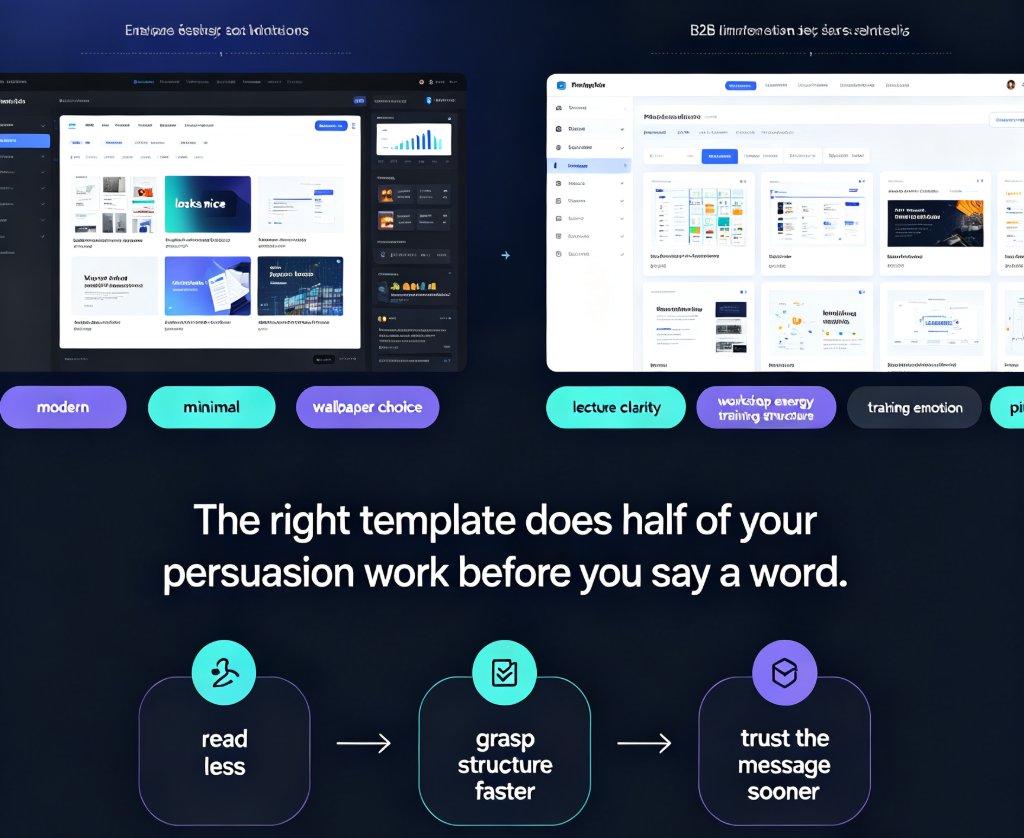
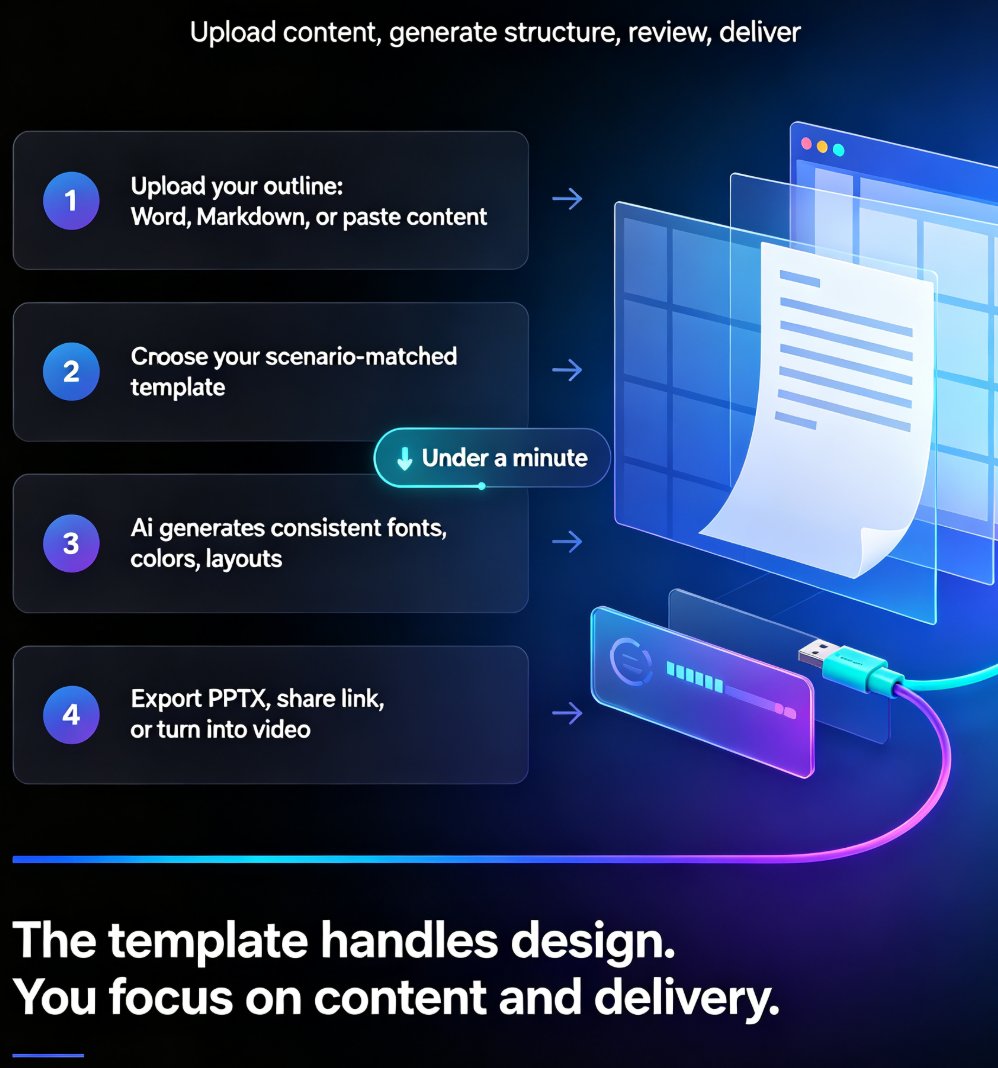
Zendeck's library is organized around scenarios, not vague aesthetics. Each template is built for a real use case: a pitch, a lesson, a quarterly report, a training session. The AI reads your outline — a Word file, Markdown, or plain text — and matches it to templates designed for that exact context.
So when a marketing manager uploads a Q4 sales strategy brief, the tool catches the business and data cues and surfaces corporate templates with chart placeholders, clean typography, and professional color schemes. When a startup founder pitches a sustainable fashion line, it picks up on the sustainability cues and recommends modern layouts with organic shapes and earthy tones. When an educator uploads a creative-thinking lesson, it applies colorful visuals and school icons built to hold young attention.
Same engine, different context — no manual digging.
This context-aware approach is what separates a useful library from a decorative one. And it explains why AI deck tools are moving beyond static templates into context-aware design in the first place.
III. Template Categories: Business, Education, Marketing, and Beyond
Let's break down what you'll actually find in the library. The categories aren't arbitrary buckets — they map to how people actually build decks and the kinds of content each audience expects.
| Category | Best For | Typical Audiences | What the Designs Lean Into |
|---|---|---|---|
| Business & Pitch | Investor pitches, sales decks, product launches | Founders, execs, clients | Clean typography, chart placeholders, corporate palettes |
| Education & Courseware | Lessons, micro-courses, training material | Students, trainees | Playful colors, school icons, clear content blocks |
| Marketing & Brand | Campaign plans, social reports, brand decks | Clients, internal teams | Bold visual hierarchy, campaign-style layouts |
| HR & Training | Onboarding, workshops, policy updates | Employees, new hires | Human visuals, step-by-step flow, friendly tone |
| Data & Reports | Quarterly reviews, analytics, research summaries | Leadership, stakeholders | Infographic blocks, timeline layouts, stat cards |
The key insight: each category carries its own design language. You don't want a playful classroom layout for a boardroom budget meeting, and you don't want a stiff corporate grid for a creative brainstorming session. Matching the template to the occasion is the difference between a deck that persuades and one that just exists.
That's also why template volume alone is a weak signal of quality. A library built around clear scenario categories — rather than a flat wall of vaguely 'modern' designs — makes the search faster and the result better.
IV. Four Rules for Matching a Template to Your Occasion
Anyone can find a pretty template. Finding the right one takes a little discipline. These rules work whether you're searching the library manually or letting Zendeck's AI suggest options for you.
Rule 1: Be painfully specific about your topic. 'Climate change' is a topic. 'Climate change lesson for middle school students' is a brief. The more specific you are, the better the suggestions — and honestly, the better your slide content will be, because specificity forces you to decide who you're talking to.
Rule 2: Name the purpose. Words like 'pitch', 'report', 'lesson', or 'workshop' tell the library what kind of layout you need. A pitch needs a narrative flow. A report needs data blocks. A workshop needs activity-friendly structure. Saying the purpose out loud makes the right template obvious.
Rule 3: Consider tone and audience. A playful theme might be perfect for a team offsite but wrong for an annual shareholder meeting. Before you pick anything, ask two questions: who's in the room, and what mood should they leave with?
Rule 4: Let the visual cues guide you. Templates that mention technology, finance, education, or sustainability already carry relevant icons, colors, and imagery. Using that built-in visual language is smarter than fighting it with custom shapes after the fact.
When you let Zendeck's AI handle the matching, it applies all four rules automatically. The engine weighs topic, purpose, and audience together to land on a template that fits — and you can see exactly how that selection logic works in our walkthrough of AI deck template selection.
V. One-Click Customization: Making the Template Yours
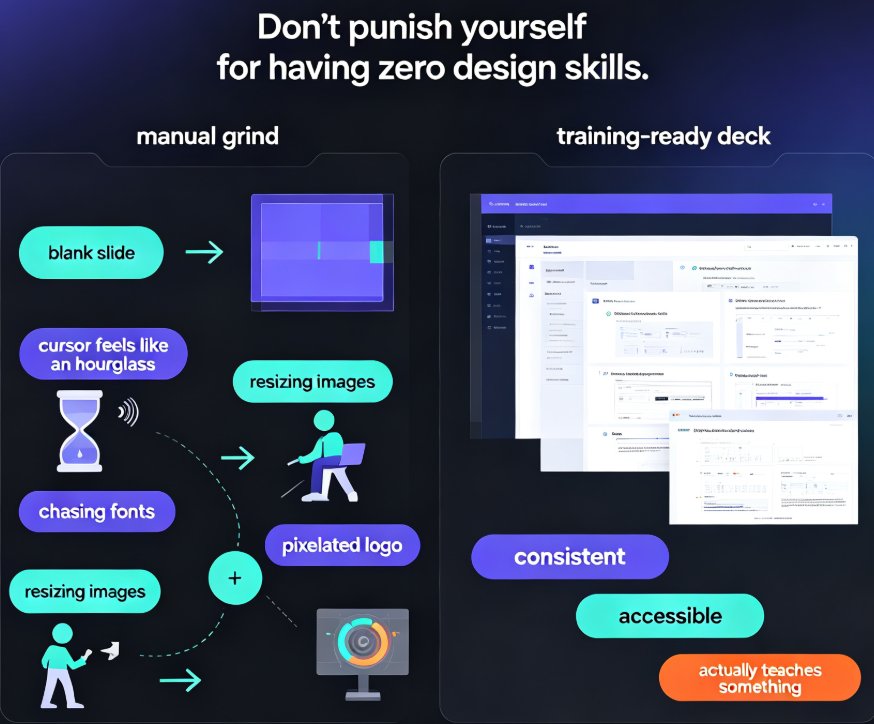
Here's where a template library either shines or falls apart. You pick a design, and then what? In most tools, that's when the drudgery starts: hunting for fonts, nudging margins, replacing colors by hand, slide by slide.
Zendeck's smart reskin handles the whole thing in one click. The AI unifies fonts, colors, and layout across your deck the moment you apply a template, so the design stays coherent even if your source outline was messy. Switch templates mid-project, and the new design is applied consistently everywhere — no orphaned fonts or misaligned boxes.
Need the same identity across every deck your team ships? Set up a custom brand kit once and it carries your logo, colors, and typography into each new project automatically. And if you're constantly updating content, the smart layout engine keeps cutting the repetitive design work down further.
The best template is the one you can make your own without opening a design tool.
That's a big deal for educators, HR teams, and marketing leads who don't have a design department down the hall. The template isn't a cage — it's a starting point you can bend to your brand, your audience, and your message.
VI. The Math: How Much Time a Smart Template Match Actually Saves
Let's talk about the hour count, because that's what this all comes down to in the end. A typical 20-slide deck can follow three very different paths — your exact numbers will vary, but the shape of this comparison holds across most teams.
Three paths, three very different evenings: - Blank canvas: Start from scratch, build every layout, choose every color combination. That's a solid six hours of design work disguised as a presentation. - Generic theme: Grab a default theme, then spend the evening fighting placeholders, recoloring shapes, and reflowing text. Still lands around three hours. - Context-matched template + one-click reskin: Let the AI read your outline, match the design to the scenario, apply it, and tweak once. You're out in roughly one hour.
The lesson isn't that templates make you fast — any template will speed you up a little. It's that the right template makes you fast, because it removes both the design decisions and the repair work in one move. When your tool matches content to a purpose-built design, you spend your time editing the message instead of wrestling with the layout.
VII. Getting Started Without a Design Degree
You don't need to be an art director to ship a sharp-looking deck. You need a library that understands context, a matching engine that reads your content, and a one-click reskin that makes the design yours.
The next time you're staring down an empty presentation, try flipping the usual workflow: instead of hunting through thumbnails, give the tool your actual outline — with a few context clues about the audience — and let the template find you. Chances are you'll discover the design was the easy part all along.
And that's the real value of a template library built for scenarios rather than aesthetics. Whether you're building courseware, pitching investors, or prepping a training session, the right starting point changes the whole day. Stop scrolling, start matching, and spend your energy on what only you can do: the message.
FAQ
What kinds of templates does Zendeck's library include? The library is organized by scenario — business & pitch, education & courseware, marketing & brand, HR & training, and data & reports — each with design cues matched to that specific use case.
Do I need design skills to customize a template? No. Zendeck's one-click reskin unifies fonts, colors, and layout automatically, and you can create a custom brand kit once to keep every deck consistent without touching a design tool.
How does Zendeck pick a template for my content? The AI reads your outline — a Word file, Markdown, or plain text — and weighs topic, purpose, and audience to suggest contextually relevant templates instead of generic ones.
What if the suggested template isn't quite right? The suggestion is a starting point, not a ceiling. You can browse the full library and switch templates anytime; the reskin reapplies the new design consistently across all slides.
Does template matching work for educational topics? Yes. Education-themed templates use classroom-friendly layouts, school icons, and colorful visuals, so lessons and micro-courses get designs built for the way students actually learn.