Why Do AI-Generated Slides Look Generic? How Zendeck Fixes Template Fatigue
You've seen it before. You type 'pitch deck for a fintech startup' into an AI tool, hit enter, and watch it generate a 10-slide deck with the same pastel purple gradient and the same three dusty stock icons that every other SaaS pitch uses. You sigh, close the tab, and open PowerPoint to do it manually—again.
Let's be honest: That's not working. The AI is spitting out slides, but you don't want to present them. You want to click 'Generate' and feel a tiny thrill, not a wave of cringe. And the weird part? The tools aren't broken. Your input is.
In this article, I'll show you exactly why AI-generated slides look generic, what you can do about it in three concrete steps, and how Zendeck's smart layout and asset intelligence break you out of template fatigue—even if you've never designed a slide in your life.
01 Why Every AI Deck Starts Looking the Same
Before we fix the problem, let's name it. Template fatigue isn't just about boring design; it's about the AI's fundamental training. According to a detailed analysis by Winning Presentations, AI tools are trained on millions of slides, so they produce the statistical average of all presentations. Average means generic. The tool optimizes for 'safe and acceptable' rather than 'compelling for your specific audience.'
The deeper issue is that most AI slide generators are built to be safe, not to be relevant. They give you an 80% 'good enough' deck that works for anyone, which means it works for no one. And that's a huge problem on time, but the solution isn't to toss the AI. It's to give it a different kind of prompt.
Another key reason, highlighted by Twistly.ai, is the combination of weak prompts, zero brand input, and missing narrative intent. Most people's prompts are one sentence long: 'Create a presentation about AI benefits.' The AI has no idea who the audience is, what decision you need them to make, or even what your brand colors are. So it defaults to a safe color palette and generic typography that someone else's landing page also uses.
02 The Three Real Culprits Behind Your Bland Slides
Let's break this down into the specific inputs that make or break your deck. This will feel personal because you've probably committed all three at least once. But here's the good news: you can fix them in under twenty minutes.
Weak prompts: you're asking the AI to think for you
"Create an attractive presentation on AI benefits" isn't a prompt; it's a wish. The worst-case scenario is that you expect the AI to read your mind. It can't, so it defaults to one of its most-used templates, which looks exactly like what a thousand other people get. A better prompt includes your main message, the audience's biggest objection, and the evidence that overcomes it. The more specific you are, the more non-generic the output will be.
Zero brand input: the cookie-cutter color trap
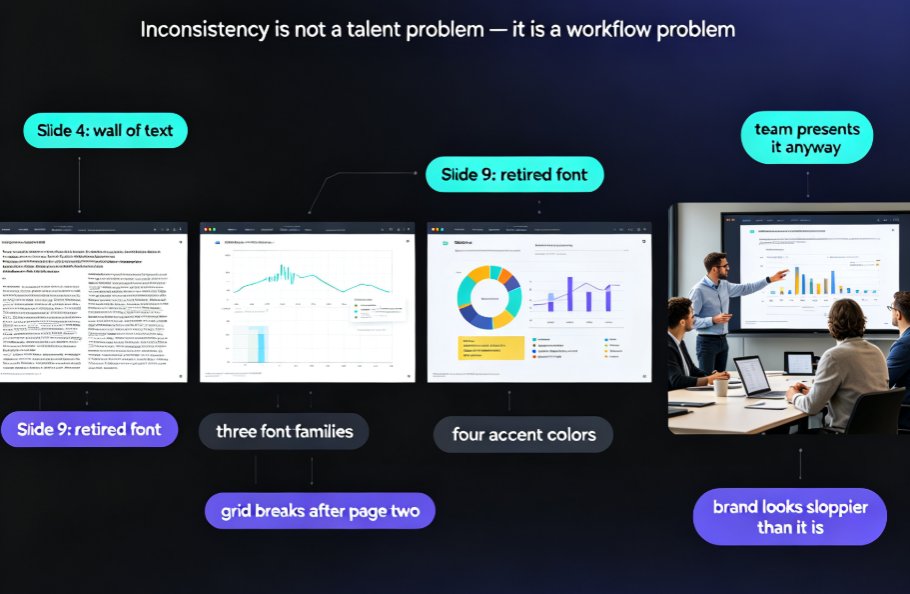
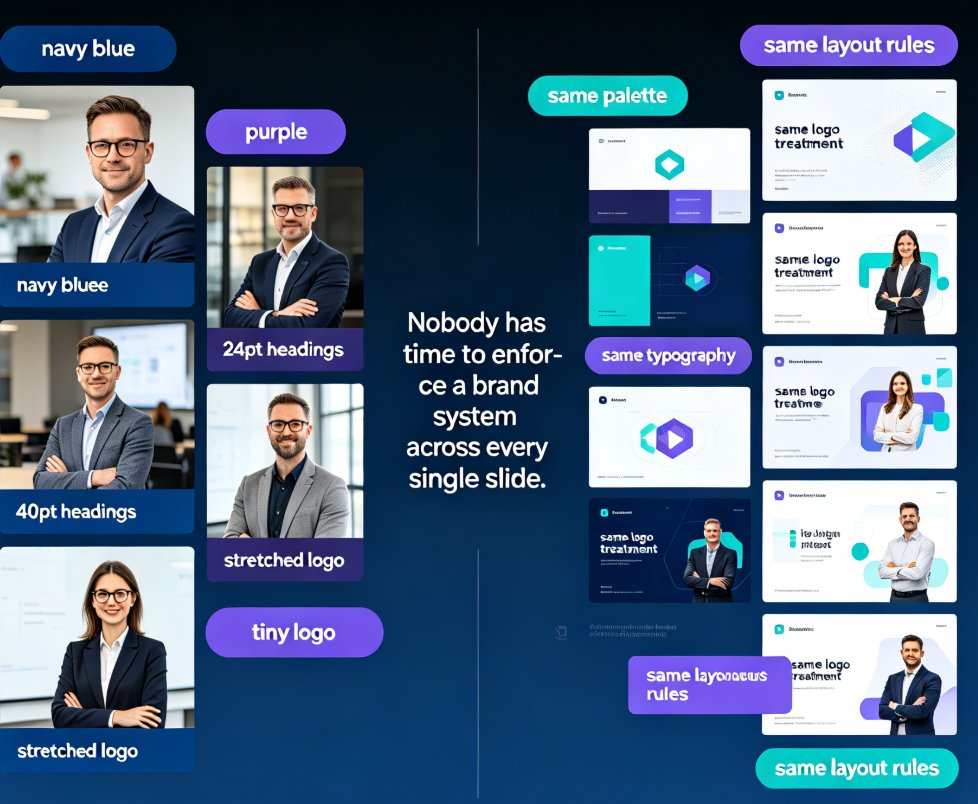
Without your brand kit, AI tools default to the same 'safe' palettes—think pale teal, muted orange, and that annoying light gray. If you're an educational trainer or a corporate HR lead, sending out a deck that looks like a startup pitch is a brand mismatch. Specify your logos, custom colors, and typography before you generate. Which brings me to Zendeck: its Brand Kit feature stores your visual identity and applies it automatically. So instead of fighting the template's default, you're telling the AI which palette, fonts, and logo to use in your output. Never again will your courseware feel like it's from a generic factory.
Missing narrative intent: the slide has no spine
Even with the right colors, a deck without a narrative is a stack of related facts. The AI doesn't know if you're trying to sell, teach, or convince. Is this a training deck for new hires, a pitch for a board, or a micro-course for online learners? The missing intent is why the slides feel hollow. Zendeck's Smart Layout doesn't just add colors; it adapts the structure to your content type, highlighting the points you want to emphasize. But that only works if you've given it a direction to go.
03 How We Fixed a £2.1M Fundraising Deck in Six Weeks
Here's a real scenario. A founder came to me with a common problem: she'd used an AI tool, generated a 12-slide pitch deck, and had presented it to two VCs over three months. Both meetings felt flat. Investors kept saying the numbers 'looked familiar' and 'like the last fintech deck we saw.' She was embarrassed. The AI wasn't wrong about the data; it was wrong about the narrative structure.
Then we rebuilt the deck using a framework-first approach. We spent the weekend writing her main message, listing three supporting points, and identifying the single objection she needed to overcome. We kept the same AI tool for execution, but we fed it a completely different input. Six weeks later, she presented the new deck. The AI didn't change—her input did—and she raised £2.1M.
The lesson is twofold. First, your framework comes first. Second, using a tool like Zendeck that lets you remix layouts and apply context-aware design makes the execution phase so much faster. Instead of wrestling with the template, you drag in your structure and let the smart layout do the heavy lifting.

04 A Fix You Can Use in Your Next Prompt
Let's be real: you don't have time for a six-week transformation. You have a sales meeting tomorrow. So here's a 15-minute fix you can apply before your next prompt.
Step 1: Write your main message in one sentence. What do you want them to decide or believe? Write it down. This becomes the headline of your title slide and the theme of your closing slide.
Step 2: List your 3 supporting points in order of importance. Don't write paragraphs—just 3 to 5 bullet points. These become your section headers and the base for your content.
Step 3: Give the AI your brand materials. In Zendeck, that means selecting your Brand Kit and providing your logo file and brand colors. If you don't have a detailed brand kit, start with 2 colors and 1 font. That's better than zero.
Step 4: Specify the narrative intent. Tell the AI if this is 'a persuasion deck for C-suite,' 'a training manual for Gen-Z interns,' or 'a course module for visual learners.' This helps the tool choose the right visual weight.
This process mirrors the framework-first methodology that professional presentation coaches use. It takes the AI from being a random paragraph generator to a deck-building assistant that respects your skeleton.
05 How Smart Layouts and Asset Libraries Fight Template Fatigue
Now for the elephant in the room: even with great prompts, you might still get design output that looks like everyone else's design. That's where the tool itself matters. This is the exact problem Zendeck was built to solve—not by adding thousands of templates, but by making the AI think about context.
Zendeck's Smart Layout feature automatically adjusts font sizes, spacing, and slide composition based on the content you provide. It makes decisions a good designer would make: it knows that a slide with a long quote needs different spacing than a slide with a bar chart. The result is a slide that feels balanced and fresh, not like it was dropped into a default template.
It's also crucial to pair your layout with the right visual assets. Generic decks fail because they use stock icons that have nothing to do with your topic. Zendeck's asset library uses context-aware suggestions; when you're talking about 'revenue growth,' it highlights growth charts and upward arrow icons rather than showing you a pile of generic headshots. This level of asset intelligence helps your message land and directly combats the 'same-looking deck' problem.
06 Zendeck vs. The 'Generic' Tools: A Quick Reality Check
Let's put this into a quick comparison so you can see what you're trading for the convenience of AI. I've seen many teams default to big-brand AI tools, only to end up with beautiful decks that say nothing. Here's how Zendeck stacks up on the specific points that fight template fatigue.
| Feature | Generic AI Tool (e.g., free tiers of PPT AI) | Zendeck | Why it matters in practice |
|---|---|---|---|
| Brand integration | Limited; you add your logo manually per slide | Brand Kit applies logos, colors, fonts automatically | Saves you from editing 20 slides to fix a logo mismatch |
| Layout logic | Default 16:9 title-slide-content template | Smart Layout adjusts composition per content type | Reduces 'every slide looks the same' boredom |
| Asset suggestions | Static icon library | Context-aware visual suggestions (charts, icons, illustrations) | Aligns your visuals with your topic; better for training |
| Design skill required | Low, but you manually edit to fix text overlaps | Low; automated spacing/alignment | You're not redesigning; you're just approving |
| Fit for courseware/education | Generic, suited for corporate pitch | Specialized for teaching (slides as learning aids) | More like a lesson plan, less like a sales deck |
This table reflects general tool behavior based on independent analyses and user workflows. Your experience may vary, but the differentiation is in the AI's design decisions.
07 Design Without a Designer: Your New Normal
Here's the best part. You don't have to spend months learning design to make this work. Guiding principle: use AI to execute, not to think. It's a subtle shift, but it turns Zendeck from a typical template generator into a presentation accelerator.
In practice, let's look at three everyday workplace scenarios—choose the one that sounds like you.
You're an HR training manager. You have to deliver a 45-minute onboarding session about data privacy. Instead of spending two hours formatting bullets, you use Zendeck to turn your Word outline into a slide deck, then use Smart Layout to re-skin it with your company colors. The deck looks like it belongs to your brand system, not a template graveyard.
You're a corporate trainer teaching a micro-course. You paste a Markdown outline, and Zendeck auto-generates a structured deck. Then you use the asset library to pull a simple diagram for complex processes, like the data flow you're covering. The result is a resource-rich lesson that your learners actually pay attention to, because it looks custom.
You're a startup founder with no design team. You write a text prompt, but you also input a rough narrative arc: 'problem → solution → market size → team.' Zendeck respects that structure and creates slides that are clean and typographically strong, which you can then update monthly without starting over.
In all three cases, you're working with the tool around your content, not fighting the tool's default. Zendeck handles the thousands of micro-design decisions—spacing, balance, color contrast—so you can focus on the message. That's the 'design without a designer' promise, and it's particularly powerful in education where a good layout supports comprehension rather than just decoration.
08 Don't Just Generate — Curate Your Next Deck
Here's the bottom line. AI-generated slides look generic because we're treating them like vending machines: put in a coin, get a snack. But that's not the right mental model. The right model is treating AI like a brilliant junior associate: it executes fast, but only after you give it a clear brief.
Try this hybrid flow next time you build a deck, in Zendeck or any similar tool:
- Draft a rough outline in Word or Markdown. Don't overthink it; write everything you know you need to cover.
- Paste it into Zendeck to get the core slide structure.
- Use Smart Layout to auto-refine the slide composition, and toggle through a few options to see which one best matches your tone.
- Use the asset library to add a chart or icon relevant to each key takeaway, instead of decorative scene images.
If you want to go deeper on the design side, check out how Zendeck's Smart Layout cuts presentation design time to see how automated spacing and alignment are handled behind the scenes. Or, if you're starting from scratch, the AI pitch deck generator guide walks you through the problem-solution narrative from a blank page.
But ultimately, the best way to beat template fatigue is to make a few intentional decisions before you click 'generate.' You'll still get the speed of AI, but you'll win back your credibility—which, in the end, is way more valuable than a flashy template.
FAQ
Why do AI presentation tools produce such similar-looking slides? Because the AI is trained on millions of sample decks, it outputs the statistical average of all presentations. That average equals 'generic.' Tools optimise for 'safe and acceptable' for a broad audience, not 'compelling for you.' To fix this, you need to feed the AI specifics: your main message, your audience, and your brand colors.
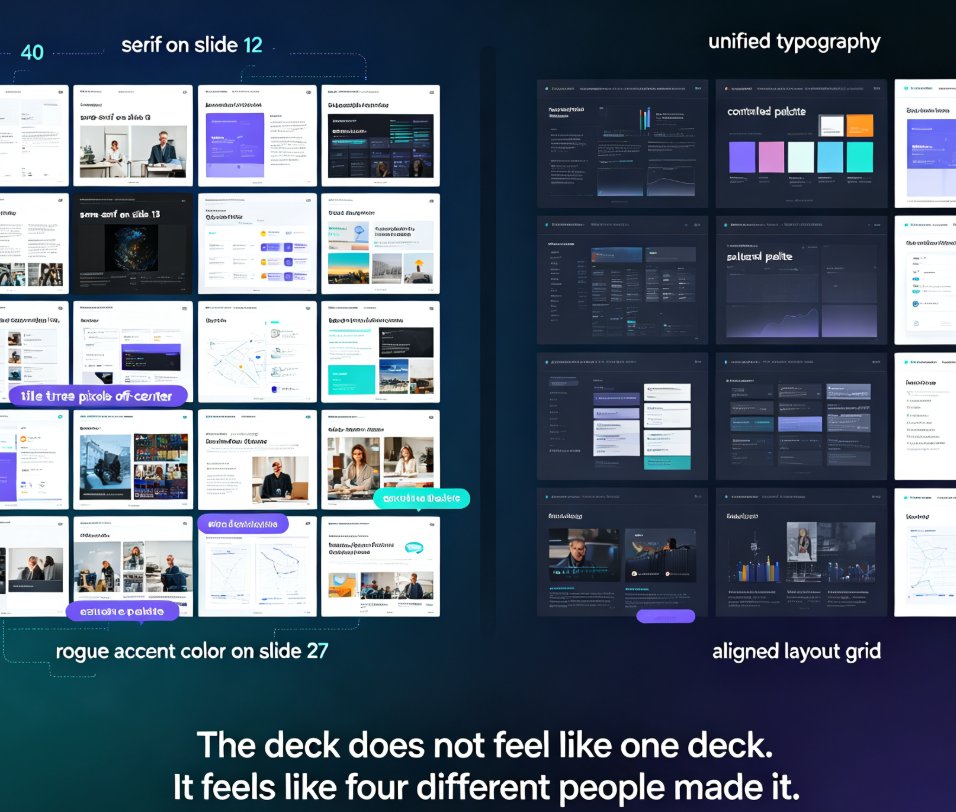
What causes template fatigue in corporate and educational decks? Template fatigue happens when every deck looks like it came from the same factory—same pastel palette, same three stock icons, same title-card layout. The root causes are relying on generic templates without context, skipping brand asset integration, and letting the AI make structural decisions you should make yourself.
How does Zendeck help make AI slides look custom rather than templated? Zendeck uses context-aware design: Smart Layout matches layouts and colors to your content in real time, the asset library suggests icons and charts that fit your topic, and the Brand Kit unifies fonts, colors, and logos into every slide. The result is a fully custom look without manual design work.
Do I still need to build my presentation framework before using AI? Yes, absolutely. Tools like Zendeck amplify your structure instead of replacing it. Spend 15 minutes writing your one-sentence main message and listing three supporting points. That input, plus Zendeck's smart layout, will produce a deck that feels like it was designed for your audience, not for everyone.
Can Zendeck ensure brand consistency across decks without a designer? Yes. Zendeck's Brand Kit stores your logos, custom colors, and typography, then applies them automatically to every generated slide. You can also use Smart Layout's 're-skin' feature to apply a brand theme to an existing deck in one click, keeping all decks aligned.