Collaborative AI Workspaces: Real-Time Sharing for Team Presentations
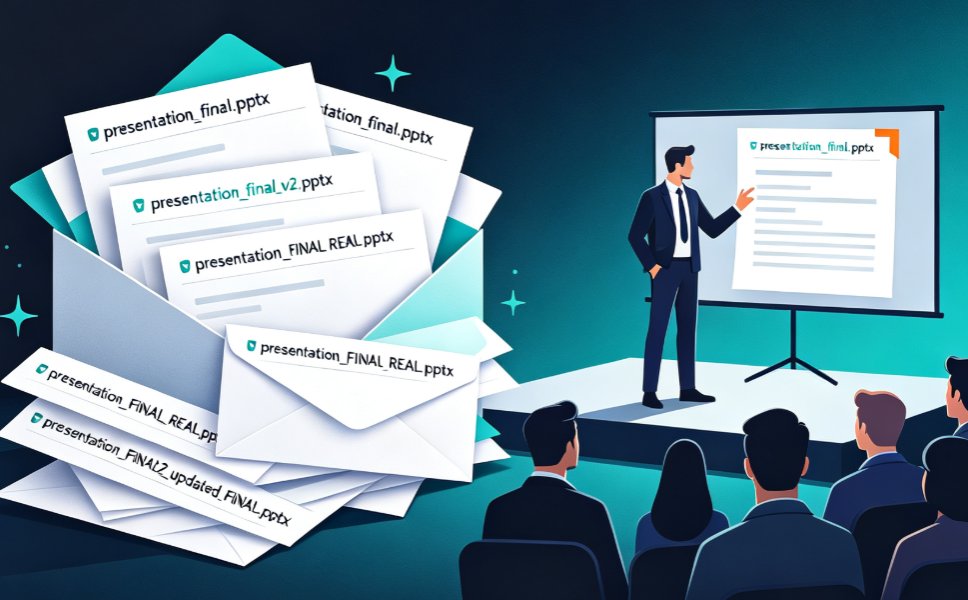
Let's be honest: how many versions of "Final_v3_REAL_FINAL.pptx" are sitting in your inbox right now? If you've ever spent a Tuesday afternoon untangling which teammate's edits made it into the latest deck, you already know the pain. The old way of building team presentations — emailing files, merging comments, praying nobody overwrote the good version — is quietly dying. And the replacement, cloud-native collaboration with real-time sharing, is changing not just how we build decks, but how teams actually think together.
Real-time collaboration has become the new baseline for team presentations, and the teams that adopt it stop losing hours to version chaos. That's not a trend prediction; it's what's happening in organizations that have already made the switch. Let's walk through why the old model broke, what the new one looks like, and how tools like Zendeck fit into the picture.
01 The Version Chaos Problem Nobody Talks About
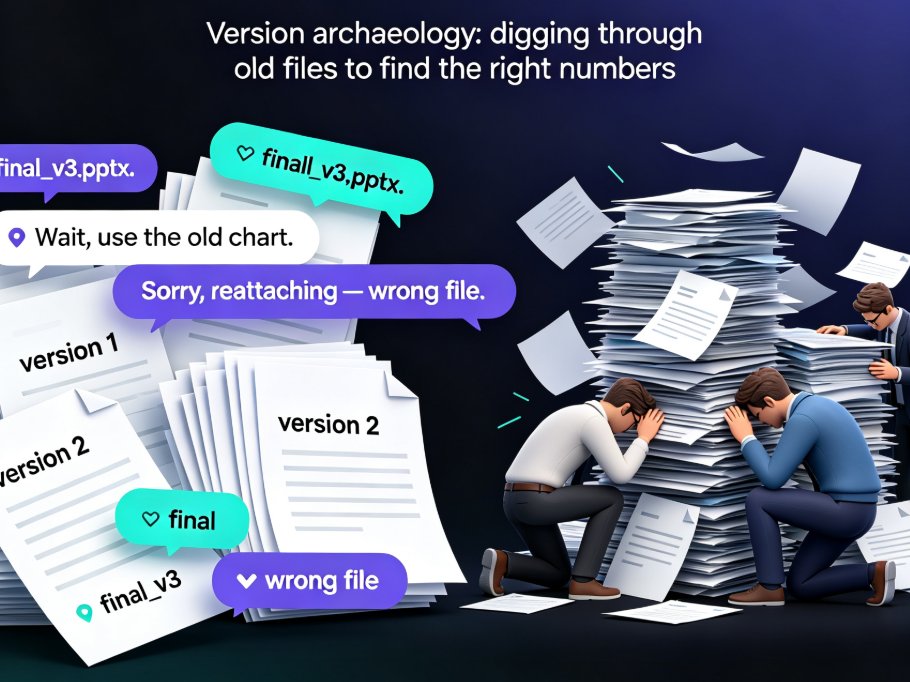
Here's a scenario you'll recognize. Your team is preparing a quarterly business review. Sarah updates the revenue slide. Marco tweaks the roadmap. You fix the typos. But because you're all working from the same PPT file, emailed back and forth, someone's changes get overwritten. The "final" deck that goes to leadership is missing Marco's roadmap update, and nobody notices until the meeting starts.
This isn't a workflow quirk; it's a structural flaw in file-based collaboration. When a presentation lives as a file on someone's desktop, only one person can edit it at a time. Everyone else either waits, works on a copy, or — worst case — works on the same file and creates merge conflicts that eat hours.
The pain points are predictable:
- Version confusion: "Which file is the latest?" becomes a daily question.
- Feedback fragmentation: Comments live in email threads, chat messages, and sticky notes, never in the deck itself.
- Slow iteration: Every round of edits requires a full send-and-wait cycle.
- Brand drift: Different teammates apply different fonts, colors, and layouts, and nobody catches it until review.
The solution isn't better file discipline. It's changing where the presentation lives in the first place.
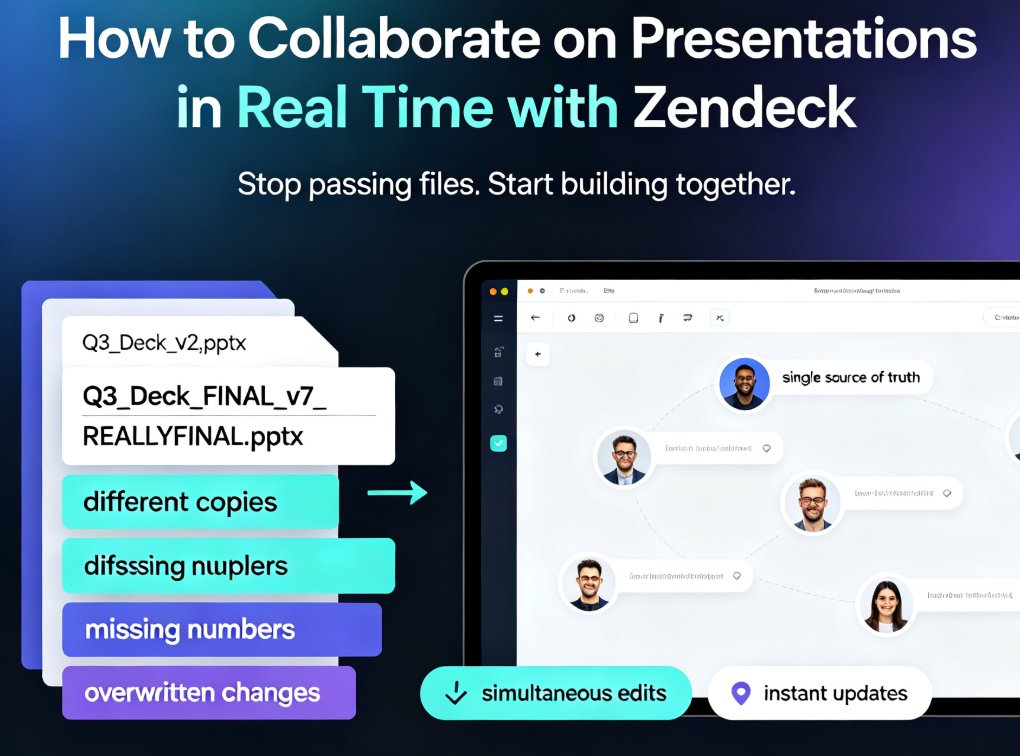
The fix is to stop treating a presentation as a file and start treating it as a shared workspace. When the deck lives in the cloud and everyone works on the same instance, version chaos doesn't just shrink — it disappears.
02 Why Cloud-Native Sharing Is the New Baseline
The shift from file-based to cloud-native collaboration didn't happen overnight, but it's now unmistakable. Document tools made the leap years ago; spreadsheets followed; and presentation software is finally catching up. The logic is simple: if you can share a link instead of an attachment, you eliminate the entire category of "which version is this?" problems.
What does cloud-native sharing actually mean for a team?
First, the deck has one canonical home. There's no local copy that can go stale. When you open a shared presentation, you're looking at the live version — the same version your teammate is looking at on their screen.
Second, editing happens in real time. Multiple people can work on different sections simultaneously. Sarah updates the revenue slide while Marco revises the roadmap, and neither of them blocks the other. Changes appear as they happen, and the deck is always whole.
Third, distribution becomes a link, not an attachment. Instead of emailing a 40MB file to stakeholders, you share a URL. The link always points to the latest version, so your audience never sees an outdated deck.
This shift matters because presentations are rarely solo work. A board deck involves finance, marketing, and operations. A training course involves subject-matter experts and instructional designers. A pitch deck involves founders, advisors, and sometimes lawyers. The more people involved, the more the file-based model breaks down — and the more the cloud-native model pays off.
03 What Real-Time Collaboration Actually Changes
Let's get concrete about the difference. Here's a side-by-side look at the two models across the dimensions that matter most to teams:
| Dimension | Email + PPT Files | Cloud-Native Collaboration |
|---|---|---|
| Version control | Manual file naming, "v2_final_FINAL" | Automatic history, one live version |
| Editing | One person at a time, send-and-wait | Real-time multi-user editing |
| Feedback | Scattered across email and chat | Inline comments on specific slides |
| Distribution | Attachments, size limits | Share links, always up to date |
| Brand consistency | Manual policing of templates | AI-enforced design rules |
| Access | Desktop-only, software required | Any browser, any device |
The last row is worth pausing on. Accessibility isn't a convenience; it's what makes real-time collaboration possible. When a teammate can open the deck from a laptop, a tablet, or even a phone, they can contribute whenever inspiration strikes — not just when they're at their desk with PowerPoint open.
The outcome is measurable in team behavior. Decks get iterated more often because the friction of each edit is lower. Feedback gets captured where it's actionable because comments live on the slide. And the final review stops being a scavenger hunt for the right file. If you want to see more ways AI tools quietly boost team output, check out our piece on hidden features that improve team productivity.
04 What to Look For in a Collaborative AI Presentation Tool
Not all "collaborative" presentation tools are created equal. Some offer link sharing but still force you through clunky import-export cycles. Others support real-time editing but lack the AI features that make modern deck-building fast. If you're evaluating tools, here's the checklist that matters:
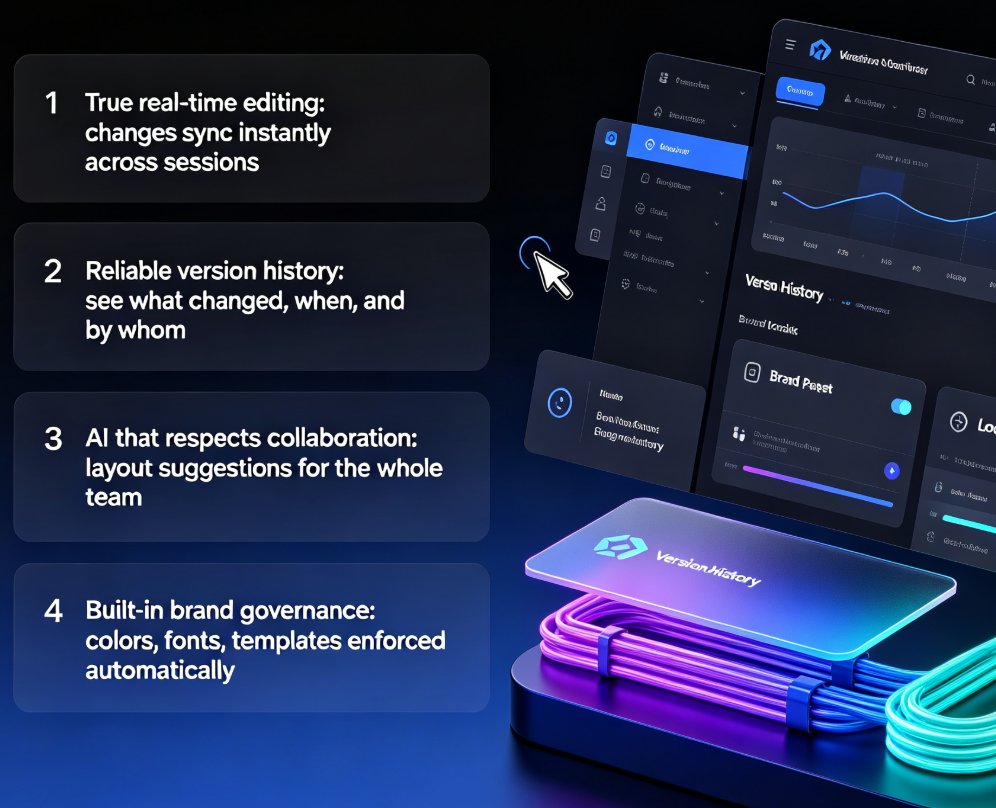
1. True real-time editing, not just sharing. A link that lets people view a deck is table stakes. What you want is a link that lets people edit — with changes syncing instantly across all open sessions.
2. Version history that actually works. You should be able to see what changed, when, and by whom — and roll back if someone breaks a slide. This is the safety net that makes real-time editing feel safe.
3. AI that respects collaboration. The best AI presentation tools don't just generate a deck from scratch; they help you refine a shared deck. That means AI-powered layout suggestions that apply to the whole team's work, not just your own.
4. Brand governance built in. When multiple people edit, brand consistency is the first thing to slip. Look for tools that enforce your colors, fonts, and templates automatically. This is exactly how AI-enforced templates keep brand governance on autopilot.
5. Export that doesn't break the workflow. Even in a cloud-native world, you'll occasionally need a PPTX or PDF for a client or an offline meeting. The tool should export cleanly without losing the design.
If a tool checks all five boxes, you've found a genuine collaborative workspace — not just a shared file viewer. For more on the broader shift toward smarter, more efficient office workflows, browse our office efficiency guides.
05 Zendeck's Take: Online Editor + Link Sharing
This is where Zendeck comes in. Zendeck was built around the idea that anyone — no design skills required — should be able to create a professional deck and share it with a team without version chaos. The platform combines AI-powered deck generation with a cloud-native editor, and the collaboration model is link-based from the ground up.
Here's how it works in practice. You start with a Word outline, Markdown, or even a prompt, and Zendeck generates a structured, visually consistent deck. Then you share a link with your team. Teammates open the same live deck in their browser, make edits, leave comments, and see each other's changes in real time. No file downloads, no "send me the latest version" emails, no merge conflicts.
The AI doesn't step aside during collaboration, either. If a teammate adds a slide that doesn't match the deck's design system, Zendeck's smart layout can re-skin it on the fly. If someone needs a chart or icon, the asset library has them ready. And when the deck is done, you can export it as a PPTX or PDF — or even turn it into a narrated video for asynchronous viewing.
The result is a workflow where the deck is always current, feedback is always in context, and the final version is never in question. That's the outcome teams actually want from collaboration, and it's why the shift to cloud-native sharing is more than a trend — it's the new way teams build presentations.
If you're still managing presentations through email attachments, the transition to a collaborative workspace is worth making. Start with a small project — a weekly status deck, a training module — and see how much faster the cycle feels. You might be surprised how quickly the old way starts to look, well, old.
FAQ
Q: What is a collaborative AI workspace for presentations? A: It's a cloud-based environment where a team creates, edits, and shares a presentation in real time, with AI assisting in generation, layout, and design. Instead of emailing files, everyone works on the same live deck through a shared link.
Q: How does link-based sharing differ from emailing PPT files? A: Link-based sharing always points to the latest version of a deck, so there's no risk of someone viewing an outdated file. Email attachments create copies that can diverge, leading to version confusion and merge conflicts.
Q: Can multiple people edit a Zendeck deck at the same time? A: Yes. Zendeck's online editor supports real-time multi-user editing, so teammates can work on different slides simultaneously and see each other's changes as they happen.
Q: How does Zendeck handle version control? A: Because the deck lives in the cloud as a single live version, there's no file versioning to manage. Changes are tracked in the shared workspace, and you can roll back if needed.
Q: Is cloud-based presentation collaboration secure? A: Reputable tools, including Zendeck, treat security as a core feature, with controlled access via share links and permission settings. You control who can view, comment, or edit.