Tags:Zendeck asset library

20 articles

How to Find and Insert Icons, Charts, and Illustrations with Zendeck

Courseware Design 2026-08-26 3477

Stop scrolling through hundreds of assets to find one icon. Zendeck's asset library puts icons, charts, and illustrations within seconds of your cursor — if you search smart. This practical guide covers the fastest keyword techniques, type filters, and insertion workflows for finding the right visual on every slide. You'll learn when to use icons versus charts versus illustrations, how to search by theme for illustrations, how to insert and edit charts in place, and how to keep your deck visually consistent. Includes a quick-reference asset type table, a three-step search workflow, and the common mistakes that slow people down. Built for educators, trainers, HR teams, and content operators who build decks daily and want to spend seconds, not minutes, on visuals.
Find the Right Icon or Chart in Seconds: Visual Asset Search Guide

Courseware Design 2026-08-26 3775

Stop wasting minutes hunting for the perfect visual. Zendeck's asset library lets you find the right icon, chart, or illustration in seconds with smart search, category filters, and context-aware suggestions. This guide covers practical search strategies, a repeatable visual workflow, and the time savings you can expect. Whether you're building business decks, training materials, or courseware, these tips help you locate on-brand visuals faster and keep your presentations consistent. Learn how to search by concept instead of object, use category filters to narrow results, save favorite assets for reuse, and let Zendeck suggest relevant visuals as you build. If you're tired of mismatched icons, endless scrolling, and decks that look assembled rather than designed, this visual asset search guide is exactly what you need to speed up your workflow and produce professional presentations without design expertise.

Build a Reusable Asset Library: Icons, Charts & Illustrations in Zendeck

Courseware Design 2026-08-25 3651

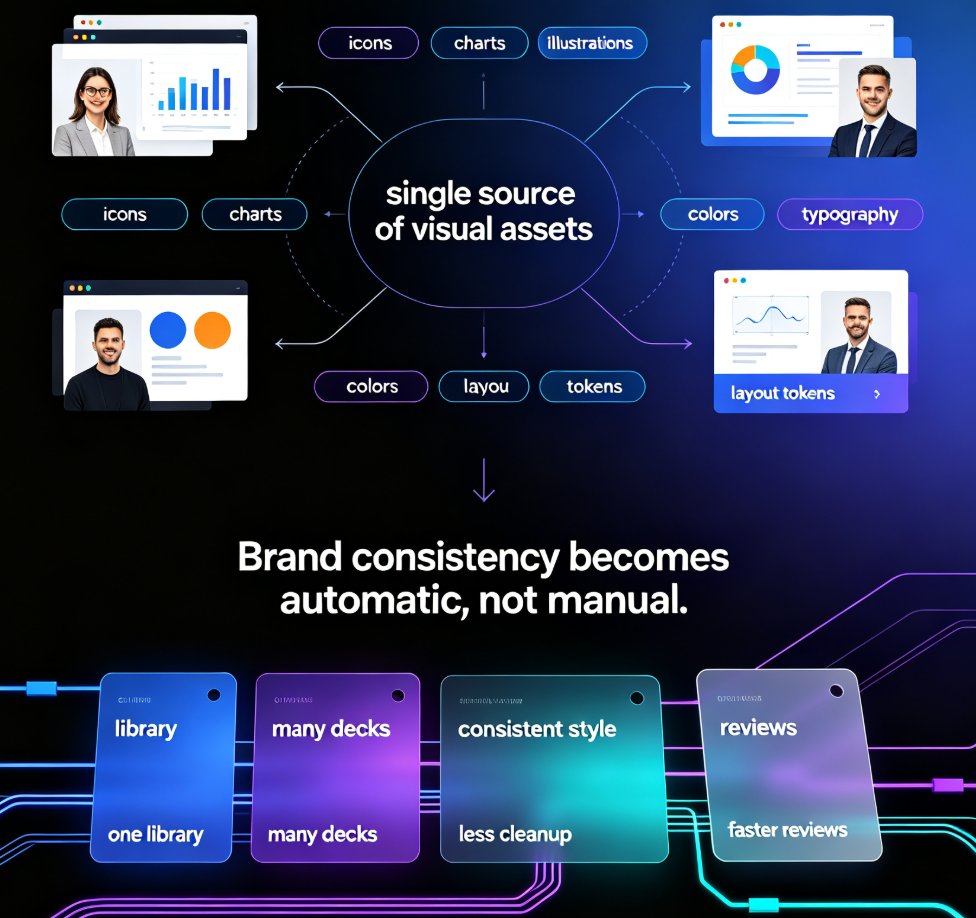
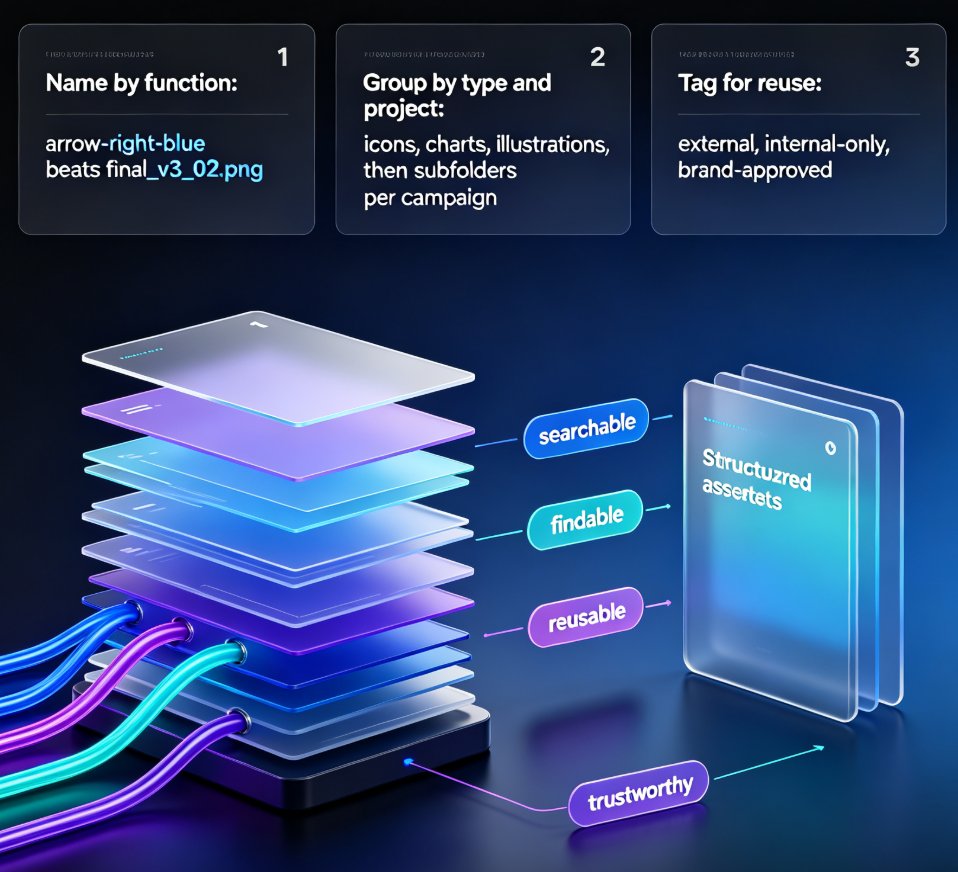
Building a reusable asset library in Zendeck is the fastest way to cut deck production time and keep every presentation on-brand. This guide shows content operators and designers how to organize icons, charts, and illustrations into a single searchable library, set up team sharing with brand governance, and build consistent decks in hours instead of days. Learn what belongs in your library, how to name and tag assets for reuse, and how Zendeck's asset library integrates with deck generation, brand kits, and interactive charts. We also cover the 30-minute quick-start, common organization mistakes, and answers to the questions teams ask most. Stop re-creating visuals from scratch — start pulling from a library that works for you.

The Asset Library as a Productivity Hub: Icons, Charts on Demand

Office Efficiency 2026-08-24 664

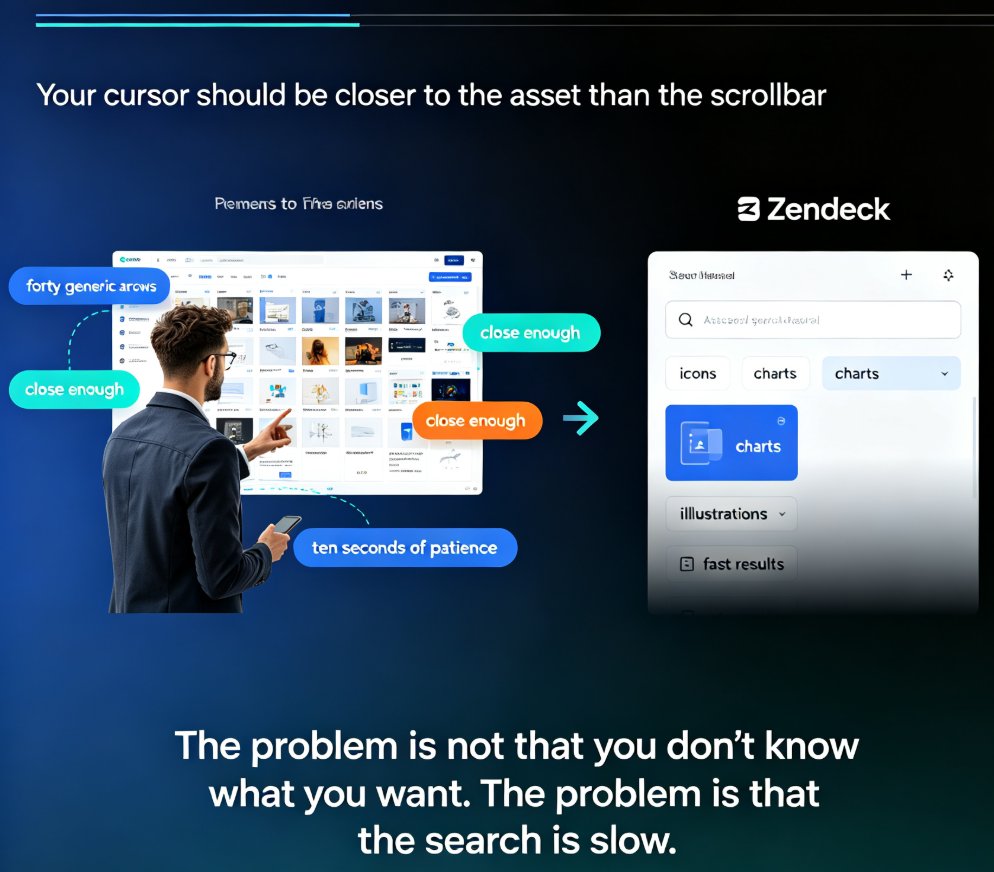
Asset libraries have become the backbone of efficient deck creation. This guide breaks down how an integrated asset library — icons, charts, and illustrations on demand — cuts visual search time from minutes to seconds. Zendeck's built-in searchable collection helps you find the perfect visual in under three seconds, keeping your creative flow intact and your slides on-brand. Learn the hidden costs of manual asset hunting, the three-second rule for library design, and how AI-generated assets are reshaping presentation workflows. Includes a comparison table of traditional search versus integrated libraries, plus practical tips for building decks faster. If you create presentations regularly — for clients, classes, or internal teams — this is the productivity upgrade you didn't know you needed.

Icons, Charts, Illustrations: Zendeck's Asset Library Speeds Up Decks

PPT Tutorial 2026-08-24 3582

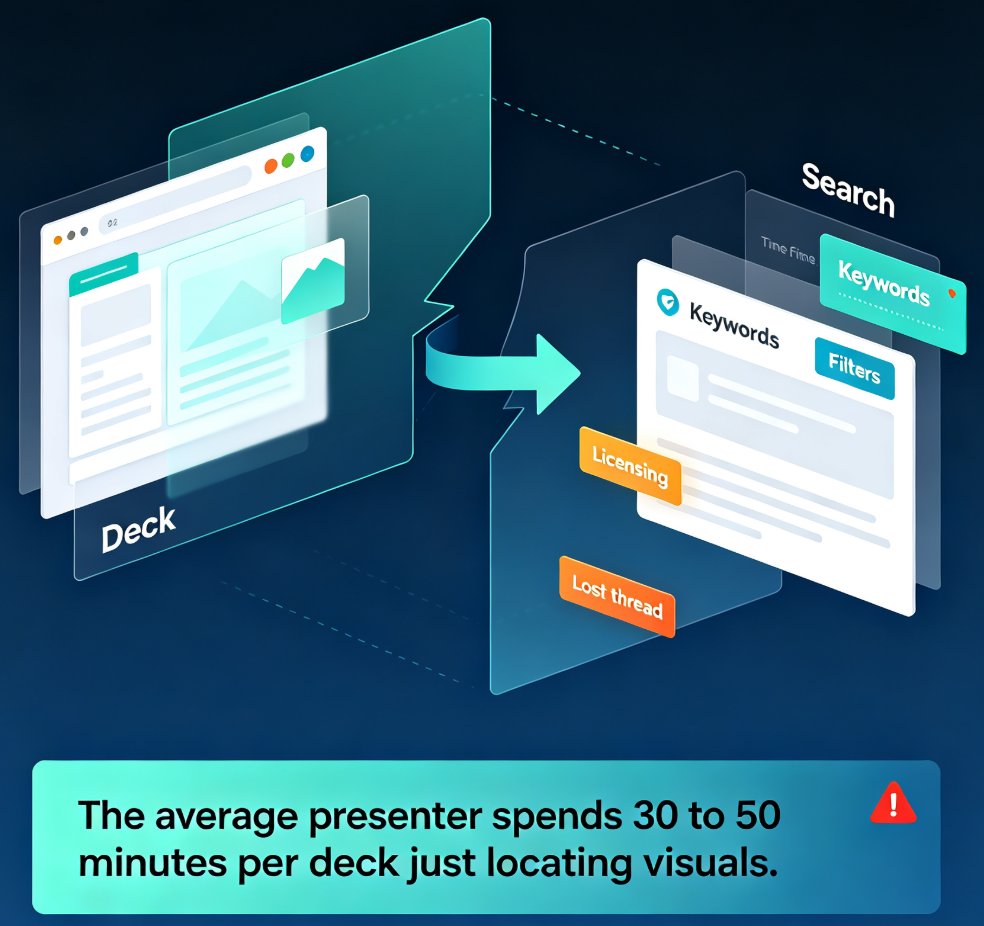
Visual asset hunting is the silent time-killer in every deck build. If you've ever spent 30 minutes scrolling stock sites for the right icon, only to settle for something that almost works, this guide is for you. Zendeck's built-in asset library puts icons, charts, and illustrations a quick search away, cutting visual hunting from 30–50 minutes per deck down to single digits. In this tutorial, you'll learn the search shortcuts that actually work — concept-based searching, style filters, brand-language queries, and the visual parking lot trick — plus how the library connects to your brand kit and template system. Stop losing momentum to asset hunting and start building decks that look intentional. Here's how to make Zendeck's asset library the fastest part of your workflow.

AI-Generated Icons and Charts: How Asset Libraries Are Evolving

Courseware Design 2026-08-20 2005

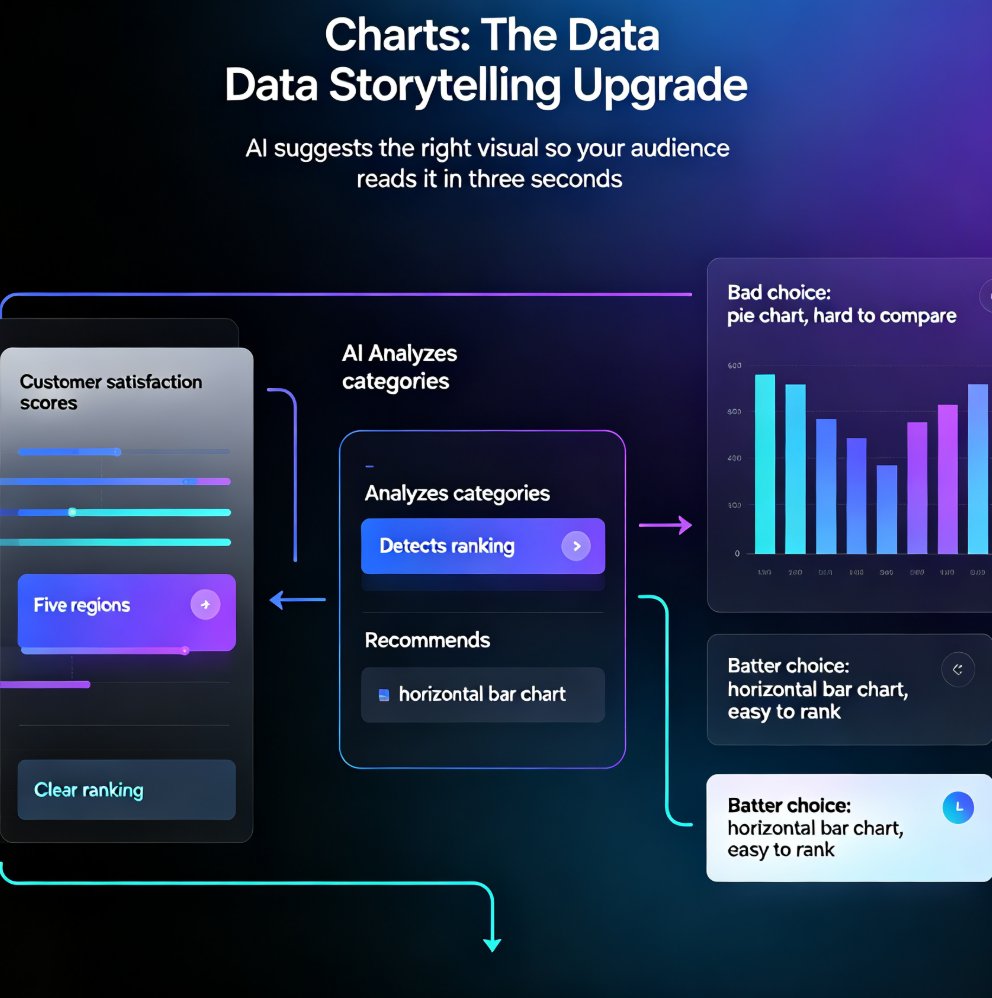
AI-generated icons and charts are transforming presentation asset libraries, and Zendeck's asset library puts this power in your hands. Learn how AI suggests and generates relevant visuals — no design skills required. From context-aware icon recommendations to intelligent chart selection, discover how modern AI presentation tools turn the tedious asset hunt into a one-click workflow. This guide covers the shift from static libraries to dynamic, AI-powered asset generation, practical tips for data storytelling, and how to keep every slide on-brand. Whether you're a trainer, educator, or team lead, you'll walk away with a repeatable workflow for building richer decks faster — and a clear picture of why AI asset libraries are becoming the new baseline for professional presentation design.