
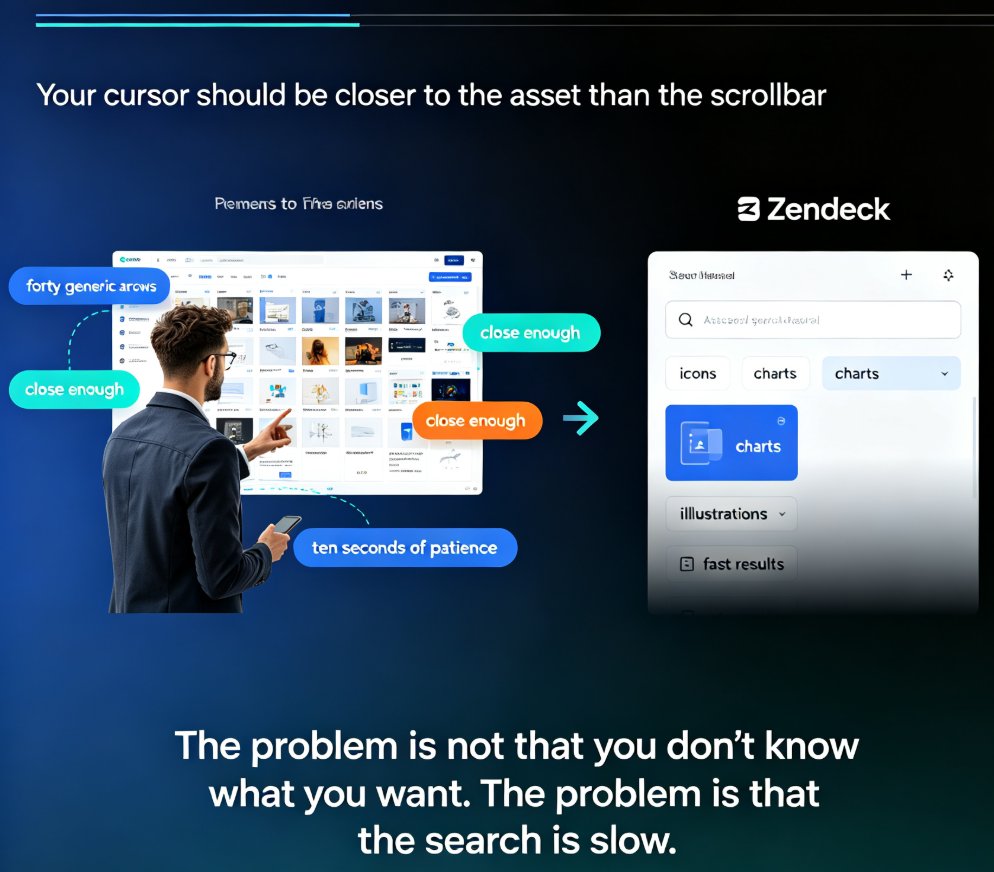
How to Find and Insert Icons, Charts, and Illustrations with Zendeck
Stop scrolling through hundreds of assets to find one icon. Zendeck's asset library puts icons, charts, and illustrations within seconds of your cursor — if you search smart. This practical guide covers the fastest keyword techniques, type filters, and insertion workflows for finding the right visual on every slide. You'll learn when to use icons versus charts versus illustrations, how to search by theme for illustrations, how to insert and edit charts in place, and how to keep your deck visually consistent. Includes a quick-reference asset type table, a three-step search workflow, and the common mistakes that slow people down. Built for educators, trainers, HR teams, and content operators who build decks daily and want to spend seconds, not minutes, on visuals.