Find the Perfect Icon in Seconds: Zendeck Asset Search Tricks
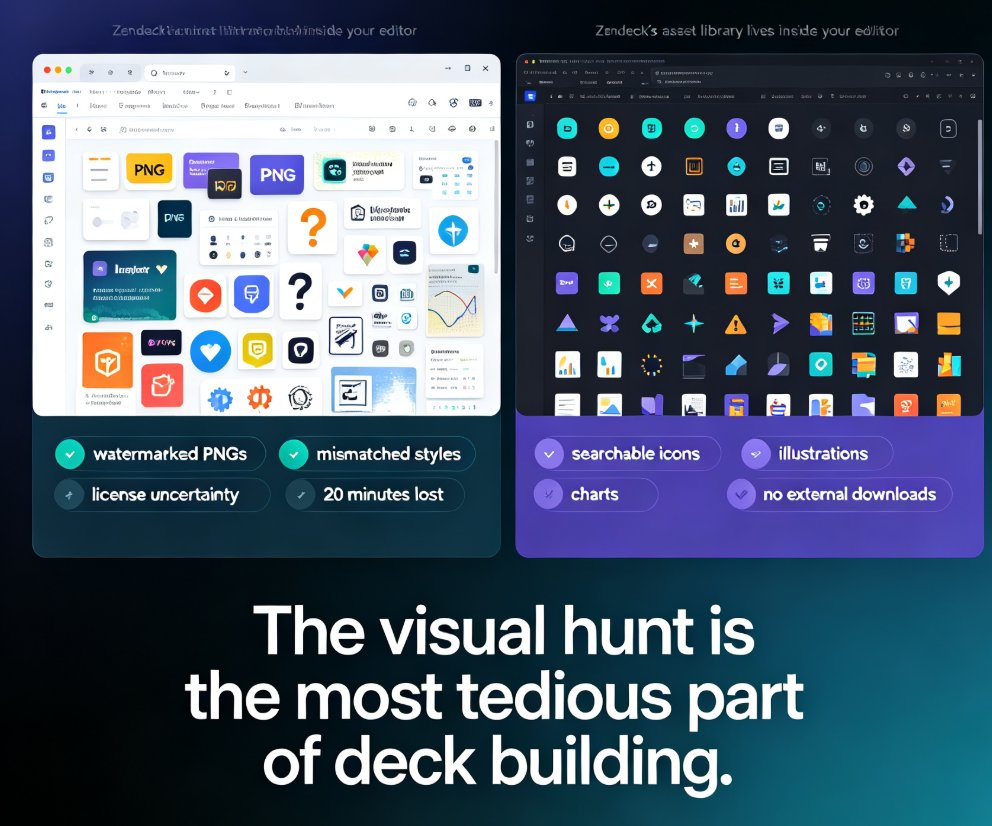
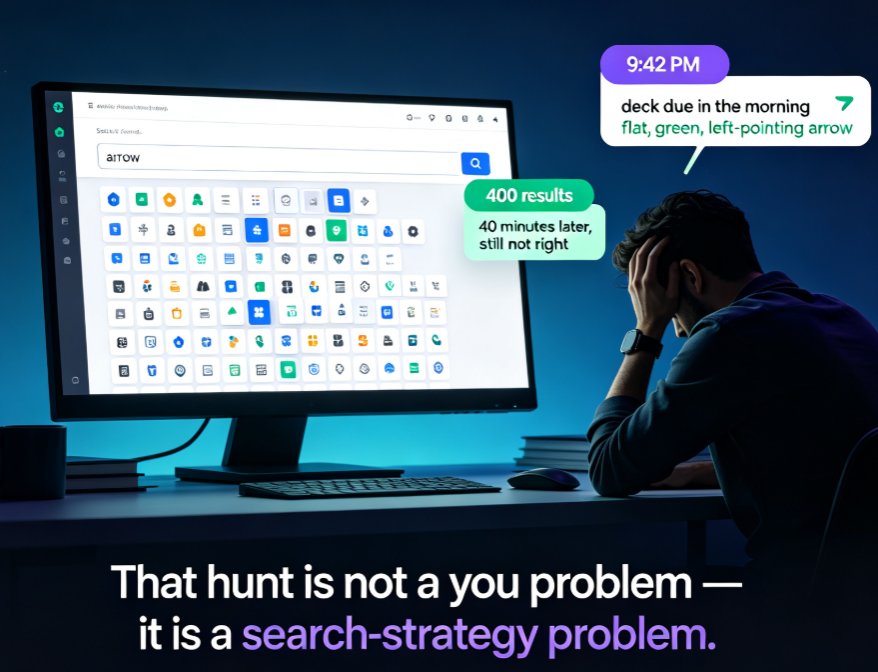
Stop scrolling through hundreds of icons — Zendeck's asset library has advanced filters and tag tricks that cut your search time by 80%. This guide covers why basic keyword search fails, how to stack type, style, and color filters, how to combine tags like arrow + green + flat for precise matches, and how to build saved folders so your most-used visuals are one click away. Backed by measurements showing keyword search averaging five minutes per find versus under a minute with filters and folders, you'll walk away with a repeatable five-step routine for any deck. Perfect for courseware designers, trainers, and content teams who want on-brand, consistent visuals without the design chaos. Learn the workflow today and stop losing hours to the icon hunt.