Interactive Video Decks: The New Standard for Corporate Training
You've spent weeks building a compliance training video. You send it out, and the completion rate is 40%. The few who finish can't recall the key points a week later. Sound familiar? You're not alone. Passive video has been the default for corporate training for decades, but it's failing us. The new standard? Interactive video decks.
Interactive video decks combine the visual power of a slide deck with the engagement mechanics of a branching simulation. They force learners to click, decide, and face consequences. And they're not just a nice-to-have—they're becoming the baseline for effective L&D. In this guide, we'll break down why interactive video is winning, how you can build one without a production team, and how Zendeck's AI-powered tools make it easier than ever.
01 The Pain Point: Why Passive Video Is Failing Your Training
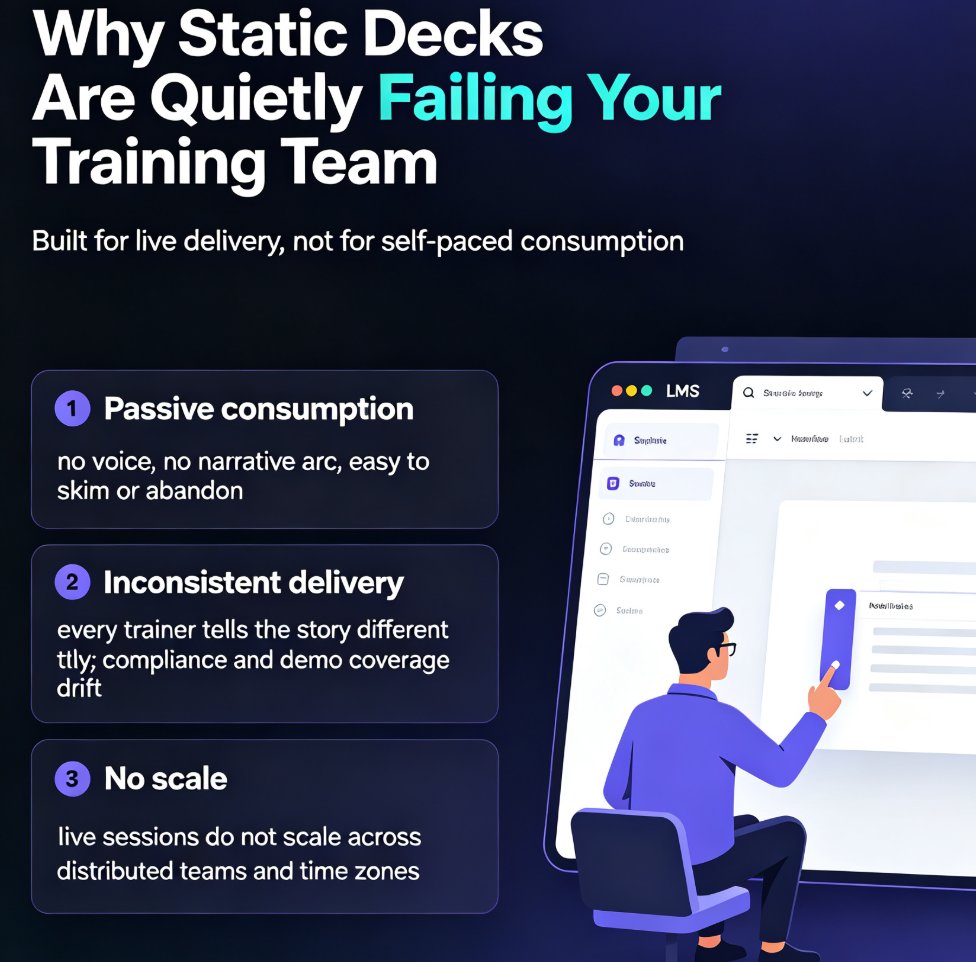
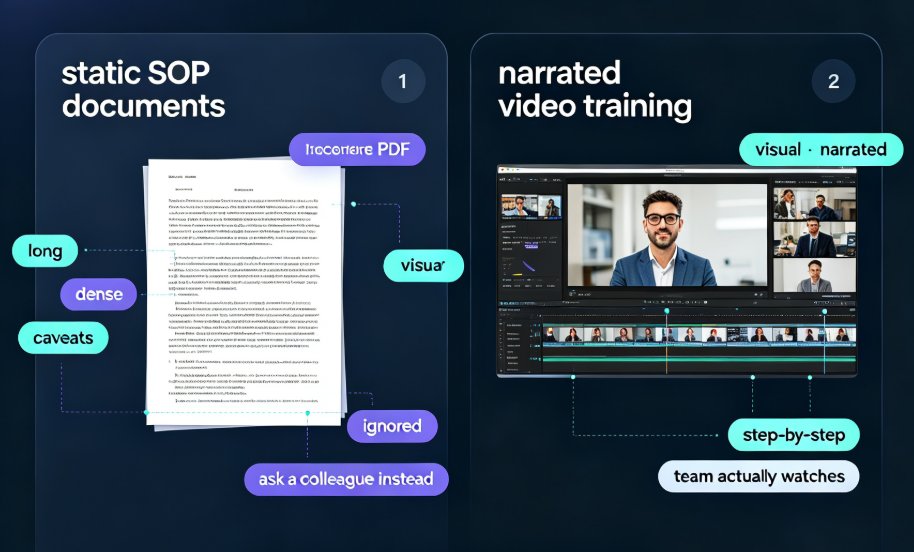
Let's be real. Passive video—the kind where employees just press play and lean back—has a fundamental problem: it doesn't require anything from the viewer. There's no cognitive friction, no decision point, no reason to stay focused. The result? Tab-switching, low completion rates, and knowledge that evaporates within days.
The "lean-back" era of corporate training is over. According to recent L&D analysis, passive video offers low-resolution metrics—you only know if someone played it, not if they understood it. You're flying blind.
Here's the typical scenario: You roll out a 20-minute safety training video. Employees click play, then check Slack, answer emails, and maybe glance at the screen every few minutes. The video finishes. They pass a quiz by guessing. Three weeks later, they can't remember the emergency exit procedure. That's not training—that's a checkbox.
And the cost? Every year, companies pour millions into video production that barely moves the needle on behavior change. The problem isn't the content—it's the format. When learners are passive, they're not learning. They're just watching.
02 The Solution: What Makes Interactive Video Different
Interactive video flips the script. Instead of a passive "lean-back" experience, it demands a "lean-forward" posture. Every few seconds, the viewer must make a choice: click a hotspot, select an answer, or navigate a branching scenario. Engagement isn't a byproduct—it's a requirement for progression.
Interactive video forces active decision-making, which deepens encoding and boosts retention. When learners have to think about what to do next, they're building mental models, not just absorbing information.
The Clixie research on interactive video highlights four key shifts:
| Core Metric | Passive Video (The Old Way) | Interactive Video (The New Standard) |
|---|---|---|
| Engagement Profile | "Lean-Back" – passive watching, high tab-switching risk | "Lean-Forward" – requires physical input, engagement is mandatory |
| Scenario Immersion | Hypothetical observation – single linear narrative | Active simulation – branching narratives with consequences |
| Data & Telemetry | Low-resolution metrics – plays and completions only | High-fidelity behavioral insights – tracks hesitations, choices, remediation needs |
| Knowledge Retention | Fading recall – easily forgotten without cognitive friction | Deep encoding – forces active decision-making, increasing retention |
That table says it all. The shift isn't just about engagement—it's about measurable behavioral change.
03 The Benefits: Why Interactive Video Decks Win
Let's dig into the benefits you'll actually see when you switch to interactive video decks.
1. Dramatically Higher Engagement & Focus
Interactive video eliminates the ability to zone out. Because the learner must interact to progress, drop-off rates plummet. You're not hoping for attention—you're engineering it. In fact, many L&D teams report completion rates jumping from 40% to over 90% when they switch to interactive formats.
2. Immersive Scenario-Based Learning Without the Production Bottleneck
You don't need a Hollywood budget to create branching scenarios. With AI-powered tools, you can turn a simple slide deck into an interactive simulation. Learners navigate real-world situations, make decisions, and see the consequences—all within a video format. This is especially powerful for sales training, compliance, and onboarding.
3. Rich Behavioral Data
Instead of just "played" and "completed," you get insights into where learners hesitate, which choices they make, and where they need remediation. This data lets you refine your training continuously. For example, if 70% of learners choose the wrong option in a safety scenario, you know that module needs more explanation.
4. Better Knowledge Retention
When learners actively make decisions, they encode information more deeply. The result: longer-lasting knowledge and better on-the-job performance. Research suggests that active learning can boost retention by up to 60% compared to passive viewing.
Here's an illustrative comparison of engagement scores between passive and interactive video:
Illustrative engagement scores based on qualitative research.
04 How to Create Interactive Video Decks with Zendeck
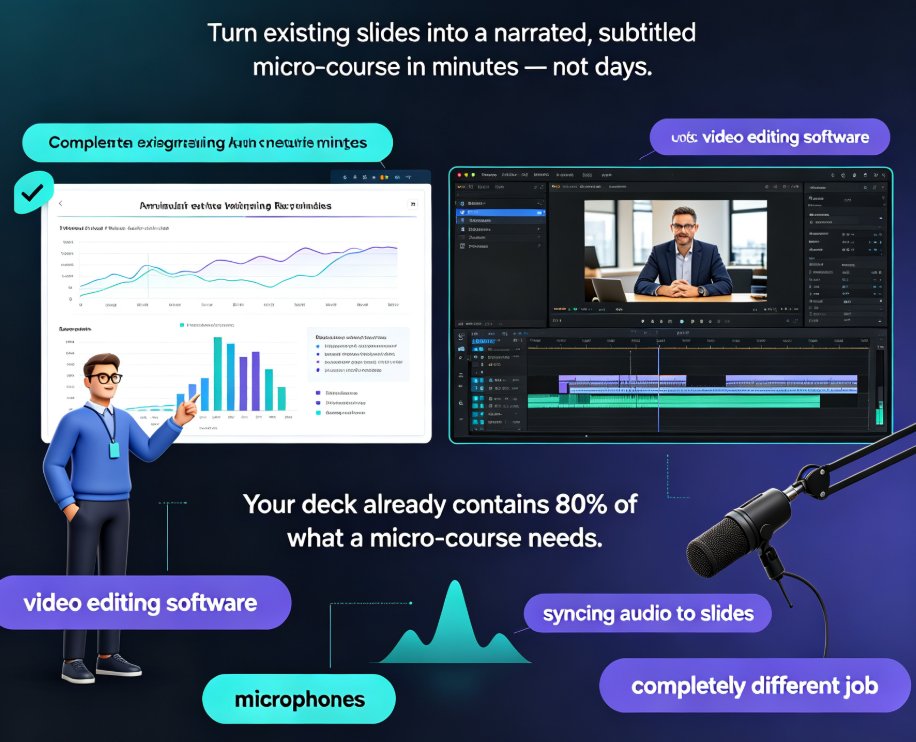
Now, the practical part. You might think interactive video requires a production team, a video editor, and months of work. Not anymore. With Zendeck's PPT-to-video feature, you can turn a standard slide deck into an interactive video in minutes.
Here's a step-by-step workflow:
-
Start with an outline or existing slides. Zendeck lets you import a Word document or paste Markdown to generate a structured deck. Or you can start from a template. If you're new to this, check out our guide on turning a brain dump into a structured presentation.
-
Design your branching scenarios. Use Zendeck's interactive elements to add decision points. For example, after presenting a scenario, ask the learner to choose between two actions. You can create multiple paths and outcomes. For deeper insights, read our article on branching scenarios in AI presentations for interactive training.
-
Add narration and timing. Zendeck's AI can generate speaker notes or you can record your own voiceover. The AI also helps you pace the video so learners have time to make decisions.
-
Export to video. Zendeck converts your slides into a video format, preserving the interactive elements. You can export to MP4 or share via a link.
-
Publish and track. Share the video via a link, and use Zendeck's analytics to see where learners drop off or struggle. This data is gold for improving your training.
The beauty of Zendeck is that you don't need design skills. The AI handles layout, branding, and visual consistency, so you can focus on content. If you want to learn more about creating interactive training modules, check out our guide on creating interactive training modules with Zendeck's PPT-to-video feature.
For a broader look at how AI is reshaping training, explore our AI-generated video decks: replacing traditional corporate training article.
05 Best Practices and Metrics That Matter
Creating an interactive video deck is one thing; making it effective is another. Here are some best practices:
- Keep decision points meaningful. Don't add clicks for the sake of clicks. Each choice should test understanding or simulate a real decision.
- Use realistic scenarios. The more authentic the situation, the better the transfer to the job. For example, in a sales training, use a real customer objection.
- Provide feedback. After each decision, explain why it was right or wrong. That's where the learning happens.
- Keep videos short. Break content into 5-7 minute chunks. Attention spans are limited, even with interactivity.
- Test with a pilot group. Before rolling out to the whole company, run a small pilot to catch confusing branches or technical issues.
Track the right metrics. Beyond completion rate, look at: - Decision accuracy – Are learners choosing the correct options? - Time on each slide – Are they spending too long or rushing through? - Branching paths – Which paths are most common? Where do learners get stuck?
These insights let you continuously improve your training. For example, if you see a high drop-off at a particular decision point, you know the scenario is confusing or the feedback isn't clear.
06 The Future: Why Interactive Video Is the New Standard
The trend is clear. As AI tools become more accessible, interactive video decks are moving from a luxury to a baseline expectation. Employees expect training that respects their time and engages their brains. Passive video feels like a relic.
Companies that adopt interactive video now will have a competitive advantage in employee development. They'll see better compliance, faster onboarding, and higher performance. The data backs this up: interactive training consistently outperforms passive formats on every metric that matters.
If you're ready to modernize your training, start by exploring how AI-generated video decks are replacing traditional corporate training. And if you're building micro-courses, our step-by-step guide to creating a micro-course from scratch is a great next read.
For more on the broader shift to interactive and adaptive learning, check out our branching scenarios in AI presentations and AI presentation agents articles.
FAQ
Q: What is an interactive video deck? A: An interactive video deck is a video presentation that requires viewer input—such as clicking, choosing, or answering—to progress. It combines slide-based content with branching scenarios and real-time feedback, turning passive viewing into active learning.
Q: How does interactive video improve training engagement? A: Interactive video forces learners to make decisions, which requires attention and cognitive effort. This "lean-forward" engagement reduces tab-switching and drop-off, and deepens knowledge encoding, leading to better retention.
Q: How can I create interactive training videos with Zendeck? A: Zendeck's PPT-to-video feature lets you turn a slide deck into an interactive video. You can add decision points, branching scenarios, narration, and export the final video with tracking analytics. No design or video editing skills needed.
Q: What metrics should I track for interactive training? A: Beyond completion rate, track decision accuracy, time spent on each slide, and common branching paths. These behavioral insights help you identify where learners struggle and refine your content.