How to Create a Standout Job Interview Presentation with Zendeck
You've cleared the phone screen. You've survived the first round. Then the email lands: "Please prepare a 10-minute presentation on how you'd approach the first 90 days in this role." Your stomach drops.
Let's be real — the interview presentation is one of the most stressful parts of the hiring process. You're not just being evaluated on your answers; you're being evaluated on how you think, how you communicate, and how you handle pressure. And if you're not a designer by trade, the slide deck part feels like a second job.
But here's the good news: the interview presentation is also your single best opportunity to control the narrative. You get to decide what the panel sees, how the story unfolds, and what they remember about you. This guide walks you through exactly how to build one that stands out — and how Zendeck makes the whole process faster and easier than you'd expect.
01 | Why Interviewers Ask for a Presentation (It's Not About the Slides)
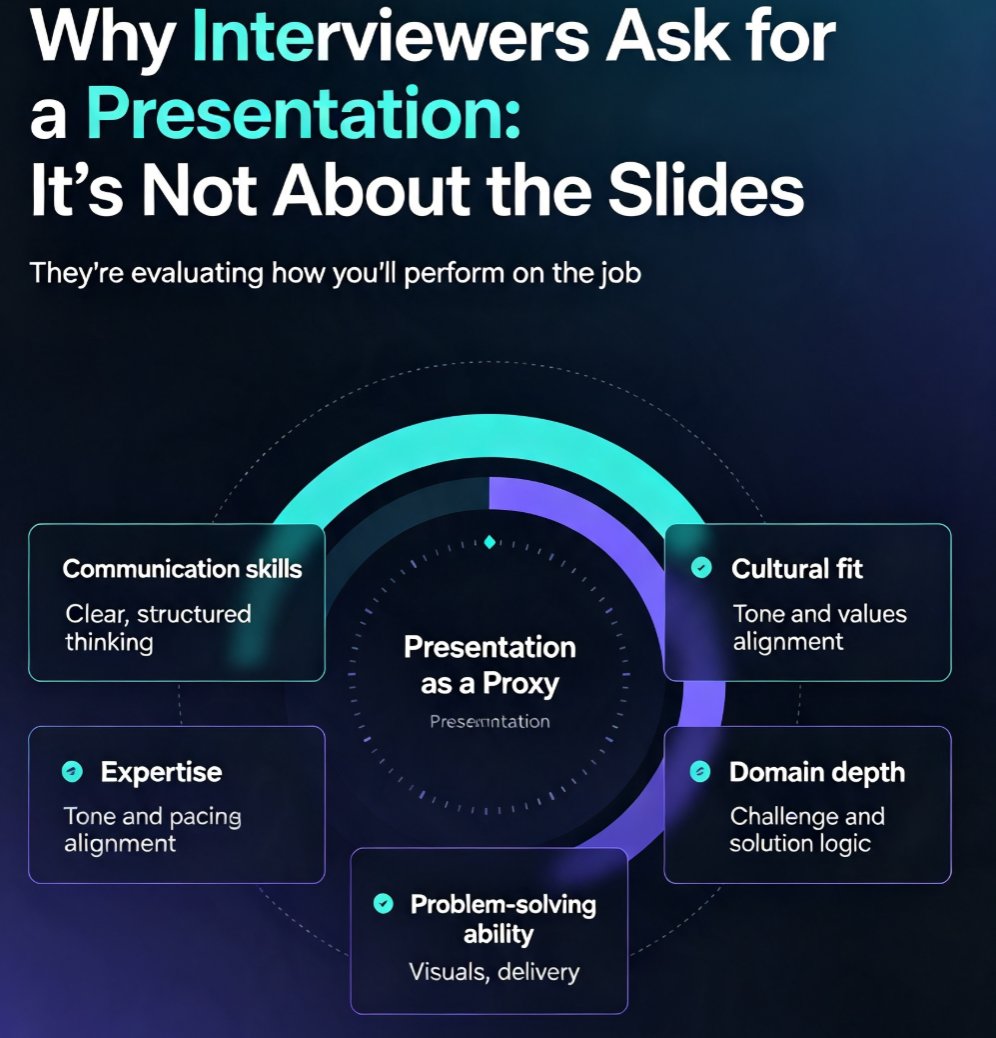
When an employer requests a presentation, they're not testing your PowerPoint skills. They're using it as a structured way to evaluate several things at once. Based on common hiring practices across sales, marketing, technology, academia, and management roles, interviewers are assessing:
- Communication skills — Can you explain complex ideas clearly and concisely?
- Cultural fit — Does your style and tone align with how the team works?
- Expertise — Do you actually understand the domain and the role?
- Problem-solving ability — How do you approach a challenge and structure a solution?
- Presentation skills — Can you hold attention, use visuals effectively, and stay composed?
Here's the key insight: the presentation is a proxy for how you'll perform on the job. If you're applying for a role that involves client pitches, stakeholder updates, or team training, the interview presentation is a live audition. Nail it, and you've already demonstrated the core competency they're hiring for.
| What Interviewers Evaluate | What They're Really Looking For | How to Address It |
|---|---|---|
| Communication skills | Clear, structured thinking | Use a logical slide flow with one idea per slide |
| Cultural fit | Tone, energy, values alignment | Mirror the company's brand and communication style |
| Expertise | Depth of domain knowledge | Include specific examples, data, and case studies |
| Problem-solving | Structured approach to challenges | Present a clear problem → solution → outcome narrative |
| Presentation skills | Visual design, pacing, delivery | Keep slides clean, practice timing, engage the audience |
02 | The 10-Slide Structure That Works Every Time
You don't need 40 slides. You need a tight, logical narrative that takes the panel from "who you are" to "why you're the right hire." Here's a structure that works across industries, adapted from common interview presentation frameworks:
Slide 1 — Introduction. Restate the objectives of your presentation and give the panel a roadmap. This shows you can structure a meeting from the start.
Slide 2 — Your understanding of the role. Summarize what you believe the role requires and why it matters to the business. This demonstrates you've done your homework.
Slide 3 — Relevant experience. Highlight 2-3 past roles or projects that directly map to the job description. Use specific numbers where possible.
Slide 4 — The problem or challenge. Frame the core challenge the team or company is facing. This is where you show strategic thinking.
Slide 5 — Your proposed approach. Lay out your plan. This is the heart of the presentation — be specific and actionable.
Slide 6 — Case study or example. Walk through a past project that proves you've executed a similar approach successfully.
Slide 7 — Key results. Quantify the outcome. Metrics beat adjectives every time.
Slide 8 — First 90 days. Show what you'd do in the first month, second month, and third month. This signals you're ready to hit the ground running.
Slide 9 — Conclusion. Sum up your key points, restate your recommendation, and explain your reasoning.
Slide 10 — Personal achievements. End on a high note with a brief slide highlighting achievements that show how you'll succeed in the role.
The beauty of this structure? It tells a complete story in 10 slides. You're not just listing facts; you're building a case. And if the interviewer gives you a specific task (like "present a marketing plan for our new product"), you can adapt this skeleton by swapping slides 4-7 for the task-specific content.
03 | Design Rules That Make You Look Professional (Even If You're Not a Designer)
Here's the uncomfortable truth: the panel will judge your slides before they hear a word you say. A cluttered, inconsistent deck signals sloppy thinking. A clean, visual deck signals competence. You don't need to be a designer to get this right — you just need to follow a few rules.
Keep it visual. Use images, graphs, and charts to convey your points. Visuals make complex information more accessible and engaging. If you're presenting data, a well-designed chart beats a bullet list every time.
Consistency matters. Use the same fonts, color schemes, and formatting throughout. A cohesive look makes you look organized and detail-oriented. Nothing screams "rushed" like three different fonts and mismatched colors.
Use white space. Avoid cluttered slides. White space creates a clean, uncluttered design that enhances readability. If a slide looks busy, cut the text in half.
One idea per slide. If you find yourself writing a paragraph on a slide, stop. The slide should support your spoken words, not replace them.
This is where most candidates struggle — and where Zendeck genuinely shines. Instead of wrestling with alignment, color palettes, and font pairings, you can upload a Word outline or paste Markdown/TXT and let Zendeck generate a structured, visually consistent deck in seconds. The one-click reskin feature lets you match the company's brand colors and style, which is a subtle but powerful signal of cultural fit. If you want to dig deeper into keeping your deck on-brand, check out our guide on setting up brand kits for consistent presentations.
04 | How Zendeck Turns a Rough Outline into a Polished Deck
Let's walk through a realistic scenario. You have an interview on Thursday. It's Tuesday night, and you have a rough outline of what you want to say — but the thought of building 10 slides from scratch makes you want to cry.
Here's how Zendeck changes that:
- Dump your outline. Paste your Markdown, TXT, or Word outline into Zendeck. It doesn't need to be pretty — just get your ideas down.
- Let the AI generate the deck. Zendeck produces a structured, visually consistent set of slides based on your content. The layout, typography, and visual hierarchy are handled for you.
- Reskin to match the company. Use the one-click reskin feature to apply a template that matches the company's brand — or your own professional style. This is a small touch that makes a big impression.
- Add visuals from the asset library. Pull icons, charts, and illustrations from Zendeck's asset library to make your slides more engaging.
- Generate speaker notes. Zendeck can auto-generate speaker notes for each slide, so you're never stuck staring at a blank screen wondering what to say next. We cover this in detail in our guide on auto-generating speaker notes for AI decks.
The outcome? You go from a rough outline to a polished, professional deck in under 30 minutes. That's time you can spend practicing your delivery — which is where interviews are actually won.
If you're preparing for a role that involves pitching — whether it's a startup, a new product, or a client account — you might also find our AI pitch deck generator guide useful. The principles of persuasion are the same, whether you're pitching a business or yourself.
05 | Practice and Delivery: The Part Everyone Skips
You've built a great deck. Now you have to deliver it. This is where most candidates fall apart — not because they don't know their stuff, but because they haven't practiced the actual presentation.
Practice timing. Be mindful of the allotted time. Practice until you can comfortably cover your content within the limit — and leave a buffer for questions. A presentation that runs over time signals poor preparation.
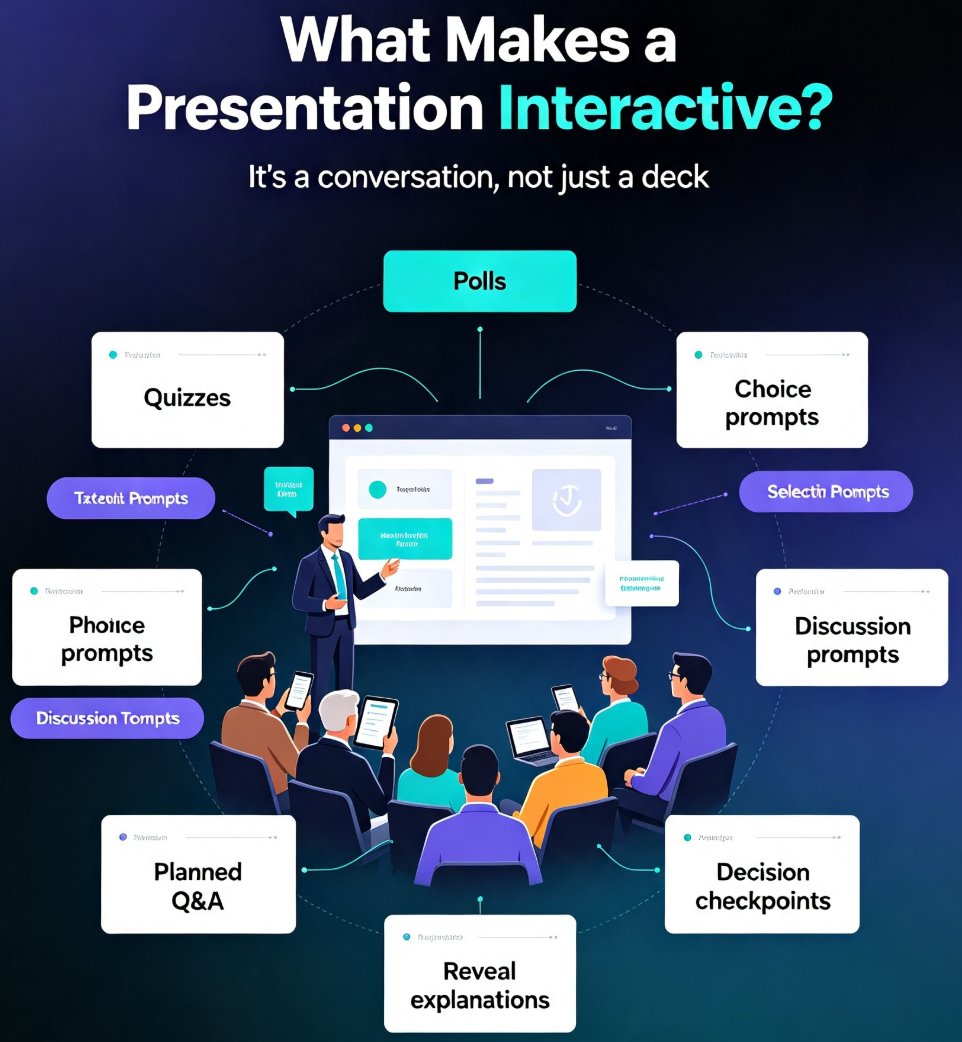
Engage the audience. Incorporate questions, anecdotes, or real-world examples. Interaction keeps the interview panel interested and makes you memorable.
Watch your body language. Stand or sit up straight with your shoulders back. Make eye contact with each panel member. Use open gestures — open palms, expansive arm movements — to convey enthusiasm. Smile genuinely. And control nervous habits like tapping or fidgeting, which distract your audience and convey anxiety.
Here's a practical tip: record yourself practicing once. You'll notice things you never catch in your head — filler words, pacing issues, awkward transitions. Fix them before the real thing.
And if you want to rehearse with the actual visuals, Zendeck's PPT-to-video feature lets you turn your deck into a narrated video. It's a great way to practice your timing and hear how your presentation flows. We walk through the process in our guide on adding narration to slides with Zendeck's PPT-to-video.
06 | Common Mistakes to Avoid
Before you finalize your deck, scan for these classic errors:
- Reading from the slides. The panel can read. Your slides are a visual aid, not a script.
- Too much text. If a slide has more than 50 words, cut it. Seriously.
- Ignoring the company's brand. A deck that looks like it was made for a different company signals a lack of research.
- Skipping the conclusion. End with a clear, confident summary of why you're the right person for the role.
- Not preparing for questions. Every slide is an invitation for follow-up questions. Be ready to go deeper on anything you present.
FAQ
Q: How long should an interview presentation be? A: Most interview presentations are 10-15 minutes, but always follow the interviewer's instructions. If they say 10 minutes, aim for 8-9 minutes of content to leave room for questions. Practice with a timer to ensure you don't run over.
Q: What should I include in an interview presentation? A: At minimum, cover your understanding of the role, your relevant experience, your approach to the challenge or task, and a conclusion that states why you're the right fit. The 10-slide structure in this guide is a solid starting point.
Q: Can I use Zendeck to create an interview presentation? A: Absolutely. Zendeck is designed for exactly this scenario. Upload a Word outline or paste Markdown/TXT, and Zendeck generates a structured, visually consistent deck. You can then reskin it to match the company's brand and add visuals from the asset library.
Q: How many slides should an interview presentation have? A: For a 10-15 minute presentation, 8-12 slides is the sweet spot. Focus on one idea per slide and avoid cramming. Quality over quantity — a tight 10-slide deck beats a rambling 30-slide deck every time.
Q: What if I'm not good at design? A: That's exactly what Zendeck solves. The AI handles layout, typography, and visual consistency, so you don't need design skills to produce a professional-looking deck. Your job is to focus on the content and delivery.