Tags:ppt-to-video

4 articles

From PPT to Micro-Course: Zendeck's AI Narrates Your Slides

PPT to Video 2026-10-30 1049

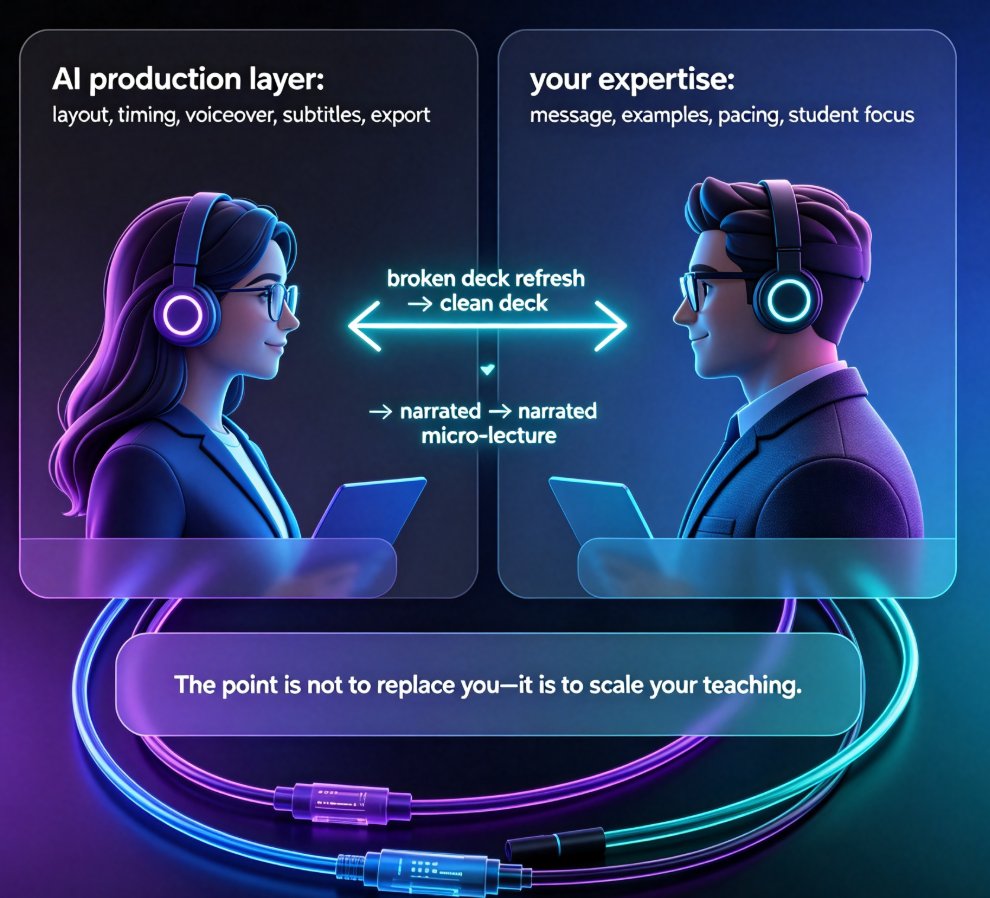
Turn your existing PowerPoint into a narrated micro-course with Zendeck's PPT-to-video feature. Zendeck adds AI voiceover and auto-synced subtitles to static slides, converting them into watchable video lessons in minutes — no recording booth, no video editor, and no design skills. This guide walks educators, trainers, and L&D teams through the exact workflow: import your deck, apply smart layout, generate narration, tune pacing, and export a shareable video. We also cover why narrated micro-courses outperform static slides for retention and engagement, best practices for script writing, real usage scenarios like onboarding and compliance training, and the common mistakes that make AI narration sound robotic. If you've been sitting on a deck that only gets used once, this is the fastest path from PPT to video with Zendeck.
Why Is My PPT to Video Export Blurry? Zendeck's Quality Fix

PPT to Video 2026-10-28 3909

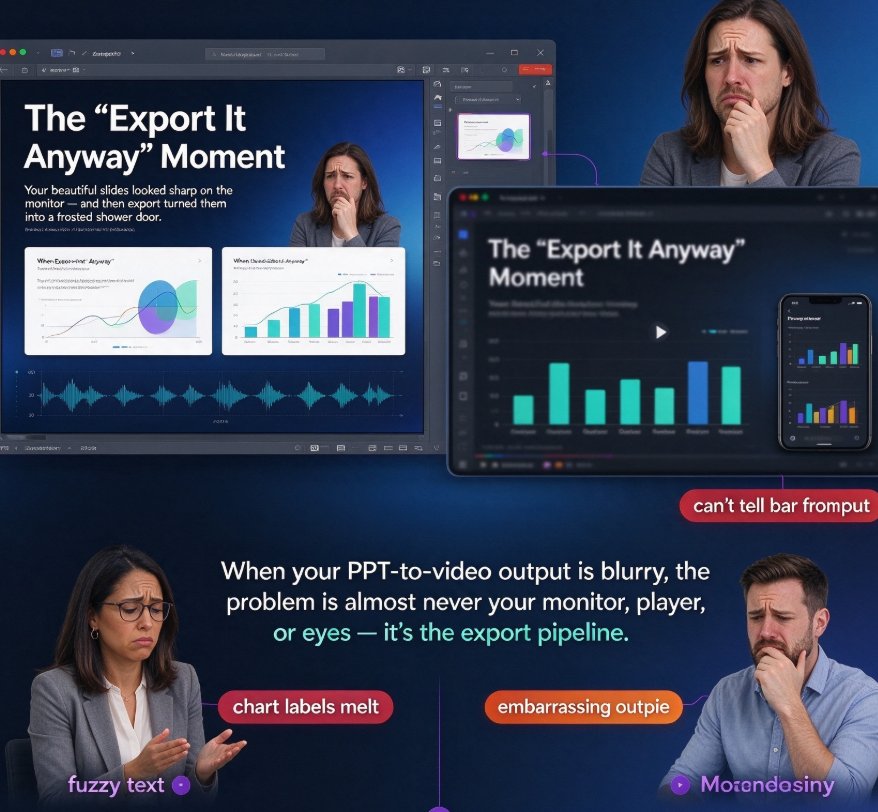
Blurry PPT to video exports can ruin a well-built micro-course, but a few quality settings fix it fast. This guide shows why PowerPoint's default 96 dpi export produces soft, pixelated results — roughly 1280×720 pixels on a standard widescreen slide — and how video compression and low bitrate make things worse. We walk through Zendeck's high-definition export options step by step: choosing the right resolution, raising bitrate, and keeping your slide canvas true to size. Along the way, you'll get a dpi-versus-pixel chart, a comparison of Zendeck versus manual PowerPoint workarounds, and practical tips for balancing file size and sharpness. Stop re-exporting. Read this once, set it right, and ship crisp video decks every time — whether you are an educator, trainer, or content operator.

Multilingual Narration for PPT Videos: Zendeck Cuts Localization Costs

PPT to Video 2026-09-10 1692

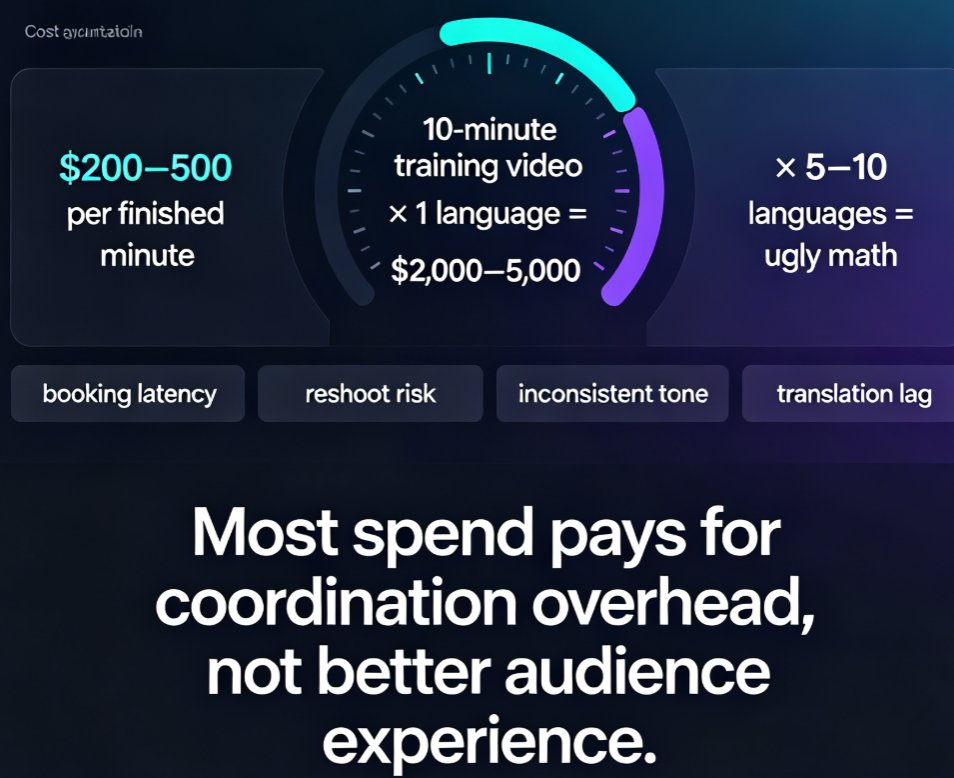
Multilingual narration for PPT videos has never been cheaper. Zendeck's AI-powered text-to-speech and translation turn one deck into localized videos in minutes, cutting costs by 30-100x versus professional voice actors who charge $200-500 per finished minute. Global teams used to spend weeks and thousands of dollars per language on studio sessions, actor booking, and reshoots. With Zendeck, you generate a master narration track, duplicate the project for each market, and regenerate in Mandarin, German, Spanish, or French — same day, same brand consistency. This guide breaks down the real cost math, walks through the Zendeck PPT-to-video workflow, and shares production tips for professional multilingual narration, plus when it still makes sense to keep a human voice in the loop.

From PPT to Video: Create a Narrated Micro-Lecture with Zendeck

PPT to Video 2026-08-25 1056

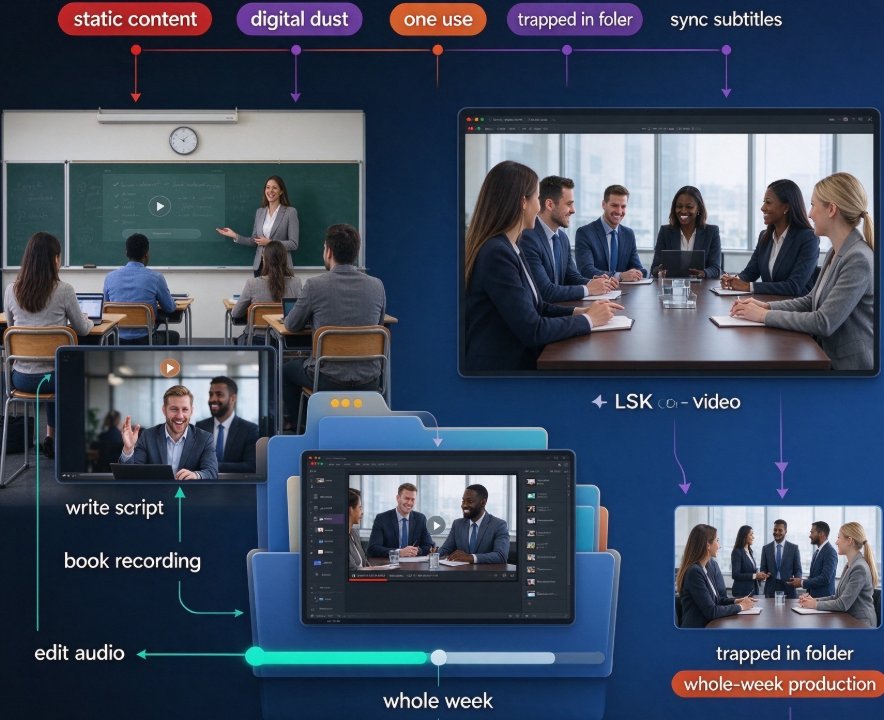
Learn how to turn static PPT slides into a narrated micro-lecture with Zendeck's PPT-to-video feature. This step-by-step tutorial covers AI voiceover, pacing, and sharing — perfect for educators and corporate trainers who need quality video without a production team. Zendeck's PPT-to-video converts your existing slides into engaging narrated videos in minutes, with AI-generated voiceover, subtitles, and smart layout. Whether you're building an e-learning course or onboarding materials, this guide walks you through the entire workflow. Discover narration tips, best practices, and a side-by-side comparison with traditional recording methods. By the end, you'll have a polished micro-lecture ready to share with your learners.

▲