Tags:AI narration

17 articles

Slides Minimal, Notes Deep: Zendeck Speaker Notes & AI Narration

Presentation Skills 2026-10-14 3149

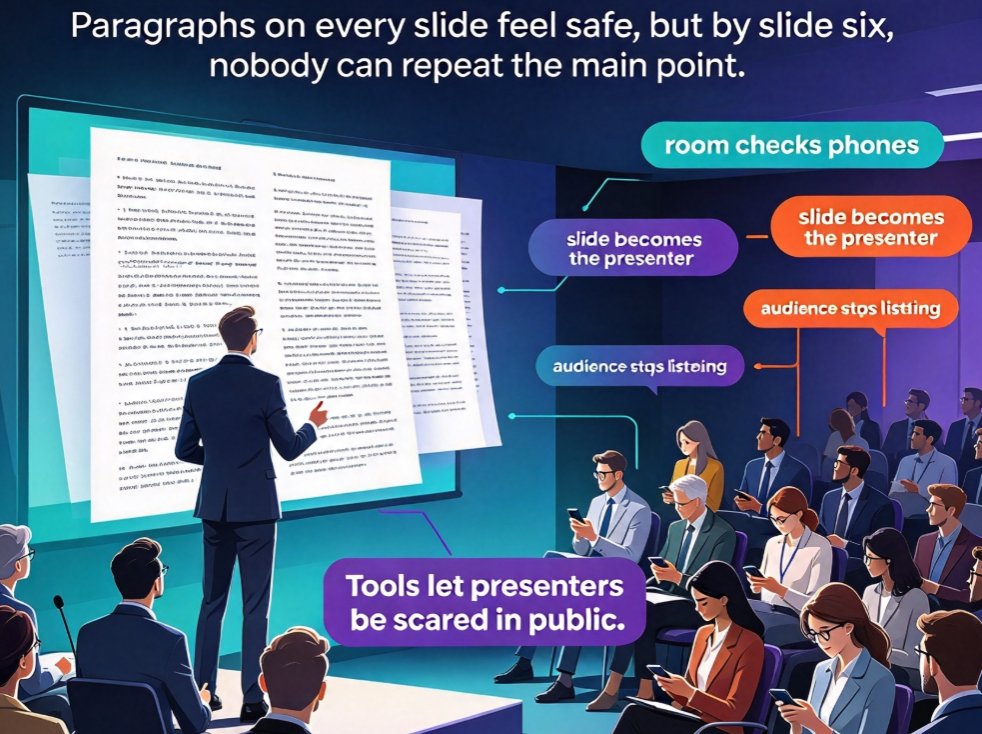
Overloaded slides kill engagement, but stripping them down doesn't mean walking in with nothing to say. This guide shows how the speaker-notes-first workflow in Zendeck keeps on-slide content minimal while the full story lives in AI-generated speaker notes and narration. You'll learn to draft a rich outline, let AI condense it into clean slides with under 40 visible words per page, and reuse the same notes as AI voiceover for video decks — so a single source powers both your live talk and your on-demand version. Ideal for educators, trainers, HR, and anyone who presents weekly. Includes a text-heavy versus minimal deck comparison with a visual chart, a ready-to-paste prompt template, and a practical pre-live checklist you can use tomorrow.
How Zendeck AI Narration Turns Static PPTs Into Micro-Learning

Knowledge Video 2026-10-13 3250

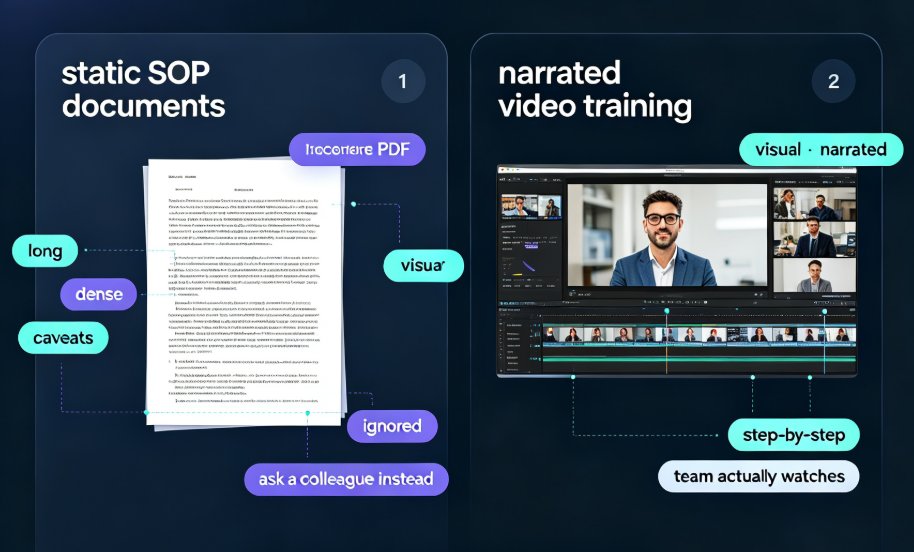
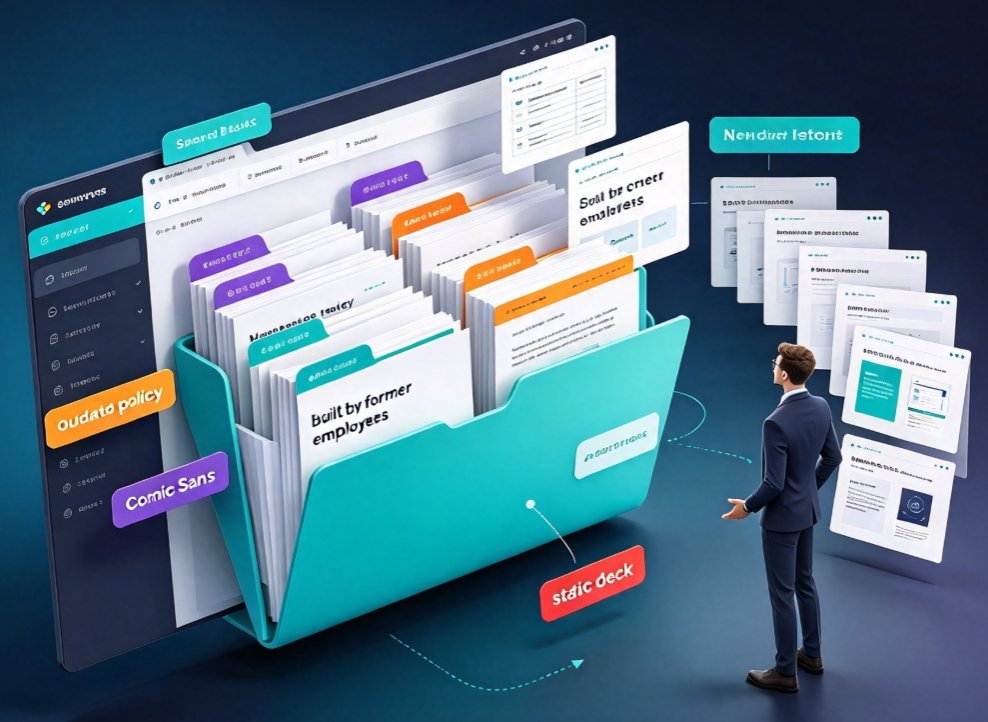
Zendeck AI narration turns static PPTs into interactive micro-learning videos your L&D team will actually watch. Stop letting legacy slide decks gather dust: with AI voice synthesis, timed narration, auto-generated subtitles, and built-in quizzes, you can convert existing PowerPoint files into modern training micro-courses in minutes. This guide walks L&D teams and trainers through the complete workflow — importing outlines, generating structured slides, adding natural AI voiceover, syncing speaker notes, and publishing shareable knowledge videos. No design skills, no recording studio, no reshoots. Learn which decks convert best, how to pace narration for retention, and how to add interactivity that keeps learners engaged. If your organization has years of knowledge trapped in boring slides, this is the fastest path from static PowerPoint to compelling video training.

Word Outline to Video in 20 Minutes: Zendeck Workflow Test

PPT to Video 2026-10-13 1714

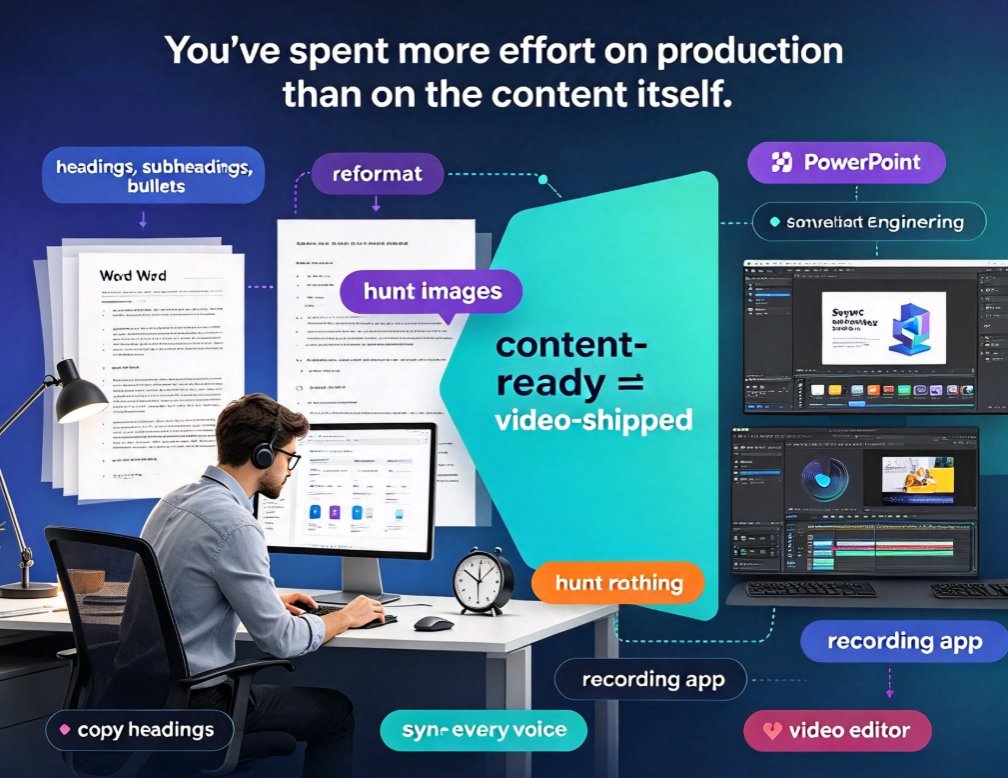
Zendeck turns a Word outline into a narrated video course in about 20 minutes, replacing hours of manual slide design and voiceover work. This hands-on workflow test covers the full pipeline — document import, slide generation, template selection, narration, and final export — with real time measurements at every step. If you build training videos, micro-courses, pitch decks, or product explainers from written content, you'll see exactly where the time goes and what you can safely automate. We also cover the honest limits: what Zendeck won't do for you, when to rely on this workflow, and when classic video editing still makes sense. Includes a stage-by-stage time comparison with an SVG breakdown chart, a practical tips section, and a step-by-step walkthrough you can follow this afternoon to ship your first narrated video.

PPT to Video in 2026: AI Narration & Smart Timing Beat Manual Editing

PPT to Video 2026-08-26 1631

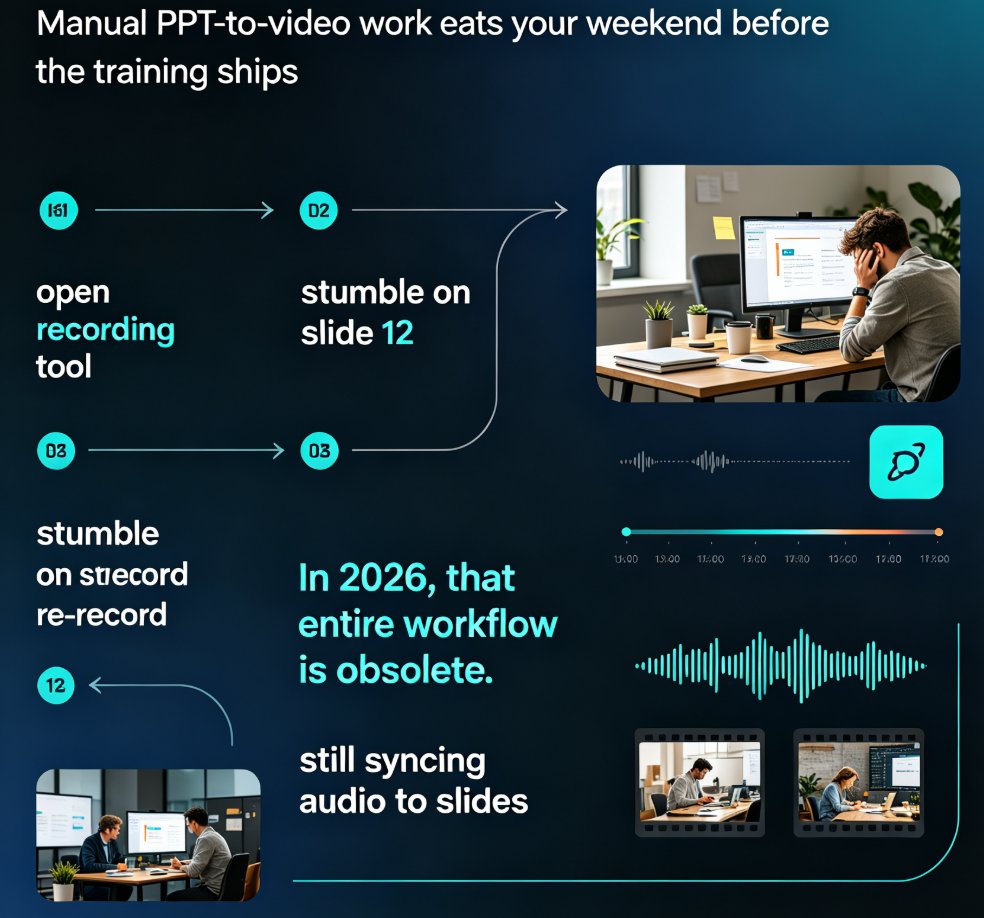
PPT to video in 2026 no longer means manual editing. AI narration and smart timing turn static slides into polished micro-courses in minutes. Zendeck's PPT-to-video reads your slide content, generates synchronized voiceovers, and paces each scene automatically—so educators, trainers, and content teams skip the recording booth entirely. This guide breaks down how scene detection, voice synthesis, and auto-pacing work together, compares production time against traditional workflows, and shows exactly where AI still needs a human touch. If you've been avoiding video because editing eats your weekends, this is the workflow change you've been waiting for.

From PPT to Video: Create a Narrated Micro-Lecture with Zendeck

PPT to Video 2026-08-25 1056

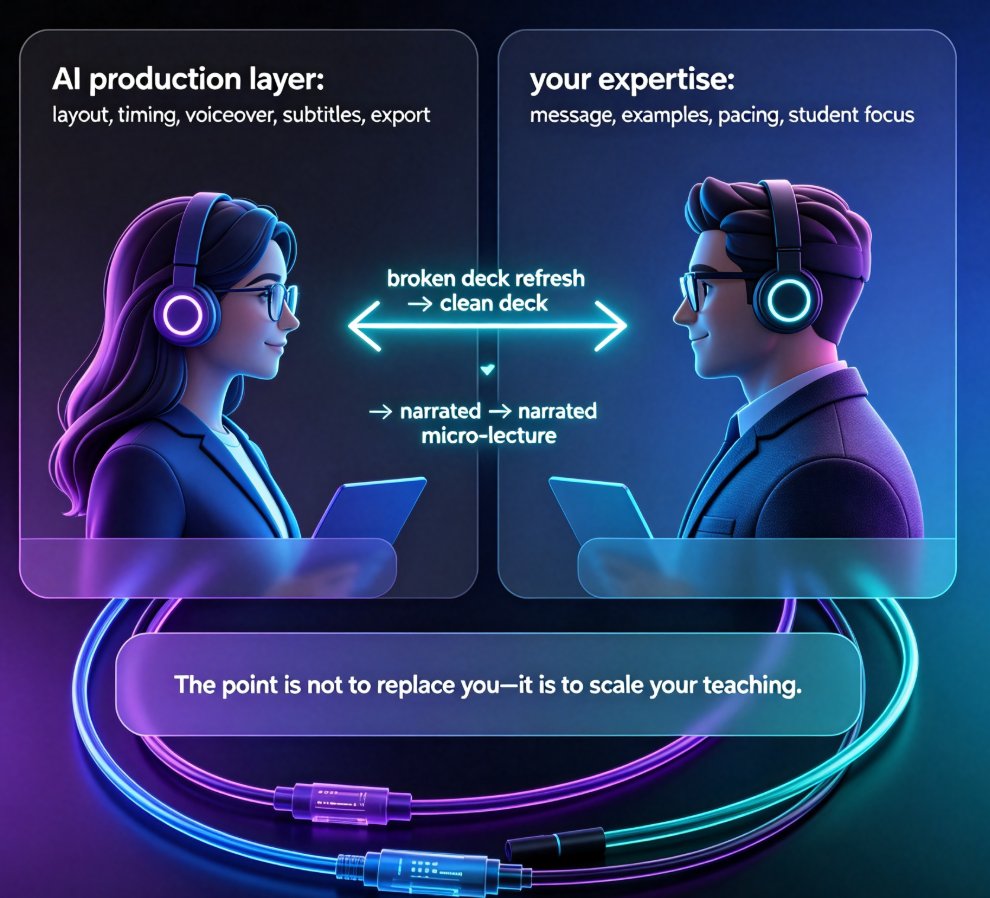
Learn how to turn static PPT slides into a narrated micro-lecture with Zendeck's PPT-to-video feature. This step-by-step tutorial covers AI voiceover, pacing, and sharing — perfect for educators and corporate trainers who need quality video without a production team. Zendeck's PPT-to-video converts your existing slides into engaging narrated videos in minutes, with AI-generated voiceover, subtitles, and smart layout. Whether you're building an e-learning course or onboarding materials, this guide walks you through the entire workflow. Discover narration tips, best practices, and a side-by-side comparison with traditional recording methods. By the end, you'll have a polished micro-lecture ready to share with your learners.

▲