
Tags:knowledge video

3 articles

From Static Slides to Narrated Video: Zendeck's AI Voice for Engaging Lessons

Knowledge Video 2026-10-29 2086

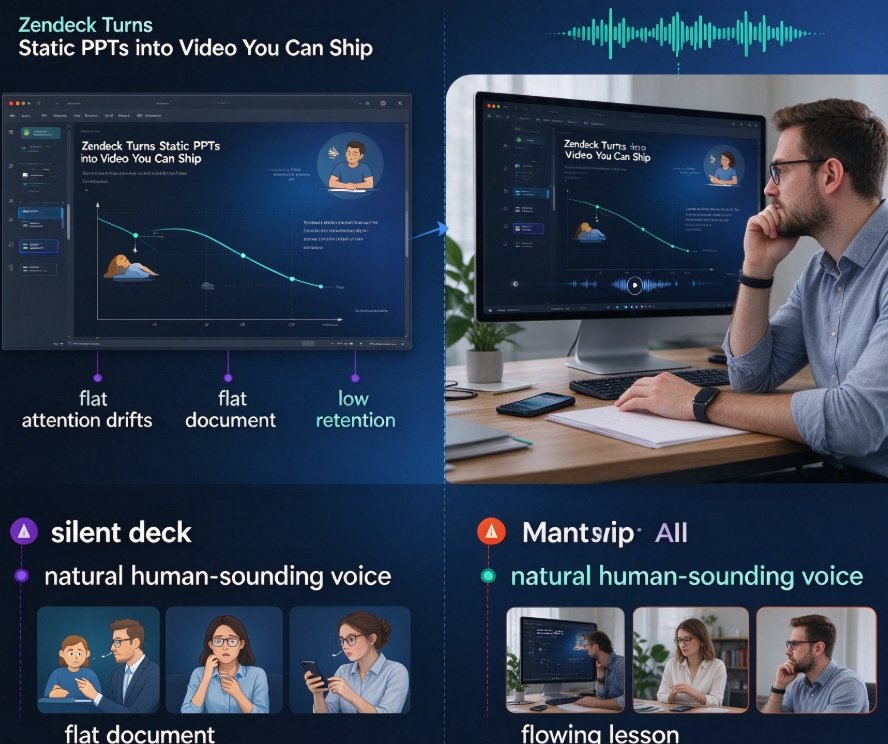
AI voice narration turns static slides into engaging video lessons. Zendeck's PPT-to-video feature converts your existing decks into narrated micro-courses with natural-sounding voices, captions, and transcripts. This guide walks through the full workflow—from importing slides and drafting AI narration to choosing voices and exporting ready-to-ship MP4s. Whether you're an educator, corporate trainer, or course creator, you'll learn practical tactics to make AI voice sound human and produce polished e-learning content without recording gear.
How Zendeck AI Narration Turns Static PPTs Into Micro-Learning

Knowledge Video 2026-10-13 3250

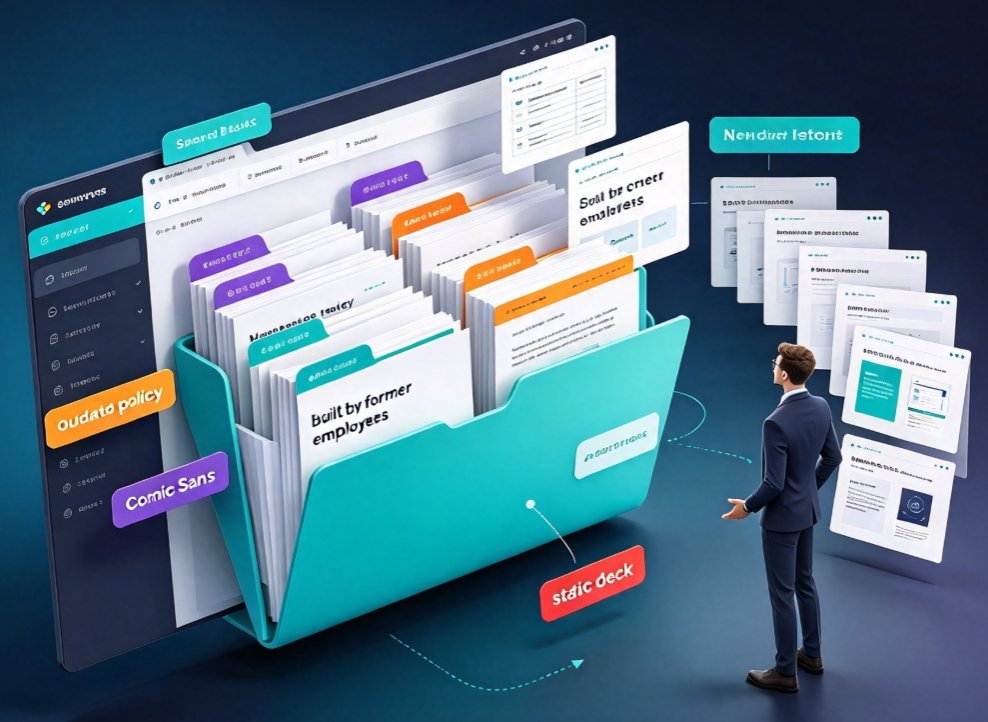
Zendeck AI narration turns static PPTs into interactive micro-learning videos your L&D team will actually watch. Stop letting legacy slide decks gather dust: with AI voice synthesis, timed narration, auto-generated subtitles, and built-in quizzes, you can convert existing PowerPoint files into modern training micro-courses in minutes. This guide walks L&D teams and trainers through the complete workflow — importing outlines, generating structured slides, adding natural AI voiceover, syncing speaker notes, and publishing shareable knowledge videos. No design skills, no recording studio, no reshoots. Learn which decks convert best, how to pace narration for retention, and how to add interactivity that keeps learners engaged. If your organization has years of knowledge trapped in boring slides, this is the fastest path from static PowerPoint to compelling video training.

Multi-Modal Presentations in 2026: From PPT to Interactive Knowledge Video

PPT to Video 2026-10-12 3333

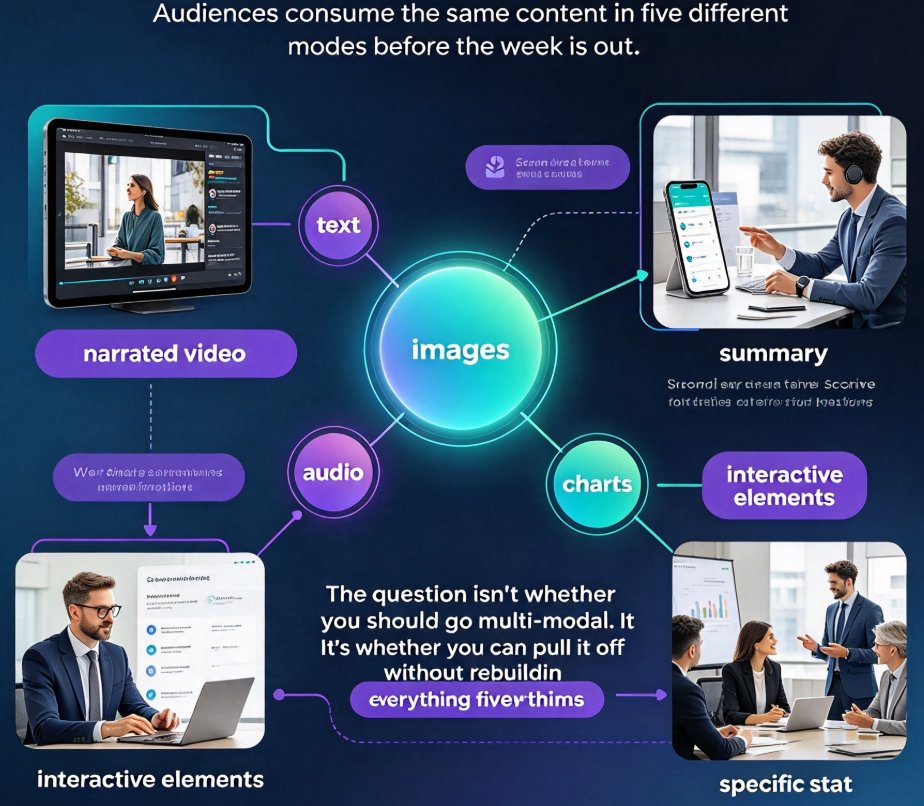
Multi-modal presentations combine text, images, voice, and video to lift engagement and retention — and in 2026, audiences expect consistent branding across every format they consume. Zendeck's PPT-to-video workflow turns a single deck into a narrated, automatically subtitled micro-course while keeping your template, colors, and tone perfectly intact. This guide explains what multi-modal really means this year, why viewers and learners now expect it by default, and how the smartest teams produce everything — slides, videos, and interactive extras — from one source of truth. If you've been rebuilding the same content in five formats just to keep up, here's the faster path: convert, don't recreate. You'll get the practical checklist, the workflow, and the exact settings to check before you hit convert — so your next deck becomes your best video too.

▲