Multi-Modal Presentations in 2026: From PPT to Interactive Knowledge Video
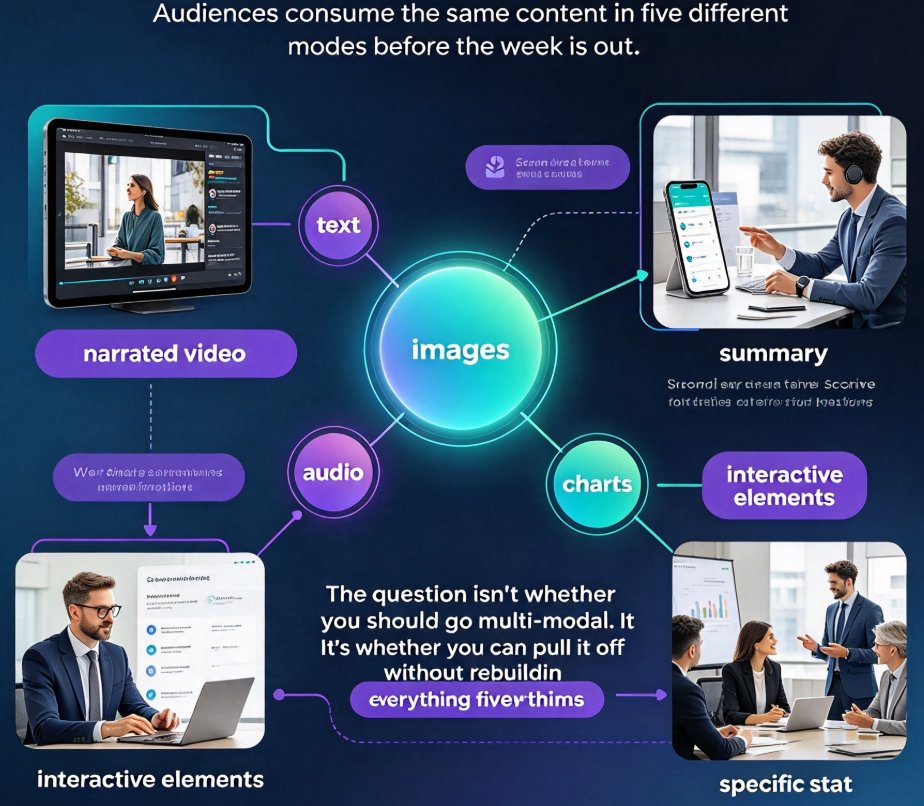
Let's be honest: the slide deck isn't dead. But the slide deck that just sits there, glowing on a screen, waiting for someone to click through it — that's on life support. In 2026, your audience watches a narrated video on their morning commute, scans the same summary on their phone at lunch, and scrubs through a recording when they need one specific stat. They consume the same content in five different modes before the week is out.
So the question isn't whether you should go multi-modal. It's whether you can pull it off without rebuilding everything from scratch, five separate times. That's what this article covers — what multi-modal really means in 2026, why audiences are demanding it, and how to ship consistent, on-brand content across every format without doubling your workload.
01 What multi-modal really means in 2026
A multi-modal presentation is any piece of content that delivers its message through more than one channel at once — text, images, audio, video, charts, even interactive elements. By now, though, the definition matters less than the expectation behind it. When you opened a deck a few years ago, you expected it to look good. In 2026, you expect it to do things: play a narration track, caption itself, maybe carry a clickable quiz at the end.
That shift isn't cosmetic. It mirrors how people actually consume information now. On a train, your audience listens rather than reads. At a desk, they skim visuals and skip the paragraphs. In a meeting, they want to rewind to the one stat that justifies the budget. Each setting favors a different mode — and the content that wins is the content that shows up in all of them.
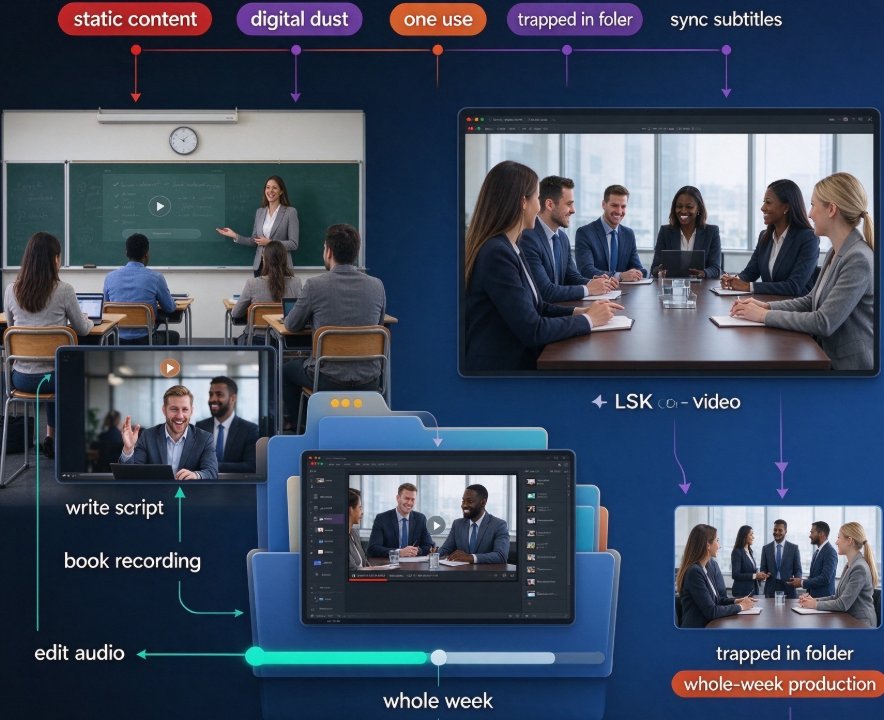
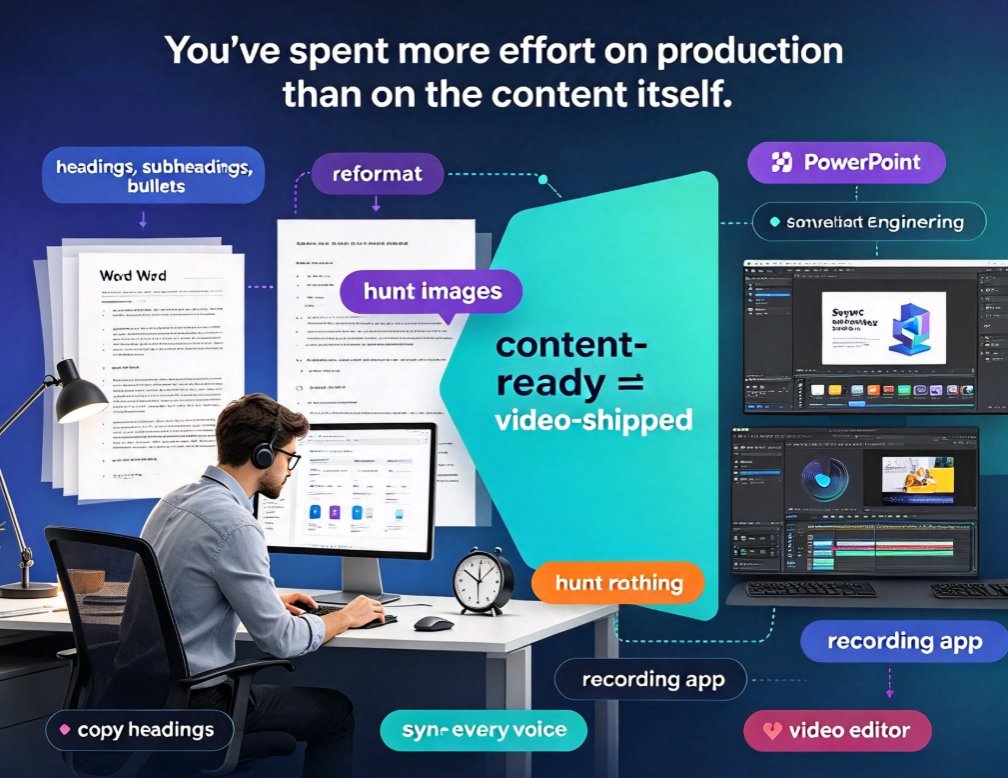
The pain point most teams hit is predictable: the deck looks great, but the video version looks like a home movie, and the handout looks like a photocopy. So they stop trying, and their message stays stuck in one boring format.
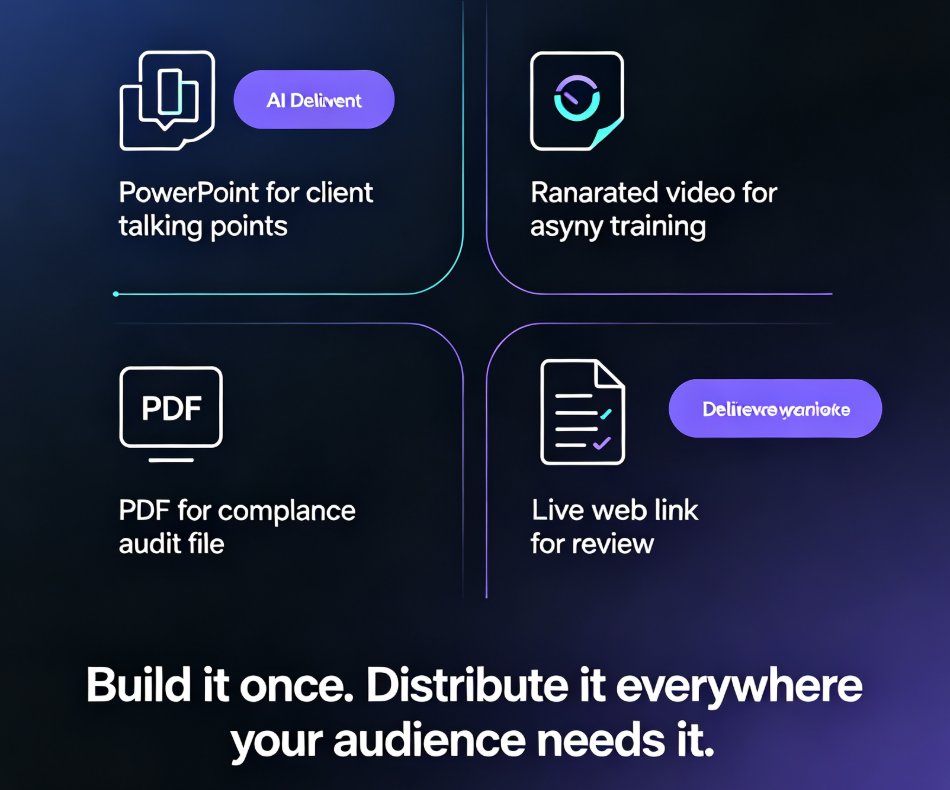
Here's the solution: treat the deck as the source of truth and let the format change around it. That's the core idea behind AI PPT-to-video workflows — generate the video from the same slides, not as a separate production.
The 2026 audience doesn't just tolerate multi-modal content — they expect it. The winning move is to convert the deck you already have, not to build five new assets from nothing.
02 The consistency trap: one message, five formats, zero coherence
This is the part that keeps content managers up at night. You produce a course, a slide deck, a talking-head video, and a one-pager — all for the same topic. But each was built by a different person, in a different tool, at a different time. The colors drift. The typography shifts. The tone wobbles between formal and chatty. Your logo looks slightly off in two of them.
For audiences, that inconsistency reads as untrustworthiness. If your training video uses a different font than your slide deck, viewers start asking whether the whole program was thrown together.
The fix is a single source of truth plus strong automated layout. When every format — deck, video, subtitles, handouts — comes from one master, consistency stops being something you maintain and starts being something the tool enforces. Smart layout systems make that practical without a designer on call. This is exactly why Zendeck's smart layout cuts production time: the design system applies itself to every output.
Consistency isn't a design preference anymore. It's a trust signal — and audiences notice the difference within seconds.
03 Why mixing modes actually works
Now for the part that justifies the effort. Classic education benchmarks — the numbers about how much we retain from reading versus hearing versus seeing — have been kicking around training circles for decades. The exact figures get debated, but the direction never does: the more channels you engage, the more your audience retains and the longer they stay engaged.
Here's the general shape of what these benchmarks suggest:
Look at the pattern: a single mode tops out around 30%. Combining sight and sound pushes that higher, and genuinely multi-modal content — with narration, visuals, and interactive moments — is the only category that lands in the 75% range. Again, don't treat these numbers as gospel; treat the direction as guidance. And that direction is unambiguous: richer modes win.
That has a practical consequence for your production strategy. Instead of agonizing over whether to make a deck or a video, you make one and let it become the other. When you add narration to slides and convert them to video, you're automatically adding the audio channel to the visual one — precisely the combination that drives retention.
04 The Zendeck workflow: one deck, three formats, no redesign
Here's where the theory meets your calendar. Zendeck's approach to multi-modal content is almost boringly practical: you start with one well-structured deck and convert, rather than recreate.
Step one: build your deck as usual — outline, content, visuals, your brand template. Step two: trigger the PPT-to-video workflow and add a narration track to each slide. Step three: let Zendeck generate subtitles and captions automatically. Step four: export as a video micro-course or share it as an interactive deck. Same content, same branding, three formats from one source.
The time math matters as much as the quality math. Here's what production looks like for each format:
| Format | Modes engaged | Typical added time | Best for |
|---|---|---|---|
| Static PPT only | Visual (read) | — | Live presentations, quick reference |
| Deck + narration | Visual + auditory | ~15 min per 10 slides | Self-paced review, commuter learning |
| Deck + narration + subtitles | Visual + auditory + text | ~20 min per 10 slides | Accessibility, silent viewing, mobile |
| Full micro-course (video + quizzes) | Multi-modal + interactive | ~40 min per 10 slides | Training completion, certification |
Notice what's missing from that table: rebuild the design from scratch. Because the design travels with the content, the additional formats cost you talking time, not design time.
The fastest way to go multi-modal isn't to build more formats. It's to convert the one deck you already have.
If you need interaction, the same pipeline extends further: you can add voiceover and subtitles for passive learners and then layer in polls or quizzes for active ones, keeping the whole experience in one branded package.
05 Five things to check before you hit convert
Conversion is fast, but fast doesn't mean skip the prep. Run through this checklist first, and you'll avoid the classic rookie mistakes.
- Check your alt text. If your slides rely on images to carry meaning, add proper descriptions before exporting. Zendeck can auto-generate alt text for you, so you're not typing everything by hand.
- Keep slides under 90 seconds of narration each. Long slides make for meandering videos. Trim.
- Review your subtitle timing after generation. Auto-captions are good, but a quick pass catches awkward splits.
- Confirm your brand kit is applied before you export. Changing it afterward means re-exporting.
- Watch the first 30 seconds on your phone, headphones off. That's how most of your audience will actually experience it.
One more thing: don't over-polish. The goal is consistent, clear, and presentable — not a cinematic production. Your audience cares about understanding the content, not about your fade transitions.
06 Making multi-modal genuinely inclusive
Here's the part a lot of guides skip: multi-modal only counts if it actually reaches people who learn or consume differently — including people with disabilities. A video without subtitles excludes viewers who are deaf or hard of hearing, plus anyone watching silently in a shared space. A deck without alt text excludes screen-reader users. That's not a compliance footnote; it's an audience you're losing.
The accessibility angle is becoming a default expectation in 2026, especially in education and training. The good news is that converting your deck to video with auto-generated subtitles largely handles the inclusive side without extra effort — exactly the workflow we covered in accessible micro-courses with auto-subtitles. Add clear alt text, keep a readable transcript, and you've turned a barrier into an advantage.
That's the whole picture. Multi-modal presentations in 2026 aren't about doing more work; they're about making the work you already did reach more people. When one well-structured deck becomes a narrated, subtitled micro-course with a few clicks, consistency stops being a struggle and starts being the default. Convert, don't recreate — and if you're ready to see how the conversion actually feels, head over to Zendeck and run one of your existing decks through the PPT-to-video workflow. Your audience is already waiting in all five formats.
FAQ
What is a multi-modal presentation?
A multi-modal presentation combines text, images, audio, video, and interactive elements to deliver a message through multiple channels at once. Rather than relying on reading alone, it engages visual, auditory, and kinetic learners simultaneously, which generally lifts comprehension and retention.
How does multi-modal content relate to PPT-to-video conversion?
PPT-to-video converts the visual channel of your slides into a narrated, audiovisual experience, adding voice and subtitles without requiring a separate production. It is the fastest practical way to take one deck into multiple modes while keeping branding and tone intact.
Will my branding stay consistent when converting a deck to a video?
Yes, if you convert from a single source. Zendeck keeps your template, fonts, colors, and layout applied when it generates the video from your deck, so the video matches the slides instead of looking like a different project.
How long does it take to turn a slide deck into a narrated micro-course?
For a typical 10-slide deck, adding narration and generating subtitles usually takes roughly 20 to 30 minutes of your time, including a review pass. The design work stays done because you are converting, not recreating.
Are auto-generated subtitles reliable enough for learning content?
They are a strong starting point, but always do a quick pass. Auto-captions handle most speech accurately, then you can spot-check timing and tricky words to make sure nothing critical is mangled.