Memory-Rich AI in Presentations: Personalized Decks with Zendeck
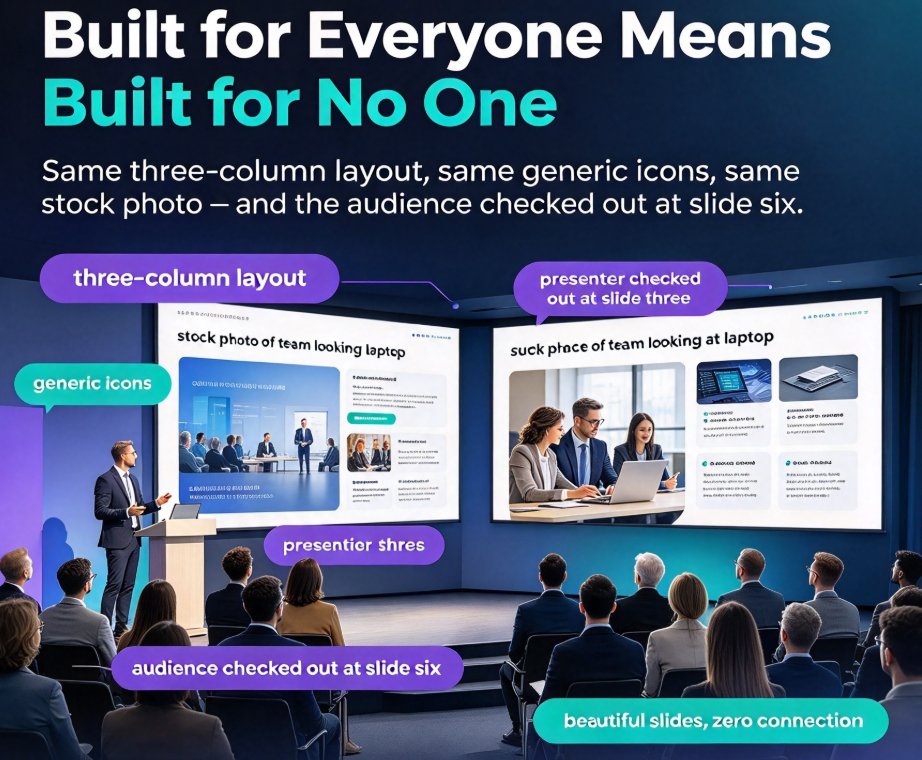
Let's be honest: you've sat through it. A deck with beautiful slides that felt built for everyone — which means it felt built for no one. Same three-column layout, same generic icons, same stock photo of a team looking at a laptop. The audience checked out around slide six, and the presenter checked out around slide three.
That disconnect is not a design-skills problem. It's a context problem — and it's about to be solved by the same technology that is quietly reshaping customer experience in 2026.
Memory-rich AI is the biggest shift in presentation design since the template went digital. And unlike the template era, it doesn't ask you to adapt to it. It adapts to you.
I. What "Memory-Rich AI" Actually Means
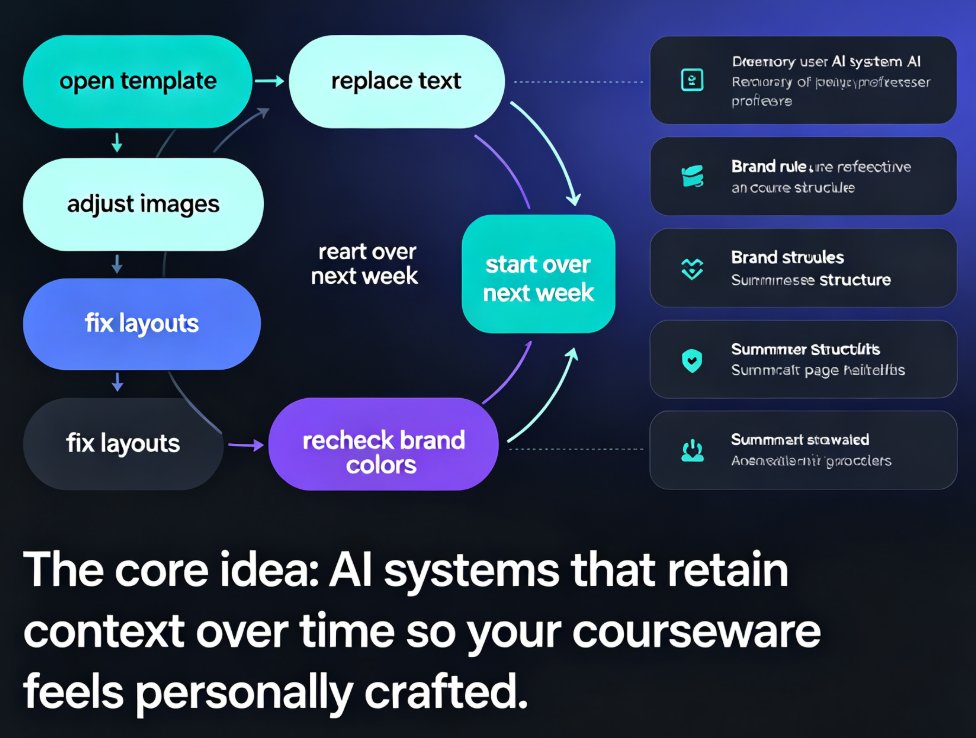
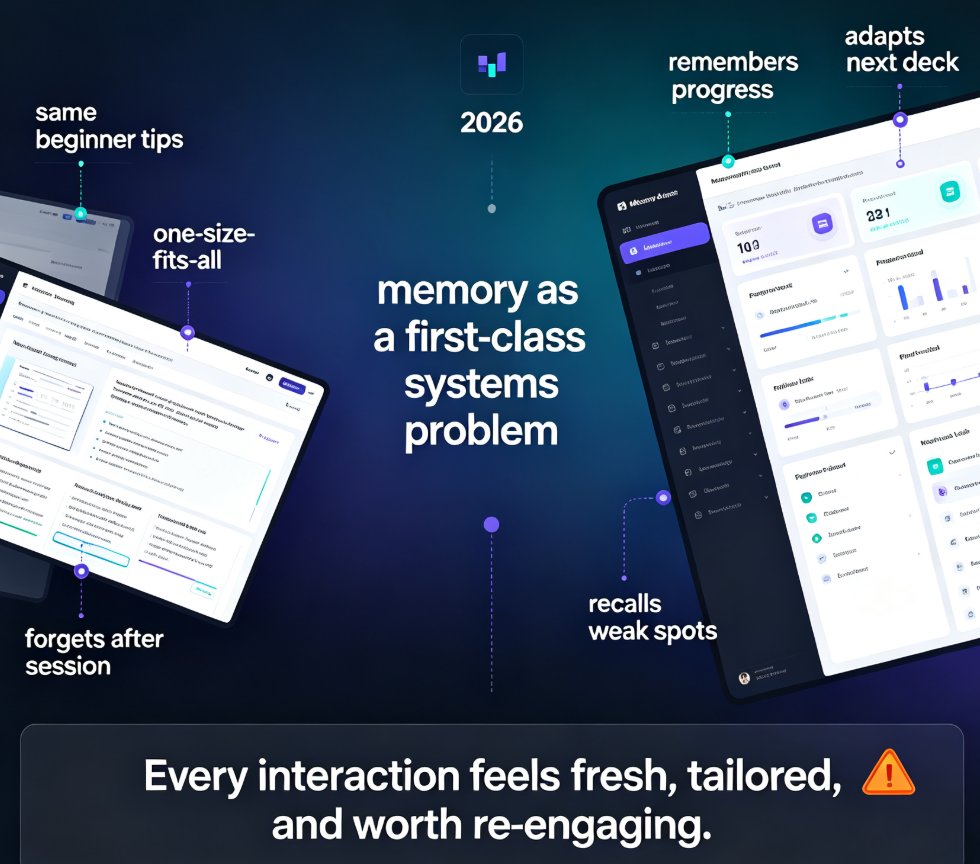
The term gets thrown around a lot, so let's pin it down. According to the Zendesk CX Trends 2026 report, 85% of CX leaders believe AI agents with contextual memory will be decisive in delivering truly personalized journeys at scale. The report describes memory-rich AI as something that develops gradually — accumulating signals, connecting context, interpreting patterns, and transforming fragments of interaction into relational knowledge.
Notice what that is not: a database. Traditional tools store static facts. Memory-rich AI builds an understanding. It remembers what happened last time, why it happened, and what it means for the next interaction.
The CX world has already figured out why this matters. Customers don't want to repeat themselves — and audiences don't want to sit through a deck that ignores everything they already know about your company, your product, or your industry.
When a sales deck starts by explaining what your own company does, you've lost the room before you've said two sentences. Memory fixes that.
II. Why Slide Decks Are the Next Personalization Frontier
Here's the uncomfortable truth about most presentations: they are designed for a generic audience in a generic context, then delivered to a specific one. That mismatch is why so many decks feel like furniture — functional, neutral, and forgettable.
The Zendesk report frames this as a shift from the attention economy to the intention economy. Instead of competing for fleeting seconds of attention, the winning move is understanding the intention behind each interaction and responding strategically. The same logic applies to slides.
The best decks don't grab attention; they respect intention. They show the audience you know who they are, what they care about, and what they came to decide.
This is exactly where 2026 presentation tool trends are heading — agentic AI and personalization are converging, and the tools that win are the ones that treat every deck as a conversation, not a broadcast. A deck built from memory-rich context answers the three questions every audience is silently asking: Do you know me? Do you know my problem? Do you have a way forward?
That's a fundamentally different starting point than "pick a template and swap the logo."
III. How Zendeck Turns Context Into a Custom-Feeling Deck
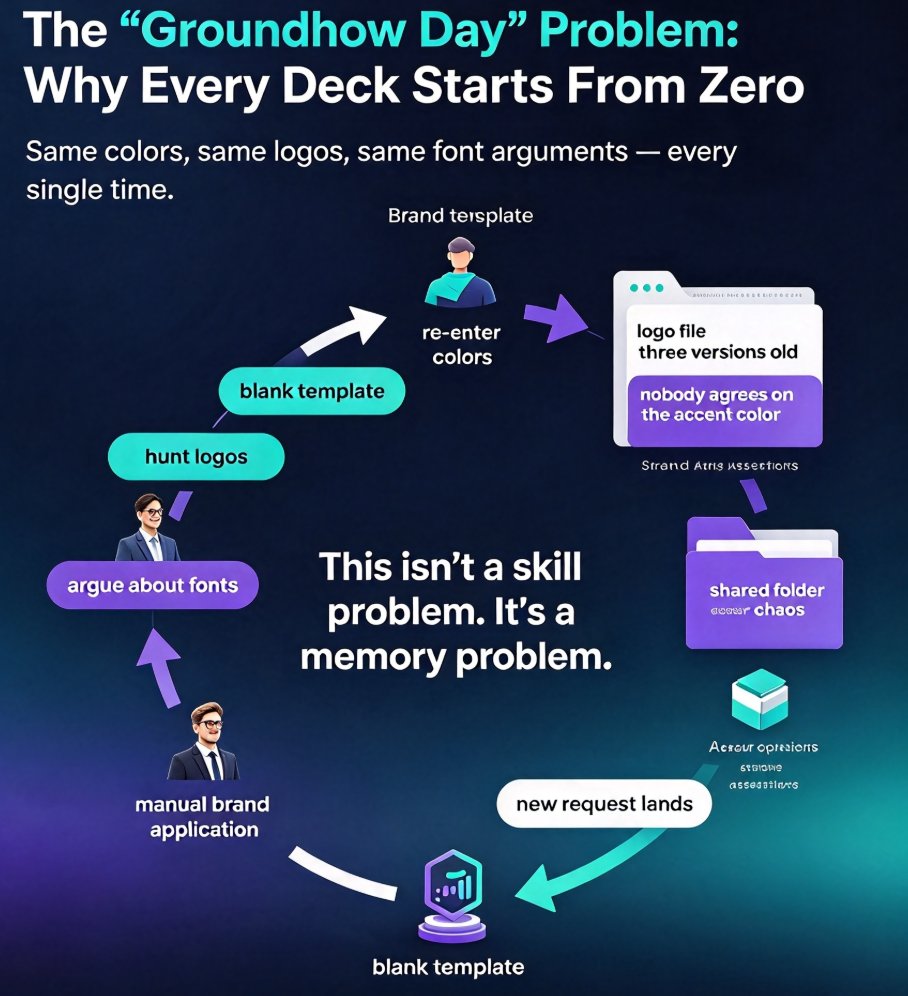
This is where Zendeck's smart deck generation comes in. Instead of starting from zero every time, Zendeck uses context — the content you feed it, the brand you've set up, and the design language you've already chosen — to build slides that feel like they were made for this presentation, not just a presentation.
Brand memory: your deck never forgets who it speaks for
The first layer of memory is your brand kit. When you set up your colors, fonts, and logo in Zendeck, every deck you generate starts from that baseline. No more re-picking fonts, no more squinting at hex codes, no more "wait, which blue is our blue?" The brand kit workflow is the difference between decks that all look related and decks that all look random.
Audience memory: the deck adapts to the room
The second layer is smarter. When you import an outline, Zendeck reads the structure — who the message is for, what the call to action is, what level of detail matters. Then smart layout makes sure every slide carries that message clearly instead of burying it in decorative boxes. The tool's deck template selection picks the right visual foundation contextually, so the template serves the content rather than fighting it.
That combination is what makes the output feel custom-made. Not because the slides are wild or unusual — but because they're right for the moment.
IV. From Outline to Audience-Aware Deck: The Workflow
Let's walk through what this actually looks like in practice, because "memory-rich AI" is only useful if it fits into your real workflow.
| Step | What you do | What memory-rich AI does | Outcome |
|---|---|---|---|
| 1. Import | Paste a Word outline, Markdown, or prompt into Zendeck | Reads structure, message hierarchy, and audience clues | A draft deck that reflects your actual content |
| 2. Brand | Confirm your active brand kit and visual preferences | Recalls fonts, colors, logo, and layout tendencies | On-brand visuals without re-choosing anything |
| 3. Refine | Review the generated layout and pick tweaks | Applies smart layout to unify spacing and typography | Consistent, polished slides in minutes |
| 4. Tailor | Adjust tone or emphasis for the specific audience | Keeps context across edits so changes don't break design | A deck that stays coherent as you iterate |
| 5. Extend | Add narration, voiceover, or export to video | Carries the same context into audio and motion | A micro-course or video deck, not just PDF slides |
If you're already deep in the AI-deck world, you've seen how far this has come. The older memory-rich personalization trend was about templates that sort of knew your industry. The 2026 version is about decks that know your audience. Same family, much smarter relative.
V. The Data Behind the Shift
It's easy to call this a vibe shift, but there are numbers behind it. The Zendesk CX Trends 2026 data — 85% of CX leaders pointing to contextual memory as decisive — is the clearest signal that memory-rich AI has moved from interesting experiment to operational priority. The same report frames the move from the attention economy to the intention economy as a structural change in how organizations should think about every customer interaction.
If customer-facing conversations are heading this way, presentations are the obvious next domino. A sales deck, a training module, a board update — these are all interaction points where context determines whether the message lands.
Three capabilities define this gap. Traditional databases can store information — context connection, pattern interpretation, and relational knowledge are where memory-rich AI pulls away. For presentation tools, that gap is the difference between a deck that looks like a document and a deck that reads like a story.
The practical takeaway: if your slides still start from a static template and a blank page, you are living in the database era. The tools that matter are already moving past it.
If you want to see where this is heading in more depth, the memory-rich AI deck trend analysis covers the 2026 outlook, and the full AI courseware collection has practical guides for educators and trainers who want to apply these ideas today.
VI. What This Means for Your Next Deck
Here's the honest bottom line: you don't need to become a designer, and you don't need to memorize a hundred slide-design rules. What you need is a tool that remembers the two things every good presentation depends on — who you are and who you're talking to.
Zendeck's smart deck generation handles both, so the energy you used to spend on formatting goes back into the story.
A sales team can pitch with decks that automatically reflect their brand and adapt to the buyer's context. A training team can turn a dry outline into a micro-course that speaks directly to the learner. An HR team can build onboarding decks that feel like they were made for the actual room — because they were.
That's the promise of memory-rich personalization in presentations. Not fancier templates. Smarter context.
Try it on your next real deadline: drop in an outline, watch Zendeck handle the layout and the branding, and notice how much of your attention gets freed up for the part only you can do — deciding what matters. That's the shift from the attention economy to the intention economy, applied one slide at a time.
FAQ
What is memory-rich AI in presentation tools?
Memory-rich AI goes beyond simple data storage. Instead of treating each session as a blank slate, it accumulates signals about your brand, audience, and past choices — then connects that context to interpret patterns and generate output that feels relational. For presentations, that means a tool that "remembers" your logo, color palette, tone, and the type of audience you usually present to, and uses that memory to build a deck that looks and reads like it was made for a specific room.
How does Zendeck personalize decks based on context?
Zendeck personalizes in two layers. First, it reads the content you import — a Word outline, Markdown, or a text prompt — and understands the structure, message hierarchy, and audience clues inside it. Second, it applies your brand kit and remembered design preferences so fonts, colors, layouts, and visual assets stay consistent. The result is a deck tailored to both the content and the person presenting it, not a generic template with your logo pasted on.
Will memory-rich AI replace template libraries?
Not exactly — it changes what they're for. Templates still provide the starting design language, but memory-rich AI picks the right template contextually instead of making you scroll through hundreds of options. Zendeck's deck template selection uses the context of your outline and brand to choose the best fit, so the library becomes the engine's raw material rather than the thing you manually dig through.
Is my brand data safe when Zendeck remembers my preferences?
Your brand kit and design preferences live in your workspace and are applied only to the decks you create with your account. The memory operates within your own projects — it recalls your colors, fonts, and past layout choices so your output stays consistent. Your context stays yours, used to generate your presentations, and it is not reused for other users' decks.
How fast can I get a personalized deck with Zendeck?
Fast enough that the question becomes a workflow choice. Paste an outline or pick a starting point, let Zendeck apply smart layout and your brand kit, and you can have a polished, on-brand deck in minutes. Most users spend the saved time refining the story rather than fighting the formatting — which is exactly the point of letting memory-rich AI handle the repetitive design work.