Tags:Zendeck PPT-to-Video

5 articles

Turn Training Decks into Narrated Videos: The 2026 Guide

PPT to Video 2026-09-02 2324

Turning training decks into narrated videos with Zendeck's PPT-to-Video engine cuts production from days to hours while lifting completion rates. This 2026 guide walks step-by-step through the conversion workflow: how AI rebuilds slides into watchable scenes, writes narration, adds motion graphics and subtitles, and exports a replayable MP4. You will see which training decks benefit most, the real time savings compared with traditional editing, and the accessibility wins that come free with captions. If your team builds training decks that nobody rewatches, this guide shows the practical path from static slides to narrated micro-courses with Zendeck.
Turn Old Slides into Video Courses: Zendeck's PPT-to-Video in 3 Steps

PPT to Video 2026-08-24 3047

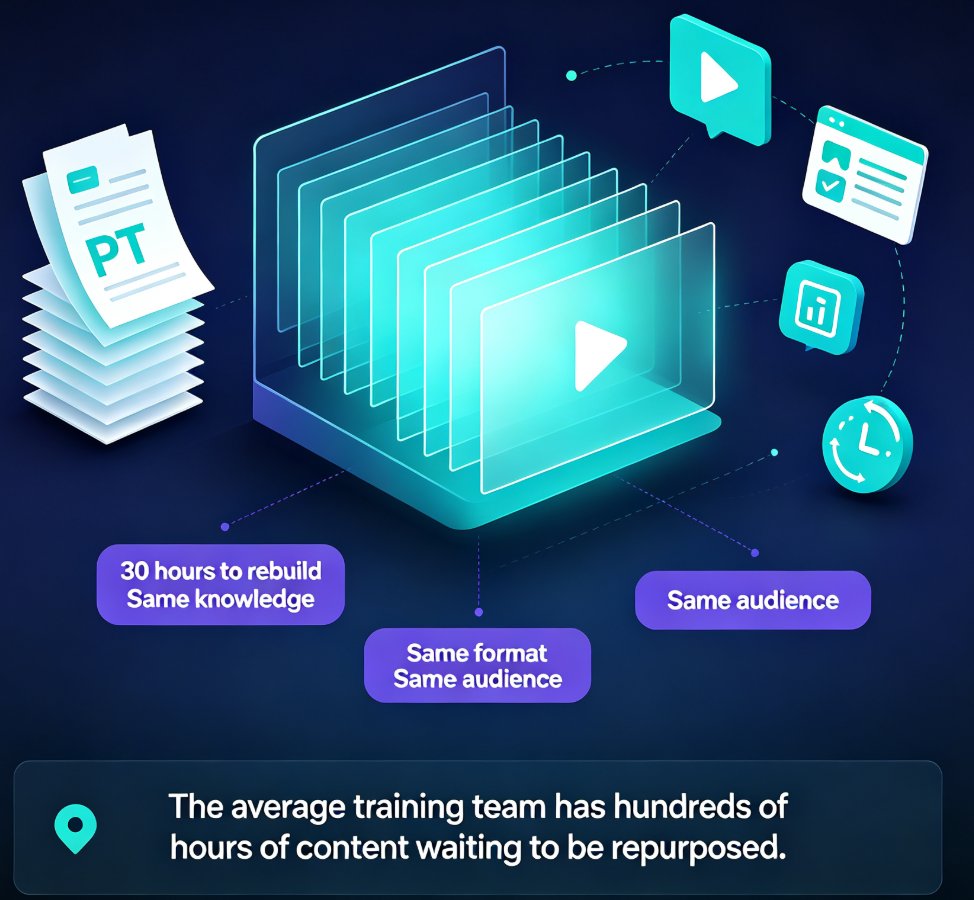
Turn old static slides into narrated video micro-courses with Zendeck's PPT-to-Video in 3 simple steps. Repurpose legacy decks into engaging training content in under an hour — no design skills needed. Learn the exact workflow, best practices, and time-saving tips to unlock years of reusable training material. This guide covers importing and cleaning up old decks, adding AI or human narration, and exporting shareable video courses that you can track and optimize. Perfect for training managers, educators, and content teams looking to maximize the value of their existing presentation assets. Stop rebuilding the same content from scratch and start converting what you already have into formats your audience actually watches.

How to Create a Product Demo Video with Zendeck's PPT-to-Video

PPT to Video 2026-08-13 3223

Learn how to create a product demo video with Zendeck's PPT-to-Video — no video editor or screen recording required. Turn feature slides into a narrated, on-brand demo in minutes, re-record single slides instead of full takes, and export multiple versions for sales, marketing, and multi-language teams. This guide covers the exact workflow: outline, slide generation, per-slide narration, export, and variant creation. It also compares PPT-to-video with traditional screen recording so you know when each approach wins. If your product demos keep getting delayed, outdated, or never made, this is the workflow that fixes it. Includes practical tips on pacing, scripting, and keeping demos under three minutes, plus answers to common questions about preserving screenshots, using AI voiceover, and updating videos when your product changes.

How Long Does Zendeck's PPT-to-Video Take? A Complete FAQ

PPT to Video 2026-08-12 3544

Wondering how long Zendeck's PPT-to-Video takes? This complete FAQ answers your timing questions and explains the rendering pipeline in plain terms. Whether you're converting a 10-slide training deck or a 50-slide compliance course, we break down the factors that affect conversion time—slide count, narration length, resolution, and more. Learn how Zendeck's AI-powered video export turns your slides into narrated micro-courses in minutes, not hours. Get realistic expectations, step-by-step workflow tips, and pro advice to speed up your video production. If you're a trainer, educator, or content creator, this guide will save you time and frustration. Start creating engaging video content with Zendeck today.

How to Add Narration to Your Slides with Zendeck's PPT-to-Video

PPT to Video 2026-08-11 3604

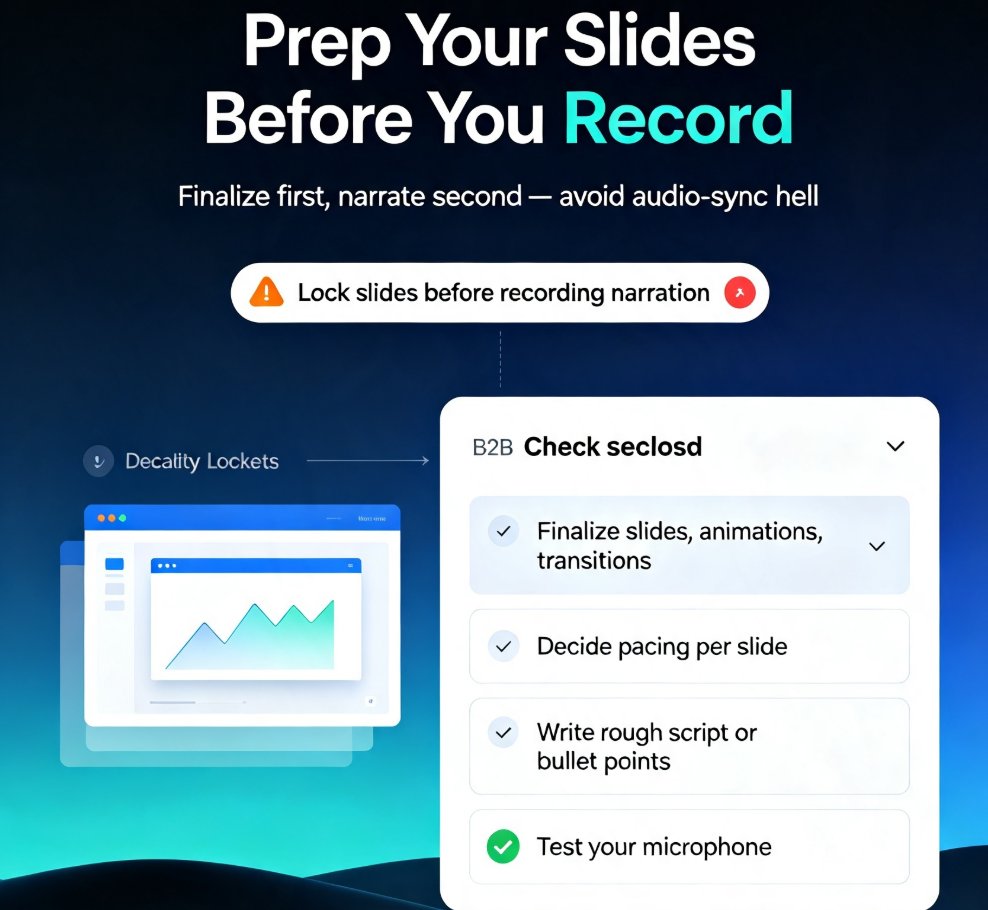
Learn how to add narration to your slides with Zendeck's PPT-to-Video feature. Turn static decks into engaging narrated video lessons in minutes — record, sync, and export with ease. This step-by-step guide covers slide prep, recording best practices, export settings, and common pitfalls like audio sync issues. Whether you're building micro-courses, onboarding materials, or asynchronous training, narrated video decks keep learners engaged and reduce rework. Zendeck's PPT-to-Video streamlines the entire workflow, so you can produce professional voiceover presentations without design or editing skills. We'll also show you how to fix audio sync problems, choose the right export format, and make your narration sound natural. If you're tired of silent decks that fail to engage, this guide gives you everything you need to create narrated video lessons that actually work. Start today.