
Tags:narrated slides

2 articles

From PPT to Video: Creating Narrated Micro-Courses with Zendeck

PPT to Video 2026-08-21 1792

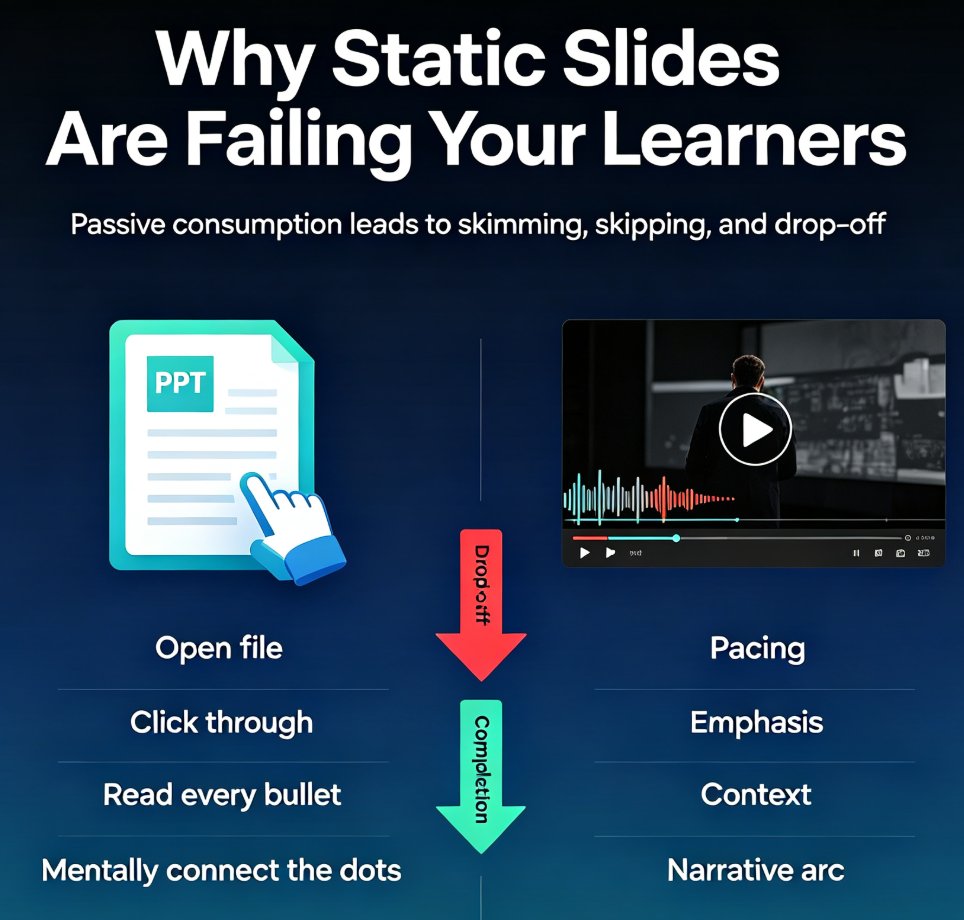
Zendeck's PPT-to-video feature turns static slides into narrated micro-courses with auto-generated voiceover and subtitles. This guide shows educators and trainers how to repurpose existing PowerPoint decks into shareable video content in minutes — no extra tools, no design skills, no video editing experience. Learn the step-by-step workflow, best practices for narration, and when to use this approach for training, onboarding, and micro-course production. If you've been sitting on a deck that deserves a wider audience, this is the fastest path from PPT to video. We'll cover real scenarios, common mistakes, and how Zendeck's smart layout and asset library keep your video on-brand from first slide to final export.

How to Create a Product Demo Video with Zendeck's PPT-to-Video

PPT to Video 2026-08-13 3223

Learn how to create a product demo video with Zendeck's PPT-to-Video — no video editor or screen recording required. Turn feature slides into a narrated, on-brand demo in minutes, re-record single slides instead of full takes, and export multiple versions for sales, marketing, and multi-language teams. This guide covers the exact workflow: outline, slide generation, per-slide narration, export, and variant creation. It also compares PPT-to-video with traditional screen recording so you know when each approach wins. If your product demos keep getting delayed, outdated, or never made, this is the workflow that fixes it. Includes practical tips on pacing, scripting, and keeping demos under three minutes, plus answers to common questions about preserving screenshots, using AI voiceover, and updating videos when your product changes.