Why AI Templates Now Adapt to Industry, Audience, and Tone in 2026
Remember the last time you opened a template gallery and felt... nothing? Every option looked like the same generic corporate deck with a different color scheme. You picked one, spent an hour swapping placeholder text, and still felt like the slides could belong to anyone — a bank, a bakery, or a bootcamp.
That's the old way. And in 2026, it's finally dying.
AI templates have crossed a threshold: they no longer just look different — they think differently about who you are, who you're presenting to, and how you need to sound. This isn't a minor feature update. It's a fundamental shift in how presentation software approaches design.
01 The template problem that wouldn't die
For years, templates were the workaround for bad design. You didn't need to know typography or color theory — you just needed to find a layout that didn't embarrass you. But templates had a ceiling. They were static. A template built for a tech startup pitch looked absurd in a hospital boardroom. A template designed for a university lecture felt lifeless in a sales kickoff.
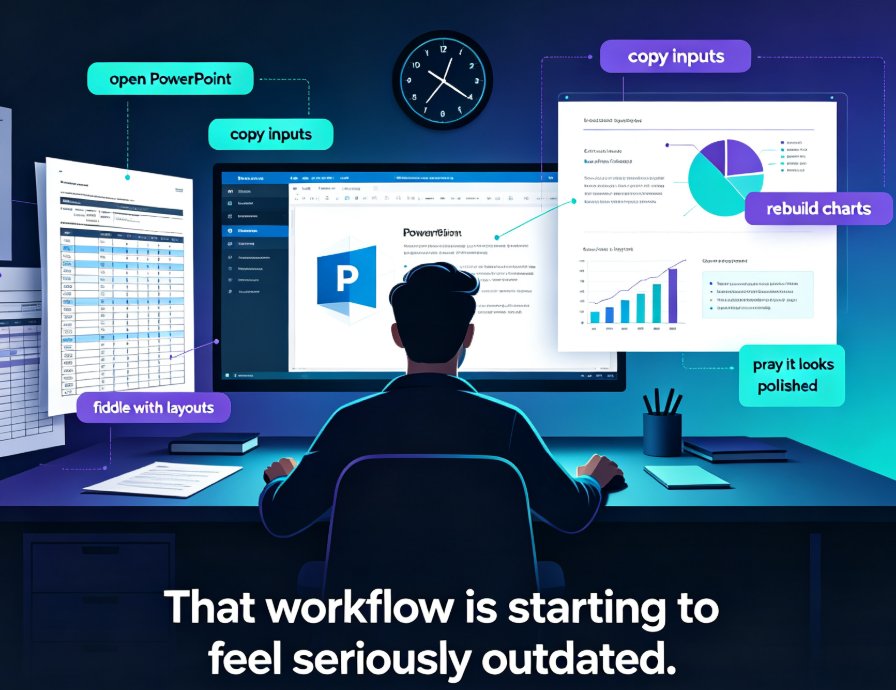
The pain point was universal: you spent more time fighting the template than building the story. You'd stretch text boxes, delete decorative elements, and pray the font didn't break your brand guidelines.
Then AI entered the picture. Early AI presentation tools fixed the "make it pretty" problem but ignored the "make it relevant" problem. You'd get a deck that was visually polished and completely tone-deaf to your context.
The shift in 2026 is that AI templates now consider three dimensions before they render a single slide: industry, audience, and tone. That's the real story.
02 Industry-aware templates: no more "one size fits all"
Let's be real: a compliance training deck and a product launch deck share almost nothing except the fact that both use slides. The visual language, the data density, the metaphors, the pace — all of it changes with the industry.
Industry-aware AI templates analyze your content and infer the sector you're operating in, then apply design patterns that fit that world. A healthcare deck gets clean whitespace, muted clinical colors, and clear hierarchy for dense information. A fintech pitch gets bold data visualization, confident typography, and a layout that puts numbers front and center. A classroom lesson gets playful accents, larger type, and visual anchors that help retention.
This isn't just cosmetic. When your slides match the visual expectations of your industry, your audience trusts you faster. That's a real outcome, not a design nicety.
Zendeck's template engine does exactly this kind of contextual matching — it reads your outline, detects the domain, and selects a starting point that already feels like your world, not a generic placeholder. You can see how this plays out in how Zendeck picks the right look for you.
03 Audience-aware templates: who's in the room changes everything
Here's a scenario. You're presenting the same quarterly results to two different groups: the executive team and the frontline staff. Same data. Same company. Completely different decks.
Executives want the bottom line, the risks, the decisions. Frontline staff want to know what changes for them, what's expected, and what support they'll get. A template that can't tell the difference will fail one of those audiences.
Audience-aware AI templates adjust information density, visual complexity, and even the ratio of text to imagery based on who you're presenting to. For a C-suite audience, the template might push toward executive summaries, bold takeaways, and minimal decoration. For a training audience, it might favor step-by-step layouts, examples, and interactive elements.
This connects to a broader trend: contextual intelligence in presentation AI — the ability to read emotion and intent, not just keywords. Templates are the first visible layer of that intelligence.
The outcome? You stop rebuilding the same deck twice. You build it once, and the template adapts the presentation layer to the room.
04 Tone-aware templates: from boardroom to classroom
Tone is the hardest thing to automate, and it's the most obvious when it's wrong. A slide deck that uses aggressive sales language in a classroom feels pushy. A deck that uses casual slang in a boardroom feels unprofessional.
Tone-aware templates read the language of your content and match the visual and structural choices to it. Formal content gets restrained design, serif or neutral sans-serif type, and conservative color palettes. Energetic content gets bolder geometry, warmer colors, and more dynamic layouts.
This matters more than you'd think. Tone mismatch is one of the top reasons presentations feel "off" even when the content is solid. Your audience can't always articulate why a deck feels wrong — they just feel it. Tone-aware templates remove that friction.
This is part of the larger shift from design to strategy in AI slide generation. Templates aren't just about looking good anymore; they're about communicating correctly.
05 What this means for your workflow
So what changes for you, practically?
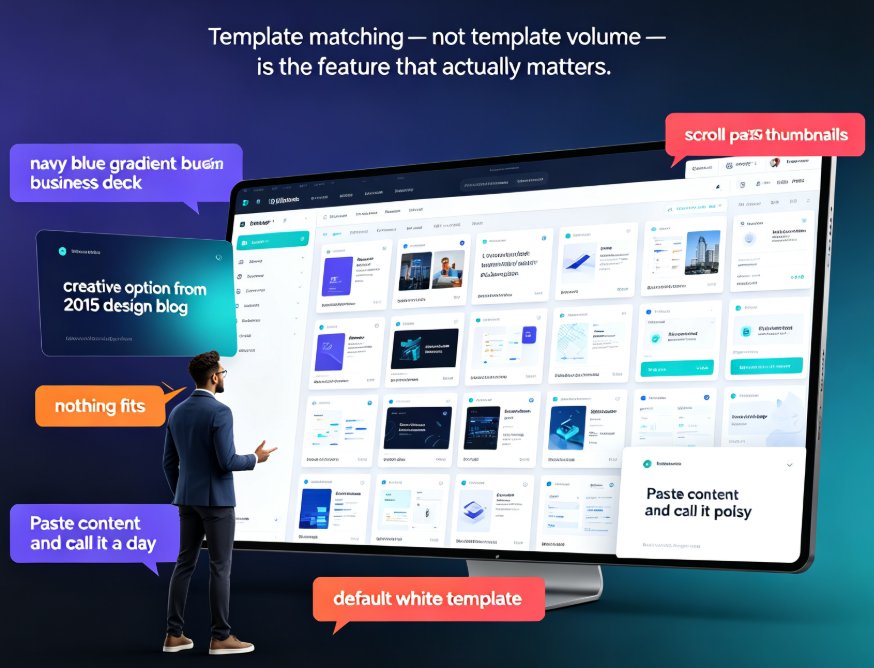
First, you'll spend less time on template hunting. Instead of scrolling through hundreds of options hoping one fits, you give the AI your content and context, and it narrows the field dramatically.
Second, you'll stop editing templates to death. The old workflow was: pick template → fight it → customize → still compromise. The new workflow is: provide context → get a template that's already close → make small tweaks → ship.
Third, consistency gets easier across teams. When templates adapt intelligently, your whole team can produce decks that feel native to your brand and your industry — without everyone becoming a design expert. That's the promise behind AI brand kits and consistent presentations.
Here's a quick comparison of the old template experience versus the adaptive AI template experience:
| Dimension | Static Templates (pre-2024) | Adaptive AI Templates (2026) |
|---|---|---|
| Industry fit | Manual search, often wrong | Auto-detected from content |
| Audience awareness | None — same deck for everyone | Adjusts density and complexity |
| Tone matching | Ignored | Reads language and matches design |
| Time to first draft | 30-60 minutes of fighting | 5-10 minutes of light editing |
| Brand consistency | Depends on user discipline | Enforced by AI + brand kits |
| Manual customization | Required for everything | Only for fine-tuning |
That last row is important. Adaptive templates don't take away your control — they take away the grunt work. You still make the strategic calls. The template just stops fighting you.
06 The 2026 reality check
If you're still working with static templates, you're leaving time and quality on the table. The gap between adaptive and static isn't subtle anymore — it's the difference between a deck that feels custom-made and one that feels like a fill-in-the-blank exercise.
The trend is clear: AI presentation agents are becoming more autonomous, and template adaptation is the foundation they build on. By the end of 2026, "adaptive by default" will be the baseline expectation, not a premium feature.
For teams that adopt this early, the payoff is compounding. Every deck gets faster, every presentation lands better, and your brand looks sharper across the board. If you want to see how this works in practice, Zendeck's template engine is a good place to start — it handles industry, audience, and tone adaptation in one flow, and you can explore the AI courseware category to see the range of what's possible.
07 FAQ
Q: How do AI templates adapt to different industries?
A: AI templates analyze your content's vocabulary, data patterns, and context to infer your industry, then apply design patterns — color palettes, typography, layout density, and visual metaphors — that match that sector's expectations.
Q: Can AI templates really adjust to my specific audience?
A: Yes. Modern adaptive templates consider audience type — executives, trainees, clients, students — and adjust information density, visual complexity, and the text-to-image ratio accordingly. The same content can render differently for different audiences.
Q: What does tone adaptation mean for presentation templates?
A: Tone adaptation means the template reads the language register of your content (formal, casual, energetic, academic) and matches visual and structural choices to it — from color warmth to typography to layout dynamics.
Q: Does Zendeck support adaptive templates?
A: Yes. Zendeck's template engine reads your outline, detects industry and context, and selects a starting template that fits — then you can fine-tune from there. It's designed to reduce template hunting and editing time.
Q: Do adaptive templates still allow manual customization?
A: Absolutely. Adaptive templates give you a smarter starting point, but every element remains editable. You keep full control over the final result — the AI just removes the grunt work.