How to Collaborate on Slides in Real Time Without Version Conflicts
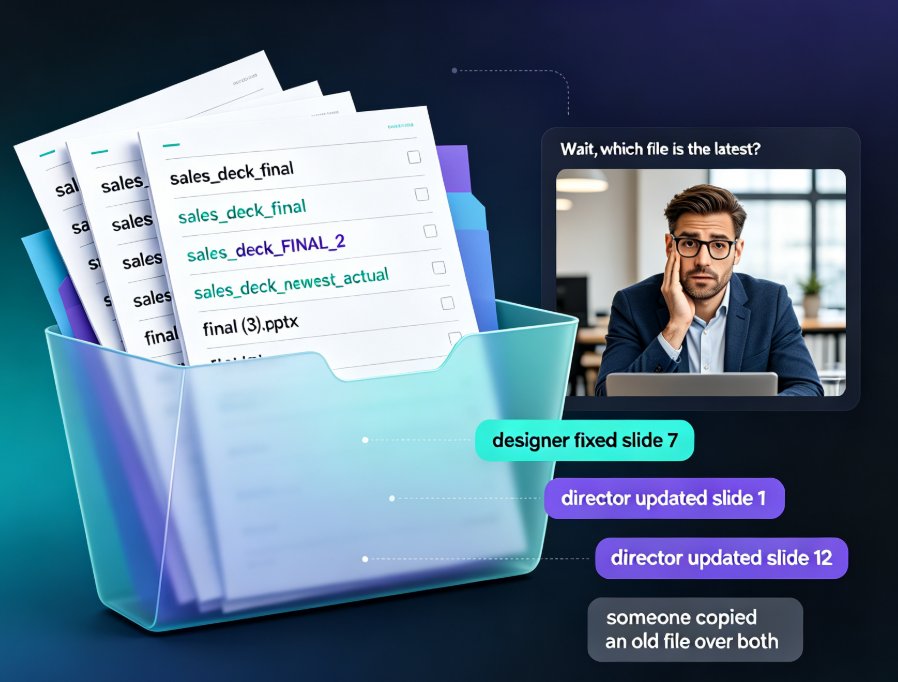
You know the scene. It's 4:53 PM on a Tuesday, and your inbox just grew by six attachments, all named some variation of sales_deck_final, sales_deck_FINAL_2, and sales_deck_newest_actual. Your designer fixed the typo on slide 7. Your director updated the numbers on slide 12. Someone else copied an old file over both of them. Now you're on a video call asking the question that shouldn't exist in 2026: "Wait, which file is the latest?"
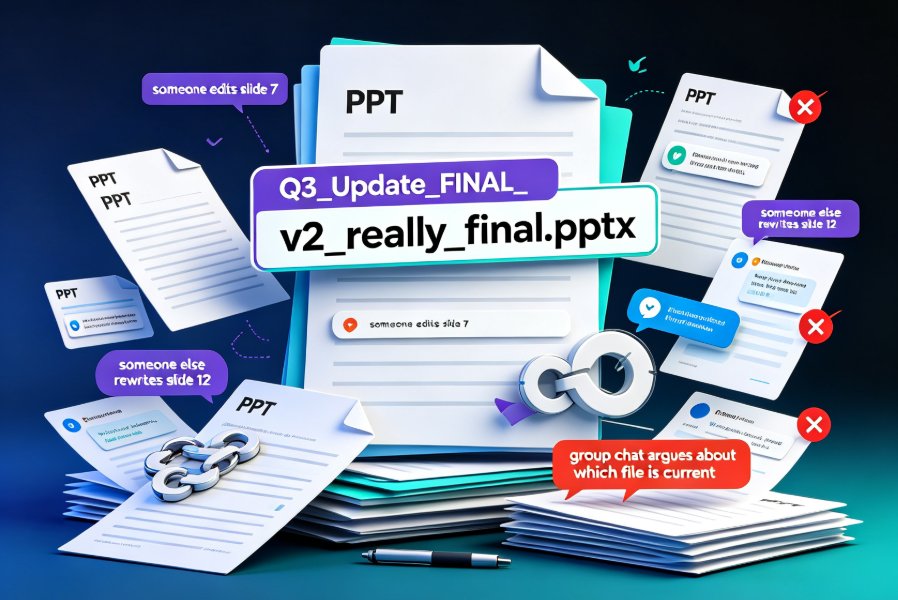
If that question gives you a jolt of recognition, you're not alone. Presentation collaboration is one of the most broken parts of modern office work, and it breaks the same way everywhere — not because people are careless, but because the workflow itself is structurally broken. Emailing files, saving duplicates, and merging edits by hand is a system designed to produce confusion.
Real-time slide collaboration doesn't just save you time — it removes the entire category of errors that come from managing multiple versions of the same deck. When your team works on one master file together, there's no "latest version" to hunt for, because there's only ever one version. This guide walks you through why version chaos happens, what real-time co-editing actually fixes, and how HR, training, and content teams use tools like Zendeck to coordinate courseware without losing their minds.
01: The Version-Conflict Tax You're Already Paying
Let's be honest about what version conflicts really cost you. It's not just the occasional eye roll when someone sends a file named final (3).pptx. It's a slow, constant tax on your team's time and attention — and it compounds exactly when you're busiest.
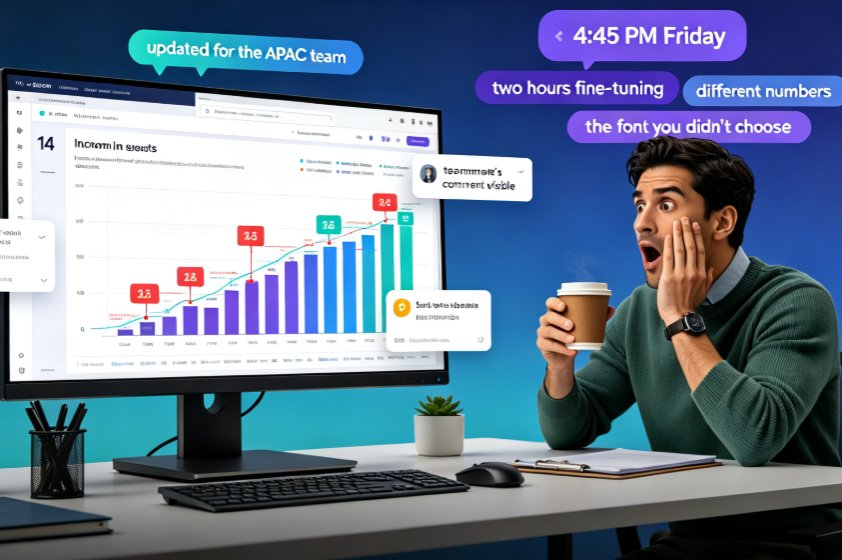
Picture a typical week. An L&D specialist spends two hours reconciling comments from three reviewers. A marketing coordinator loses another hour re-placing images that got overwritten when a colleague pasted from an old deck. An HR generalist builds a 40-slide onboarding deck and then has to redo slide 18 because the sales team "just updated a stat" and no one told her before she exported. Meanwhile, the design team is on version nine of the same visual because five stakeholders keep asking for "small tweaks."
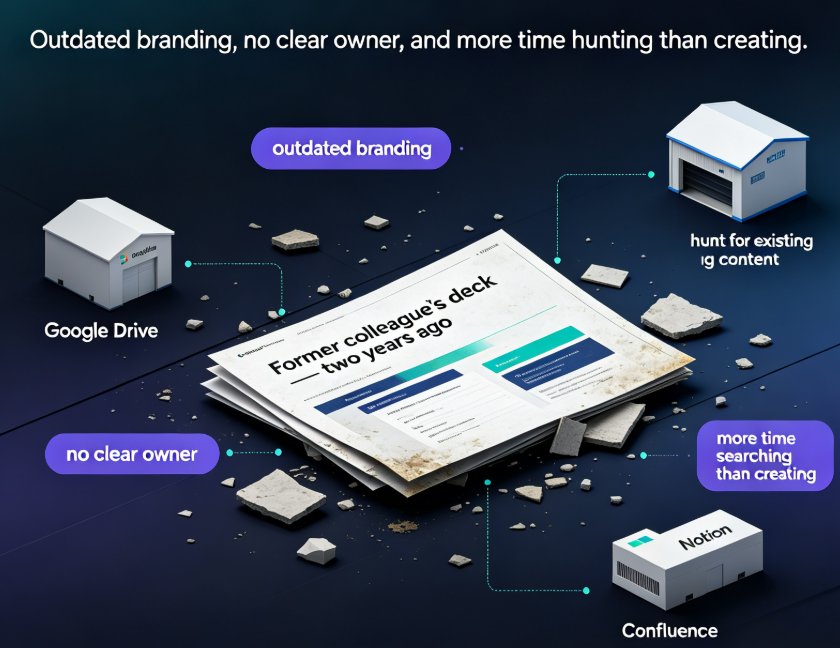
Version management is the silent killer of presentation productivity, and it's completely avoidable. The root cause is always the same: your deck has no single source of truth. The fix isn't more discipline, better file naming, or a stricter folder hierarchy. The fix is changing how you work on the deck in the first place.
That's why teams that care about output — not just process — are migrating their slide work to cloud-based collaboration. It's the same reason no one sends around a shared spreadsheet as an attachment anymore; we learned that lesson with Excel years ago, and it's time decks caught up.
02: What Real-Time Collaboration Actually Fixes
Real-time collaboration isn't new technology, and yet most teams still don't use it properly. The concept is simple: instead of emailing a file back and forth, everyone edits the same cloud-hosted deck simultaneously.
When co-authoring is done right, collaboration stops being a sequence of handoffs and becomes a continuous, shared process. You're refining the copy on slide 3 while a colleague updates the data on slide 12. Comments live right where the issue is, instead of buried in a reply chain. There's no "save as" battle, because there's nothing to save as — the file is always current. If you're on the same screen together, you can even see each other's cursors and edits in real time, which turns editing from a chore into something almost like pair programming.
The moment your team moves to one live master deck, the entire version-conflict problem disappears — you can't email an old copy of something that only exists in one place.
This is where tools like Zendeck earn their keep. Rather than bolting collaboration onto a desktop app, Zendeck treats online editing as the default. You paste a Markdown outline or import a Word document, generate a polished deck, then share a link and let your team co-edit right in the browser. No OneDrive setup, no "which server is it on," no download-and-email dance. When someone changes a stat on slide 12, you see it immediately — and if you don't agree, you leave a comment instead of sending a passive-aggressive email.
And while we're on the subject of hidden wins: a lot of these tools ship capabilities that quietly reduce coordination overhead even further. We rounded up 5 hidden features of AI presentation tools that boost team productivity — things like auto-generated speaker notes and one-click design reskins that save your reviewers from fighting over fonts.
03: Version History — Your Safety Net (Not a Feature You'll Skip)
A lot of people hear "real-time collaboration" and immediately worry about losing control. What if someone deletes my section? What if we make a mess together? Fair question — and the answer is version history.
In any solid cloud collaboration tool, every change your team makes is saved automatically and continuously. That means you get a rolling record of everything: who changed what, when, and on which slide. If a reviewer overwrites your carefully crafted slide, you restore it in one click. If someone accidentally wipes a whole section, you jump back to the version from ten minutes ago. There's no detective work, no "does anyone still have the old file?" — the history is right there.
Version history turns mistakes into non-events: someone deletes your section, and you restore it in one click — no redo work, no finger-pointing. That single capability changes how bold your team is willing to be. People stop hoarding their own backup copies and start trusting the process, because they know nothing is ever truly lost.
This psychological safety is the part people underestimate. The reason so many teams cling to email chains and local files isn't that they enjoy it — it's that they're terrified of losing work. Version history removes that fear at the root. When your team knows every edit is recoverable, they stop treating the deck like a fragile artifact and start treating it like a living document. That's when collaboration actually gets fast.
04: HR and Training Teams: Coordinating Courseware Without the Chaos
Here's where this gets concrete. The teams that feel version pain the most are the ones making courseware — because their decks go through more hands and more revision rounds than almost anything else in the office.
Consider how a typical HR onboarding deck gets built. Learning & Development drafts the outline. An HR generalist turns it into slides. The compliance team needs to add two modules. The benefits team wants to update the insurance numbers for the new plan year. The manager wants "a fresher look." By the time it ships, that deck has been through eight or nine sets of hands — and if it was passed around via email, every single handoff was a chance to lose or clobber someone's work.
With a real-time collaboration workflow, the whole thing collapses into one shared space. Start by importing your existing Word outline — Zendeck converts it into structured slides automatically, so nobody has to hand-build the scaffolding. Then the team co-edits the same master deck: compliance drops in its two modules, benefits updates the numbers, and everyone sees the changes instantly. Because the design system is enforced by smart templates, nobody can paste in a slide that breaks the visual identity — a problem we dig into further in 5 ways to create a custom brand kit in Zendeck for consistent decks.
The payoff doesn't stop at the slide deck. When the deck is finally approved, you can turn it into a narrated micro-course with the same tool — no separate recording session, no voiceover contractor. HR teams and trainers are using exactly this workflow to ship onboarding videos and compliance training without weeks of back-and-forth. If that sounds like your world, you'll want to see how AI-generated video decks are replacing traditional corporate training.
05: Choosing Your Team Deck Workflow (Side-by-Side)
Before you rebuild your whole workflow, let's put the options on the table. Here's how the common approaches stack up for a team that cares about collaboration:
| Capability | PowerPoint Co-authoring | Google Slides | Gamma | Zendeck |
|---|---|---|---|---|
| Real-time co-editing | Yes (needs OneDrive/SharePoint) | Yes | Yes | Yes |
| Built-in version history | Yes | Yes | Yes | Yes |
| Link sharing (no external storage setup) | Limited | Yes | Yes | Yes |
| AI deck generation from an outline | No | No | Yes | Yes |
| Word/outline import to PPT | Native format only | Yes | Partial | Yes |
| One-click smart layout / brand reskin | No | No | Partial | Yes |
| PPT-to-video narration | No | No | No | Yes |
The pattern is pretty clear. If you just need co-authoring, PowerPoint and Google Slides can technically handle it. But if you want a tool that removes the entire friction chain — outline to deck, deck to collaboration, collaboration to finished courseware — you want something that was built for modern workflows. That's the gap Zendeck sits in, and it's why more teams are treating presentation tools as part of their broader office efficiency stack rather than a place to make pretty slides.
Here's a typical week for a mid-size team juggling deck versions, as a rough illustration:
The exact numbers differ from team to team, but the shape of the curve is nearly universal. The more handoffs and duplicate files your workflow requires, the more hours you burn on pure administration — version reconciliation, file hunting, and redoing overwritten work. Moving to one live master deck with version history collapses that overhead to nearly zero.
If you're coming from PowerPoint, the transition is gentler than you'd think. Zendeck's smart layout engine automatically reflows your imported slides into a consistent design, so the first co-editing session doesn't have to start with a fight about fonts.
FAQ
Q: How does real-time collaboration actually prevent version conflicts?
A: Instead of saving duplicate files and emailing them around, everyone works on one cloud-hosted master deck simultaneously. Since there's only ever one version of the file, there's nothing to accidentally overwrite or lose — and every change is recorded in version history.
Q: Does Zendeck support co-authoring like PowerPoint or Google Slides?
A: Yes. Zendeck's online editor and link sharing let multiple collaborators work on the same deck in real time, with comment threads and auto-saved version history. It's built into the tool, so you don't need to configure OneDrive or SharePoint.
Q: What happens if two people edit the same slide at the same time?
A: Both edits are saved to the same file, and version history captures every change. If one edit clobbers another, you can restore the earlier version in a click. In practice, the friction is much lower than with desktop files, because everyone is looking at the same current state.
Q: Can HR and L&D teams use Zendeck collaboration specifically for training courseware?
A: Absolutely. Import a Word outline, co-edit the structured slides with your team, keep branding consistent with smart templates, and then export the approved deck to a narrated micro-course. The whole pipeline happens in one workspace.
Q: Do we still need to set up OneDrive or SharePoint for Zendeck's link sharing?
A: No. Link sharing and version history are native to Zendeck's cloud workspace. You just share a link, set the permission level, and your team can start editing immediately.