
Tags:team slide collaboration

2 articles

How to Collaborate on Slides in Real Time Without Version Conflicts

Office Efficiency 2026-09-21 2876

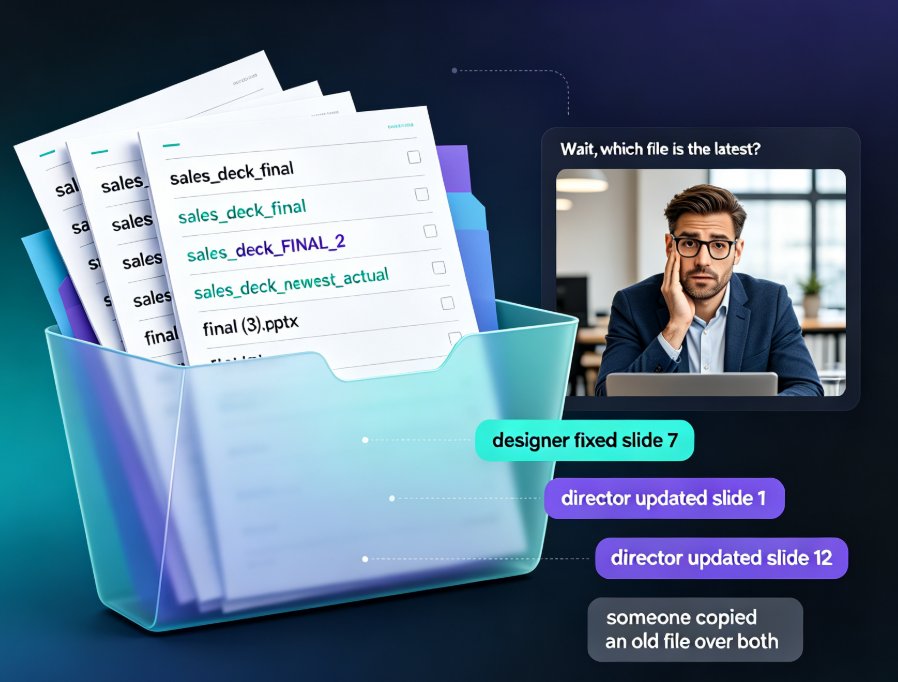
Real-time slide collaboration ends the version chaos that slows every team deck. Zendeck's cloud-based online editing with link sharing lets your whole team work on one master presentation at once — no more email ping-pong, "FINAL_v3" files, or overwritten slides. Version history quietly tracks every change and lets anyone restore a previous edit in one click, so nothing gets lost. You'll also find a practical workflow for HR, training, and content teams: import a Word outline, co-edit the deck together, keep branding consistent with smart templates, then export to a narrated micro-course. If you're tired of asking "which file is the latest?", this is the guide for you. Here's how to kill version conflicts for good and get your evenings back.
Team Edited the Same Slide? Recover It Now with Version Control

Office Efficiency 2026-09-16 3937

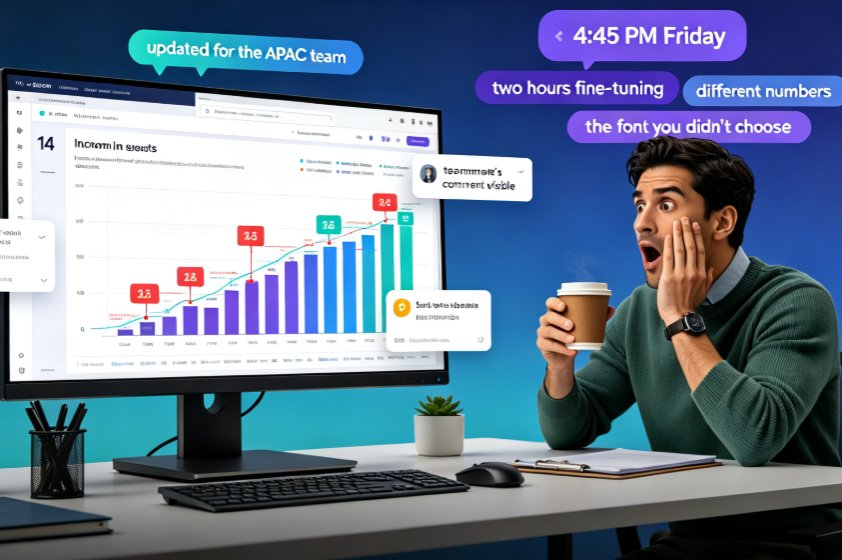
A teammate overwrote your slide and your work is gone — but in Zendeck, you can recover every edited slide with version history and restore points. This guide walks you through the exact recovery workflow: how to open revision history, preview the version before the overwrite, and restore one slide without rolling back your team's other progress. Learn why version chaos happens in team decks, how Zendeck's revision comparison and conflict-resolution features turn a Friday-afternoon panic into a two-minute fix, and which collaboration habits keep your deck workflow from ever needing a rescue. If your team builds AI presentations together in real time, this is the safety net that makes overwrites a non-event and lost work a thing of the past.