Tags:Zendeck

75 articles

Interactive Micro-Lessons: Turn PowerPoint into Video with Quizzes

Micro-Course Production 2026-09-01 851

Interactive micro-lessons that combine AI-narrated PPT-to-video with built-in quizzes can boost engagement and retention. Zendeck makes it easy to transform any PowerPoint into an interactive learning experience. Learn the step-by-step workflow, see what to avoid, and discover why this approach is becoming the 2026 standard for corporate training and online education.
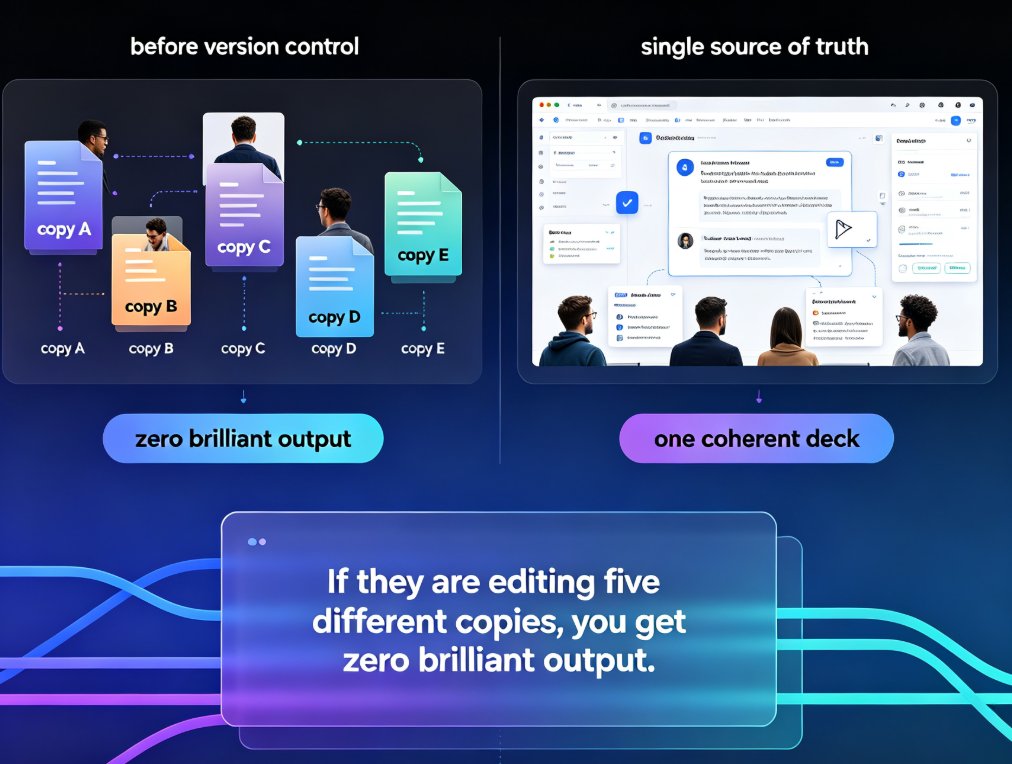
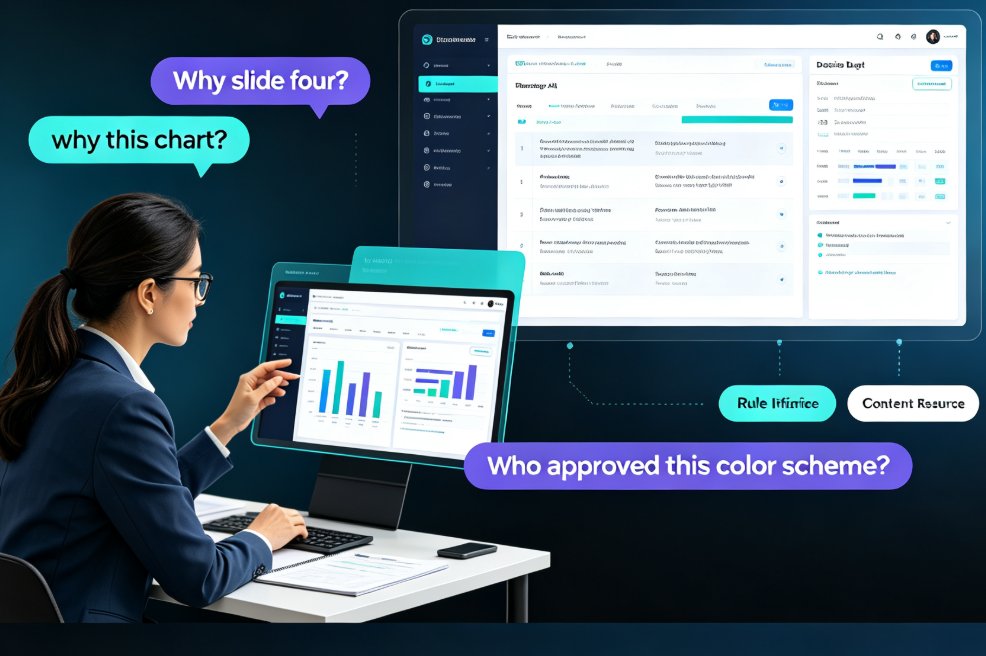
Zendeck Collaboration Features That End Version Chaos in Team Decks

Office Efficiency 2026-09-01 2543

Zendeck's collaboration and sharing tools help teams co-create presentations without version chaos. This guide covers real-time co-editing, link sharing with viewer controls, slide-anchored feedback, and one-click reskinning for brand consistency. Stop emailing files back and forth — set up a team deck workflow that actually works. Learn how educators, trainers, and content teams use Zendeck to keep everyone on the latest version, resolve feedback faster, and turn a shared deck into a polished final deliverable without a designer on call. Includes a practical comparison table and step-by-step best practices for corporate and education teams.

AI Transparency in Automated Courseware: Why It Builds Trust

Office Efficiency 2026-08-28 3514

AI transparency is the deciding factor in whether educators trust automated courseware. Research shows that when AI explains its design logic, users perceive it as more effective and experience less discomfort. This article explores why transparent AI is a trend, how it affects trust, and how Zendeck builds transparency into its automated courseware generation so educators can adopt AI with confidence, not skepticism.

One-Click Reskin Fixes Inconsistent PPT Styles Across Your Team

Office Efficiency 2026-08-28 1226

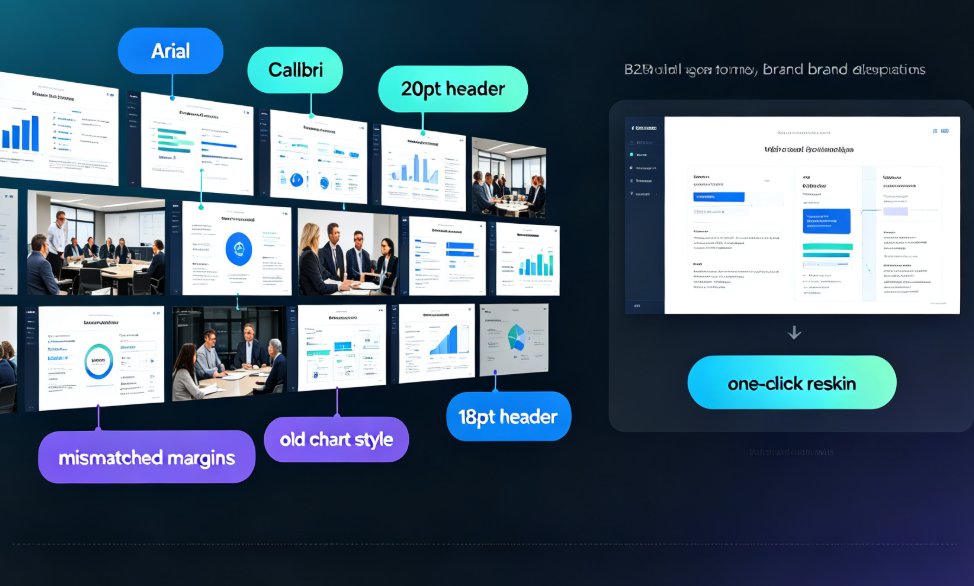
Inconsistent PPT styles wreck your brand and burn hours. Zendeck's one-click reskin unifies fonts, colors, and layouts across any deck in your team — including old PowerPoints with mixed formatting. This article breaks down why style drift happens even with templates, the real cost of manual cleanup, and a practical workflow to bring any deck back on brand in minutes. We compare manual formatting vs automated reskin with real numbers, show how smart layout rules replace eyeballing, and share governance tips so teams stop producing mismatched slides. If you're tired of spending evenings fixing alignment, spacing, and hex codes, this guide shows a faster path to consistent, professional presentations.

PPT to Video with Zendeck: Automated Narration and Subtitles

PPT to Video 2026-08-28 3874

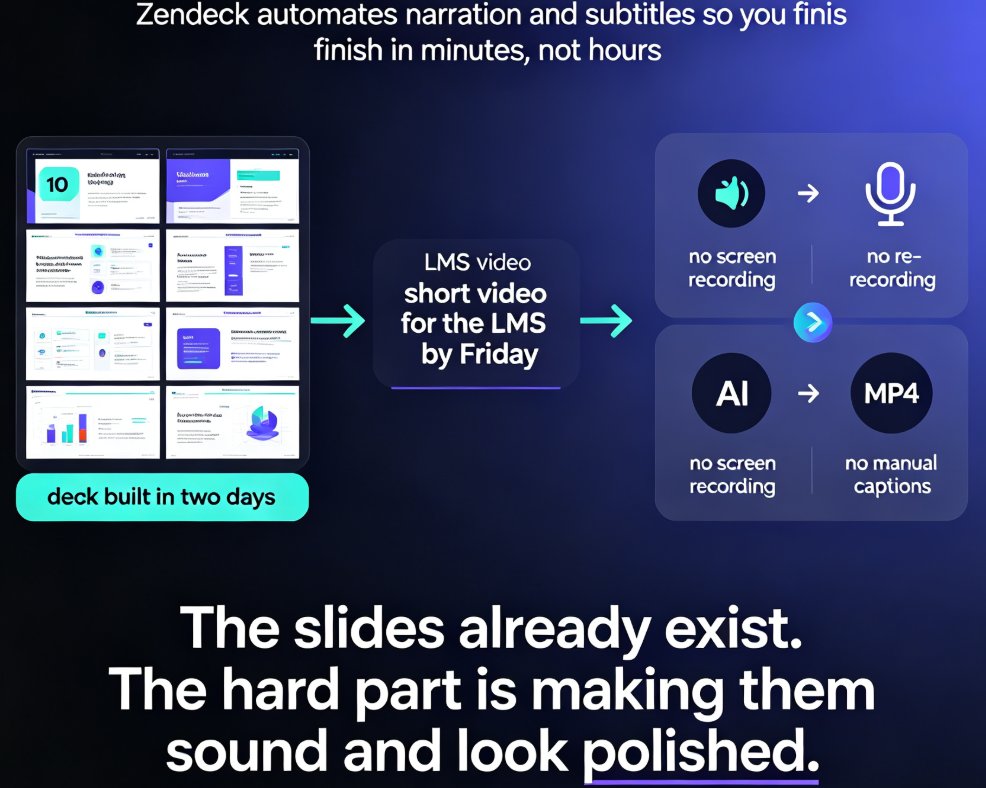
Zendeck automates PPT to video conversion with AI-generated narration and automatic subtitles, turning static slides into polished micro-lessons in minutes. This guide shows you how to generate voiceover, sync subtitles, and export MP4 or share via link, plus how to customize voices and styles for different learning audiences. Save hours of manual voice recording and caption editing with Zendeck's built-in pipeline.

Word to PPT in Minutes: Turn an Outline into Slides with Zendeck

AI Courseware 2026-08-28 3493

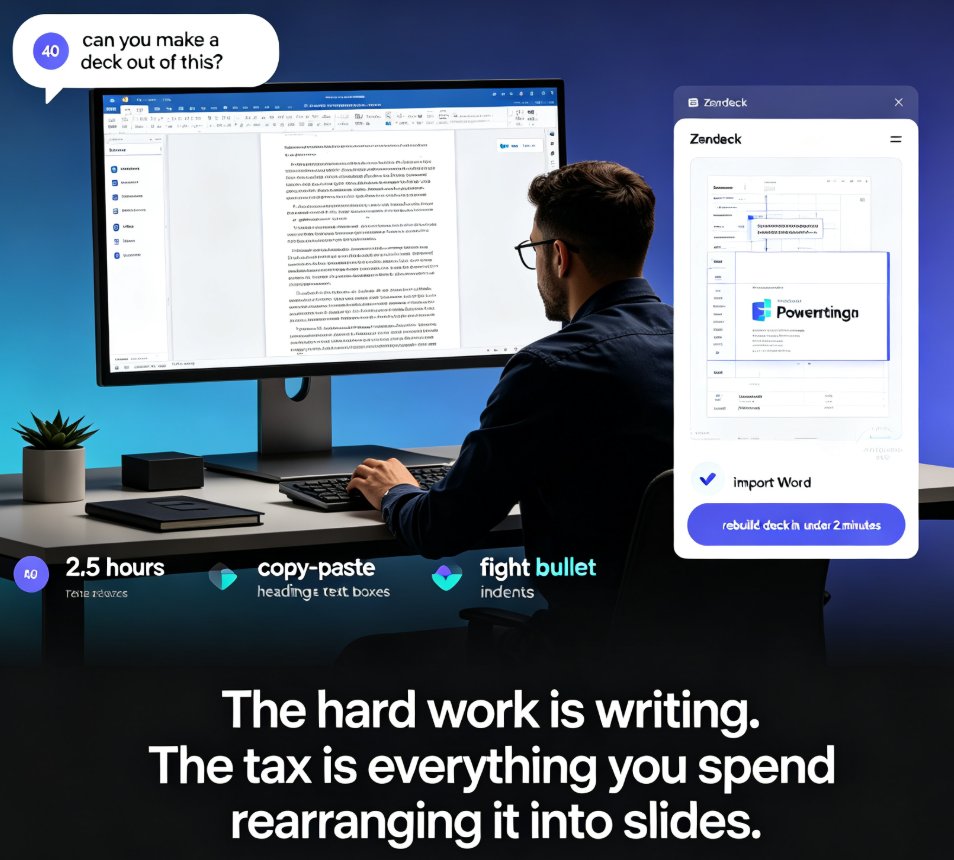
Ditch the copy-paste grind. Zendeck's Word import turns any Word outline into a polished, fully editable PPT in under two minutes — no design skills, no manual formatting. If you already work in Word, this is the fastest way to land a presentable deck: upload, auto-generate, deliver. Here's how it works, what you can expect, and how to structure your source document so the AI builds slides exactly the way you want. We'll also walk through real scenarios — sales pitches, training decks, courseware, investor one-pagers — and compare Zendeck against manual conversion and template-based tools. By the end, you'll know exactly why converting a Word document should never eat another afternoon of your life.