Tags:Zendeck

75 articles

Zendeck Team Collaboration: How to Co-Create Slides in Real Time

Office Efficiency 2026-08-28 1195

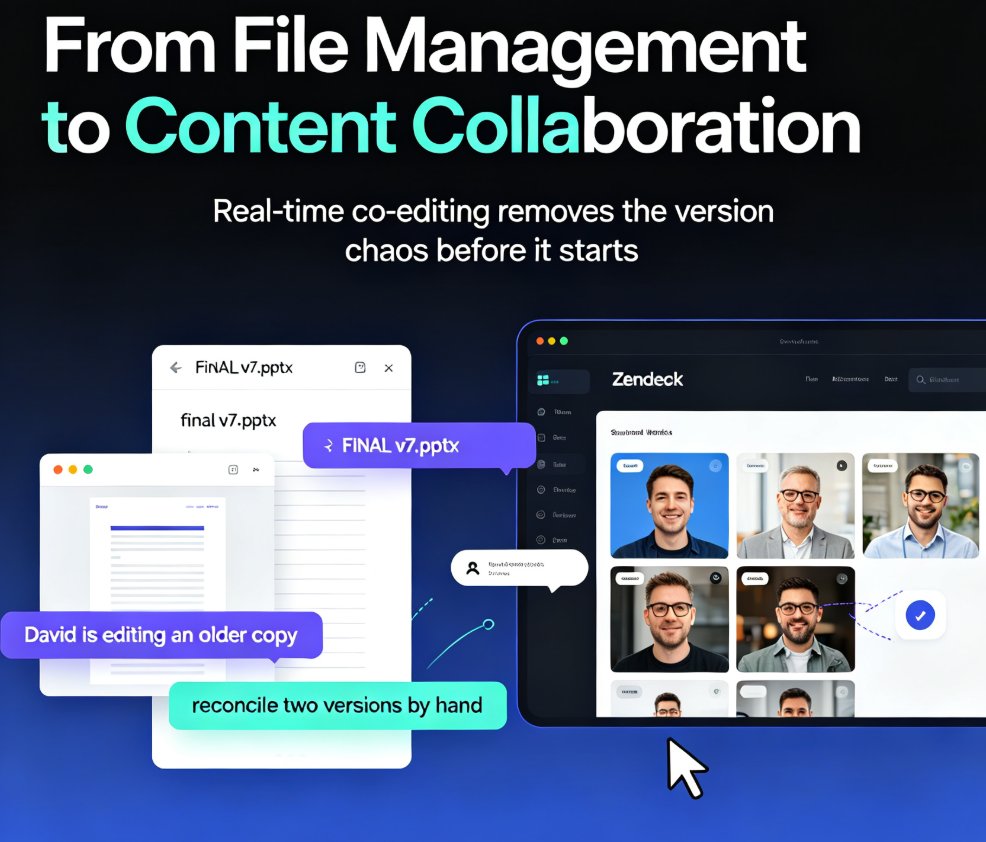
Zendeck's real-time collaboration lets your whole team co-create slides in one shared workspace—no more emailing .pptx files or reconciling conflicting versions. With version history, in-slide comments, and granular sharing permissions, remote teams and classrooms can build polished decks together without the chaos. This guide walks you through the core features, a practical workflow, and the exact ways Zendeck's version control keeps your project on track. You'll learn how to set up a shared workspace, assign sections in parallel, and use version history as a safety net. If you're tired of 'FINAL_v7' confusion and want a single source of truth for every presentation, here's how real-time collaboration changes the game.
Accessible Micro-Courses: How Zendeck Auto-Generates Subtitles from PPT

Micro-Course Production 2026-08-27 1442

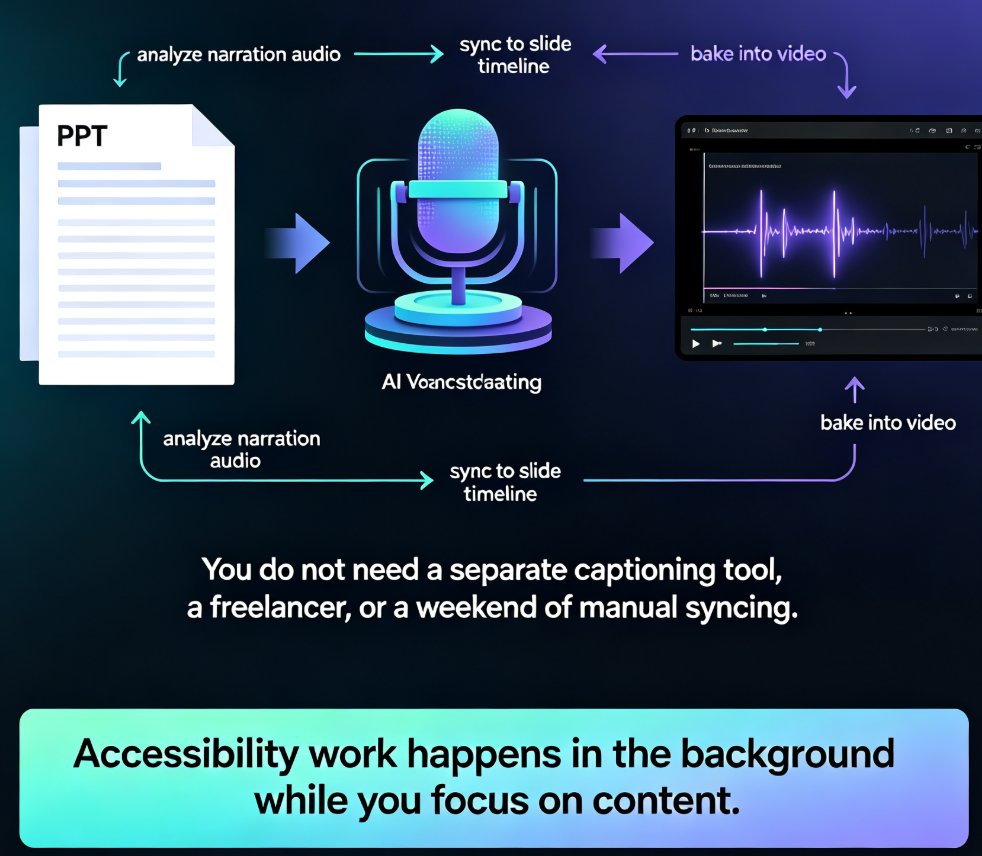
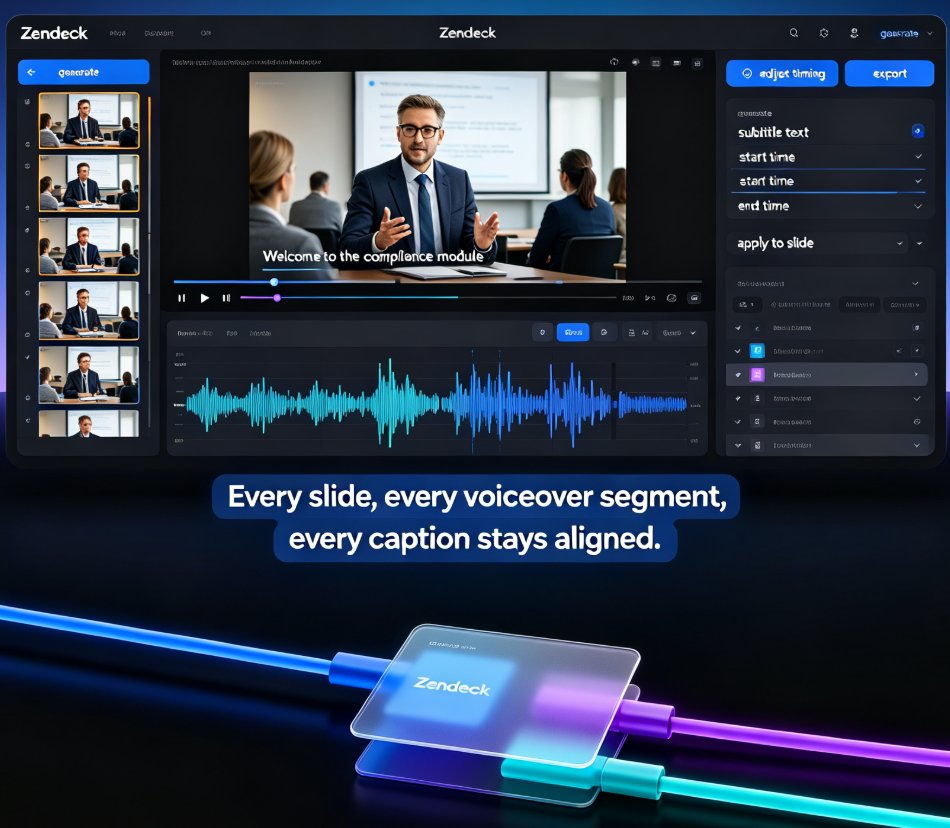
Zendeck auto-generates accurate subtitles when converting PPT to video, making micro-courses accessible to more learners with zero manual effort. Subtitles are no longer a nice-to-have — they're an accessibility requirement for diverse learners, non-native speakers, and WCAG compliance. This guide walks through how Zendeck's PPT-to-video pipeline creates synced, editable subtitles in the same pass as the conversion, and why that changes your course production workflow. You'll learn the full accessibility stack — alt text, contrast, transcripts — and get practical tips for reviewing and refining auto-generated captions before publishing. We also compare manual subtitling against Zendeck's automated approach, break down the time and cost difference, and show you a step-by-step workflow from PPT to published micro-course. If you're an educator, trainer, or L&D manager building accessible micro-courses, this is the fastest route to video content that reaches every learner.

HR Onboarding Without Video Editing: Zendeck Turns PPT into Video

Knowledge Video 2026-08-27 2977

HR teams can now turn onboarding PPTs into narrated knowledge videos with Zendeck's PPT-to-video and digital human features — no video editing skills required. This guide walks through the exact workflow, from importing your outline to publishing a consistent, self-explaining onboarding course that scales across locations and languages. Learn how to cut production time, keep messaging consistent, and update training content in minutes instead of weeks. If your team has been stalled by the cost and complexity of video production, Zendeck gives HR a practical path to professional onboarding content without hiring editors.

Team Slide Collaboration Chaos? Zendeck Real-Time Editing and History

Office Efficiency 2026-08-27 3260

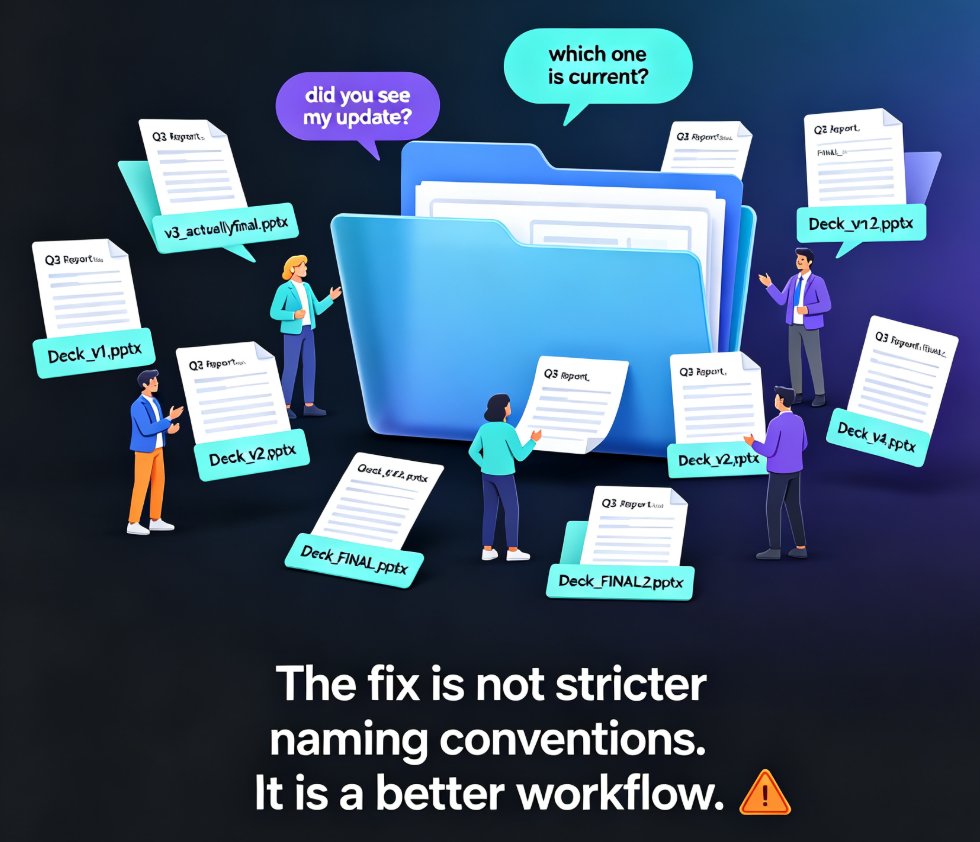
Team slide collaboration often turns into version chaos — duplicate files, lost edits, and endless email threads. Zendeck's real-time editing and history tracking give your team one source of truth, so everyone co-edits the same deck without stepping on each other's work. This guide breaks down why version conflicts happen, what real-time collaboration actually changes, and how version history gives your team the confidence to experiment. You'll get a practical workflow for educators, trainers, and HR teams, plus a side-by-side comparison of traditional vs. real-time collaboration, workflow tips that actually stick, and answers to the most common questions about co-editing and rollback. If you're tired of asking 'which file is the latest?' — this is the read for you.

Word to PPT in Minutes: Zendeck's AI Import for Busy Teachers

AI Courseware 2026-08-27 1139

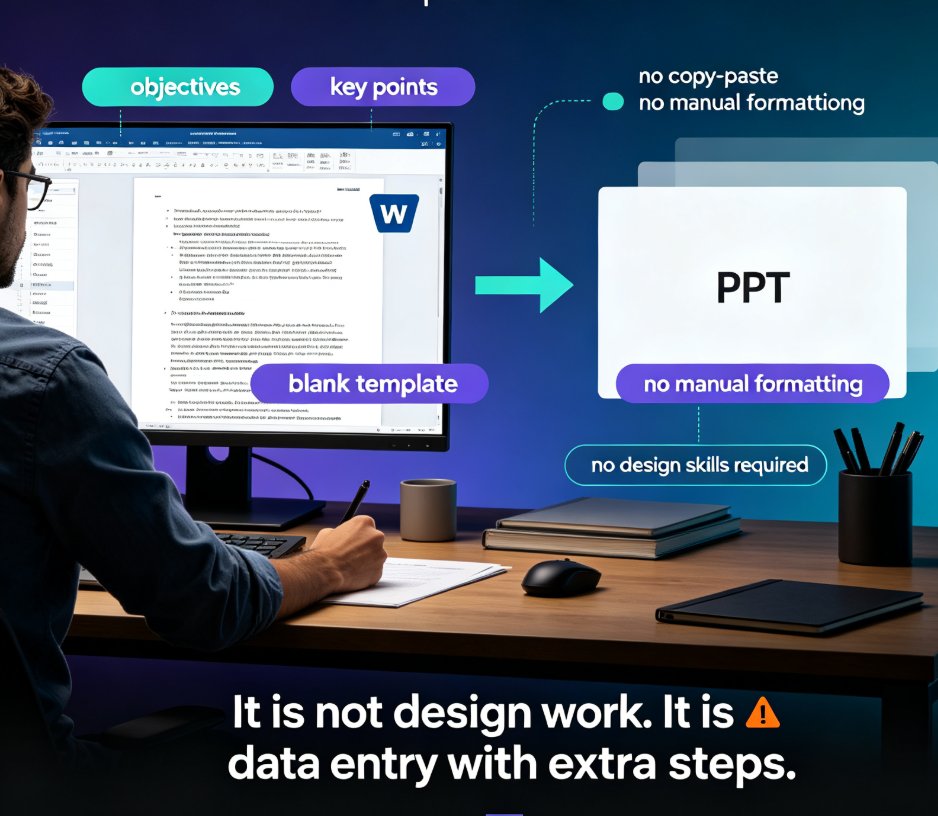
Zendeck's AI Word import converts your lesson outline into a polished PPT in minutes, eliminating the manual copy-paste and formatting that eats teachers' prep time. This guide walks through the workflow step by step — structuring your Word doc, importing it, choosing a template, and refining the result — and shows how the same deck can become a narrated micro-course. With smart layouts, consistent design tokens, and auto-suggested visuals, Zendeck produces decks that look professionally designed without any design skills. You'll also get practical tips for structuring Word documents for the best import results, a side-by-side comparison of manual versus AI workflows, and answers to common questions about editing, branding, and turning slides into video. If you're a busy teacher tired of Sunday-night slide building, this is the workflow you've been missing.

Stop Manual Formatting: Zendeck Smart Layout One-Click Reskin

Courseware Design 2026-08-27 940

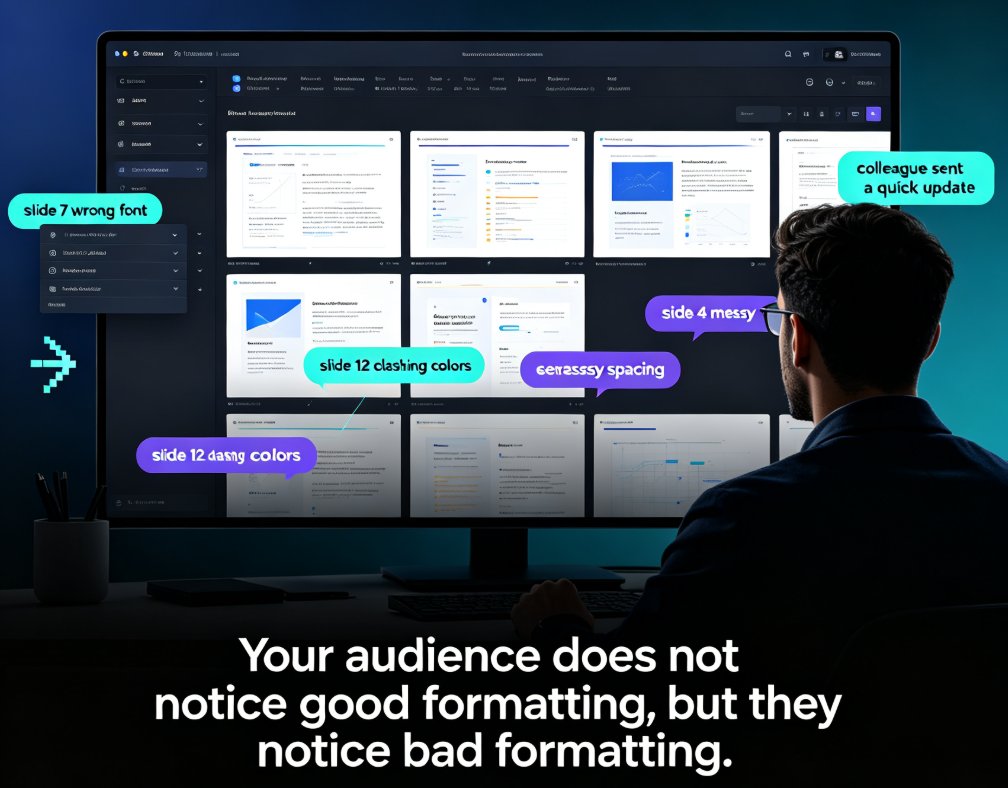
Stop wasting hours on manual formatting. Zendeck's smart layout one-click reskin automatically unifies fonts, colors, and spacing across your entire deck in seconds. Built for teachers, trainers, HR teams, and content operators, this AI-powered feature turns messy, inconsistent slides into professional courseware without any design skills. In this guide, we break down how smart layout works, compare it to manual formatting with real time-cost numbers, and share five habits that make your decks look consistently polished. If you've ever spent a night fixing font sizes and alignment, this is the workflow change you've been waiting for. Whether you're building weekly course updates, merging multi-author decks, or enforcing brand compliance, Zendeck makes professional-looking presentations the default — not the exception. Stop formatting. Start teaching.