
Tags:Smart Layout

2 articles

How Zendeck Smart Layout Auto-Builds Professional Decks from Your Text

AI Courseware 2026-11-04 2339

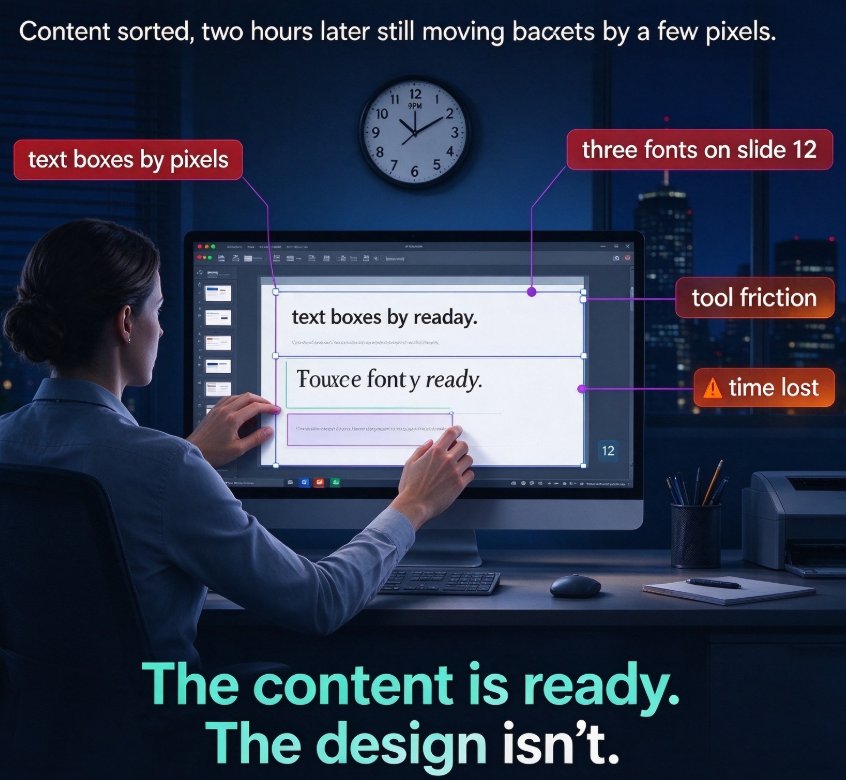
Learn how Zendeck Smart Layout auto-builds professional presentations from raw notes and outlines in minutes. If you're tired of spending hours aligning text boxes, resizing images, and fighting inconsistent fonts, Zendeck's AI does the heavy lifting. Upload a Word document or paste Markdown, and the system parses your content hierarchy, selects context-aware layouts, and applies unified design across every slide. In 10-15 minutes you get a clean, brand-consistent deck that respects your original narrative — no design skills required. Whether you're an educator repurposing course material, an HR manager turning policy docs into onboarding decks, or a consultant converting a report into a client pitch, this workflow cuts formatting time from hours to minutes. Here's the exact process, a manual-vs-AI comparison, and the outline habits that produce the best results.

Why Does Zendeck's Smart Layout Produce Consistent Slides? FAQ

Courseware Design 2026-08-12 1050

Zendeck's Smart Layout automatically unifies fonts, colors, and spacing across every slide, so your deck stays visually consistent without manual design work. This FAQ explains how the auto-formatting engine works, when Smart Layout shines versus manual design, and how to keep every slide on-brand — even when multiple people build the deck. Learn the three rules behind consistent slides, see a practical comparison of Smart Layout vs. manual design scenarios, and get answers to the most common questions about automatic formatting. If your AI-generated slides still look messy, this guide shows you exactly where the inconsistency comes from and how to fix it in one click. Whether you're a teacher, trainer, or team lead, you'll walk away with a clear playbook for producing decks that look intentional, polished, and professional every single time.

▲