
Tags:micro-course production

9 articles

AI Agents in Course Creation: From Outline to Published Micro-Course

Knowledge Video 2026-08-24 3063

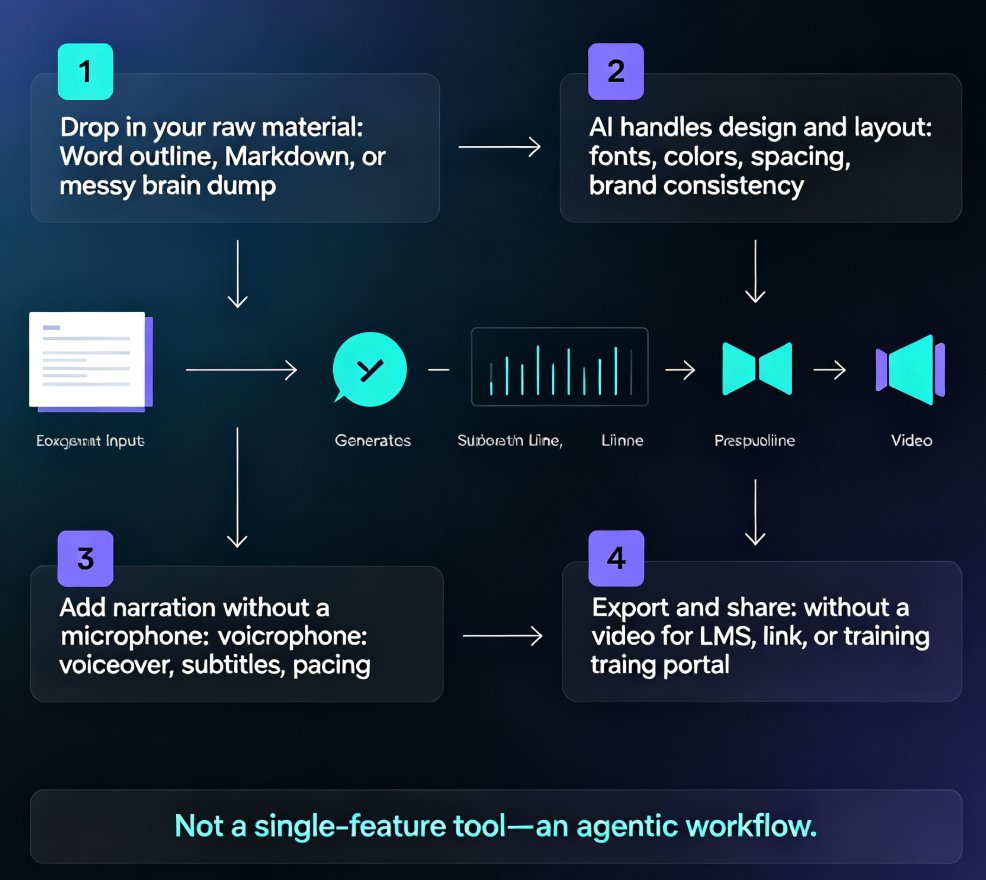
AI agents now automate the entire course creation pipeline, not just single steps. Zendeck's end-to-end workflow turns a simple outline into a narrated, publish-ready micro-course — slides, voiceover, and video export included. This guide breaks down how the agentic shift works, who benefits most, and where human judgment still matters. If you're an educator, trainer, or content operator tired of stitching together separate tools, this is the workflow you've been waiting for. Learn the exact steps, see a side-by-side comparison with the old pipeline, and get practical tips for keeping quality high while letting AI handle the heavy lifting.

Keep Training Consistent Across 10 Locations with Zendeck Templates

Micro-Course Production 2026-08-14 3784

Standardizing training across 10 locations doesn't require a central design team. Zendeck's locked templates and brand kits keep every onboarding, compliance, and sales deck identical across stores, offices, and franchise sites. In this guide, you'll learn how L&D and operations teams build a repeatable workflow: set a master template, lock brand assets, assign training ownership, and scale with confidence. We'll cover real scenarios, practical steps, and the exact settings that prevent off-brand, off-message slides. If you've ever opened a regional trainer's deck and seen the wrong logo, outdated process, or a different font, this article is for you. By the end, you'll know how to turn a messy multi-site training program into a consistent, measurable system — without hiring designers or chasing down files. Zendeck makes consistency the default, not the exception.

Step-by-Step: Create a Micro-Course from Scratch Using Zendeck's AI and Template Library

Micro-Course Production 2026-08-06 2624

Stop wasting hours on slide design and video editing. Learn how to build a complete micro-course in minutes using Zendeck's AI-powered slide generation, professional templates, and one-click PPT-to-video conversion. This step-by-step guide walks you from template selection to final video export, with practical tips for educators and trainers.