
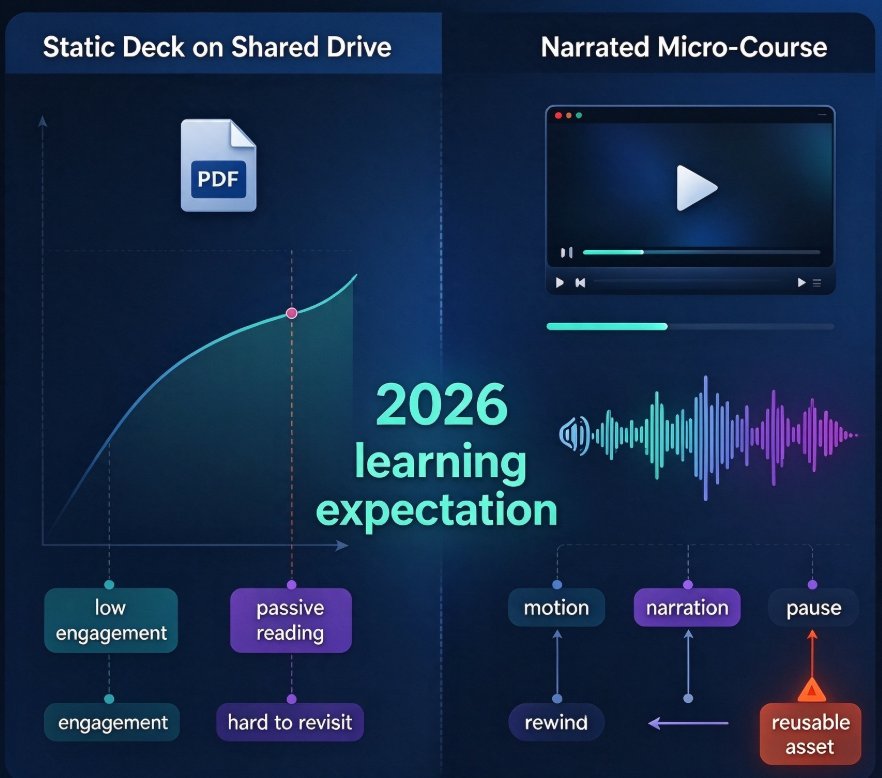
Create a Narrated Micro-Course with Zendeck's PPT-to-Video in 4 Steps
Learn to create a narrated micro-course with Zendeck's PPT-to-Video in 4 simple steps. This guide walks you through preparing speaker notes, choosing an AI narrator and avatar, generating synced voiceover, and exporting a polished video with auto subtitles. Zendeck reads your slide content, produces natural AI narration, and delivers a ready-to-publish course video — no studio, no microphone, and no video editing experience needed. Perfect for educators, trainers, HR teams, and content operators who need to convert existing slide decks into engaging, accessible micro-courses. In under two hours, you can publish a professional narrated course that previously required 10+ hours of filming, recording, and editing.