Tags:micro-course creation

18 articles

Turn Boring Slides into Narrated Videos with Zendeck AI Voiceover

PPT to Video 2026-08-18 3075

Turn static slides into narrated videos with Zendeck AI voiceover — no video editing skills, studio equipment, or voice actors required. Zendeck's PPT-to-Video feature converts your existing decks into professional narrated micro-courses in about an hour. This guide breaks down the traditional cost of video production, compares it with Zendeck's automated workflow, and walks through the four-step process: import your deck, polish the slides, add AI narration, and render. You'll also see who benefits most — educators, corporate trainers, HR teams, and content operators — and when traditional video production still makes sense. If you've been sending static decks that nobody watches, this is the fix. Learn how AI voiceover, smart layout, and one-click rendering make narrated video creation affordable for any team.

How Long Does Zendeck's PPT-to-Video Take? A Complete FAQ

PPT to Video 2026-08-12 3544

Wondering how long Zendeck's PPT-to-Video takes? This complete FAQ answers your timing questions and explains the rendering pipeline in plain terms. Whether you're converting a 10-slide training deck or a 50-slide compliance course, we break down the factors that affect conversion time—slide count, narration length, resolution, and more. Learn how Zendeck's AI-powered video export turns your slides into narrated micro-courses in minutes, not hours. Get realistic expectations, step-by-step workflow tips, and pro advice to speed up your video production. If you're a trainer, educator, or content creator, this guide will save you time and frustration. Start creating engaging video content with Zendeck today.

How to Add Narration to Your Slides with Zendeck's PPT-to-Video

PPT to Video 2026-08-11 3604

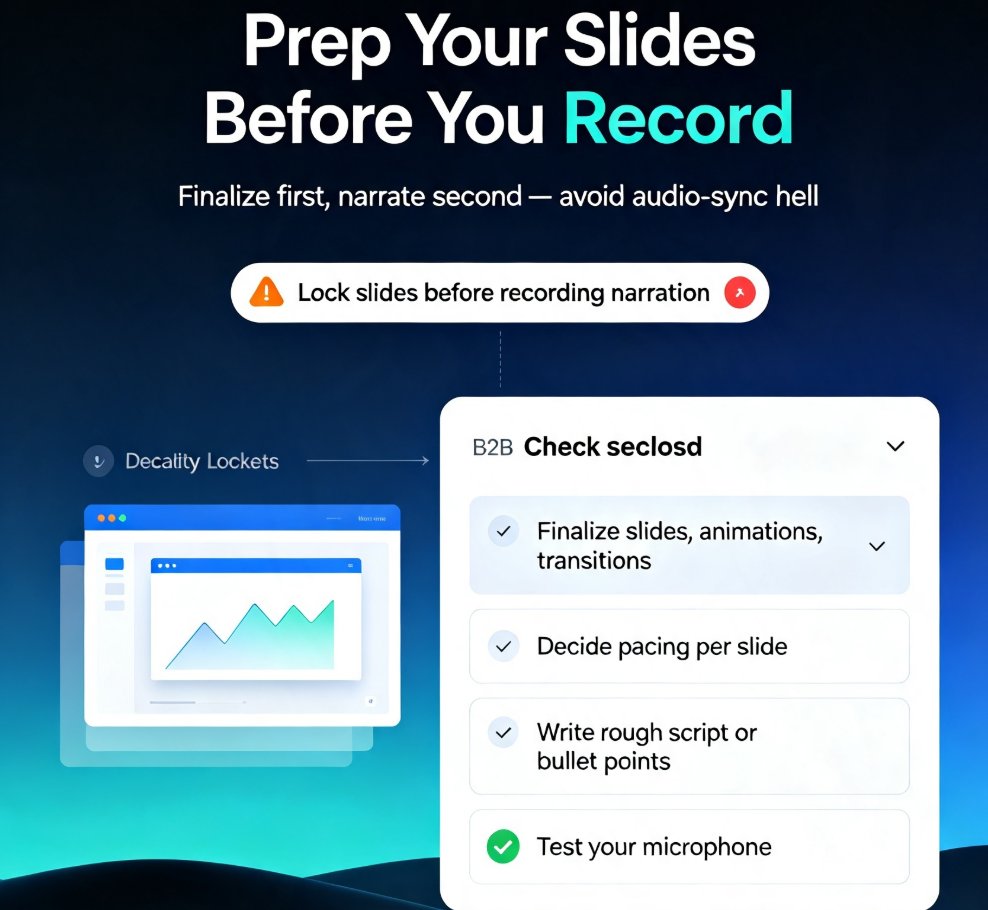
Learn how to add narration to your slides with Zendeck's PPT-to-Video feature. Turn static decks into engaging narrated video lessons in minutes — record, sync, and export with ease. This step-by-step guide covers slide prep, recording best practices, export settings, and common pitfalls like audio sync issues. Whether you're building micro-courses, onboarding materials, or asynchronous training, narrated video decks keep learners engaged and reduce rework. Zendeck's PPT-to-Video streamlines the entire workflow, so you can produce professional voiceover presentations without design or editing skills. We'll also show you how to fix audio sync problems, choose the right export format, and make your narration sound natural. If you're tired of silent decks that fail to engage, this guide gives you everything you need to create narrated video lessons that actually work. Start today.

Turn a Training Manual into a Micro-Course with Zendeck's PPT-to-Video

Micro-Course Production 2026-08-10 3447

Zendeck's PPT-to-Video turns static training manuals into narrated micro-courses in minutes. Learn the 5-step workflow, see time savings, and boost learner engagement. Convert your text-heavy slides into interactive video lessons with AI narration, animations, and brand consistency. Perfect for HR, L&D, and educators who need faster onboarding and better completion rates.

From Outline to Video: A Complete Workflow for Creating Micro-Courses with AI

Micro-Course Production 2026-08-06 3234

Creating micro-courses from scratch is time-consuming. With Zendeck, you can transform a Word outline into an AI-generated presentation and then into a narrated video in minutes. This complete workflow shows educators and trainers how to produce engaging micro-learning content without design skills or video editing software. Learn the step-by-step process from outline to video, including tips for maximizing speed and learner engagement.

From Static Slides to Interactive Micro-Courses: AI Narration Transforms Training

PPT to Video 2026-08-06 1676

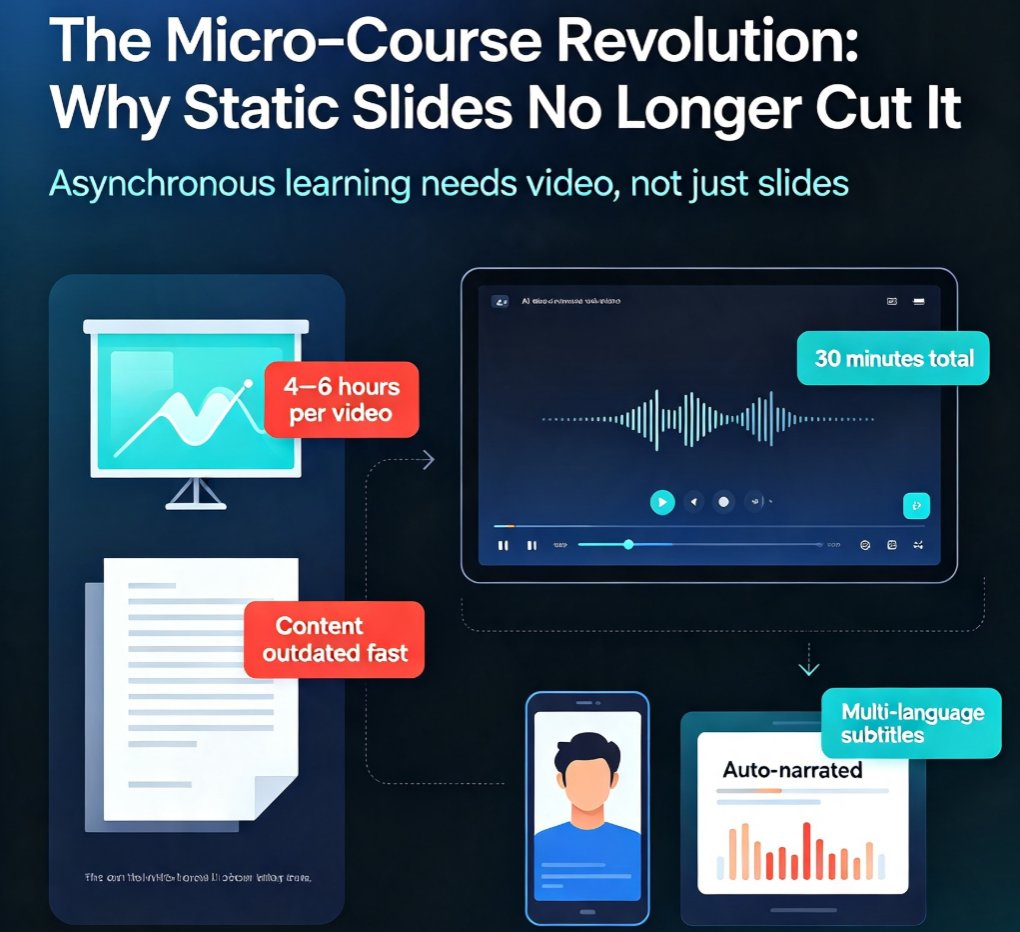
Discover how AI narration turns static slides into engaging micro-courses, slashing production time from hours to minutes. Zendeck's PPT-to-video tool empowers trainers and educators to create asynchronous learning content that learners actually watch. Learn the pain points of traditional slide decks, the breakthrough of AI voiceover, and how to implement this trend in your organization. Includes real-world scenarios, a comparison table, and step-by-step guidance. Perfect for L&D teams, corporate trainers, and course creators looking to modernize their content delivery.