Real-Time Deck Collaboration: Zendeck Keeps Remote Teams on One Slide
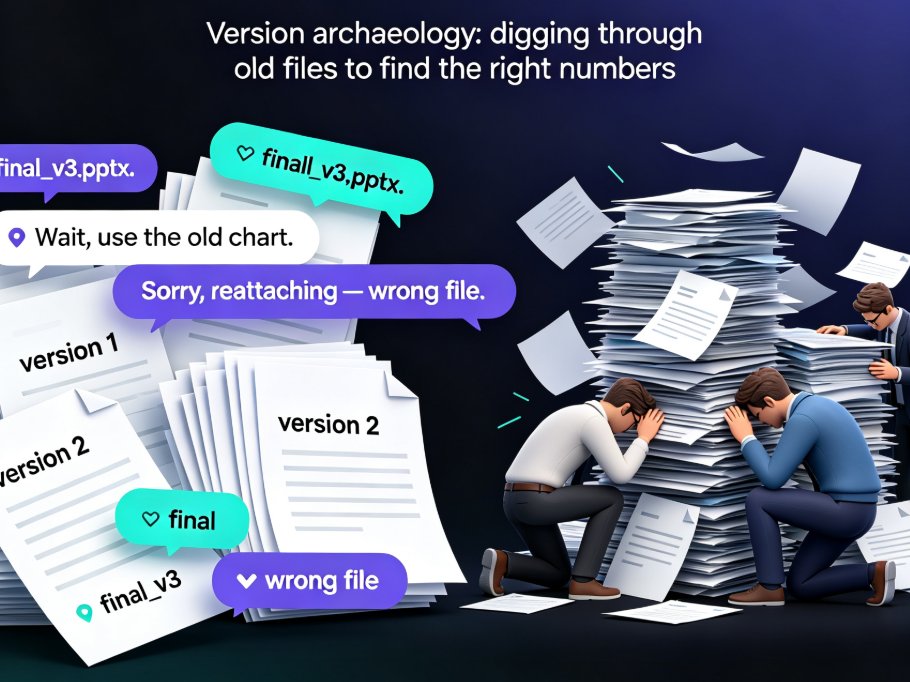
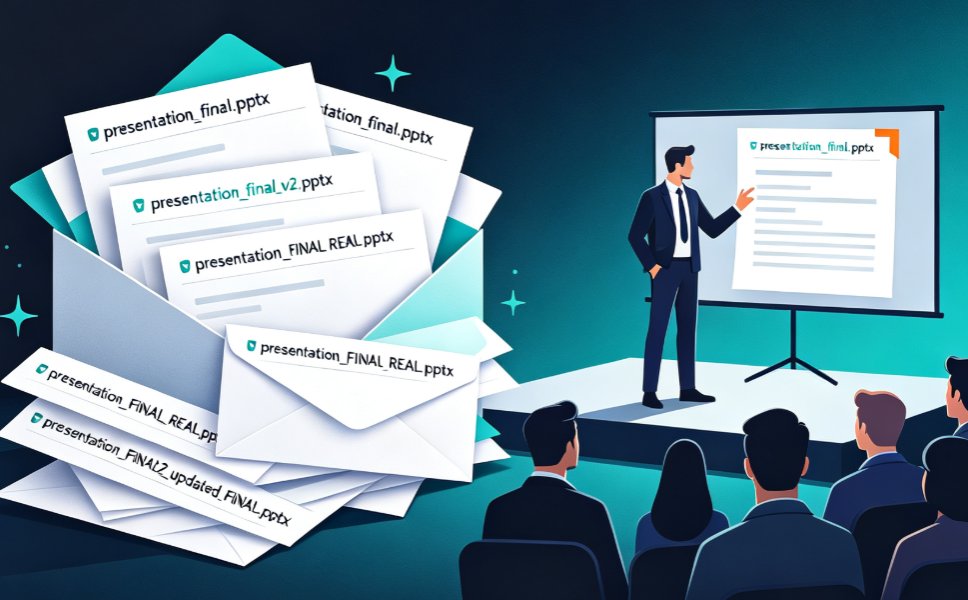
Let's be honest: you've been there. The email lands at 11:47 PM with the subject line "FINAL_v7_actuallyfinal_USE_THIS.pptx," and your whole team groans. Somewhere in a shared drive there are six versions of the same deck, each with slightly different feedback baked in, and nobody can remember which one has the updated Q3 numbers. This is the reality of remote deck collaboration in 2026 — and it's still broken.
The fix isn't another folder structure or a naming convention that everyone ignores. It's a fundamental shift in how teams build slides together: real-time co-editing, link-based sharing, and a single source of truth that survives contact with distributed teams.
That's exactly what Zendeck brings to the table. And in this guide, I'll walk you through the full collaboration lifecycle — editing, reviewing, approving, and presenting — so you can see why link sharing beats email ping-pong every single time.
01 — Why Remote Deck Collaboration Still Feels Broken in 2026
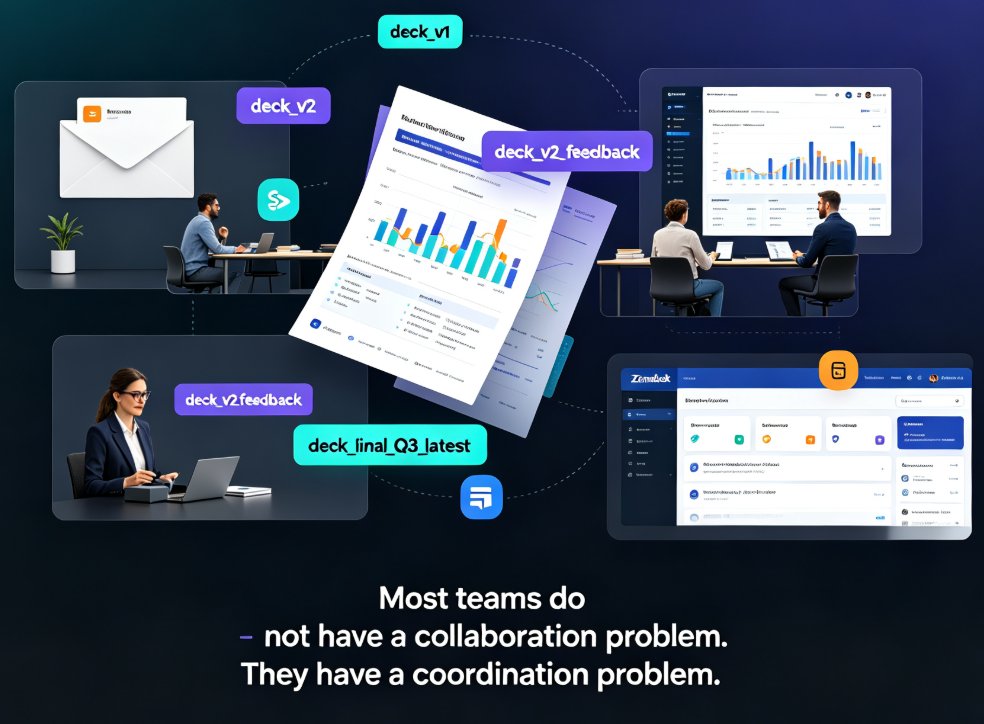
Here's the uncomfortable truth: most teams don't have a collaboration problem. They have a coordination problem. The tools they use for building presentations were designed for a single person sitting in front of a single computer — and then they bolted "sharing" on top as an afterthought.
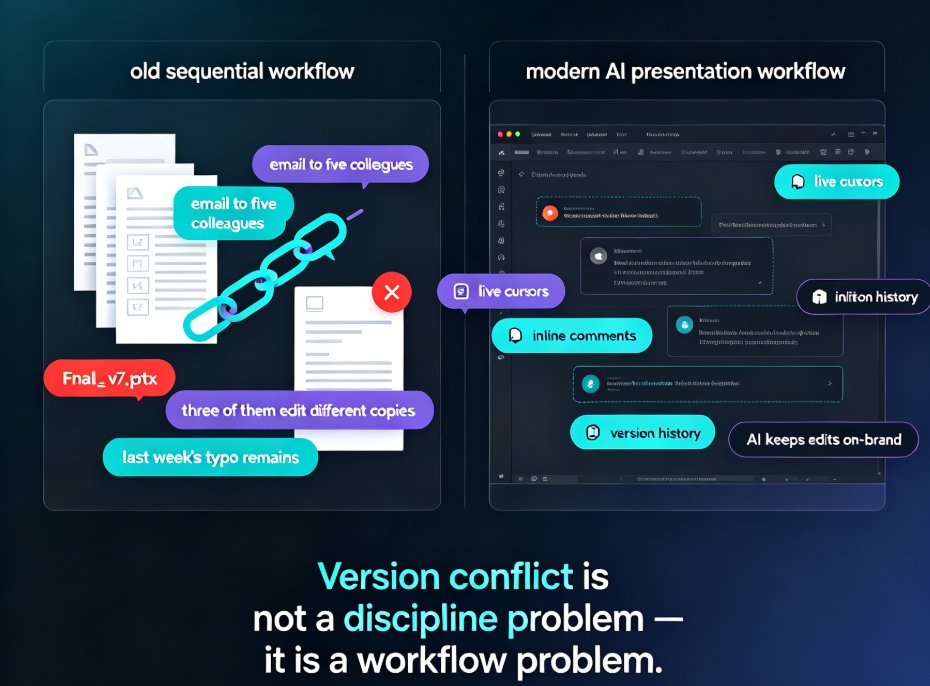
The result? A workflow that looks like this:
- Person A builds the deck and emails it to Person B.
- Person B makes edits, saves it as "v2," and emails it back.
- Person C adds comments in a separate email thread.
- Person D is on vacation and misses the whole conversation.
- Someone merges the wrong files, and the deck ships with outdated data.
Sound familiar? It should. Disconnected workflows and communication silos are among the biggest productivity killers for distributed teams. When your collaboration tools are fragmented — email for feedback, Slack for questions, a shared drive for files — the deck becomes a game of telephone.
The fix isn't more discipline. It's a better system.
02 — The Full Collaboration Lifecycle: More Than Just File Sharing
Here's what most people get wrong about collaboration tools: they think "file sharing" equals "collaboration." It doesn't. Sharing a file is just the starting point. The real work happens across four distinct phases:
Phase 1: Editing — Multiple people need to work on the same slides without stepping on each other.
Phase 2: Reviewing — Stakeholders need to leave feedback that's actually tied to specific slides, not buried in an email thread.
Phase 3: Approving — Someone needs to sign off on the final version, and everyone needs to know that sign-off happened.
Phase 4: Presenting — The approved deck needs to reach the audience without a last-minute "wait, which version is this?" panic.
A real collaboration platform handles all four phases in one connected workspace. That's the difference between a tool that helps you share files and a tool that helps you ship decks. If you're curious about the broader shift toward smarter, more automated presentation workflows, the 2026 trend is unmistakable — AI is moving from template-picking to full automation. Check out the 2026 deck automation trend
03 — Real-Time Co-Editing: Everyone on the Same Slide, Literally
Let's talk about the editing phase, because this is where most teams lose the most time.
In a traditional workflow, only one person can edit a PPT file at a time. If two people try to work on the same deck, one of them gets locked out — or worse, you end up with two divergent copies that someone has to manually merge. That's not collaboration. That's a hostage negotiation.
Zendeck solves this with true real-time co-editing. Multiple team members can work on the same deck simultaneously, seeing each other's changes as they happen. Your designer adjusts the color palette while your content lead rewrites the headline on slide 12 — and neither of them has to wait for the other to finish.
The outcome: teams that used to spend two days passing a deck back and forth can now finish the same deck in a single working session. That's not a small win. That's the difference between shipping on Thursday and shipping next Tuesday.
04 — Link Sharing That Kills Email Ping-Pong
Now let's talk about the review phase — the part where decks go to die.
Here's the classic scenario: you send the deck to five stakeholders. Three of them reply with inline comments in the email. One of them edits the file directly and sends back a "revised" version. The fifth one just says "looks good" without specifying which version they looked at. Now you have six different sources of feedback and no way to reconcile them.
Zendeck replaces all of that with a single shareable link. Instead of emailing files back and forth, you send one link — and every stakeholder sees the same live deck. Comments are anchored to specific slides, so feedback is always in context. No more "see my comment on slide 7" followed by a frantic search for which slide 7 they mean.
Link sharing doesn't just save time — it eliminates the entire category of "version confusion" errors that plague distributed teams. When everyone is looking at the same URL, there's no ambiguity about which version is current.
This is also where Zendeck's integration with tools like Word and Google Docs pays off. You can import an outline from a shared doc, generate the deck, and share it for review — all without leaving your existing workflow. See how Zendeck integrates with Word and Google Docs
05 — Version Control and Approval: The Single Source of Truth
The approval phase is where decks go to get stuck. Someone needs to sign off, but nobody wants to be the one who says "approved" — because if something's wrong later, they're on the hook.
Zendeck handles this with automatic versioning and a clear approval trail. Every edit is tracked. Every version is saved. You can see who changed what, when, and why. And when the deck is ready for sign-off, the approval happens in the same place where the work happened — not in a separate email chain.
A single source of truth means your team never has to ask "which version is current?" again. That question simply stops existing.
For teams that care about brand consistency — and let's be real, every team should — Zendeck's smart templates and brand kit features make sure that no matter who edits the deck, the fonts, colors, and layout stay on-brand. Learn how to build a custom brand kit in Zendeck
06 — From Approved Deck to Live Presentation
Here's the phase most collaboration tools forget: presenting.
You've got an approved deck. Now you need to present it — to a client, a leadership team, or a training cohort. In a traditional workflow, this means downloading the file, uploading it to a presentation tool, praying the fonts render correctly, and hoping the embedded video actually plays.
Zendeck lets you present directly from the link. No downloads, no format shifts, no "it worked on my machine" moments. And if you're building training content, you can take it a step further: turn the approved deck into a narrated micro-course with Zendeck's PPT-to-video capabilities. Explore PPT-to-video workflows
For live presentations, Zendeck's AI co-pilot features can help you anticipate audience reactions and adjust on the fly. Read about AI co-pilots in live presentations
07 — Zendeck vs. Traditional Workflow: Side by Side
Let's put this in perspective with a direct comparison:
| Workflow step | Traditional (email + PPT) | Zendeck (link + co-editing) |
|---|---|---|
| Draft creation | One person owns the file | Whole team co-edits in real time |
| Feedback | Scattered across email and Slack | Inline comments on the live deck |
| Version control | final_v7_FINAL_v2.pptx | Single source of truth, auto-versioned |
| Approval | Chasing signatures across threads | One link, one approval trail |
| Presenting | Download, re-upload, pray | Present directly from the link |
Teams that move from email-based review to link-based collaboration typically cut version-related busywork by more than 70%. That's hours back every single week — hours you can spend on actual content instead of chasing files.
08 — Making the Switch Without Breaking Your Team
Here's the thing about changing workflows: people resist change, especially when the old way "sort of works." So how do you get a distributed team to adopt real-time collaboration without a mutiny?
Start small. Pick one deck — the next one that's due — and run it through Zendeck. Don't try to convert your entire workflow overnight. Just use the link-sharing feature for the next review cycle and see what happens.
The moment a stakeholder comments on a slide and everyone else sees it instantly, the old way starts to feel ridiculous. That's the tipping point.
And if you're worried about data security — a legitimate concern for teams handling sensitive material — Zendeck's private deployment options give you control over where your data lives. Read about private deployment and data security
For more tips on squeezing productivity out of AI presentation tools, check out the hidden features that boost team productivity and explore the full office efficiency library.
FAQ
Q: Can multiple people edit the same Zendeck deck at the same time?
Yes. Zendeck supports real-time co-editing, so multiple team members can work on the same deck simultaneously. Changes appear instantly for everyone, eliminating the "who's editing what" problem and the need to merge divergent copies.
Q: How does Zendeck's link sharing differ from just emailing a file?
When you share a link, everyone sees the same live version of the deck. Comments are anchored to specific slides, and there's no risk of someone working from an outdated copy. Email attachments create divergent versions; links create a single source of truth.
Q: Does Zendeck track version history?
Yes. Every edit is automatically versioned, and you can see who changed what and when. This gives you a complete audit trail and makes it easy to roll back if needed, so the approval process stays transparent.
Q: Can I present directly from Zendeck without downloading the file?
Absolutely. You can present straight from the shared link, which means no format shifts, no font issues, and no "it worked on my machine" moments. You can also convert an approved deck into a narrated video for training or asynchronous viewing.
Q: Is Zendeck suitable for teams with no design skills?
That's the whole point. Zendeck's smart layouts, templates, and AI-assisted design handle the visual heavy lifting, so your team can focus on content. Even the least design-savvy stakeholder can co-edit without breaking the deck's look.