Team Slide Collaboration: Edit, Share, and Review Decks in Real Time
Team Slide Collaboration: Edit, Share, and Review Decks in Real Time
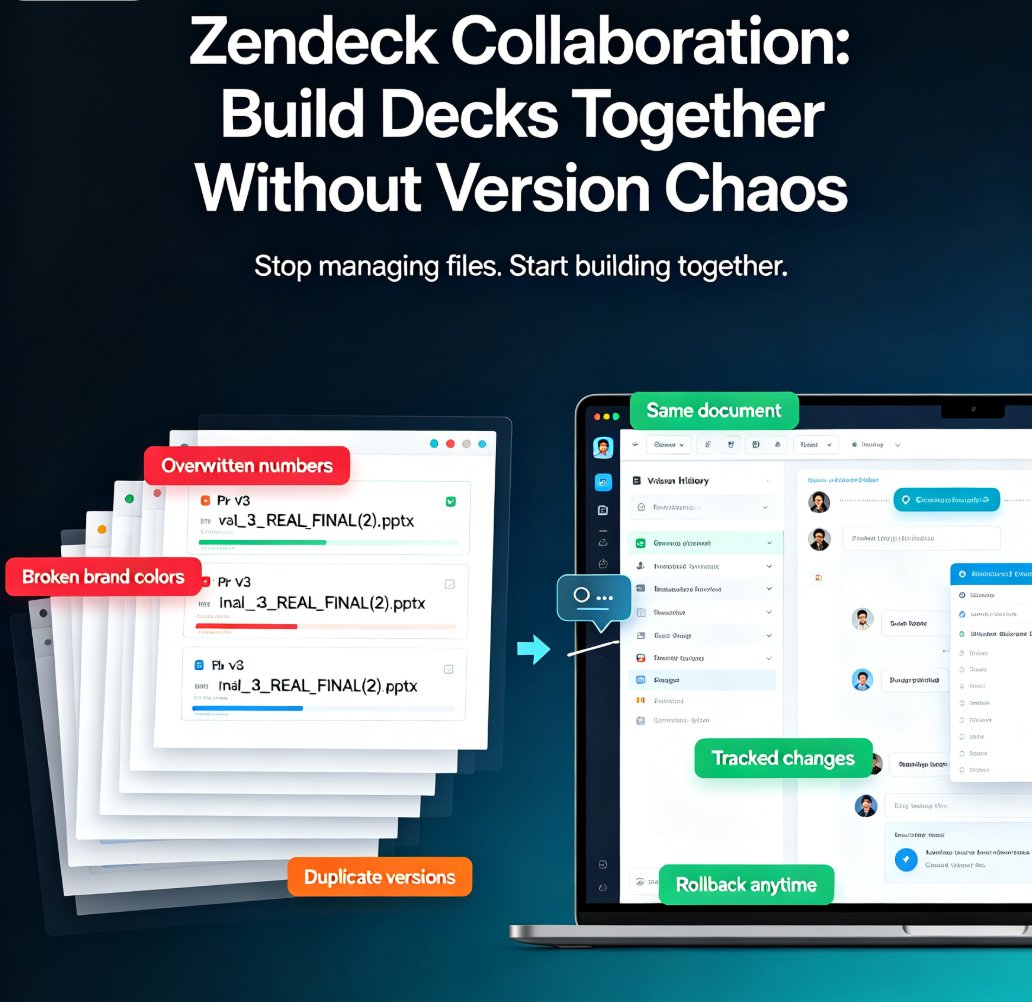
Let's be honest — how many versions of that deck are floating around your team right now? FINAL_v2.pptx, FINAL_v3_REAL.pptx, FINAL_v3_REAL_2_USE_THIS.pptx, and the one your boss actually opened from last Tuesday. If that sounds familiar, you're not alone. Group deck creation has been stuck in the email-and-attachment era for way too long.
The fix isn't another folder structure or a stricter naming convention. It's real-time collaboration — a single live deck that your whole team can edit, share, and review together, with no merging, no "which version is current?" guessing games, and no lost feedback.
01 — The Version Chaos Problem Nobody Talks About
Here's the scenario. Your team of six is building a quarterly business review deck. One person owns the narrative, two are pulling data, one is designing charts, and your manager wants to review every slide before it ships. What happens next?
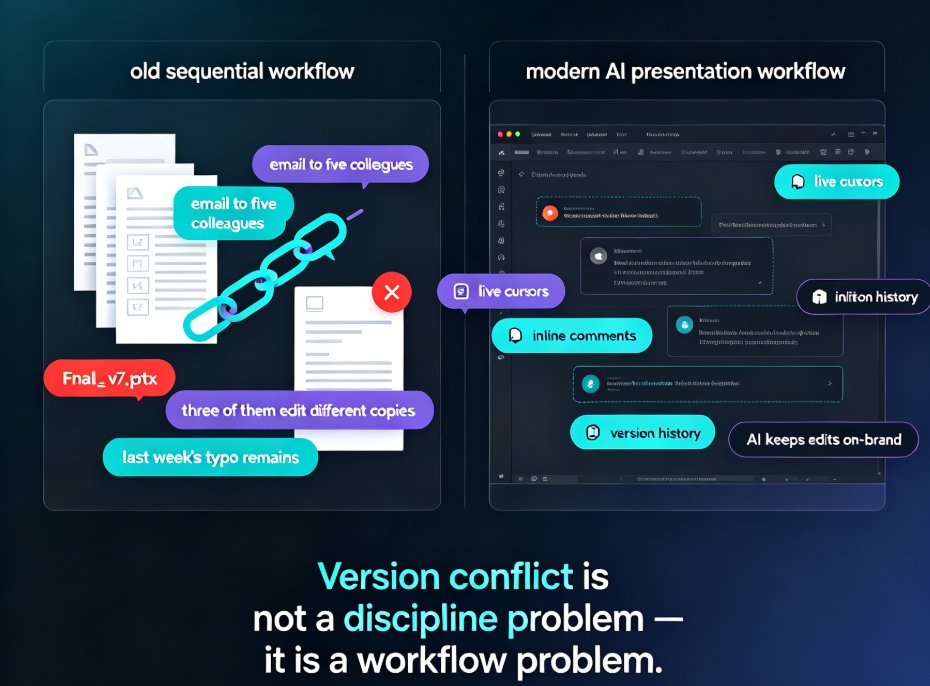
Someone creates the master file. They email it around. Three people edit it at the same time and email it back. Someone else saves a copy to the shared drive "just in case." By Thursday, you have eleven versions, none of which match, and the data on slide 9 is from the wrong quarter.
The real cost of version chaos isn't the confusion — it's the hours your team burns reconciling files instead of improving the content. Every merge is manual. Every review cycle starts with "wait, is this the latest one?" And every final deck carries the risk of shipping stale data or a broken layout.
The pain is so common that most teams just accept it. But you don't have to.
02 — What Real-Time Collaboration Actually Changes
Real-time co-editing means the deck lives in one place, and everyone works on the same live version. When your teammate updates a chart on slide 9, you see it instantly. When you fix a typo, they see it too. No downloads, no re-uploads, no "please send the latest file."
This isn't a nice-to-have anymore — it's become the baseline expectation for modern team tools. If you want to dig into why, our deep dive on collaborative AI decks and real-time co-editing as a baseline covers the shift in detail.
The moment a team moves from file-based to real-time collaboration, the entire review cycle gets faster — because the "merge" step simply disappears. You're no longer assembling slides from five different files; you're all shaping one deck together.
03 — Co-Editing in Zendeck: How It Works
So what does this look like in practice? In Zendeck, your team opens the same deck in the browser, and every edit appears in real time. You can see who's working on which slide, jump in to adjust a layout, and leave the design work to the AI while you focus on the content.
Here's a typical flow:
- Someone generates the first draft from a Word outline or Markdown — the AI builds a structured, on-brand deck in minutes.
- The team opens the shared link and starts co-editing. One person rewrites the narrative, another swaps in fresh data, a third tweaks the visual style.
- Because everything happens in one live deck, there's no version to reconcile at the end. You just review, polish, and ship.
The best part? You don't have to choose between AI speed and human control. And yes — you can still manually edit AI-generated slides when you want fine-grained control. The AI handles the heavy lifting; you keep the final say.
04 — Sharing and Permissions: Who Sees What
Real-time collaboration only works if you can control who gets in. Zendeck's link sharing lets you decide exactly what each person can do — view-only for stakeholders, comment-only for reviewers, full edit for the core team.
This matters more than you'd think. When you collaborate with external clients, you want them to review and comment without accidentally breaking your layout. When you share with leadership, you want a clean, view-only link that always shows the latest version — no more emailing "updated deck" attachments to the same five people.
The right permission model turns sharing from a risk into a workflow: everyone sees the same live deck, but only the people who should edit can edit.
05 — Review Without the Email Ping-Pong
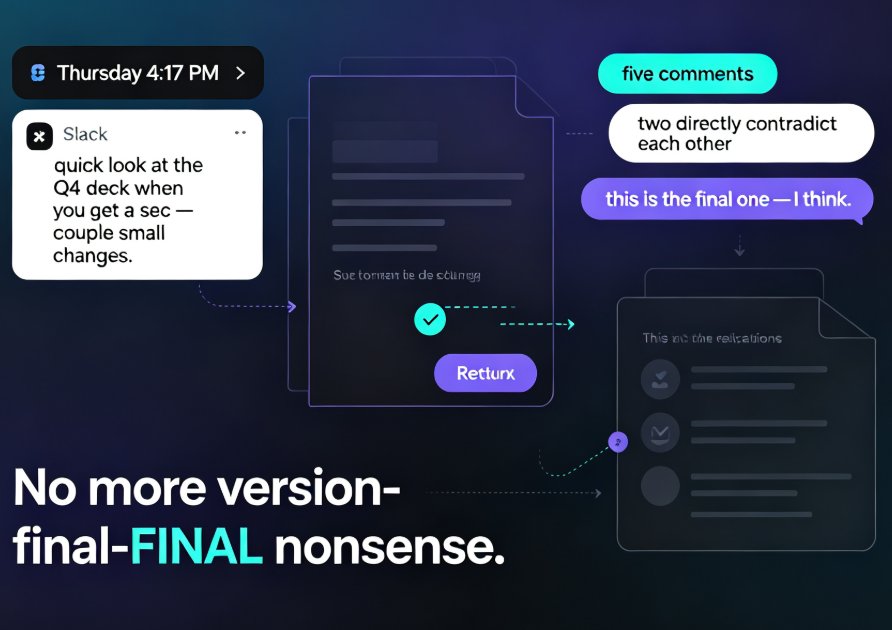
Reviews are where most collaboration workflows fall apart. Someone sends feedback in an email, someone else puts it in a chat thread, and a third person writes it on a sticky note. By the time you collect it all, half the comments are outdated.
In-context comments fix this. Reviewers leave feedback directly on the slide they're looking at, and the team resolves it inline. No more hunting through email threads to figure out what "the chart on page 3" refers to.
Picture the last review cycle you ran. How many rounds did it take? With real-time collaboration, the loop tightens dramatically: the reviewer comments on slide 9, the owner fixes it in minutes, and the whole team sees the update instantly. The outcome is a review cycle that actually closes — every comment gets addressed, every change gets tracked, and the deck reaches final sign-off in days instead of weeks.
06 — Email vs. Shared Drive vs. Real-Time: A Quick Comparison
To see why this matters, here's how the three common workflows stack up:
| Workflow | Version Control | Review Speed | Final File Hassle | Best For |
|---|---|---|---|---|
| Email + PPT attachments | None — "FINAL_v2" chaos | Slow, sequential feedback | Someone has to merge everything | Small teams with one owner |
| Shared drive (Dropbox, Google Drive) | Manual versioning | Moderate, still file-based | Risk of stale copies | Teams that need file access |
| Real-time co-editing (Zendeck) | Automatic, single live deck | Instant, comments in context | No merging needed | Teams that iterate fast |
And the time savings add up fast. Here's an illustrative look at how many hours a typical six-person team spends just managing deck versions per project:
Those hours aren't spent making the deck better — they're spent chasing files. Move them back into the content, and your team's output improves without anyone working longer.
07 — When Collaboration Goes Wrong (And How to Avoid It)
Real-time tools fix version chaos, but they introduce their own pitfalls. Here are the ones I see most often, and how to dodge them:
Too many cooks. When everyone has edit access, decks can drift. Fix: assign clear owners per section, and use view-only links for everyone else until review time.
Comment overload. If every reviewer comments on every slide, the thread becomes noise. Fix: route feedback through one reviewer per stakeholder group, and consolidate before the final pass.
Losing the brand thread. With six people editing, visual consistency slips. That's where AI brand kits earn their keep — they keep fonts, colors, and layouts locked to your standards no matter who's editing.
And if you want to avoid the common traps people hit with AI-generated decks specifically, our guide on AI presentation mistakes to avoid in 2026 is a good place to start.
08 — Making the Switch Without Disrupting Your Team
The good news: you don't need to overhaul your whole workflow overnight. Start with one project. Generate the first draft in Zendeck, share the link, and let your team co-edit for a week. The version chaos disappears almost immediately — because there's only ever one version.
Once your team feels the difference, they won't want to go back to emailing files. And honestly, why would they?
FAQ
Can multiple people edit the same Zendeck deck at the same time? Yes. Zendeck supports real-time co-editing, so multiple team members can work on the same live deck simultaneously. Changes appear instantly for everyone, and there's no need to merge files or reconcile versions at the end.
Do I need to send a PPT file to share my deck with a client? No. You can share a link to the live deck with view-only or comment-only permissions. Clients can review and leave feedback in context without ever downloading a file — and they always see the latest version.
Can I control who can view or edit my shared presentation? Yes. Zendeck's link sharing lets you set granular permissions — view-only, comment-only, or full edit — for each person or group. You can also revoke access at any time.
What happens to comments and feedback after the deck is finalized? Comments stay attached to the slides they were made on, so you have a clear record of what was reviewed and resolved. Once you're done, you can export the final deck or turn it into a video without losing that history.
Can I still export to PowerPoint after collaborating? Yes. Even though your team works in the live online deck, you can export to PowerPoint (or other formats) whenever you need a file for offline use or external distribution.