Zendeck Collaboration: Build Decks Together Without Version Chaos
Zendeck Collaboration: Build Decks Together Without Version Chaos
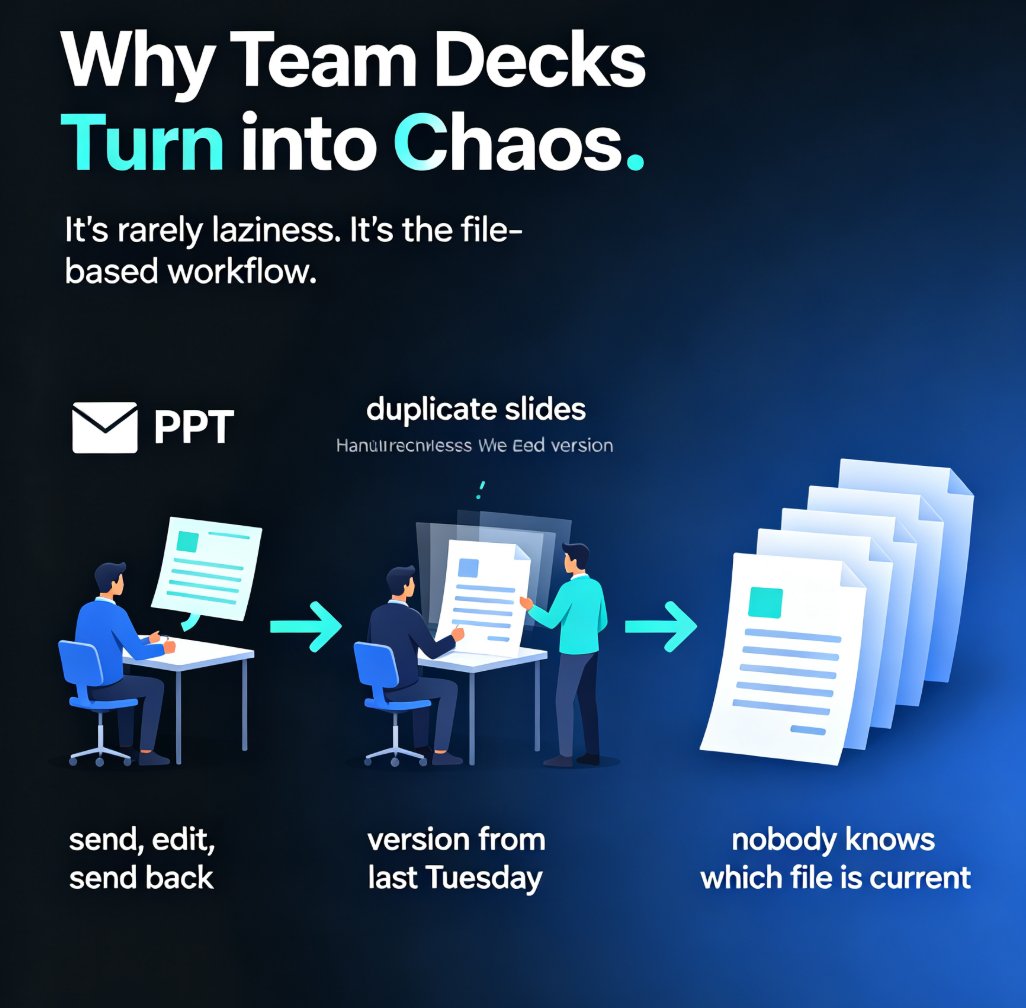
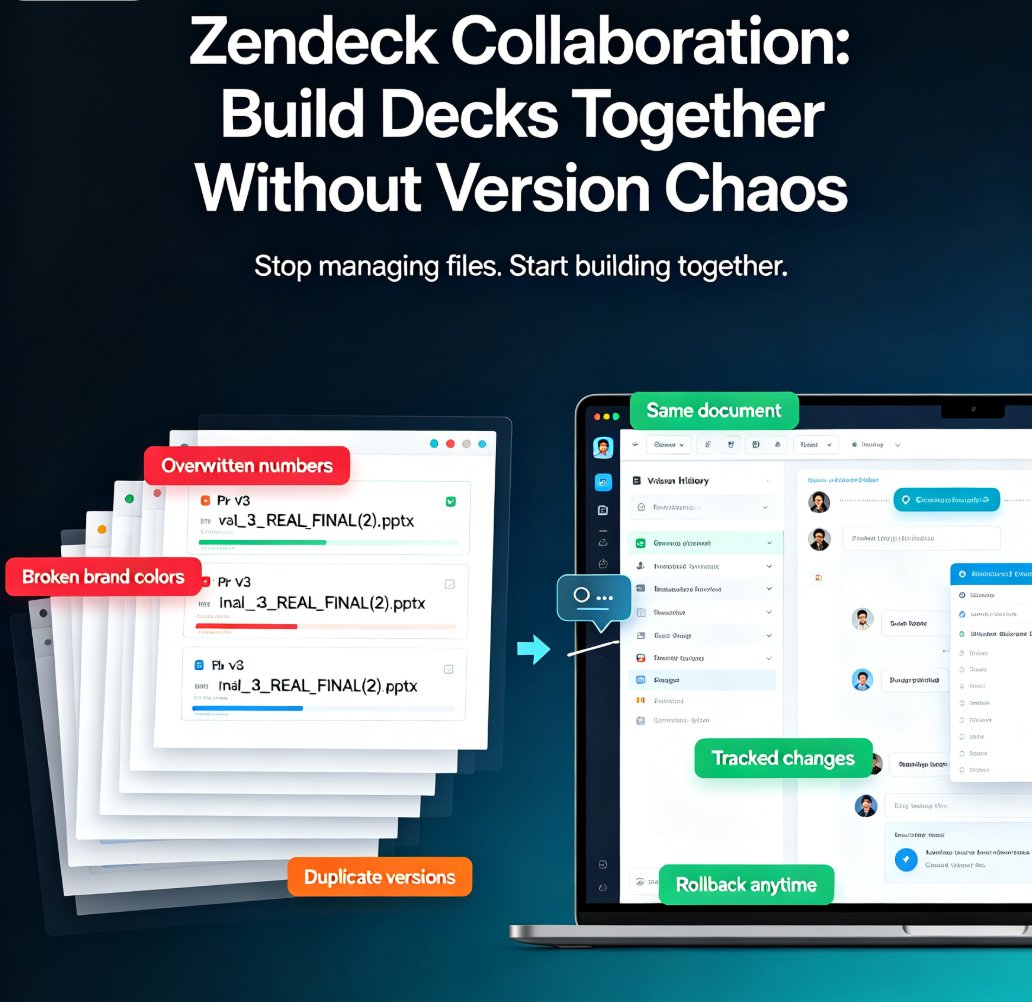
You know the drill. The pitch deck is due Friday. Four people are editing the same file. Someone overwrites the Q3 numbers. Someone else "fixed" the layout and broke the brand colors. And the final version? It's sitting in a folder called final_v3_REAL_FINAL(2).pptx. Let's be real — that's not collaboration, that's a hostage situation.
If you've ever watched a team presentation project spiral into email threads, duplicate files, and silent resentment, this article is for you. We'll walk through how real-time collaboration and version history actually work, why they matter for teams of every size, and how to set up a workflow that survives contact with reality.
I. The real cost of "just email me the file"
Here's the thing about traditional file-based collaboration: it's not slow by accident. It's slow by design. When one person owns the master file, everyone else becomes a reviewer with opinions and no edit rights. When everyone owns a copy, you get five versions of the truth.
The average team loses hours every week just reconciling overlapping edits and hunting for the latest file. That's not a productivity problem — it's a trust problem. People stop believing the deck is current, so they stop using it, and the whole project stalls.
The fix isn't more discipline. It's a different workflow. Real-time collaboration tools let multiple people work on the same document simultaneously, with changes tracked per user and a full version history you can roll back to at any moment. No more merge conflicts. No more "who changed this?" mysteries.
II. Real-time co-editing: what it actually changes
Let's be specific about what "real-time" means in practice. When your team opens the same deck in a collaborative tool, you see each other's cursors. You can split the work — one person handles the data slides, another the narrative, a third the visuals — without stepping on each other's toes.
Real-time co-editing turns a sequential handoff into a parallel workflow, which is the single biggest lever on team speed. Instead of waiting for the "owner" to finish before you can start, everyone works at once. The deck gets done in hours, not days.
This is where Zendeck comes in. Zendeck's collaboration features let your team co-edit AI-generated slides in real time, with the same version control that keeps everything recoverable. You get the speed of AI-generated structure and the sanity of a shared workspace. If you're new to this, our guide on why real-time co-editing is now a baseline covers the broader shift.
The chart below shows what this looks like in practice — hours lost to version chaos per week, depending on your workflow:
Illustrative comparison based on typical team workflows. Your mileage will vary, but the pattern holds.
III. Version history: your safety net
Even with real-time editing, things go wrong. Someone deletes a slide by accident. A stakeholder asks for the "old version" of a chart. A new hire reformats the whole deck and ruins the brand kit.
Version history is the difference between a bad day and a disaster. With a proper version trail, you can roll back any slide, any section, or the entire deck to a previous state. No more re-doing work that was already done.
The key is to make version control automatic, not manual. If your team has to remember to "save a copy" before making changes, someone will forget — and that's exactly when the chaos starts. Tools with automatic versioning remove that cognitive load entirely.
One thing I've learned the hard way: version history only helps if you actually use it. Set a team rule — if you're about to make a big structural change, check the version log first. Know what you're working from. That one habit saves more time than any tool feature.
IV. Actionable tips for smooth team collaboration
Here's what I've learned from watching teams (and being on them) try to collaborate on decks:
Tip 1: Assign slide ownership, not file ownership. Instead of one person owning the whole deck, assign each person a section. In a real-time tool, this works beautifully — everyone edits their own slides without touching anyone else's.
Tip 2: Use comments for decisions, not for edits. If you want a change, leave a comment. Don't just silently edit someone else's work. This keeps the version history clean and the team sane.
Tip 3: Set up a brand kit once. If your team is constantly fighting over colors and fonts, the problem isn't collaboration — it's the lack of a shared design system. A brand kit enforces consistency so nobody has to "fix" anyone else's layout. We've written about how to maintain brand consistency across hundreds of slides if you want the full rundown.
Tip 4: Review in the tool, not in meetings. Instead of a 90-minute meeting where everyone stares at a shared screen, have people review asynchronously and leave comments. Then spend 15 minutes resolving the actual issues.
Tip 5: Watch out for the "silent editor." You know the person — they quietly rewrite your slides without saying anything. Set a norm: if you change someone's work, leave a comment explaining why. It's not about policing; it's about keeping the version history readable.
V. Comparison: traditional file sharing vs real-time collaboration
| Capability | Traditional file sharing | Real-time collaboration |
|---|---|---|
| Simultaneous editing | No — one owner at a time | Yes — multiple editors |
| Version history | Manual "save as" copies | Automatic, per-change |
| Merge conflicts | Constant | None |
| Brand consistency | Depends on discipline | Enforced by templates |
| Time to final deck | Days | Hours |
| Team trust in the file | Low | High |
The pattern is clear. Traditional file sharing works for solo work; it breaks the moment a second person touches the deck. Real-time collaboration with version history is the baseline for any team that ships presentations regularly.
If you're working with outside stakeholders — clients, contractors, freelancers — the same principles apply. You just need the right permissions. Our guide on real-time collaboration with external clients walks through the setup.
VI. Getting started without the chaos
If you're convinced but not sure where to start, here's a simple path:
- Pick a tool your whole team will actually use. (Hint: if it requires a training session, it's already failed.)
- Import your existing deck or start from an AI-generated outline.
- Set up a brand kit so the design system is decided once.
- Invite your team and assign sections.
- Let the version history do its job — and stop saving
final_v2files.
The outcome? Your team stops fighting the tool and starts fighting the actual problem: making the deck great. And if you want to avoid the common pitfalls entirely, our list of AI presentation mistakes to avoid in 2026 is a good place to start.
FAQ
Q: Can multiple people edit the same Zendeck deck at once? A: Yes. Zendeck supports real-time co-editing, so multiple team members can work on the same presentation simultaneously. Changes are tracked per user, and the version history keeps everything recoverable.
Q: How does version history work in Zendeck? A: Zendeck automatically saves versions as you edit. You can review the change history and roll back to any previous state — a single slide, a section, or the whole deck — without losing your work.
Q: What's the difference between Zendeck and sharing a PPT file over email? A: Email-based sharing creates duplicate files and merge conflicts. Zendeck keeps one live version that everyone edits together, with automatic versioning and no "final_v2" chaos.
Q: Can I collaborate with external clients or contractors? A: Yes. Zendeck lets you share decks with external collaborators and control their permissions, so you can review and edit together without giving away full access.
Q: Does Zendeck work for teams with no design skills? A: That's the whole point. Zendeck's AI generates professional layouts, and the brand kit enforces consistency — so your team focuses on content, not design.