Smart Layout vs Manual Design: Why AI Auto-Layout Saves Hours
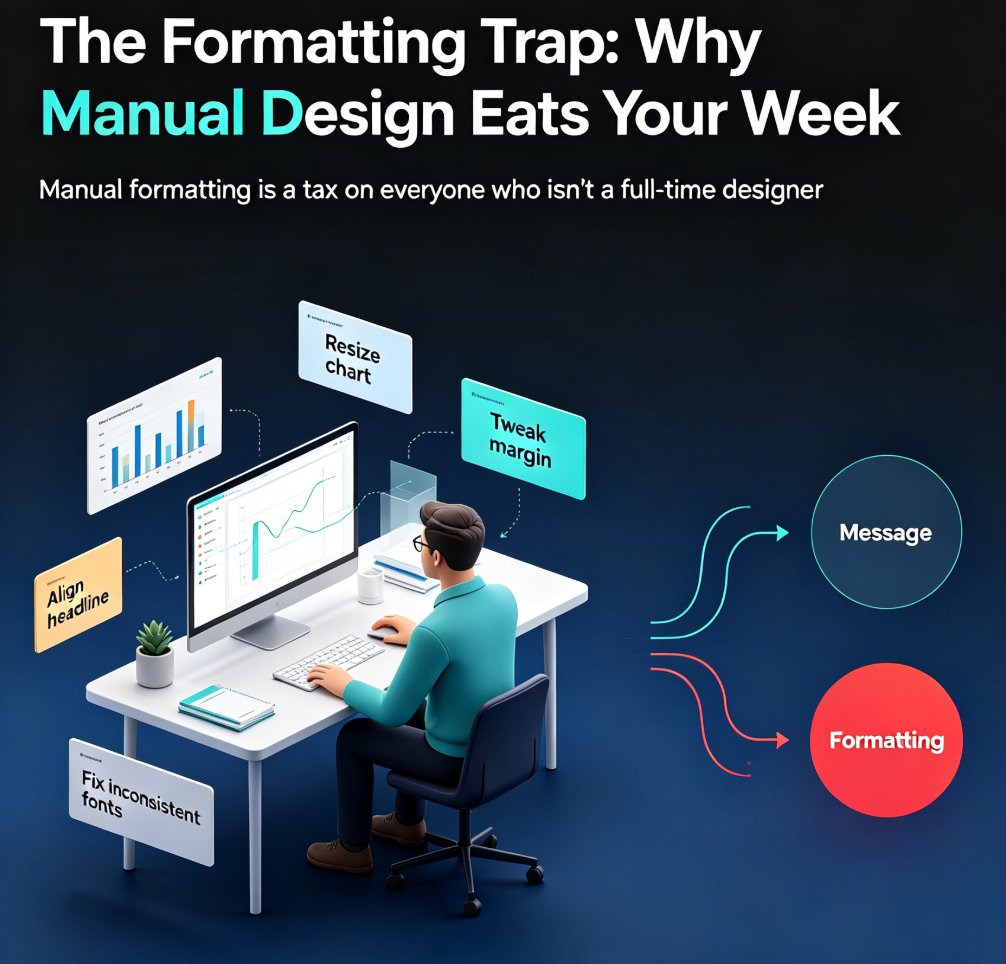
It's 11:47 PM. You've got a 9 AM client meeting, the content is done, and you're staring at a slide where the title is two pixels off-center. Again. You nudge it. Then you nudge the one next to it. Then the bullet points on slide 7 decide to misbehave. This is not design work. This is formatting tax — and you're paying it in hours you'll never get back.
If that scene feels familiar, you're not alone. Every week, thousands of professionals burn 2 to 4 hours per deck just aligning boxes, fixing fonts, and wrestling with layout. The irony? Most of that time has nothing to do with the actual message.
The smart layout vs manual design debate isn't about creativity. It's about where your hours actually go. When you break down the workflow, the math is brutal — and it's why AI auto-layout is quietly becoming the default for anyone who builds decks more than once a month.
01 The Real Cost of Manual Formatting
Let's be honest about what manual design really costs. When you open PowerPoint or Google Slides and start from a blank file — or a template that "almost fits" — you're signing up for a specific kind of work. Building a slide master. Placing content block by block. Aligning everything by eye. Fixing the spacing when you add one more bullet.
According to a 2026 comparison by presentations.ai, a polished first pass on a 15-slide deck takes 2 to 4 hours minimum when done manually. And that's for someone who knows what they're doing. If you're not a designer, double it.
Here's the kicker: that time is spent before you even get to the part that matters — the message. You're not thinking about your argument, your data, or your audience. You're thinking about whether the text box is 14 pixels from the edge.
The real cost of manual layout isn't the hours. It's the mental energy you burn on formatting instead of thinking. Every minute you spend nudging boxes is a minute you're not spending on your story, your data, or your delivery. And when you're producing multiple decks a month, that cognitive drain compounds.
02 What Smart Layout Actually Does
So what does an AI smart layout engine actually do? It makes the design decisions for you. Zendeck's smart layout engine takes your content — whether you paste Markdown, upload a Word outline, or type a prompt — and handles the visual hierarchy automatically. Spacing, alignment, font pairing, color consistency, slide structure. All of it.
The key shift in 2026 is that these tools no longer produce generic output you'd have to redo. Early AI tools were fast but gave you slides so bland you'd spend the saved time cleaning them up. Modern engines like Zendeck's use layout systems that produce drafts that are almost ready for review — not just placeholders. That's the difference between saving time and just moving the work around.
◉ Q: Does smart layout mean I lose control over my slides?
No. And this is the part people get wrong. Smart layout is not a cage. You can still manually edit every element after the AI lays it out. The difference is you start from a clean, consistent draft instead of a blank canvas. You're editing from a position of strength, not from zero.
Think of it like this: manual design is cooking from scratch every time. Smart layout is having a sous-chef who preps everything — you just do the final seasoning.
03 The Time Math: Manual vs Smart Layout
Let's put real numbers on this. A 2026 benchmark from 2Slides shows AI presentation generation takes about 30 seconds, compared to 4-6 hours for manual design. Even accounting for review and iteration, you're saving hours on every single deck.
Here's what that looks like for a typical 15-slide deck:
| Task | Manual Design | Smart Layout + Review |
|---|---|---|
| First draft | 2-4 hours | 30 seconds |
| Review & tweaks | 30-60 min | 15-20 min |
| Consistency check | 30 min (manual) | Built-in |
| Total per deck | 3-5 hours | ~20 minutes |
| 10 decks/month | 30-50 hours | ~3.5 hours |
That's the difference between a full work week and a single afternoon.
The math gets even better with recurring decks. If your team creates 10 decks per month, each taking 3 hours to design manually, that's 30 hours per month — over $3,000 at typical $100/hour designer rates. With smart layout, those same 10 decks take about 3.5 hours total.
For recurring reports, weekly updates, and training decks, AI auto-layout isn't a nice-to-have. It's the difference between a 30-hour month and a 3.5-hour month.
04 Consistency at Scale
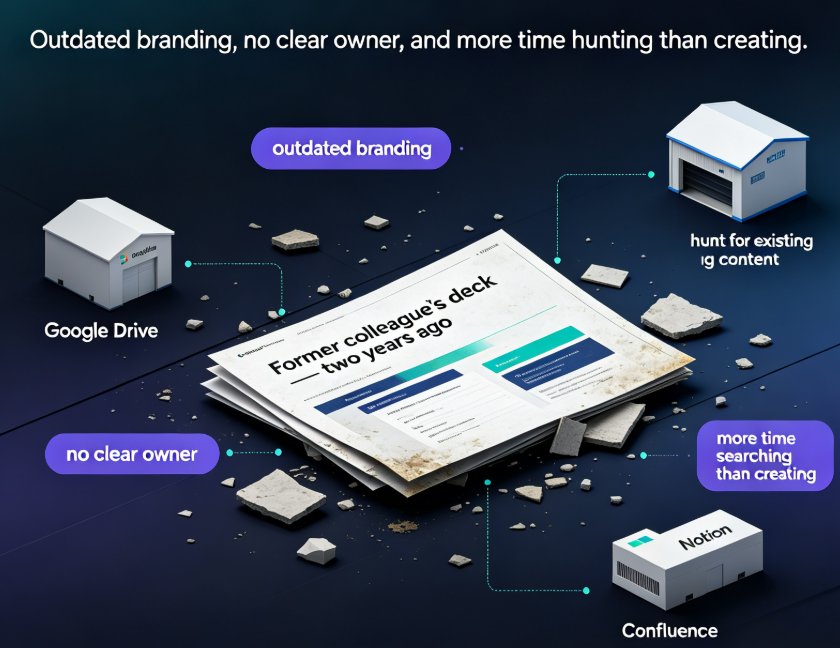
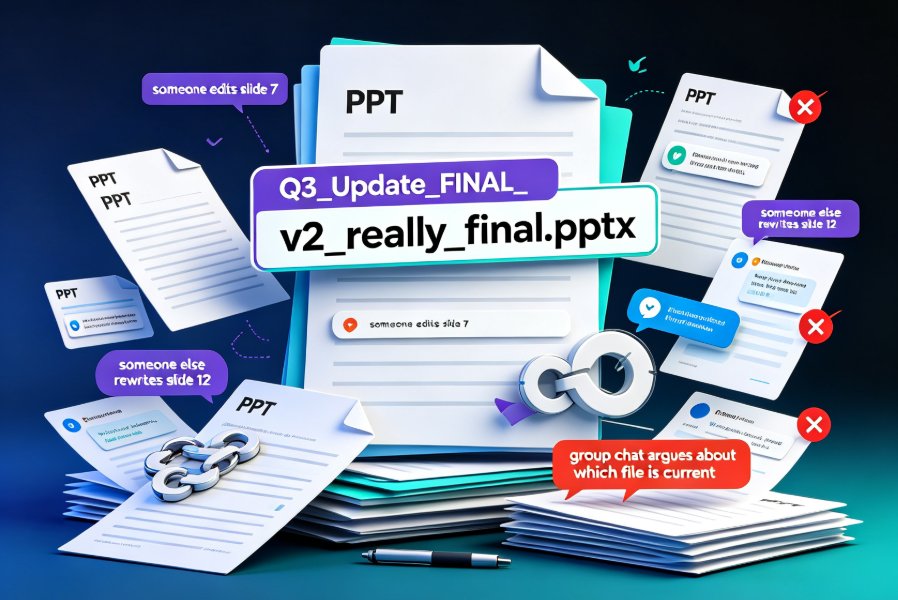
Here's something the time math doesn't capture: consistency. When you design manually, every deck is a slightly different animal. Slide 3 has different spacing than slide 14. The colors drift. The fonts subtly change between projects.
Smart layout engines enforce a layout system. That's why they produce consistent output — and why that consistency compounds across a library of decks. Zendeck's brand kits take this further, locking in your colors, fonts, and logo treatment so every slide — across every deck — looks like it came from the same team. If you're managing a large slide library, this is where the real value shows up.
This matters more than you think. Inconsistent decks don't just look sloppy; they erode trust. If your training deck looks different from your sales deck, your audience notices — even if they can't articulate it.
Consistency isn't a design luxury. It's a trust signal, and AI layout systems make it automatic. When you're producing hundreds of slides a quarter, that's the difference between a recognizable brand and a pile of one-offs.
05 When Manual Still Wins
Let's be fair. There are moments when manual design still has the edge.
If you need a fully custom illustration embedded in a specific position, or an unconventional slide transition for a product demo, or a non-linear presentation with branching paths — manual tools give you freedom that AI layout systems can't replicate yet. A skilled designer in Figma or Keynote will still produce a more visually distinctive deck than any AI tool in 2026.
That's the honest truth. AI tools work within layout systems, which is exactly why they're consistent — but also why they can't do a designer's one-off creative choices.
◉ Q: So when should I use manual design instead of smart layout?
Use manual design when the deck itself is the product — a flagship keynote, a high-stakes pitch with custom visuals, a brand campaign reveal. Use smart layout for everything else: recurring reports, training decks, internal updates, client deliverables, courseware. That's 80% of the decks most people build.
06 How to Start Saving Hours Today
Getting started with Zendeck's smart layout is straightforward. Paste your outline or upload a Word document, pick a template, and let the engine handle the layout. Then review, tweak, and ship.
A few things I've learned from watching teams make this switch:
- Start with a recurring deck. Pick the weekly report or monthly update you build most often. The time savings are immediate and measurable.
- Set up a brand kit once. It pays off on every deck after. Locking in colors and fonts means consistency is automatic.
- Don't skip the review. Smart layout gets you 90% there, but you still need a human pass for tone, accuracy, and flow.
If your AI-generated slides still look messy, the problem is usually the tool — not you. The layout engine is built to fix exactly that. And if you're worried about losing control, you can manually edit every slide after the AI lays it out. The best of both worlds.
The bottom line? Smart layout doesn't replace your judgment. It removes the busywork between your ideas and a polished deck. For anyone who builds presentations more than once a month, that's hours back every single week.
FAQ
Q: How much time does Zendeck's smart layout save compared to manual design?
For a typical 15-slide deck, manual design takes 2-4 hours for a polished first pass. Zendeck's smart layout generates a consistent, review-ready draft in about 30 seconds, with total time including review landing around 20 minutes — a 90%+ reduction in production time.
Q: Can I still manually edit slides after using Zendeck's smart layout?
Yes. Smart layout is a starting point, not a cage. Every element remains fully editable after the AI lays it out. You're editing from a clean, consistent draft instead of a blank canvas, which means you spend your time refining rather than rebuilding.
Q: Does smart layout work with my existing brand colors and fonts?
Yes. Zendeck's brand kits lock in your colors, fonts, and logo treatment, so smart layout applies them consistently across every slide and every deck. Set it up once and every future deck inherits the same visual identity automatically.
Q: When should I use manual design instead of AI auto-layout?
Use manual design when the deck itself is the product — flagship keynotes, custom-visual pitches, brand campaign reveals. Use smart layout for everything else: recurring reports, training decks, internal updates, and courseware. That's roughly 80% of what most professionals build.
Q: Will smart layout make my slides look generic?
Modern layout engines like Zendeck's produce drafts that are almost ready for review, not generic placeholders. Combined with a brand kit and your choice of template, the output is consistent and professional — and you can always customize further after the AI lays it out.