Tags:brand consistency

75 articles

Rebrand an Entire Deck in Seconds: One-Click Reskin vs Manual Overhaul

AI Courseware 2026-10-13 1336

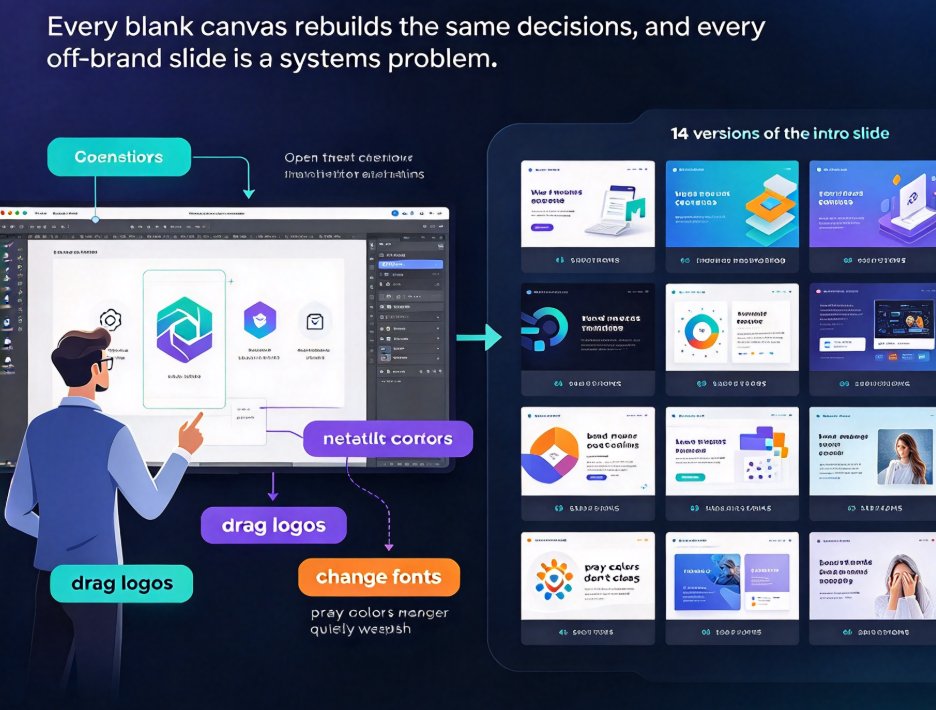
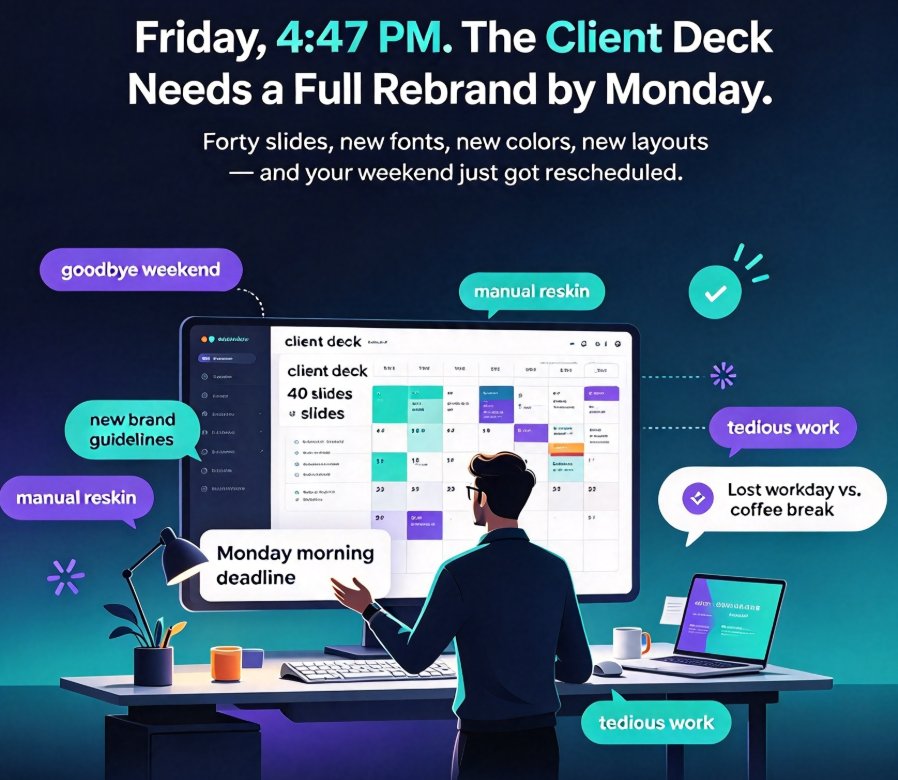
Rebranding a deck used to mean hours of manual slide-by-slide editing. One-click reskin in Zendeck instantly applies consistent fonts, colors, and layouts across an entire presentation, turning brand compliance from a nagging chore into a two-second habit. For corporate teams and educators juggling shared decks, this is the efficiency win that finally sticks. We break down how the feature works, where it saves the most time, and why AI-governed brand consistency beats template policing. If you are tired of rework, this is worth your next five minutes.
Reformat Decks for Rebranding? Zendeck's One-Click Reskin Saves Hours

Office Efficiency 2026-10-12 3254

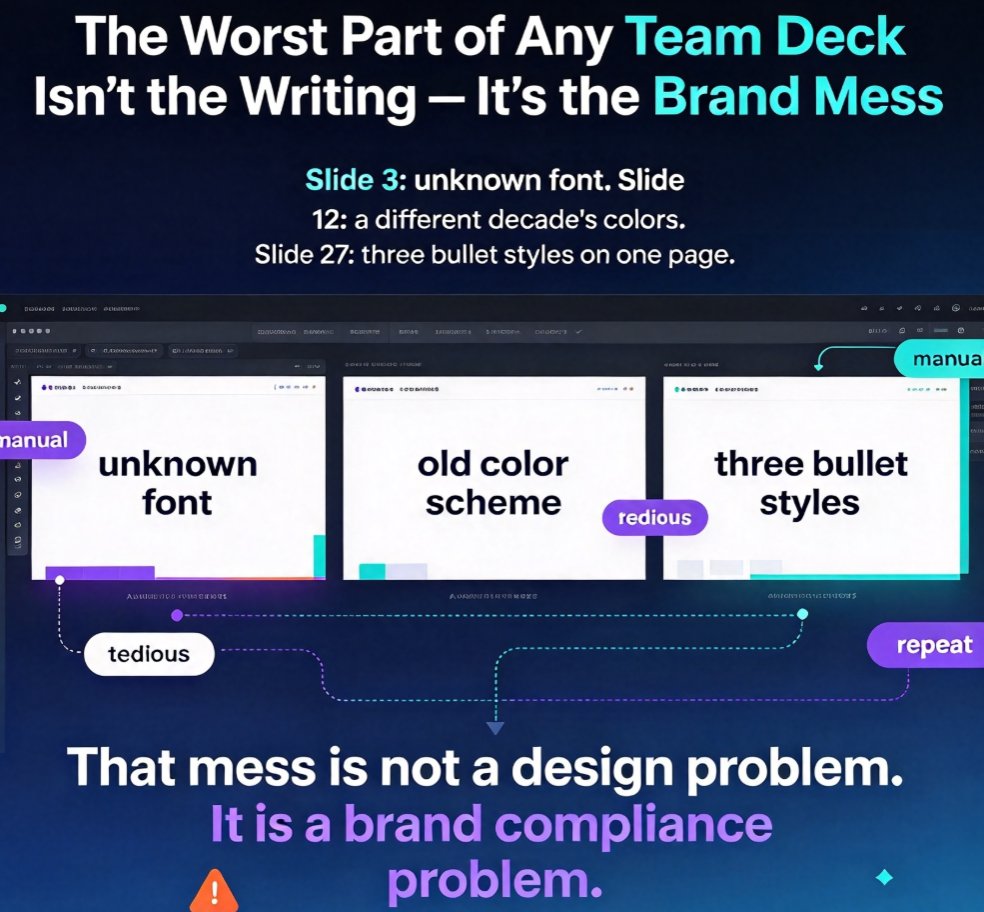
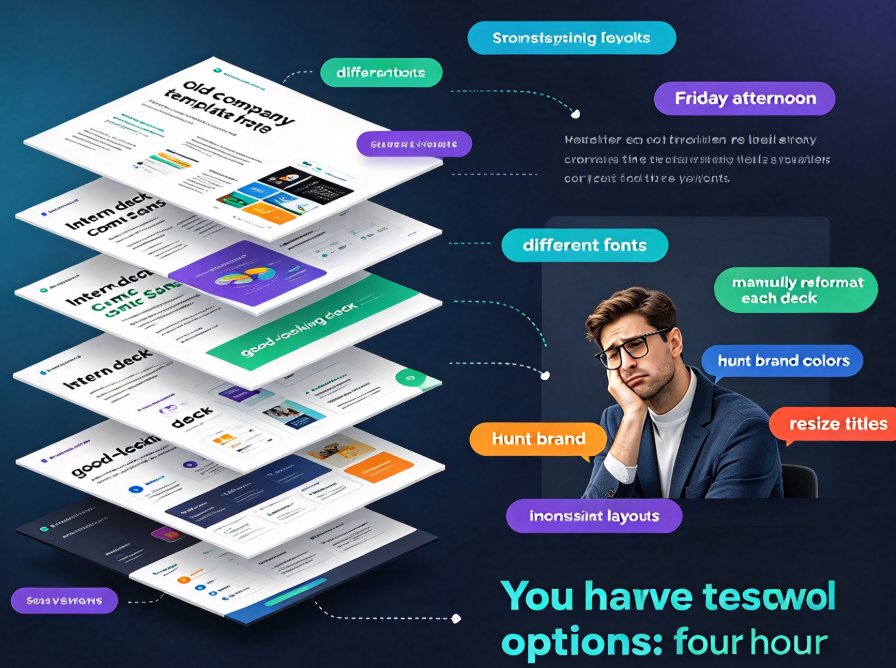
Struggling to reformat decks when branding changes? Zendeck's one-click reskin unifies fonts, colors, and layouts across every slide in seconds, turning what used to be a full day of slide surgery into a two-minute operation. This guide breaks down why manual reskinning keeps failing — from rogue hex codes to Frankenstein slides — what a one-click reskin actually does, and the honest edge cases where it won't save you. You'll also learn how to make brand consistency reusable across your team's decks with a custom brand kit, so future presentations stay on-brand automatically. If you're a busy professional, educator, or team lead facing yet another template overhaul, this is the workflow upgrade you didn't know you needed. Verify for yourself why Zendeck is the rare tool built for the maintenance problem of rebranding, not just the creation problem.

One-Click Reskin: Rebrand Your Entire Deck with AI in Minutes

Presentation Skills 2026-10-08 3127

Rebranding a legacy deck or unifying inconsistent team presentations used to cost hours of manual reformatting. Zendeck's one-click reskin automatically harmonizes fonts, colors, and layouts across every slide in minutes, letting you enforce brand consistency without touching the content. This guide walks through exactly how to apply the reskin, what to check before and after, and how smart asset libraries and contextual templates take the pain out of the process. Whether you are refreshing a single pitch deck or standardizing a 200-slide training library, the outcome is the same: instantly on-brand decks, no design skills required.

How to Build a Reusable Template Library for Consistent Brand Decks

Presentation Skills 2026-10-08 2806

A reusable template library is the fastest way to keep every deck on-brand and on-message — Zendeck makes it systematic. This guide moves beyond basic advice about picking pretty slides and shows you how to structure a template library by scenario, bake brand rules into each template, share it across teams with clear permissions, and keep it fresh over time. You'll learn a repeatable workflow where every new presentation starts from an approved, scenario-matched template instead of a blank canvas. Internal links: contextual templates, brand kits, smart layouts, and governance. Stop rebuilding decks from scratch: organize, standardize, and deliver consistent brand decks in minutes.

Why Your AI-Designed Slides Look Generic and How Zendeck Fixes It

Courseware Design 2026-09-21 3994

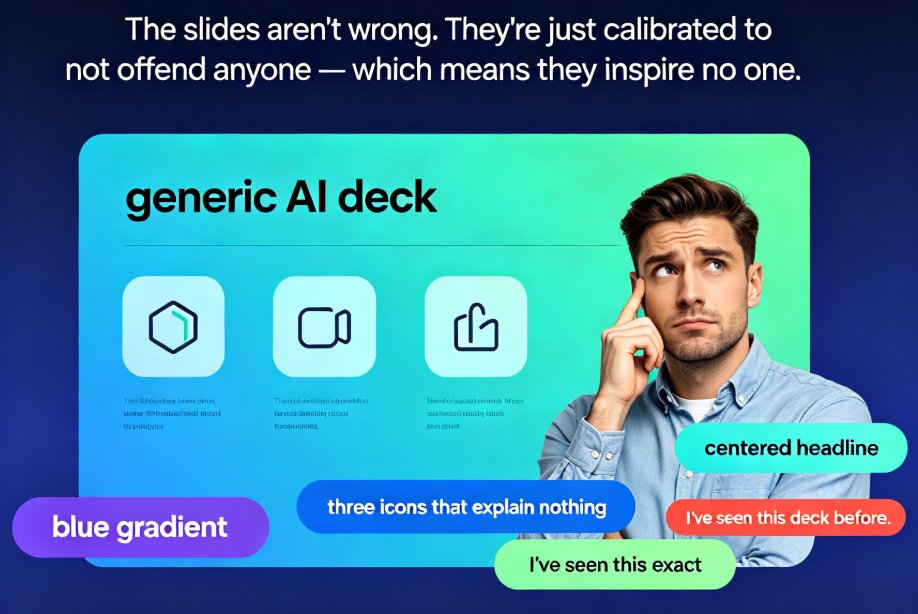
Dreading another generic AI deck? This guide explains why AI-designed slides look templated and how Zendeck fixes it with brand kits, smart layouts, and premium templates. AI presentation tools default to safe, neutral output because they're optimized for 'acceptable to everyone' — so decks end up looking borrowed, not authored. The fix is a framework-first workflow plus brand-aware execution. Learn why the tool isn't broken but the input often is, and how Zendeck's smart layout engine reads your content hierarchy, applies custom brand kits automatically, and picks contextual templates so every deck looks uniquely yours. Includes a side-by-side comparison, a time-saving de-generic blueprint, and an FAQ covering brand consistency and template customization. If generic AI slides are costing you hours of redo and audience trust, this guide shows exactly where to intervene.

From Word to PowerPoint: AI Tools That Automate Slide Deck Creation

AI Courseware 2026-09-20 1664

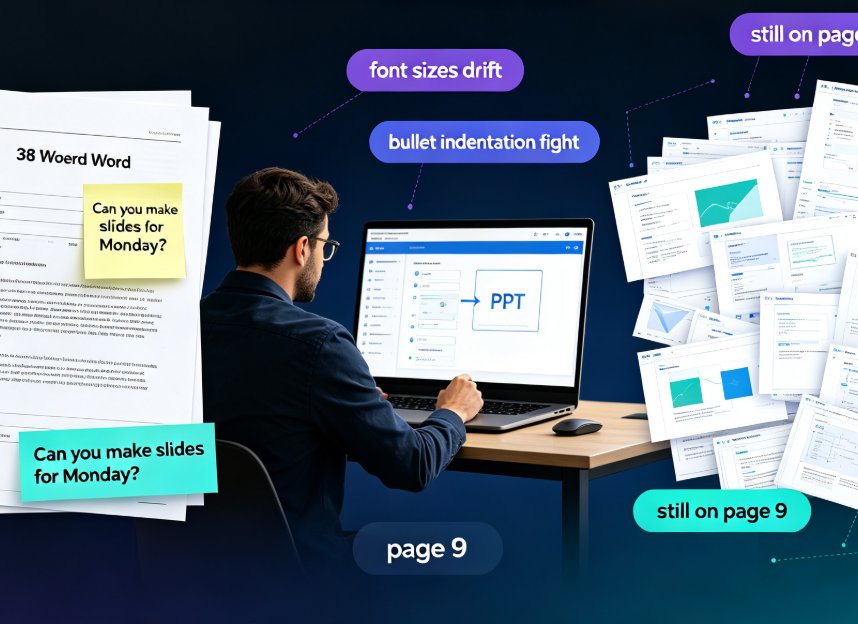
Stop copy-pasting. Modern AI tools like Zendeck convert a Word outline into a polished, on-brand PowerPoint in minutes — parsing structure, rewriting slide copy, and applying smart layouts automatically. For professionals and educators, this guide breaks down how AI Word-to-PPT conversion actually works, compares it side-by-side against tedious manual reformatting, and gives you a five-step workflow to go from a dense document to a presentation-ready deck without touching design software. You'll see the real time savings plotted in a chart, learn what separates transformative converters from simple text pasters, and dodge the two mistakes that still wreck AI-generated slides. If you've ever watched a colleague disappear into a blank PowerPoint for three hours on a Friday afternoon, this guide is for you.

▲