Tags:brand consistency

59 articles

Can Zendeck Unify Fonts, Colors, and Layout Across Slides?

Courseware Design 2026-08-27 1282

Zendeck's smart layout unifies fonts, colors, and layout across every slide in one click. Yes — Zendeck can unify fonts, colors, and layout across slides automatically. Its one-click reskin feature applies a consistent design system to your entire deck, so non-designers get brand-consistent courseware without manual tweaks. This guide breaks down how smart layout works, what it actually unifies, and where it saves you the most time. You'll see a before-and-after comparison, a step-by-step workflow, and honest notes on limitations. If you've ever spent an afternoon fixing misaligned titles and rogue fonts, this is the article for you. Learn how Zendeck turns a messy 40-slide deck into a polished, on-brand presentation in minutes — and why that matters for educators, trainers, and teams.
Keep Your Brand Consistent: One-Click Reskin for Every Presentation

AI Courseware 2026-08-26 2404

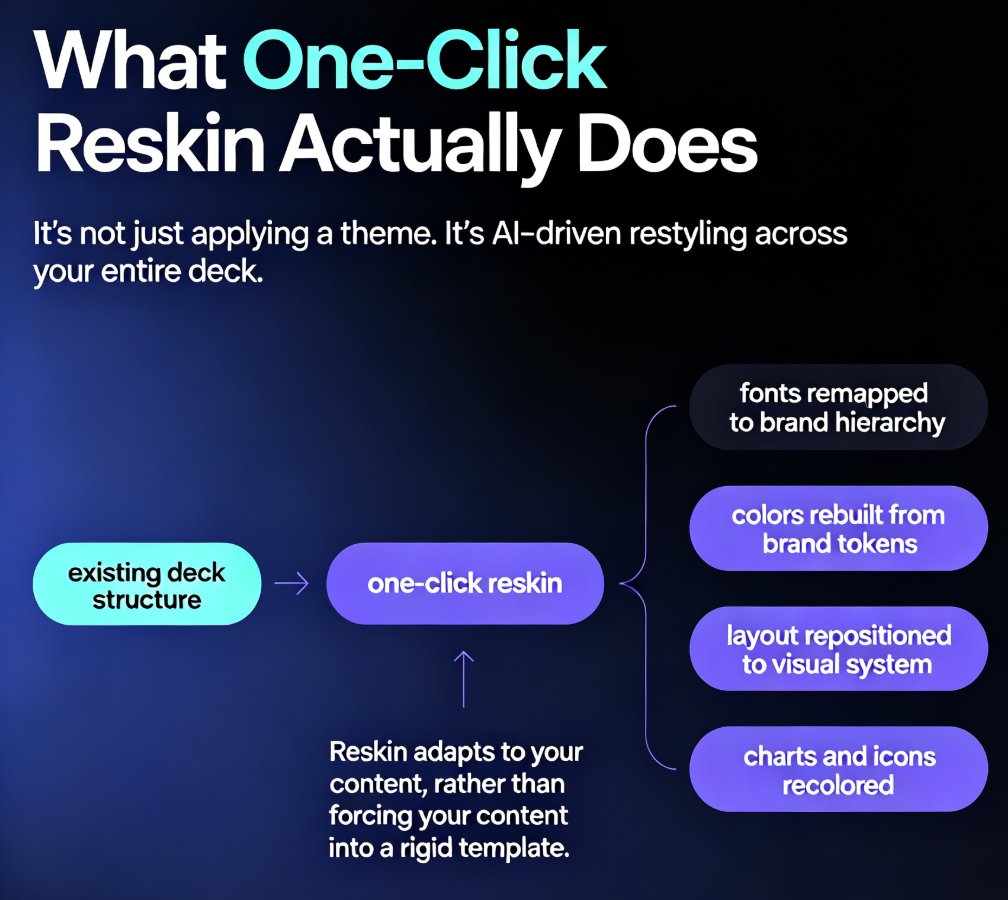
One-click reskin in Zendeck automatically unifies fonts, colors, and layout across every presentation, so your brand stays consistent without manual design work. Learn how AI-powered reskin eliminates the pain of restyling decks by hand — and why marketing, HR, and training teams are adopting it as their default workflow. This guide covers what reskin actually does, how it compares to manual restyling, step-by-step usage, and how to pair it with brand kits and smart templates for zero-effort brand governance. We also break down the hidden costs of inconsistent branding, the time savings you can expect, and the common mistakes to avoid when rolling out reskin across your team. If you've ever shipped a deck with mismatched colors or outdated logos, this is the fix you've been looking for — no design degree required.

How to Unify Fonts, Colors, and Layout in One Click with Zendeck

Courseware Design 2026-08-26 3513

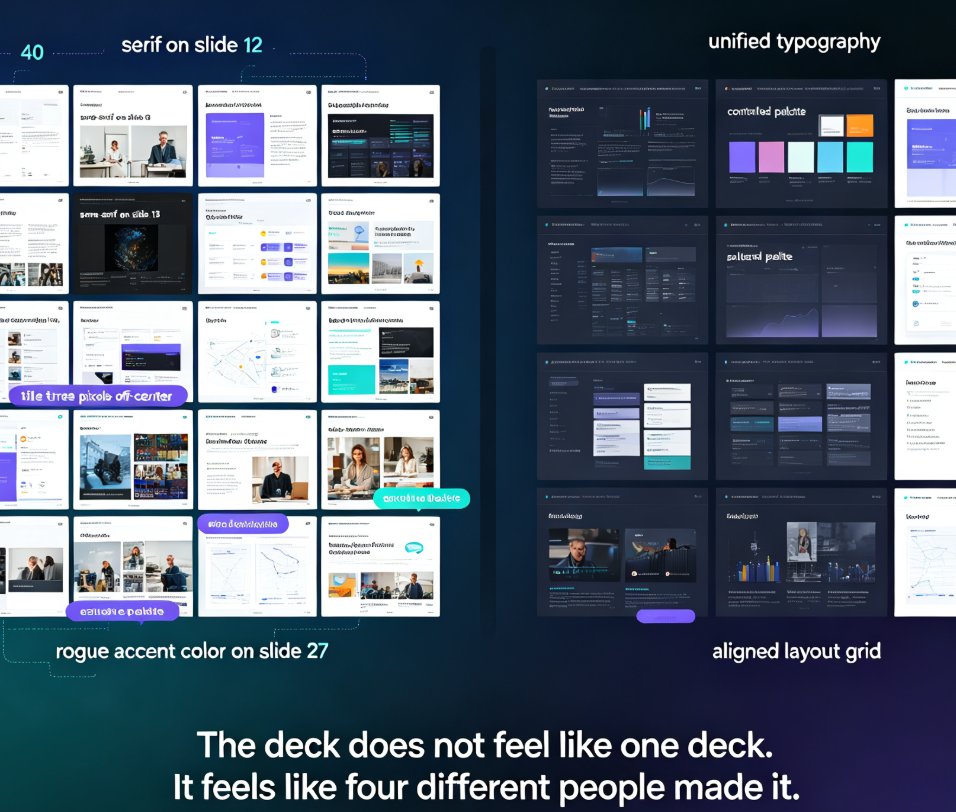
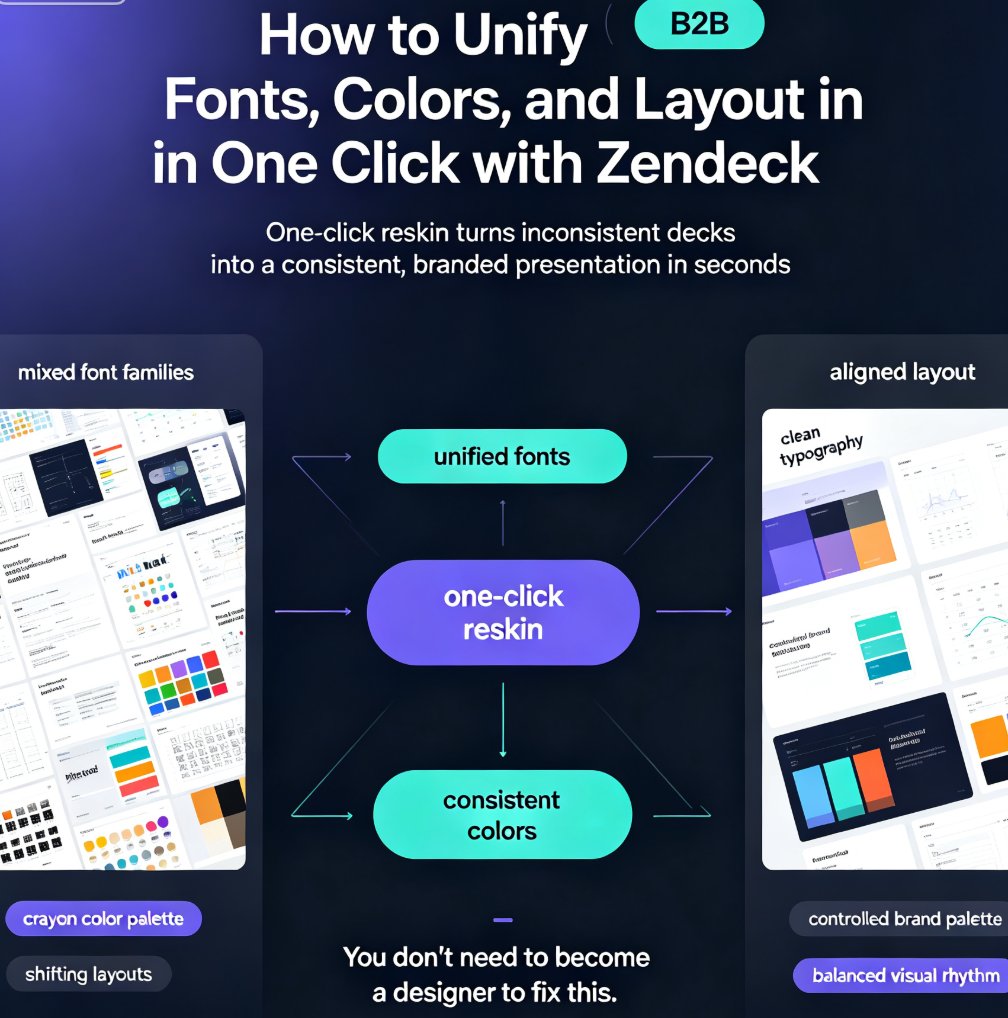
Zendeck's one-click reskin unifies fonts, colors, and layout across your entire deck in seconds, so anyone can produce a designer-quality presentation without opening a design tool. If you've ever stared at a deck where every slide looks like it was made by a different person — mixed font families, clashing colors, layouts that shift unpredictably — this walkthrough is for you. We'll show you exactly how Zendeck's smart layout engine harmonizes every slide, when to use reskin for courseware, client pitches, and internal brand decks, and the pro tips that separate a good reskin from a flawless one. Whether you're a trainer building a five-module course or a marketer prepping a quarterly review, this guide gives you the exact steps — plus the mistakes to skip. By the end, you'll have a repeatable workflow for consistent, professional decks every time.

Build a Reusable Asset Library: Icons, Charts & Illustrations in Zendeck

Courseware Design 2026-08-25 3651

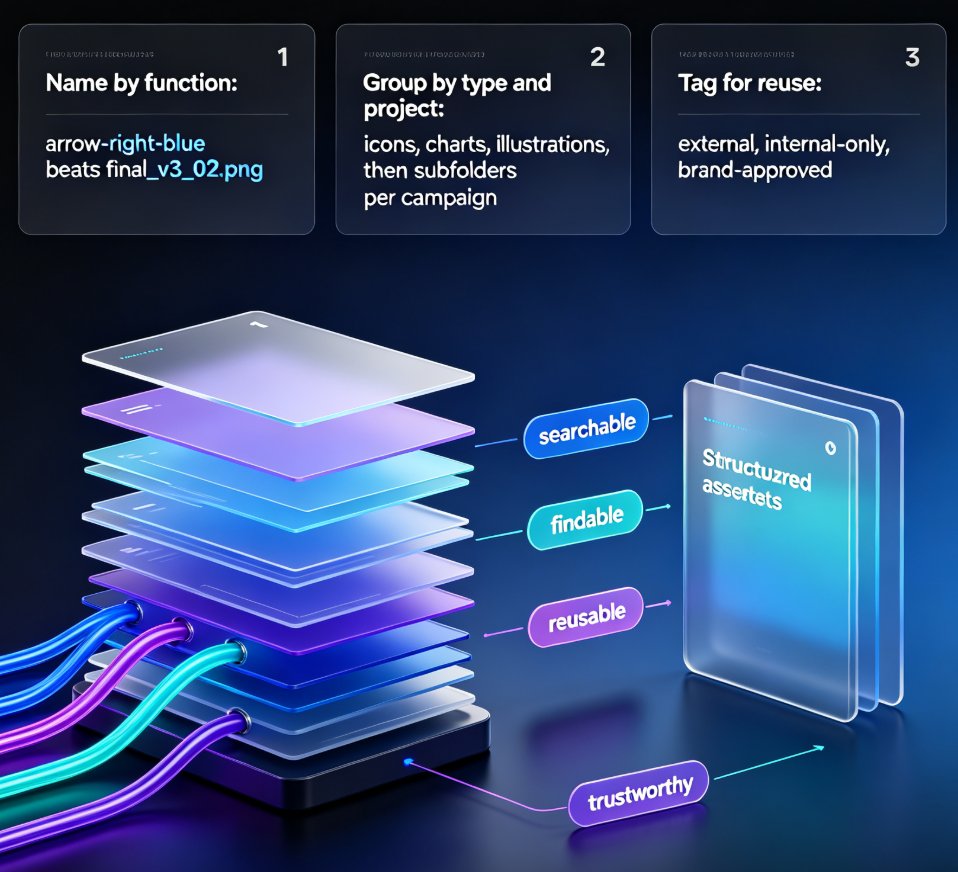
Building a reusable asset library in Zendeck is the fastest way to cut deck production time and keep every presentation on-brand. This guide shows content operators and designers how to organize icons, charts, and illustrations into a single searchable library, set up team sharing with brand governance, and build consistent decks in hours instead of days. Learn what belongs in your library, how to name and tag assets for reuse, and how Zendeck's asset library integrates with deck generation, brand kits, and interactive charts. We also cover the 30-minute quick-start, common organization mistakes, and answers to the questions teams ask most. Stop re-creating visuals from scratch — start pulling from a library that works for you.

Is Your Training Deck Off-Brand? Zendeck Reskin Enforces Consistency

Courseware Design 2026-08-25 3023

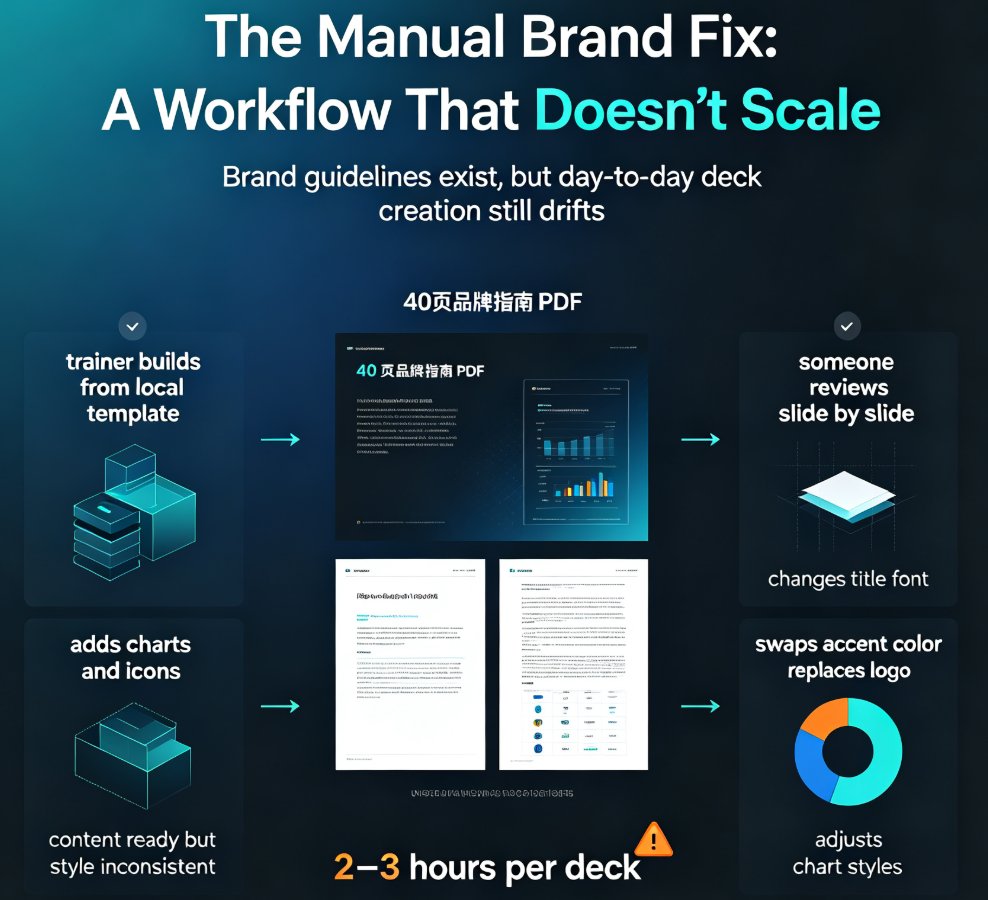
Off-brand training decks quietly erode trust and waste hours of L&D time. Zendeck's one-click reskin enforces brand consistency across every training presentation — unifying fonts, colors, and layouts in minutes instead of manual hours. This guide covers the hidden costs of brand non-compliance, a practical 10-minute audit you can run today, and how to build a reusable brand kit that scales. You'll learn why manual brand enforcement doesn't work, what one-click reskin actually does, and how Zendeck's template library and smart layout system help shift from reactive brand policing to automated governance. Perfect for corporate L&D teams, trainers, and HR professionals who need consistent, on-brand training materials at scale — without hiring a designer or rebuilding every deck from scratch.

Zendeck Template Library: Faster, More Consistent Business Decks

PPT Tutorial 2026-08-25 1127

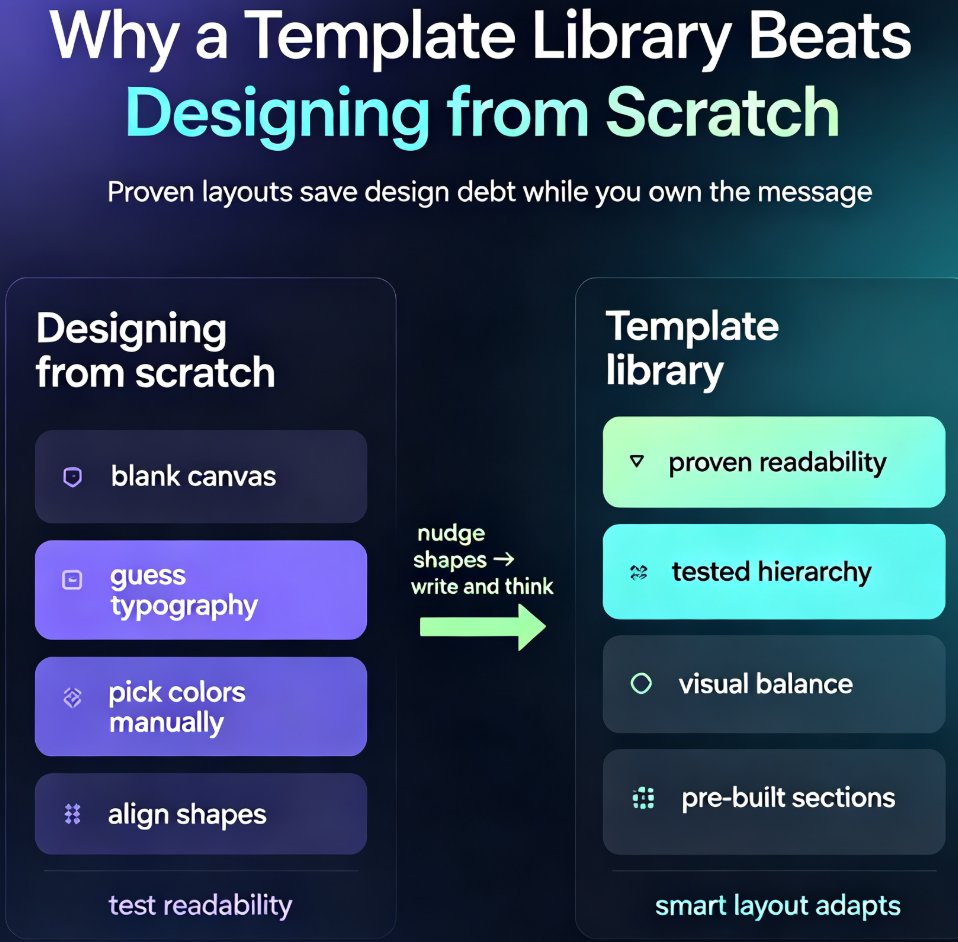
Zendeck's template library gives business teams a faster path to polished, on-brand decks. Instead of starting from a blank slide and making dozens of design decisions, you pick a proven template, drop in your content, and apply your brand kit in one click. This guide covers how to choose the right template for your audience, customize it without breaking the design, and build a repeatable workflow that cuts deck production from hours to minutes. You'll also see a side-by-side comparison of starting from scratch versus using a template, plus answers to common questions about brand consistency, team reuse, and industry fit. If you're tired of inconsistent, time-consuming presentations, Zendeck's template library is the starting point you've been missing.