One-Click Rebrand: Zendeck Unifies Fonts, Colors & Layout
One-Click Rebrand: Zendeck Unifies Fonts, Colors & Layout Across Every Deck
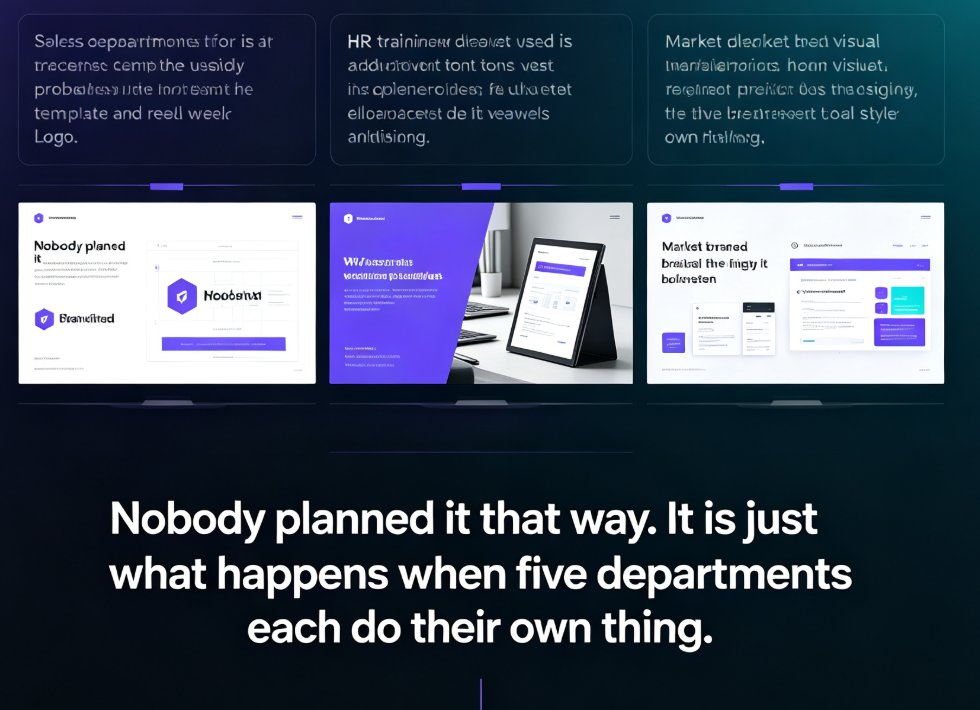
Here's a Friday afternoon you might recognize. The ops team just rebranded your company's visual identity — new deep teal, a cleaner sans-serif, tighter header margins. That's great. It's also terrifying, because you have 40+ decks across sales, training, and HR that all need to match. The last time you tried updating fonts in a 70-slide training deck, you survived but your cursor didn't.
Let's be real: this isn't a design problem. It's a brand governance problem. And it's exactly the kind of problem Zendeck's one-click reskin was built to solve.
01 The Hidden Cost of Inconsistent Decks
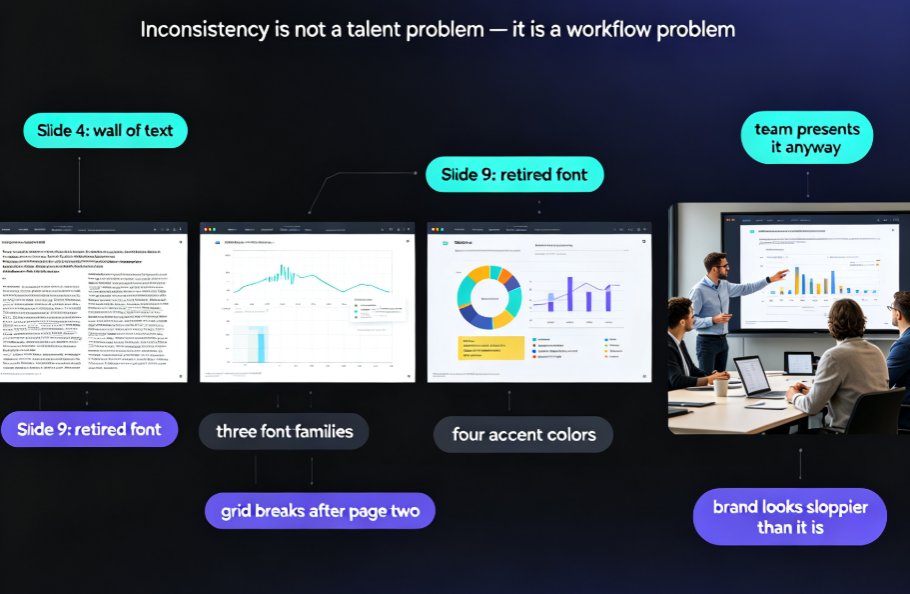
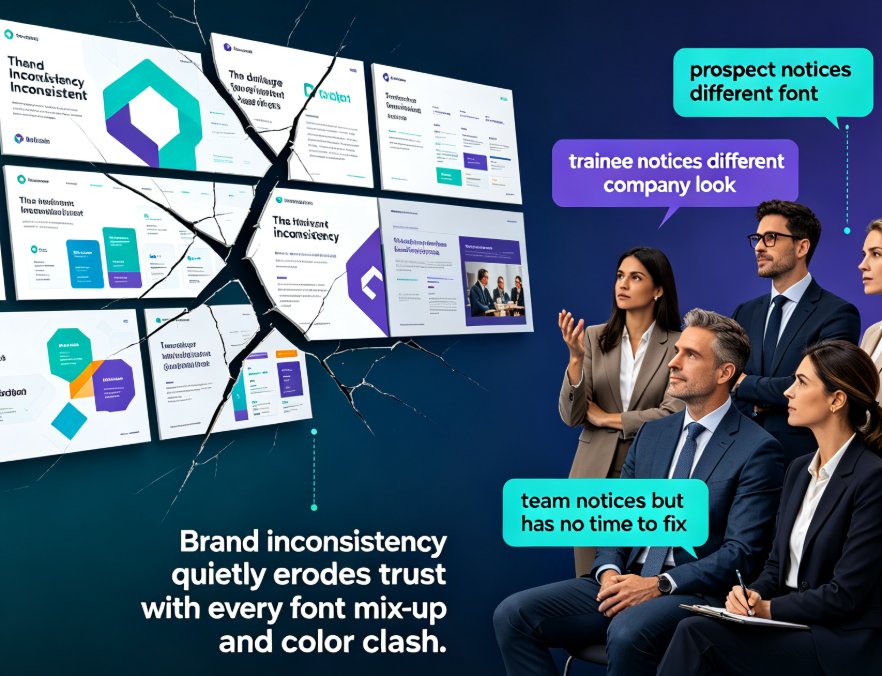
When decks don't match, the damage is often silent. Nobody files a complaint. But prospects notice when sales slide 12 uses a different font than slide 13. Trainees notice when the courseware of one module looks like it came from a different company. And your own team notices — they just don't have time to fix it.
The research backs this up. A study by Lucidpress found that consistent branding can increase revenue by up to 33%, because familiarity and emotional connection are built through repeated, recognizable visuals. Every deck that breaks that pattern chips away at the recognition you've paid the design team good money to build.
Brand inconsistency doesn't just look sloppy — it quietly erodes trust with every font mix-up and color clash. And unlike a website or a brochure, a deck is often the very first artifact a prospect or learner sees from your organization.
The costs pile up fast:
- Sales decks that don't match your website destroy credibility in the critical first five minutes.
- Training materials that drift between instructors make your L&D function feel fragmented.
- HR onboarding decks that use outdated logos make your employer brand look neglected.
What's the actual financial impact? Beyond the Lucidpress revenue figure, there's the simple math of wasted staff hours. A team of ten building one deck per week each, spending an extra two hours per deck on manual brand harmonization, burns roughly 80 hours per month on work that adds zero value. That's a full-time employee per month, just adjusting fonts and hex codes.
02 What One-Click Reskin Actually Stands For... Actually, Does
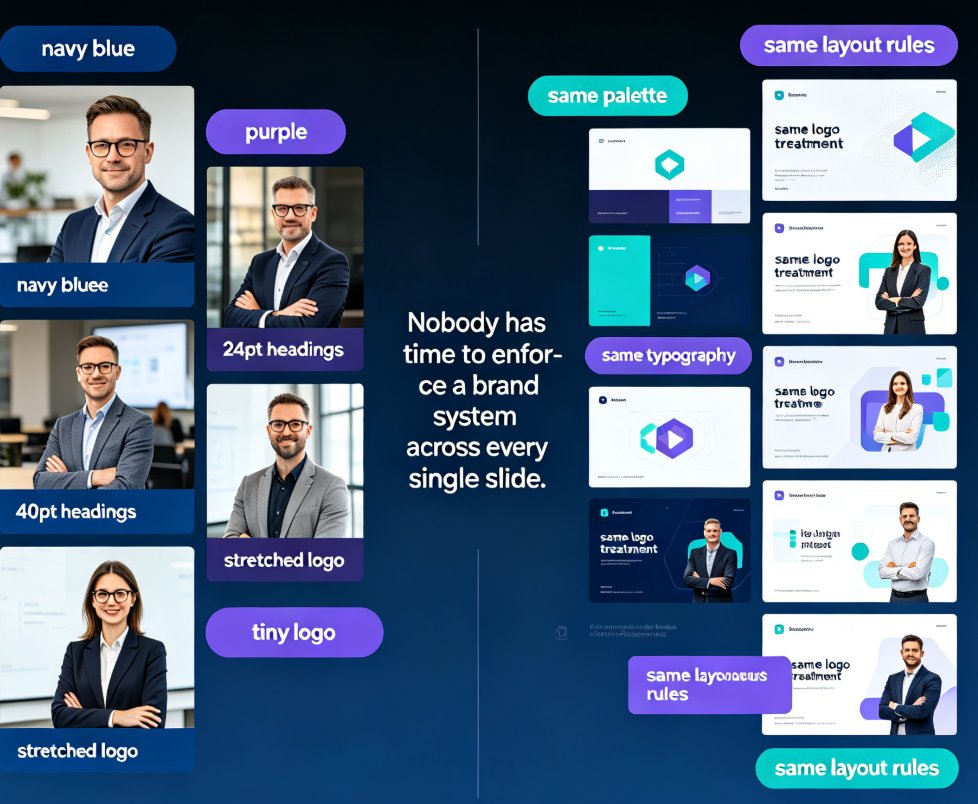
Zendeck's one-click reskin is exactly what it sounds like: you click, and the tool instantly harmonizes every font, color, and layout in your deck into one coherent system. No manual hunt-and-replace. No copying hex codes from the brand PDF. No rebuilding slides by hand.
Behind the button, Zendeck's smart layout engine evaluates each slide and re-applies your chosen brand system — typography scale, color palette, spacing rules, even icon style. It's like having an art director walk through every slide and make it consistent. Except you don't have to pay the art director's hourly rate.
What makes this different from a simple find-and-replace?
- Typography hierarchy — The engine doesn't just swap the font family. It rebuilds the heading-to-body scale, adjusts line heights, and preserves readability across slides with wildly different content density.
- Color mapping — It doesn't blindly replace one hex code with another. It understands semantic roles: primary buttons get the brand's accent color, backgrounds get the neutral layer, text gets the appropriate contrast level.
- Layout reflow — When fonts change size and text reflows, the engine repositions assets, resizes containers, and adjusts margins so nothing overlaps or feels cramped.
That's the difference between repainting a wall and re-engineering the lighting system. One is cosmetic. The other is structural.
If you want to dig deeper into how Zendeck helps you build a reusable brand system, check out the guide on creating a custom brand kit in Zendeck for consistent decks.
03 Reskin as Governance, Not Cosmetic
Here's the angle most tool reviews miss. A one-click reskin isn't just a time-saver. It's a governance vehicle for organizations that need to enforce brand standards across multiple teams and many decks.
Think about it. Your brand guidelines PDF is... well, a PDF. It sits in the drive, gets outdated, gets ignored. But when reskin is built into the tool your team already uses, the guidelines become behavior. You don't need to remind people what the correct header height is. The tool just does it.
For L&D teams, training managers, and institutions rolling out courseware — this is huge. You can have ten instructors building ten courses, and every single output will look like it was produced by the same design team. No more wrangling people into compliance with emails that read "Please use the new brand colors, thanks."
The one-click reskin isn't a cosmetic trick. It's a governance mechanism that turns brand guidelines from a PDF into a default behavior.
This is where Zendeck's approach to AI-governed brand consistency with smart templates comes into play. The governance isn't a separate review step — it's embedded in the creation flow. Every deck that's born in Zendeck starts from a brand-approved foundation, and every legacy deck can be pulled into line with one click.
And let's not forget the asset side. Consistent decks also need consistent icons, charts, and illustrations. That's where AI asset libraries step in — they give your team a single source of visual truth, so nobody is hunting for a diagram in a random shared folder.
04 The Reskin Workflow in Practice
Here's how a typical workflow looks with Zendeck:
-
Pick a brand system. Either load your existing brand kit or choose a template that matches your visual identity. If you're starting fresh, Zendeck's template library includes options that are easy to customize.
-
Run the reskin. One click. Zendeck unifies all fonts, colors, and layout rules across the deck. Watch the preview pane to see the transformation happening in real time.
-
Review the smart layout adjustments. Since slides vary in content density, Zendeck's layout engine adjusts spacing, reflows text, and repositions assets so nothing feels off. This is the step where you'd catch any edge cases — a quote slide with unusually long text, a data slide with a wide chart, that kind of thing.
-
Export or publish. Your deck now matches your brand system, end to end. You can export it as a PowerPoint file, share it as an online deck, or even convert it into a narrated video for training.
The whole process takes under 15 minutes per deck — including review time. That's the difference between painting a room with a roller and painting it with a toothbrush.
Quick friend-advice, not a memo: run the reskin before you start adding new content to an imported deck. That way, the layout engine has a clean slate, and you're not fighting residual styles from the old theme later.
05 Manual vs One-Click: A Side-by-Side
Let's put numbers next to it. The table below shows what actually happens when you rebrand a typical 50-slide deck manually versus using Zendeck's one-click reskin:
| Step | Manual Rebrand (per deck) | Zendeck One-Click Reskin |
|---|---|---|
| Find and replace fonts across 50 slides | 30–60 min | Instant |
| Update color palette in charts, icons, backgrounds | 1–2 hours | Instant |
| Fix layout and spacing issues after font swaps | 1–2 hours | ~10 min |
| Quality review by a second pair of eyes | 30–45 min | ~5 min |
| Total per deck | 3–5 hours | 15–20 minutes |
These are typical patterns we see across teams using Zendeck — not official benchmarks, but the kind of reality you'll recognize if you've ever done this by hand. Multiply the manual numbers by ten decks a quarter, and you're losing 30–50 hours of productive time to font wrangling.
And here's the visual version:
06 The Outcome: Consistency Without the Grind
When you remove the manual friction from brand harmonization, three things happen.
First, teams adopt the brand standards. It's not because they care more — it's because it's now the default path. The tool does the discipline for you, and that's the only way governance actually sticks in a busy organization.
Second, you stop having the awkward conversation about that one sales deck that uses the old logo and a font nobody remembers. Reskin makes those conversations unnecessary. You simply run it, and the deck is back in line.
Third, your content gets more mileage. Consistent visuals build recognition, and recognition builds trust. That 33% revenue bump from Lucidpress doesn't come from a beautiful single deck — it comes from every deck looking like it belongs to the same brand.
Teams that rebrand manually spend the equivalent of a full workweek per quarter just harmonizing fonts and colors. Zendeck compresses that into about an hour. That's the difference between maintaining a brand system and actually living in one.
If you're just getting started with AI-generated decks and want to avoid common pitfalls, take a look at the common AI presentation mistakes to avoid in 2026. And for a broader look at how courseware design is evolving, the courseware design hub has plenty more.
FAQ
Q: What exactly does Zendeck's one-click reskin do?
It instantly harmonizes fonts, colors, and layout across an entire deck. One click re-applies your brand system — typography scale, color palette, spacing rules, icon style — to every slide, so the deck looks like it was produced by a single design team.
Q: Can I apply reskin to decks I already built outside Zendeck?
Yes. You can import a deck built elsewhere — whether from PowerPoint, Google Slides, or a Word outline — then run the one-click reskin to bring it into your brand system. You're not locked into a specific source format.
Q: Do I need design skills to use the reskin feature?
That's the whole point. The smart layout engine handles spacing, reflowing, and asset positioning automatically. If you can click a button, you can rebrand a 50-slide deck in about 15 minutes.
Q: How is reskin different from just switching a template?
A template swap changes the background and theme at a surface level. Reskin goes deeper — it adjusts layout rules, typography hierarchy, color usage across charts and icons, and reflows content so nothing breaks. It's a full design-system pass, not a skin swap.
Q: Who benefits most from one-click reskin?
L&D teams, training managers, HR, and any org that produces many decks across different departments. It's also a strong fit for institutions that need to enforce a brand standard across multiple instructors or course authors.