Tags:brand consistency

75 articles

How to Use Zendeck's AI to Automatically Rebrand Your Entire Deck

AI Courseware 2026-08-28 696

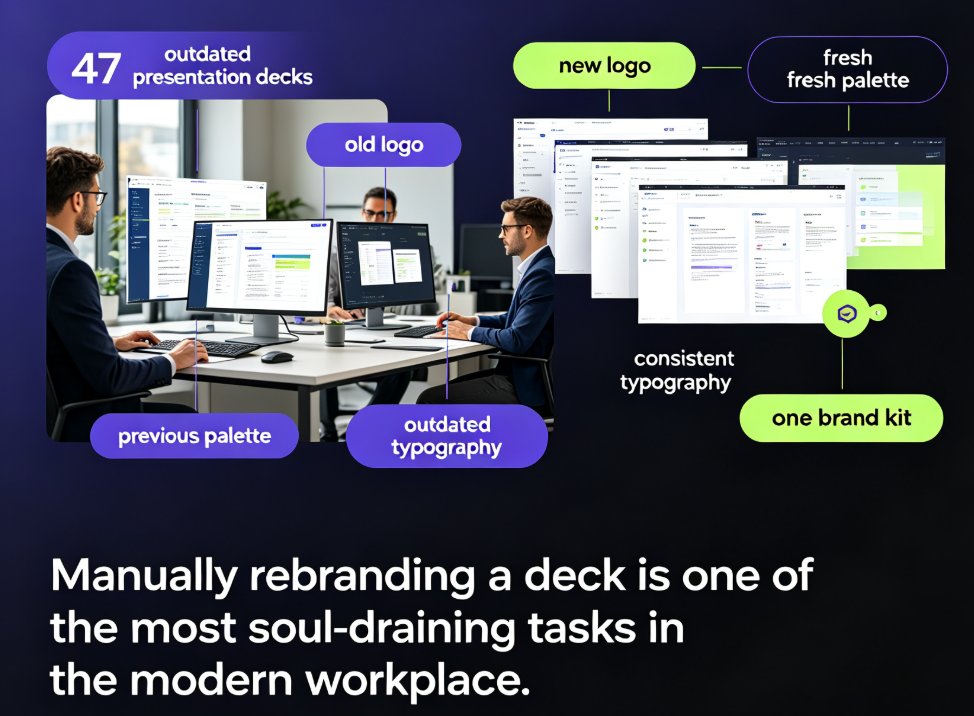
Zendeck's one-click reskin lets you automatically rebrand an entire presentation — applying brand colors, fonts, and layouts across every slide in seconds. This guide explains what reskinning actually does, why manual rebranding is a productivity trap, and a step-by-step workflow to convert a legacy deck into an on-brand, professional presentation in under five minutes. We break down who benefits most (corporate teams, educators, agencies, startups), include real time-saving data showing an 80% reduction in manual work, and highlight common mistakes to avoid. You'll also learn how to combine reskin with a custom brand kit for long-term brand governance. If you're refreshing outdated decks or aligning with new brand guidelines after a company rebrand, Zendeck's one-click reskin is the fastest path from outdated to on-brand.
Zendeck vs Gamma: Which AI Presentation Tool Suits Your Team?

AI Courseware 2026-08-28 897

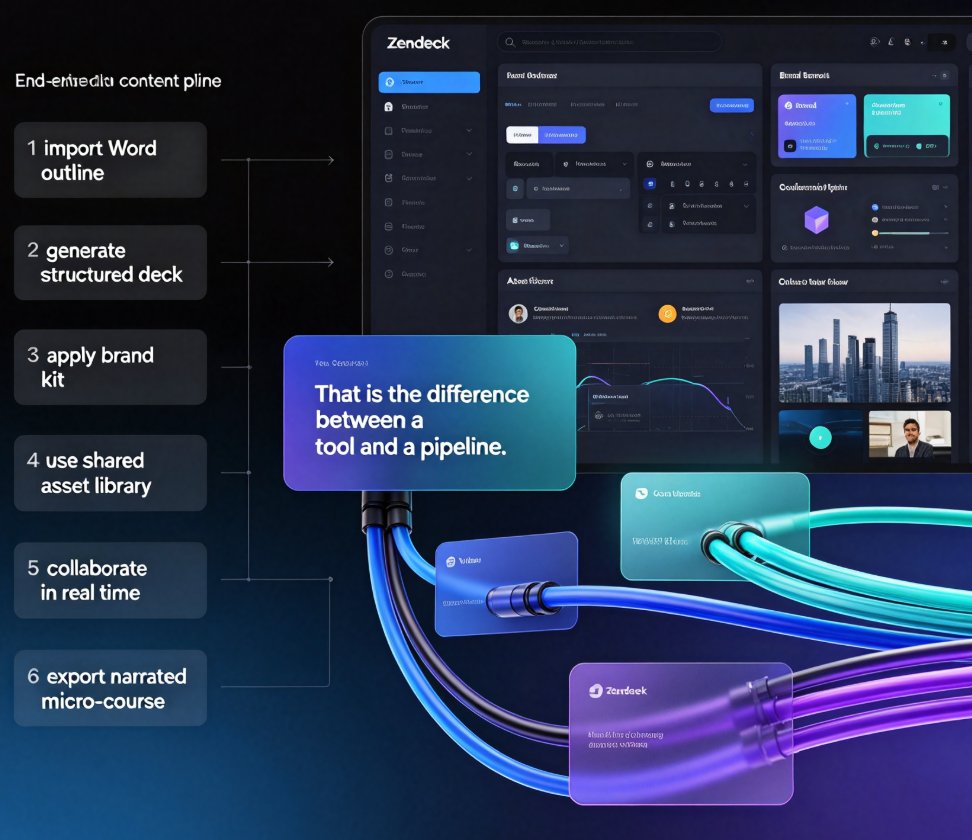
Choosing between Zendeck and Gamma for AI presentation tools? This honest head-to-head compares AI deck generation, template libraries, brand consistency, real-time collaboration, asset management, and the one feature that changes everything: PPT-to-video conversion. Gamma is excellent for quick, modern decks generated from text prompts — a solid choice for internal updates and pitch drafts. Zendeck goes further, importing Word and Markdown outlines, enforcing brand kits through one-click reskin, building a reusable asset library of icons, charts, and illustrations, and converting finished slides into narrated micro-courses for training and sales teams. We break down who each tool truly serves — quick deck designers versus all-in-one content producers — so you can match the platform to your team's workflow, content pipeline, and output goals. Read the full comparison, then decide with confidence.

One-Click Reskin: Keeping Team Decks On-Brand with Zendeck

Courseware Design 2026-08-27 3164

Keep every team deck on-brand with Zendeck's one-click reskin. This guide shows how smart layout reskin unifies fonts, colors, and layouts across all your training presentations — without design skills. Learn the step-by-step workflow, compare reskin vs. manual redesign, and avoid common mistakes. Perfect for trainers, L&D teams, and educators who want consistent courseware that builds learner trust. Zendeck's reskin applies your brand rules automatically, turning a 3-hour consistency audit into a 3-minute operation. Set up a brand kit once, reskin every deck in seconds, and stop being the design police. Includes a practical comparison table and FAQ covering brand kits, content preservation, and team adoption.

Rebrand Old PPT Fast: Zendeck One-Click Theme Change

AI Courseware 2026-08-27 1837

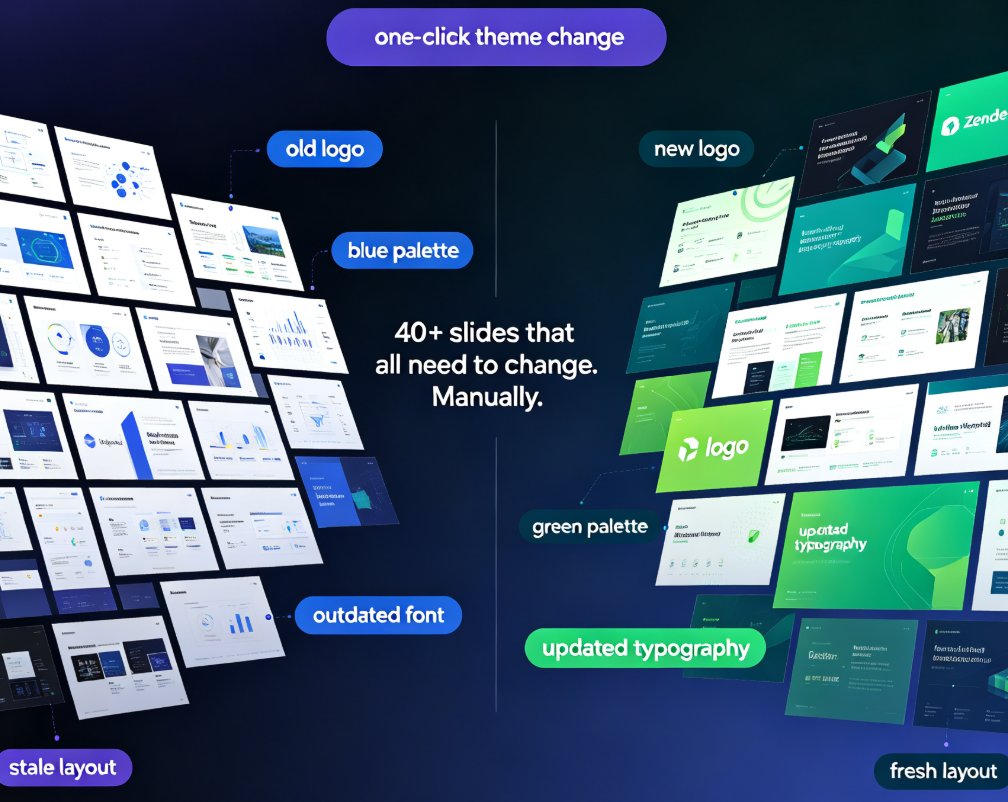
Rebrand your old PPT with Zendeck's one-click theme change and stop wasting hours on manual editing. When new brand guidelines land — new colors, fonts, or logos — you don't need to rebuild your deck from scratch. Zendeck reskins every slide automatically, applying your updated palette, typography, and assets in minutes instead of days. This guide walks through the exact workflow: importing your existing deck, picking a theme that matches your brand kit, applying the one-click change, and reviewing the results. You'll also see a side-by-side cost comparison of manual rebranding versus Zendeck's automated approach, plus best practices for keeping presentations consistent across your organization. Whether you're refreshing a sales deck, updating courseware, or aligning training materials with a new corporate identity, Zendeck makes brand consistency effortless.

Can Zendeck Unify Fonts, Colors, and Layout Across Slides?

Courseware Design 2026-08-27 1282

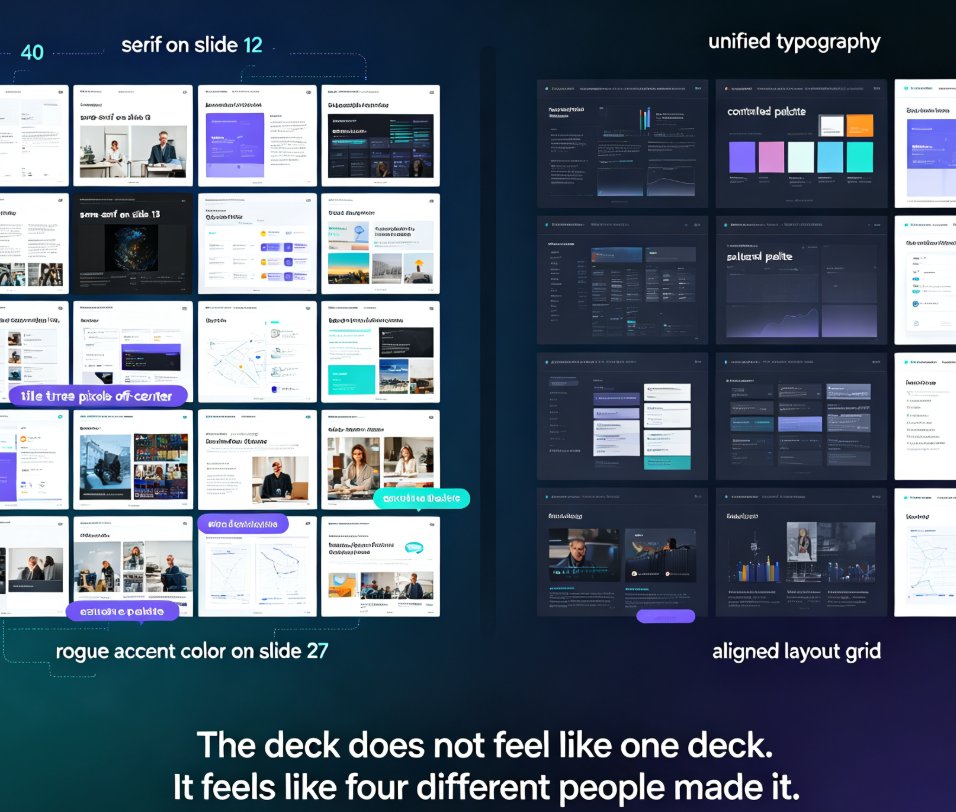
Zendeck's smart layout unifies fonts, colors, and layout across every slide in one click. Yes — Zendeck can unify fonts, colors, and layout across slides automatically. Its one-click reskin feature applies a consistent design system to your entire deck, so non-designers get brand-consistent courseware without manual tweaks. This guide breaks down how smart layout works, what it actually unifies, and where it saves you the most time. You'll see a before-and-after comparison, a step-by-step workflow, and honest notes on limitations. If you've ever spent an afternoon fixing misaligned titles and rogue fonts, this is the article for you. Learn how Zendeck turns a messy 40-slide deck into a polished, on-brand presentation in minutes — and why that matters for educators, trainers, and teams.

Keep Your Brand Consistent: One-Click Reskin for Every Presentation

AI Courseware 2026-08-26 2404

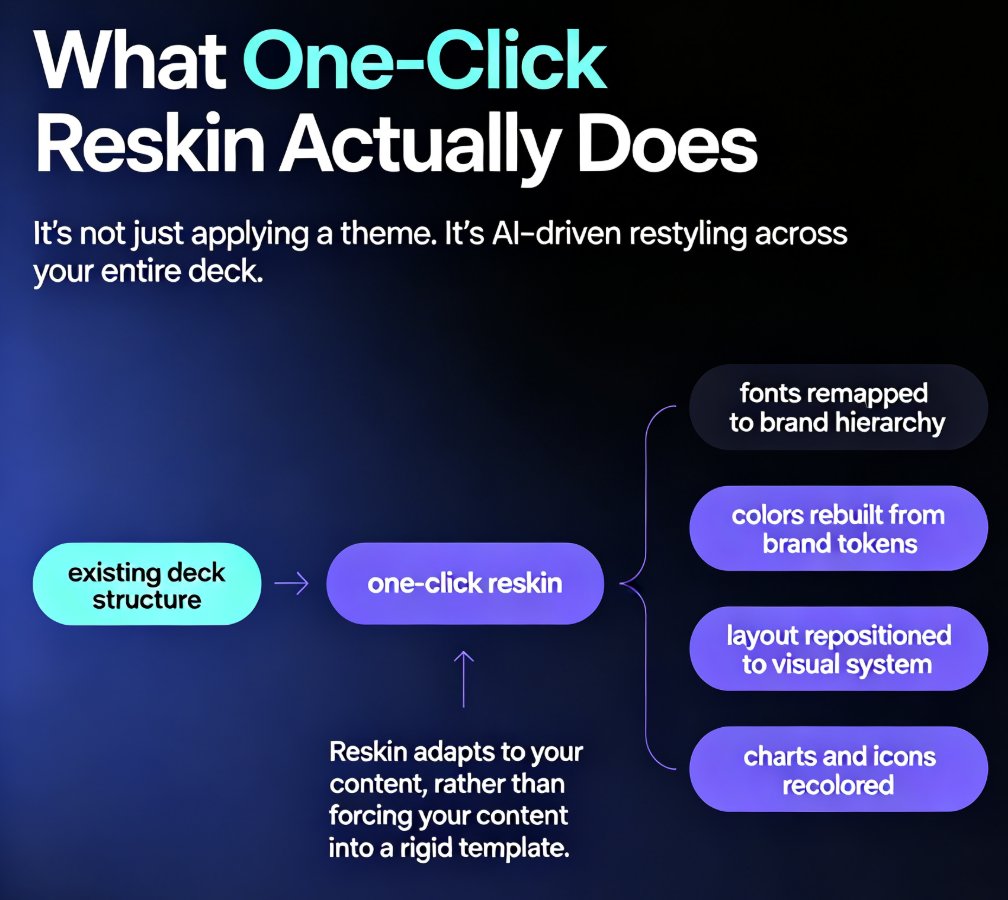
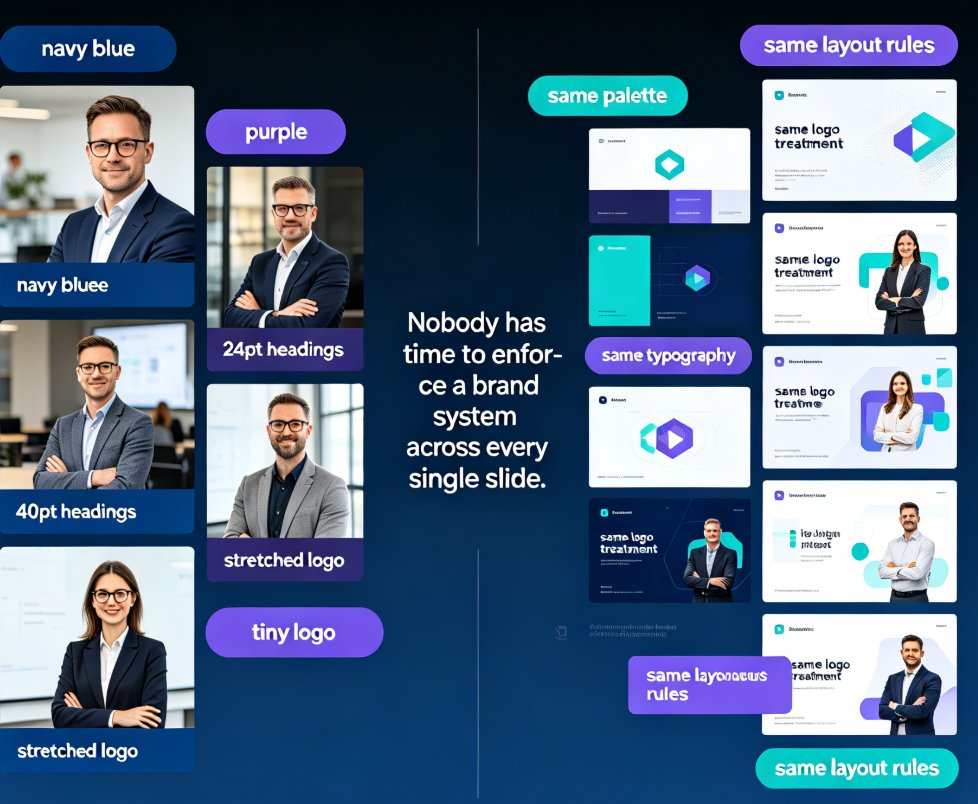
One-click reskin in Zendeck automatically unifies fonts, colors, and layout across every presentation, so your brand stays consistent without manual design work. Learn how AI-powered reskin eliminates the pain of restyling decks by hand — and why marketing, HR, and training teams are adopting it as their default workflow. This guide covers what reskin actually does, how it compares to manual restyling, step-by-step usage, and how to pair it with brand kits and smart templates for zero-effort brand governance. We also break down the hidden costs of inconsistent branding, the time savings you can expect, and the common mistakes to avoid when rolling out reskin across your team. If you've ever shipped a deck with mismatched colors or outdated logos, this is the fix you've been looking for — no design degree required.

▲