Tags:brand consistency

75 articles

Keep Every Department On-Brand with One-Click Deck Reskinning

Courseware Design 2026-09-09 600

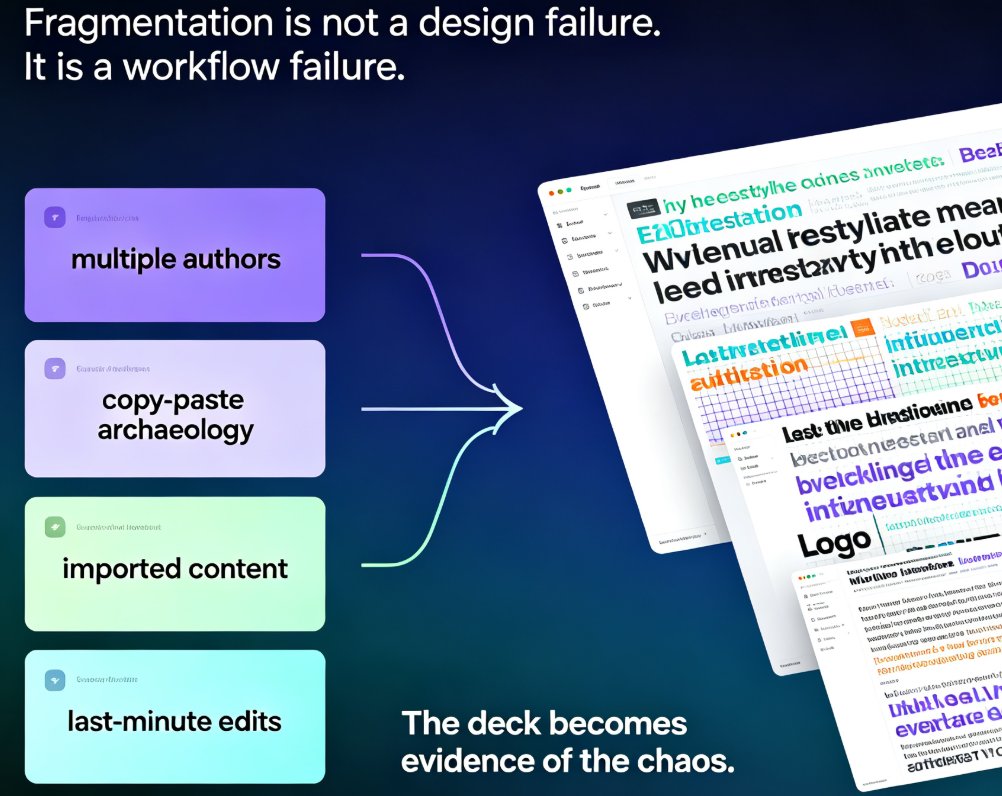
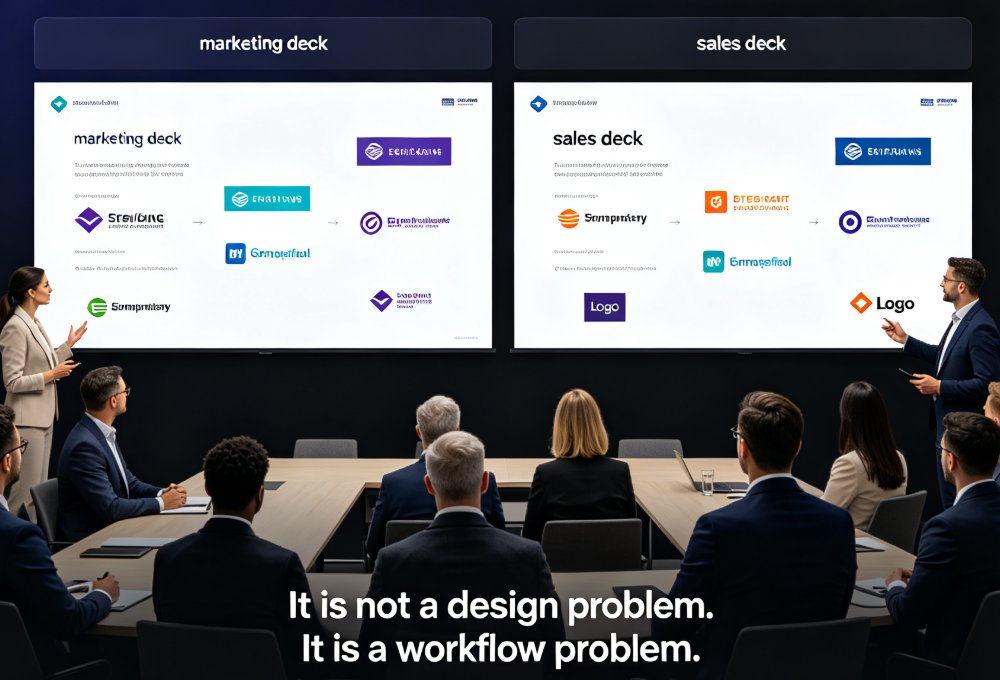
Off-brand decks are a workflow problem, not a design problem. Zendeck's one-click reskin instantly unifies fonts, colors, and layouts across every department deck — one real HR team unified 30 onboarding decks in an afternoon without redesigning them. This guide covers what reskin actually does, the exact workflow to scale brand consistency across sales, HR, marketing, and training teams, plus best practices for templates, brand kits, and asset libraries. If you want every presentation to look like it came from one company, start here.
One-Click Reskin: How Zendeck Auto-Unifies Fonts, Colors, and Layouts

PPT Tutorial 2026-09-07 1680

One-click reskin in Zendeck turns a scattered, multi-author deck into a single, on-brand presentation in minutes. Zendeck's smart layout engine auto-unifies fonts, colors, spacing, and slide structure across the whole deck — no manual redesign, no template-pasting, no broken alignment. This guide walks through what reskinning actually does under the hood, the real before-and-after scenarios in corporate and academic settings, how to enforce brand guidelines without hiring a design police force, and a 15-minute workflow you can reuse on every deck. We also cover edge cases where one-click reskin needs a human touch. If you've ever shipped a deck with three fonts and five shades of blue, you'll want to read this before your next all-hands.

How to Keep Team Decks On-Brand with Zendeck Template Library

AI Courseware 2026-09-04 2781

Struggling with inconsistent team decks? Zendeck's template library and one-click smart reskin make brand consistency effortless. Learn how marketing, HR, and operations teams can produce on-brand presentations without design skills. This guide covers why static templates fail, how smart templates lock down brand elements, and how one-click reskin lets you rebrand legacy decks in minutes instead of weeks. You'll get a practical brand governance workflow, real-world scenarios for marketing, HR, and ops teams, and best practices for keeping every deck on-brand long-term. If your organization has ever dealt with the 'everyone's deck looks different' problem — different fonts, clashing colors, stretched logos — this is the playbook you need to fix it for good.

One-Click Reskin: Unify Your Presentation Brand with Zendeck

PPT Tutorial 2026-09-03 3319

Zendeck's one-click reskin instantly unifies your entire presentation with your brand guidelines — fonts, colors, and layouts applied across every slide in seconds. Stop reformatting slide by slide when a teammate sends a deck that doesn't match your corporate style. This guide walks through the exact steps to reskin a messy PPT, shows what the smart layout engine fixes (and what it doesn't), and helps you decide when to reskin versus rebuild. You'll also get best practices for keeping every deck on-brand, plus a comparison of manual reformatting vs. one-click reskin time costs. If you've ever inherited a deck with five different fonts and three color schemes, this is for you.

Consistent Branding Across Decks? Zendeck One-Click Reskin Fixes It

Courseware Design 2026-09-02 2845

Zendeck's one-click reskin unifies fonts, colors, and alignment across every slide in seconds. If mismatched typography and clashing colors are sabotaging your brand, the smart layout engine fixes it on autopilot — no design skills required. Configure your brand kit once, and every training deck, courseware module, and client pitch stays compliant automatically. Real teams spend 10–15 hours per week manually fixing fonts and colors; with Zendeck, reskinning a 40-slide deck takes minutes, not days. In 2026, AI-driven design automation isn't a luxury — it's how consistent branding survives at scale. This guide covers the smart layout workflow, the one-click reskin process, time savings, and best practices for keeping institutional identity intact across every slide. Learn how to make brand compliance the default, not the exception.

Rebrand All Your PPTs in Minutes with One-Click Reskin

Courseware Design 2026-09-01 1987

One-click reskin in Zendeck lets you rebrand all your PPTs in minutes by unifying fonts, colors, and layouts across every slide. Instead of manually editing slide masters, you apply a saved Brand Kit to transform your entire deck instantly. This guide shows the exact workflow, plus a real-world time comparison that proves why teams are switching to automated rebranding.

▲