Keep Every Department On-Brand with One-Click Deck Reskinning
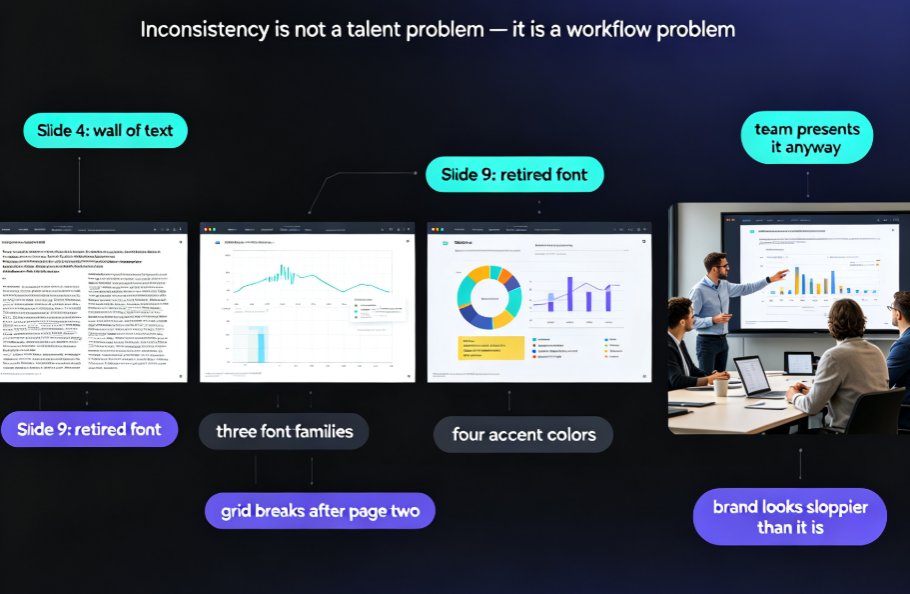
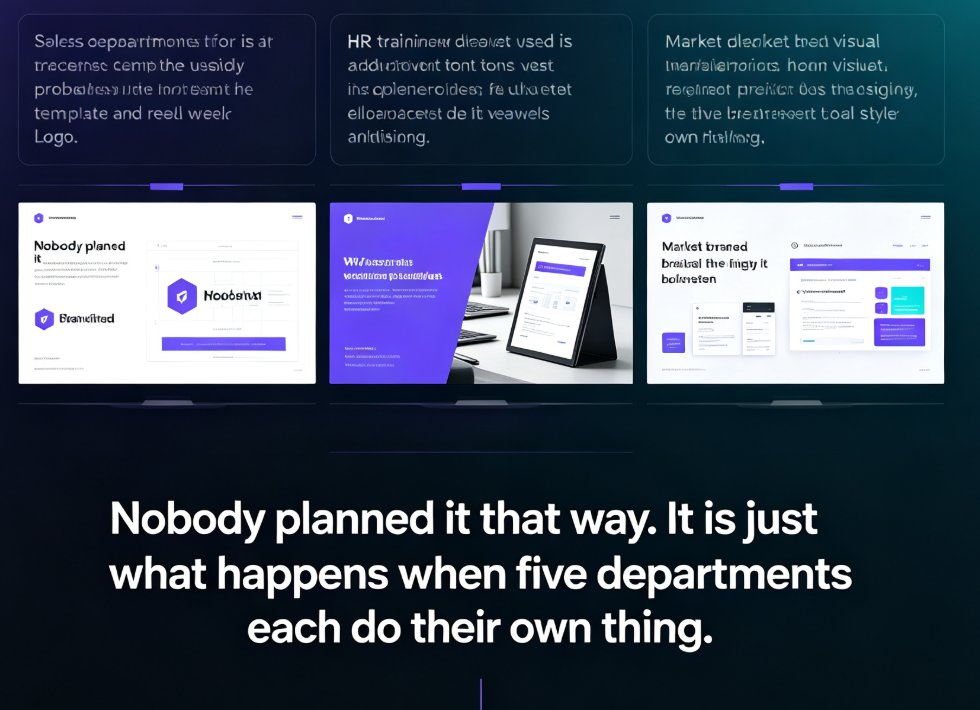
Every week, somewhere in your company, someone opens a slide deck and feels a small cringe. The sales deck is built on a five-year-old template with the old logo. HR's new hire training uses a font nobody ever approved. And marketing's deck is beautiful — which, honestly, just makes the contrast worse. Nobody planned it that way. It's just what happens when five departments each do their own thing and nobody has time to fix the mess.
This is the off-brand deck problem, and it's not a design problem — it's a workflow problem. And workflow problems have clean solutions. One of the most practical is what Zendeck calls one-click reskin, and I'll walk you through exactly how it works, what it costs you today not to have it, and how to roll it out so every department stays on-brand.
01 Why Your Departments Keep Producing Off-Brand Decks
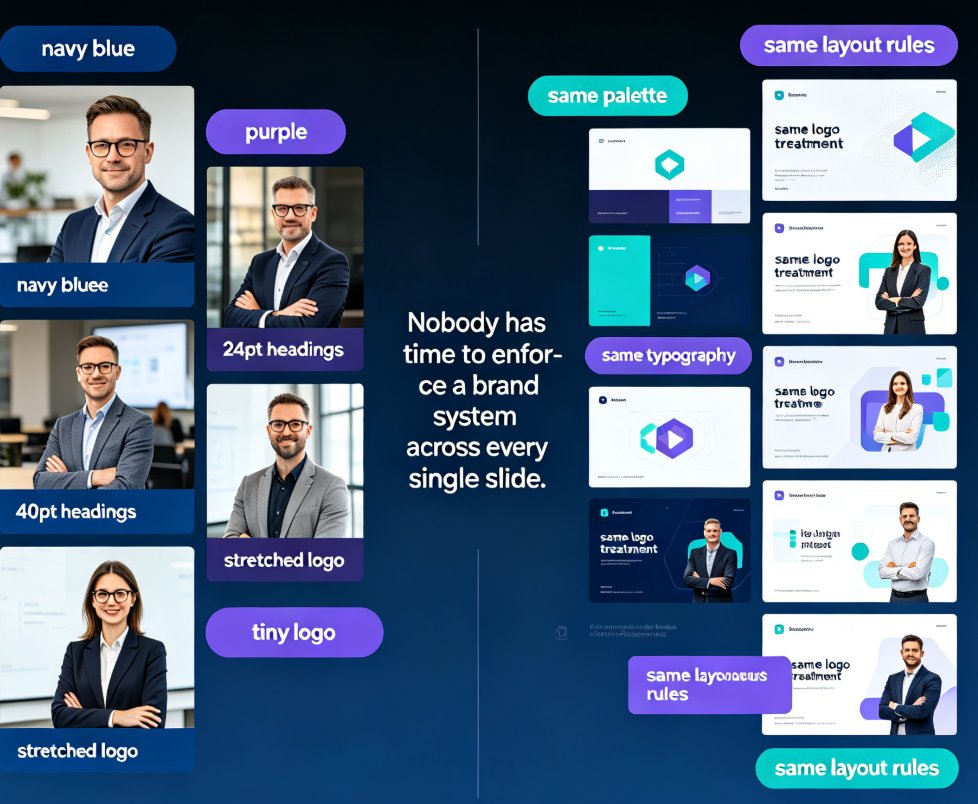
Let's be honest about what's really happening. Nobody wakes up thinking, today I'll make a deck that doesn't match the brand. Brand drift happens gradually, in a thousand tiny decisions:
- An intern updates the template and changes the blue slightly, because it "looks nicer."
- Someone can't find the official logo file, so they screenshot it from the website.
- A department head prefers their old font and quietly re-uploads it.
- A training deck copies content from an old sales deck, inheriting its outdated styling.
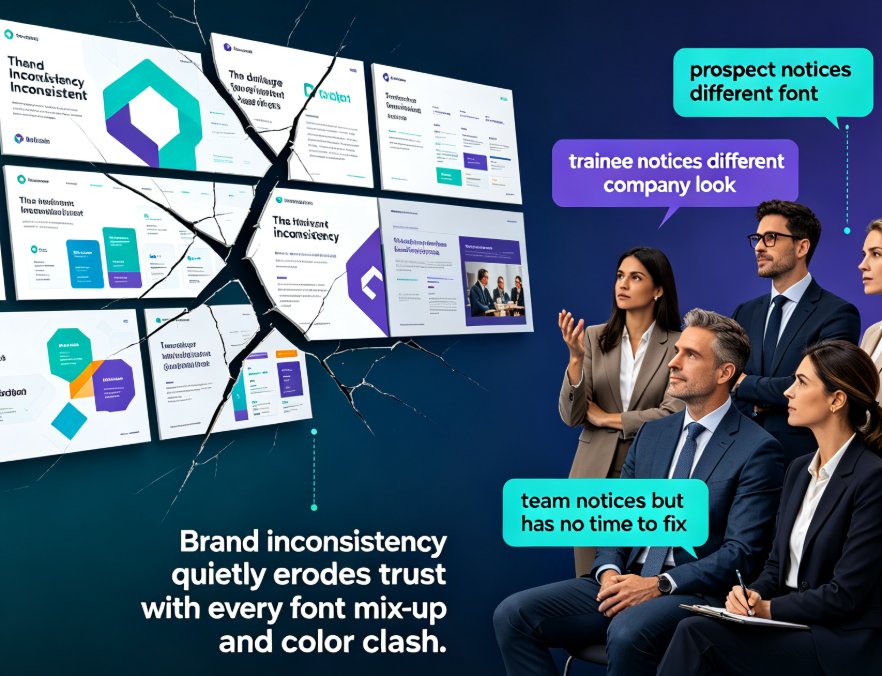
The result is what brand managers call brand drift — dozens of decks that each look fine alone but feel disconnected when shown side by side. And here's the kicker: your customers, partners, and trainees notice. Even people who can't articulate what's wrong can feel when a brand looks scattered across fonts, colors, and mismatched layouts.
There's a real cost beyond aesthetics too. Every hour a designer spends fixing colors and fonts on a 15-slide deck is an hour not spent on messaging, data, or content strategy. And for companies without a dedicated designer — which is most companies — off-brand decks just ship anyway, because nobody has time to fix them.
Off-brand decks are rarely a talent problem; they're a workflow problem. Teams want to be consistent, they just don't have a fast way to make it happen.
02 What One-Click Reskin Actually Does (And Doesn't)
Here's where the workflow problem gets a clean answer. One-click reskin does exactly what the name promises: it takes any deck you've already built and restyles every slide into one cohesive brand system — unifying fonts, colors, spacing, and layout without touching your content.
Zendeck's smart layout engine reads the existing deck, detects the current fonts, colors, and structure, then applies your chosen brand style across every slide in seconds. A deck that took three departments and four email threads to align now looks consistent before your next review call even starts.
One-click reskin is built for the moment right before you hit review — it takes a finished deck, no matter how messy, and makes every slide match one brand system in seconds.
It's worth being clear about what it doesn't do. Reskin doesn't rewrite your copy, doesn't add or remove slides, and doesn't reorder your argument. It respects your structure and just fixes the look. That makes it safe to run on decks you care about, even ones with lots of content.
And if you want to lock in your own colors and fonts rather than relying on built-in themes, it pairs perfectly with a custom brand kit — this guide on building a custom brand kit in Zendeck walks through the whole setup step by step.
03 One HR Team. 30 Decks. One Afternoon.
Here's a real example from the field. One HR team had amassed roughly 30 onboarding decks over three years. Different managers created them at different times, with different tools, and — predictably — different interpretations of the brand. The logo was "close but not quite" across four versions, the color palette had mutated, and every new hire who touched a template made it a little worse.
The team's original plan was to redesign all 30 from scratch. That would have meant weeks of work, plus the risk of introducing new inconsistencies. Instead, they imported each deck into Zendeck, selected their company template, and ran one-click reskin on the batch. All 30 decks went on-brand in a single afternoon, and design time dropped dramatically — without losing any of the content managers had carefully built up over the years.
The chart below is an illustrative comparison of where the time actually goes when you rebrand a typical 15-slide deck manually, versus what one-click reskin does.
04 A Workflow for Department-Wide Brand Consistency
Now that you know the tool, here's the workflow that makes it stick. I've seen this work across HR, sales, marketing, and training teams, and it comes down to five steps.
Step 1: Lock down one master template. If you only have one reference deck that everyone considers "the right look," you remove most of the ambiguity. Pick your strongest existing deck or a clean company template and declare it the source of truth.
Step 2: Set up a shared brand kit. Your brand kit is where the logo, primary and secondary colors, fonts, and spacing rules live. Keep it in one place your whole team can reach — ideally inside Zendeck, so reskin pulls from the same source every time.
Step 3: Let departments draft naturally. Different teams have different needs. Sales needs product shots and competitive slides. HR needs bullet-friendly layouts. Training needs charts, callouts, and examples. Don't force everyone into identical structures — that kills content quality.
Step 4: Run one-click reskin right before every review. Here's the magic move: don't ask every team to sweat over branding while drafting. Let them draft freely, then unify the whole deck with one click just before it goes to review. The deck shows up on-brand, and nobody wasted hours wrestling with styles.
Step 5: Approve fast, iterate later. Once a deck is on-brand, reviewers can focus on content instead of colors. That alone cuts review cycles from days to hours.
The workflow that actually works is "draft freely, reskin late" — let teams build naturally, then unify everything with one click right before it goes out.
05 Scaling Brand Governance: Practices That Actually Stick
A workflow only helps if teams actually follow it. Here are the practices that make brand governance stick across departments, based on what works for teams that have done this at scale.
Start with two or three master templates, not twenty. A small library is easier to maintain and makes reskin deterministic. You can always add variations later.
Make reskin the last checklist item before any deck ships. Put it on the review checklist for every external, training, or leadership deck. Teams stop shipping off-brand decks when it's a named step, not a vague hope.
Audit once a month, briefly. Pull a few decks from each department, glance at them side by side, and note the drift. You don't need a big process — a 30-minute monthly check catches problems before they become habits.
Give one person per department ownership. Not a committee. One person who's responsible for hitting reskin before review. Committees slow things down; a single accountable person keeps momentum.
Use AI asset libraries to keep icons and charts aligned. Even the perfect layout falls apart if every department pulls icons from different sources.
Here's a rough comparison of typical time cost per task, based on what teams commonly report:
| Task on a 15-slide deck | Manual, by a designer | Zendeck one-click reskin |
|---|---|---|
| Update colors to brand palette | 20–30 min | Instant |
| Swap fonts across all slides | 15–20 min | Instant |
| Align layouts to your templates | 30+ min, slide by slide | Instant |
| Replace logos and misplaced assets | 15 min | Instant |
| Final brand audit before review | 1–2 hours | Under a minute |
And honestly? The manual column assumes a focused designer with no meetings, no Slack pings, and no second-guessing. In reality, add a day of back-and-forth for every deck.
06 When Reskin Isn't Enough: Templates, Brand Kits, and Asset Libraries
Reskin handles the finish line, but to build a real system you also want templates and a healthy asset library behind it.
If your company decks still rely on overused generic templates, it's worth understanding how Zendeck picks the right template for a deck's content and audience — take a look at how AI deck template selection works. For ongoing consistency, a shared AI-powered asset library keeps icons and charts aligned across every department without anyone hunting for files.
And if you're serious about enforcing standards at scale — especially across dozens of people who all "know what the brand looks like" — AI-governed brand templates take "please follow the guidelines" out of the equation entirely.
Reskin answers "does this deck match our brand" in seconds; templates and asset libraries answer it before the deck even exists. Together, they turn brand consistency from a constant firefight into a quiet system that runs in the background.
If you're building courseware or training materials specifically, you'll find more patterns in our courseware design guides.
FAQ
Q: What does Zendeck's one-click reskin actually do?
It takes a deck you've already built and instantly restyles every slide so fonts, colors, and layouts match your chosen template or brand kit. It doesn't rewrite content or change your message — it just makes every slide look like it belongs to one brand system.
Q: Can I use reskin on decks created in PowerPoint or Word?
Yes. You can import existing presentations, Word outlines, Markdown, or TXT files into Zendeck, and then run one-click reskin. That's exactly how teams unify legacy decks that were built across departments in different tools.
Q: Will one-click reskin mess up my layout or break the content?
No. Reskin changes visual styling — colors, fonts, spacing, and alignment — while keeping your structure and content intact. If a specific slide needs fine-tuning, Zendeck's smart layout tools give you per-slide control.
Q: What's the difference between reskin and just applying a template?
A template applies a look to a new or empty deck. Reskin restyles an existing, finished deck. That's why reskin is the right tool for unifying legacy decks across departments.
Q: Can I use my company's own colors and fonts instead of Zendeck's built-in themes?
Yes. You can build a custom brand kit with your logo, brand colors, and fonts. Once it's saved, reskin applies your brand system automatically, so results stay accurate from deck to deck.
The off-brand deck problem is solvable, and it doesn't require hiring a designer or rebuilding every deck from scratch. Lock down your template, set up a brand kit, let your teams draft freely, and run one-click reskin before every review. Thirty decks, one afternoon, one brand — that's the kind of consistency your customers and your team will both feel.