Tags:courseware design

18 articles

Consistent Branding Across Decks? Zendeck One-Click Reskin Fixes It

Courseware Design 2026-09-02 2845

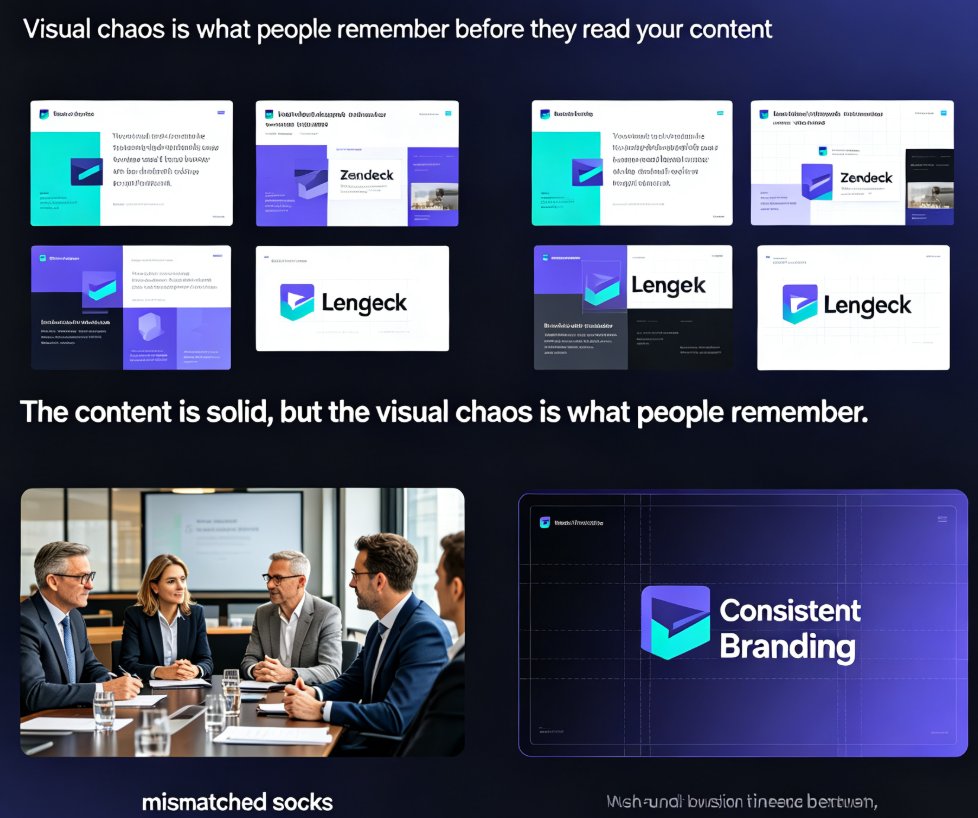
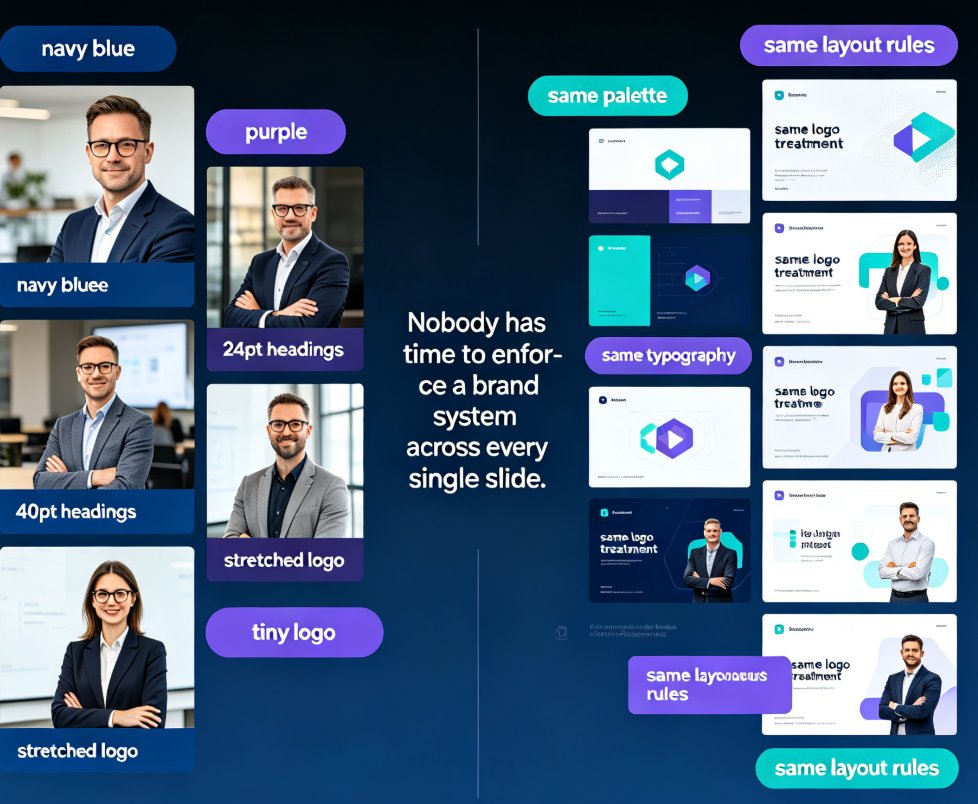
Zendeck's one-click reskin unifies fonts, colors, and alignment across every slide in seconds. If mismatched typography and clashing colors are sabotaging your brand, the smart layout engine fixes it on autopilot — no design skills required. Configure your brand kit once, and every training deck, courseware module, and client pitch stays compliant automatically. Real teams spend 10–15 hours per week manually fixing fonts and colors; with Zendeck, reskinning a 40-slide deck takes minutes, not days. In 2026, AI-driven design automation isn't a luxury — it's how consistent branding survives at scale. This guide covers the smart layout workflow, the one-click reskin process, time savings, and best practices for keeping institutional identity intact across every slide. Learn how to make brand compliance the default, not the exception.
One-Click Reskin: Keeping Team Decks On-Brand with Zendeck

Courseware Design 2026-08-27 3164

Keep every team deck on-brand with Zendeck's one-click reskin. This guide shows how smart layout reskin unifies fonts, colors, and layouts across all your training presentations — without design skills. Learn the step-by-step workflow, compare reskin vs. manual redesign, and avoid common mistakes. Perfect for trainers, L&D teams, and educators who want consistent courseware that builds learner trust. Zendeck's reskin applies your brand rules automatically, turning a 3-hour consistency audit into a 3-minute operation. Set up a brand kit once, reskin every deck in seconds, and stop being the design police. Includes a practical comparison table and FAQ covering brand kits, content preservation, and team adoption.

Zendeck Asset Library: Find Icons & Illustrations in Seconds

Courseware Design 2026-08-27 648

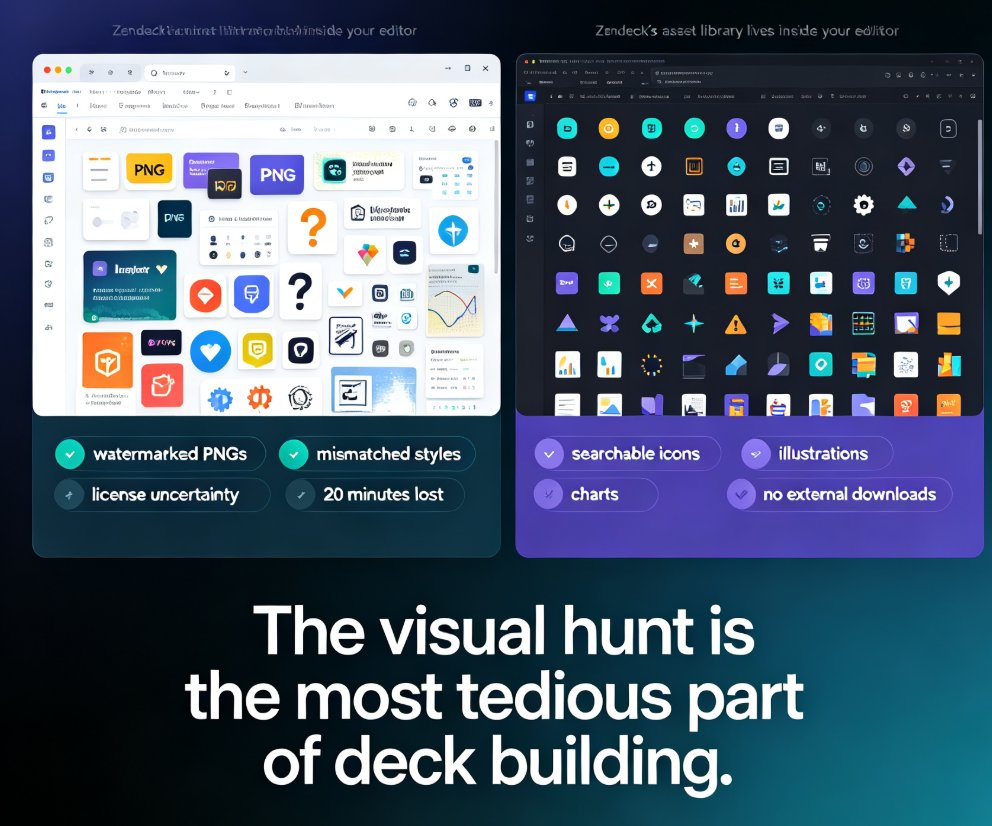
Zendeck's asset library puts searchable icons, charts, and illustrations right inside your editor, cutting visual-hunting time from 20 minutes to under 3 minutes per task. This guide walks through the search workflow, style filters, and customization options, and explains why a curated in-platform library beats external downloads for consistency. You'll also see the time-saving math, best practices for mixing icons with illustrations, and answers to common questions about licensing and custom uploads. If you're tired of tab-hopping between free icon sites and mismatched visual styles, Zendeck's built-in library is the fix.

Stop Manual Formatting: Zendeck Smart Layout One-Click Reskin

Courseware Design 2026-08-27 940

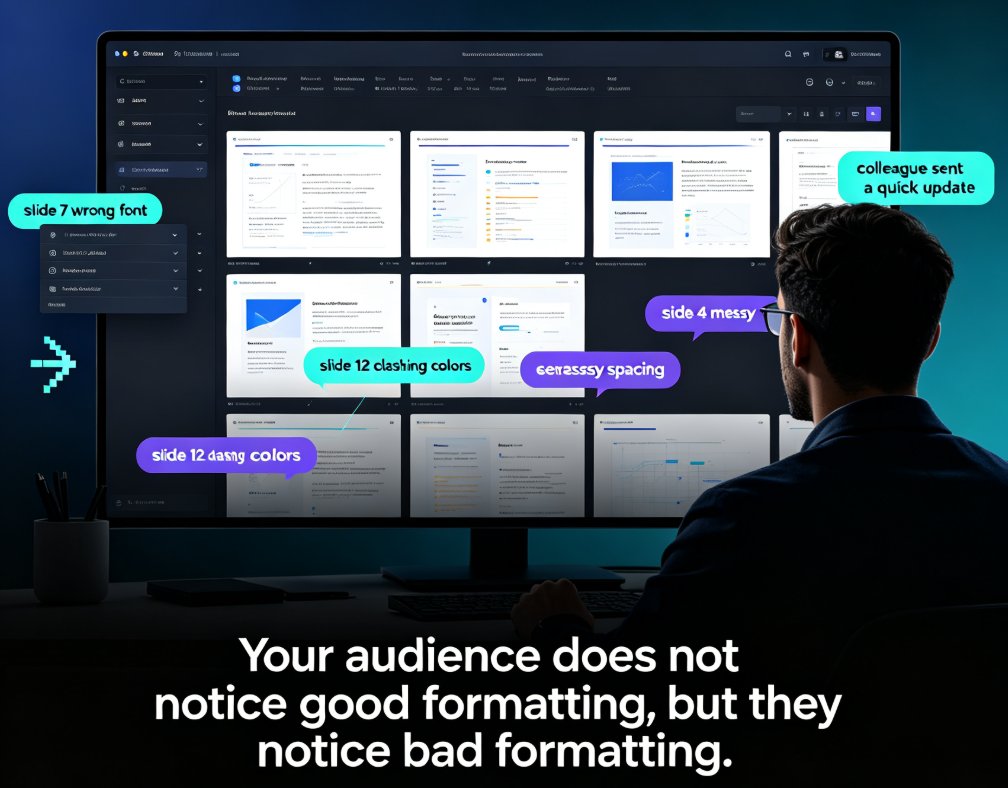
Stop wasting hours on manual formatting. Zendeck's smart layout one-click reskin automatically unifies fonts, colors, and spacing across your entire deck in seconds. Built for teachers, trainers, HR teams, and content operators, this AI-powered feature turns messy, inconsistent slides into professional courseware without any design skills. In this guide, we break down how smart layout works, compare it to manual formatting with real time-cost numbers, and share five habits that make your decks look consistently polished. If you've ever spent a night fixing font sizes and alignment, this is the workflow change you've been waiting for. Whether you're building weekly course updates, merging multi-author decks, or enforcing brand compliance, Zendeck makes professional-looking presentations the default — not the exception. Stop formatting. Start teaching.

How to Use Zendeck's Template Library for Professional Presentations

Courseware Design 2026-08-27 1492

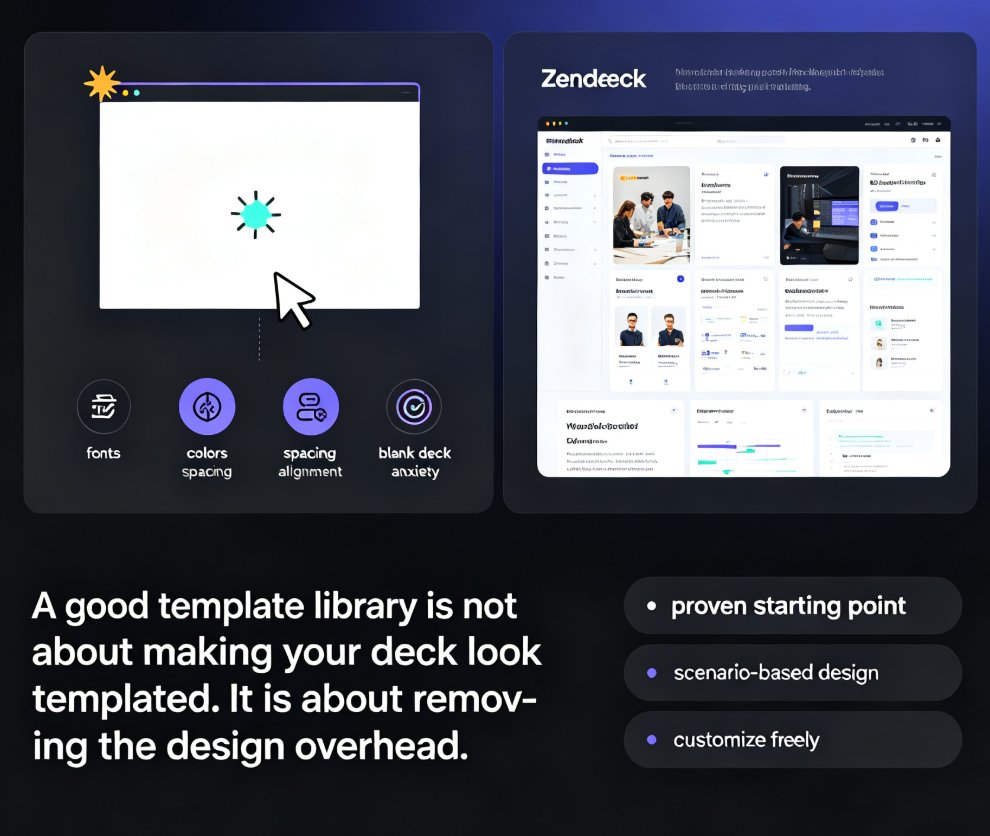
Looking for a fast way to create professional presentations without design skills? Zendeck's template library offers a wide range of scenario-based templates for business, education, and training decks. This guide walks you through accessing the library, choosing the right template for your context, and customizing it with smart layouts and one-click reskin. Learn how courseware-specific templates cut lesson prep time in half, and how to make any template feel uniquely yours. Whether you're building a sales pitch, a training module, or a quarterly review, Zendeck's template library gives you a polished starting point in minutes — not hours. Start with a strong visual foundation, customize with ease, and let your content take center stage. The result: professional-looking presentations that save you hours of design work, every single time.

Can Zendeck Unify Fonts, Colors, and Layout Across Slides?

Courseware Design 2026-08-27 1282

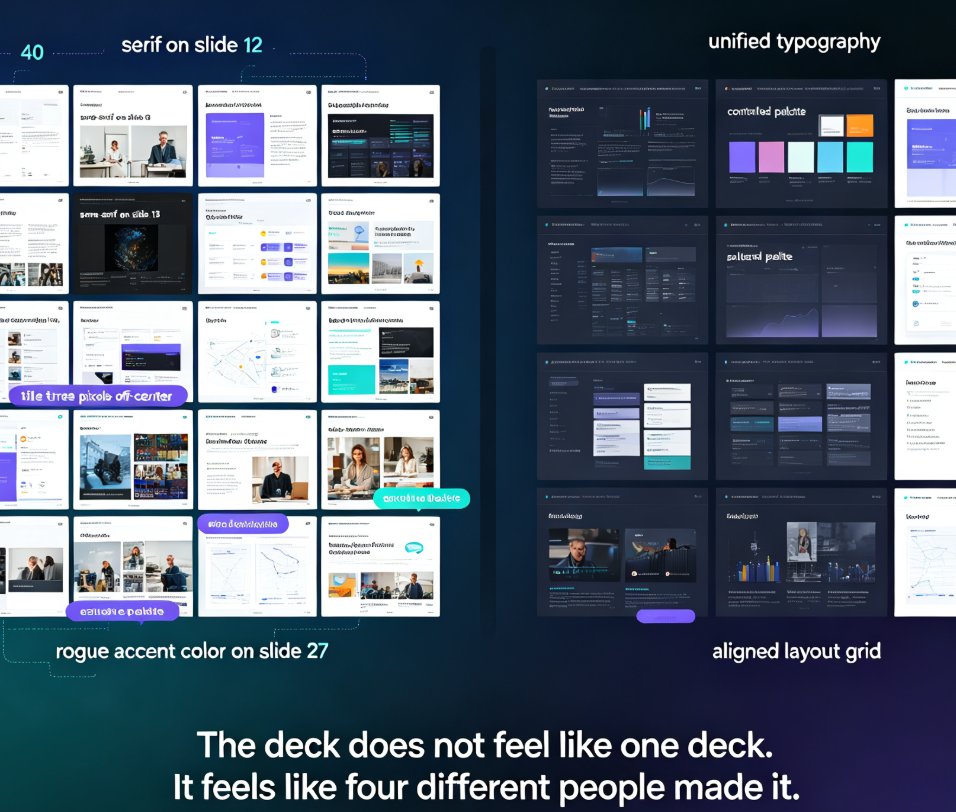
Zendeck's smart layout unifies fonts, colors, and layout across every slide in one click. Yes — Zendeck can unify fonts, colors, and layout across slides automatically. Its one-click reskin feature applies a consistent design system to your entire deck, so non-designers get brand-consistent courseware without manual tweaks. This guide breaks down how smart layout works, what it actually unifies, and where it saves you the most time. You'll see a before-and-after comparison, a step-by-step workflow, and honest notes on limitations. If you've ever spent an afternoon fixing misaligned titles and rogue fonts, this is the article for you. Learn how Zendeck turns a messy 40-slide deck into a polished, on-brand presentation in minutes — and why that matters for educators, trainers, and teams.